Desert Online General Trading LLC
Dubai, United Arab Emirates
Desert Online General Trading LLC
Dubai, United Arab Emirates


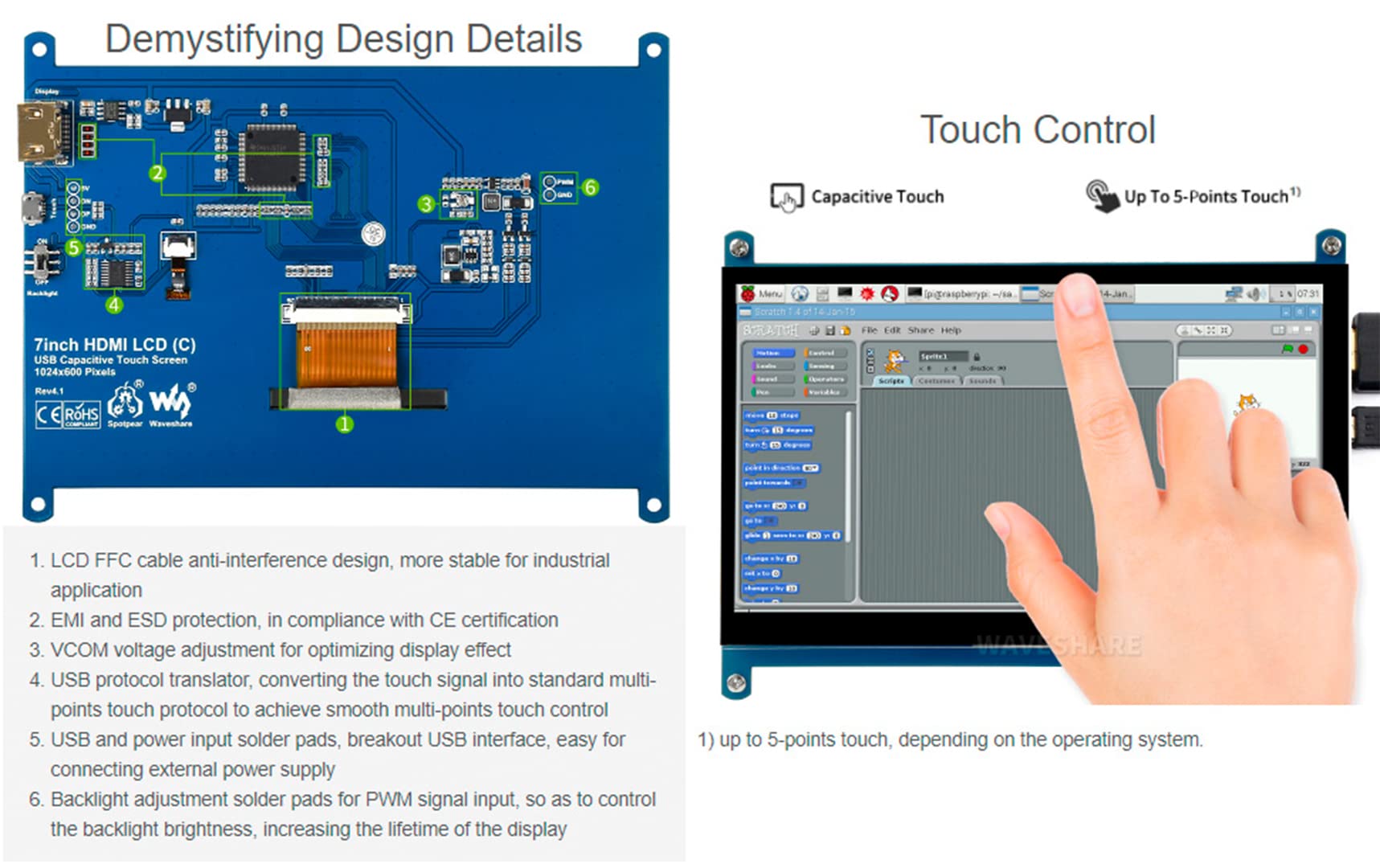
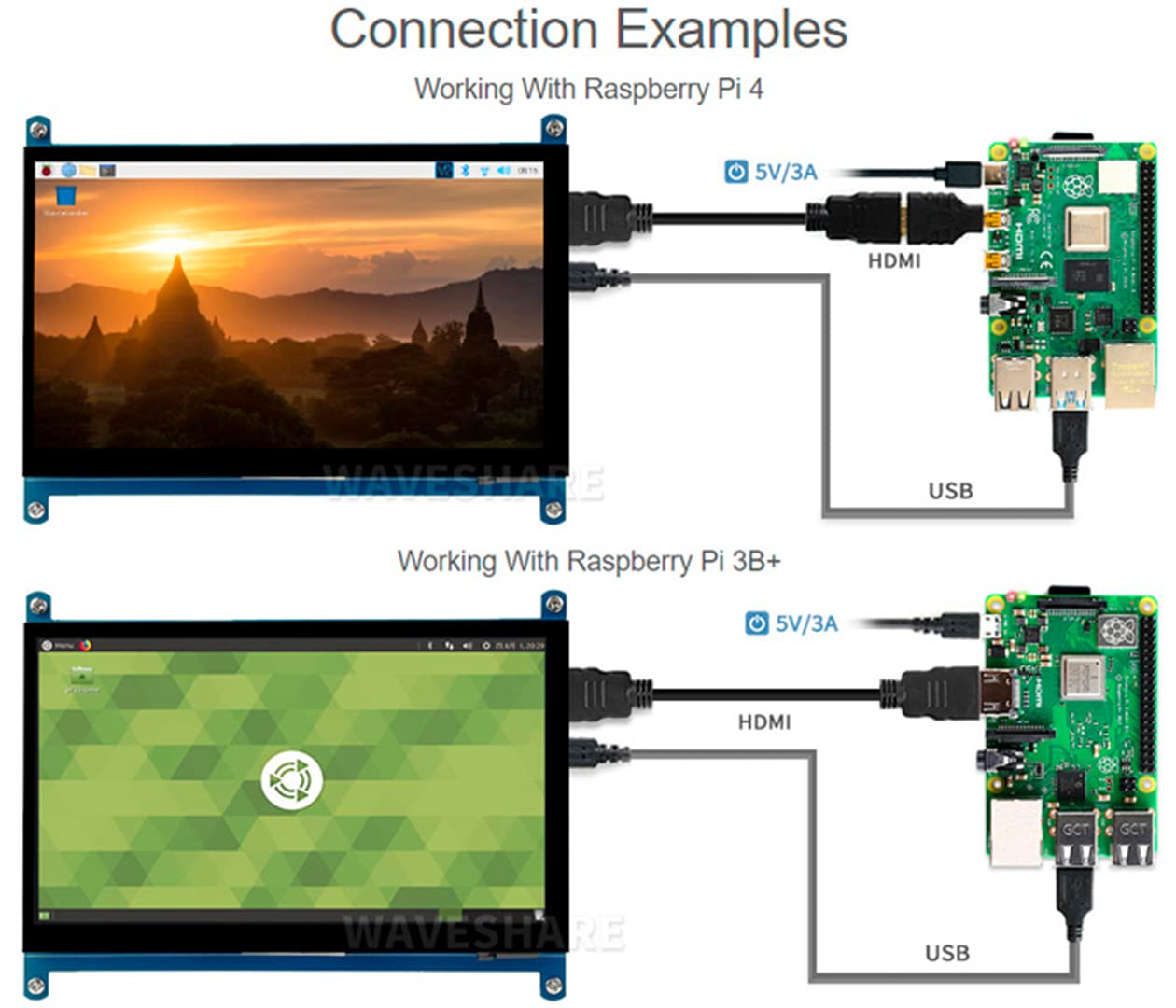

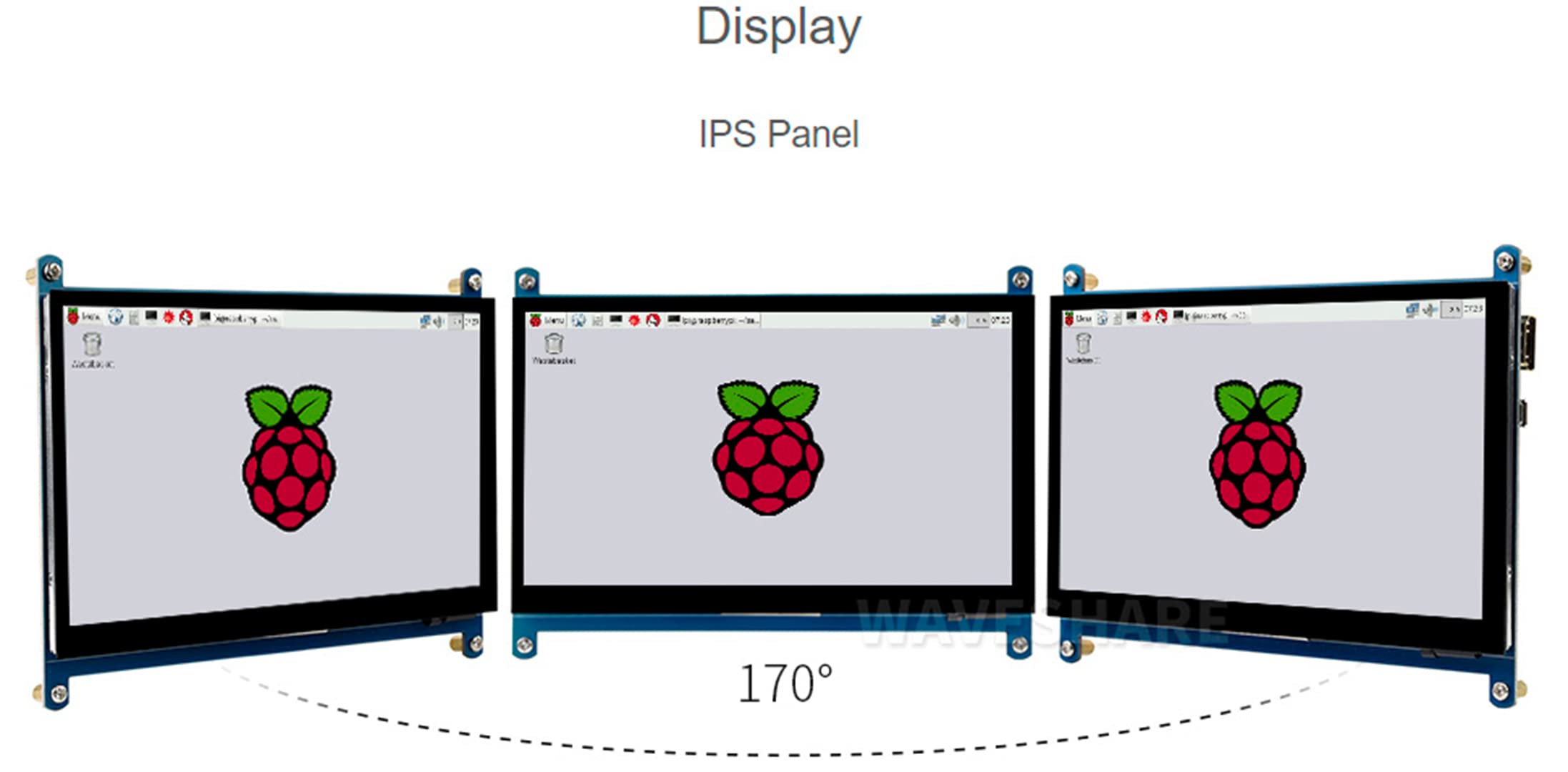
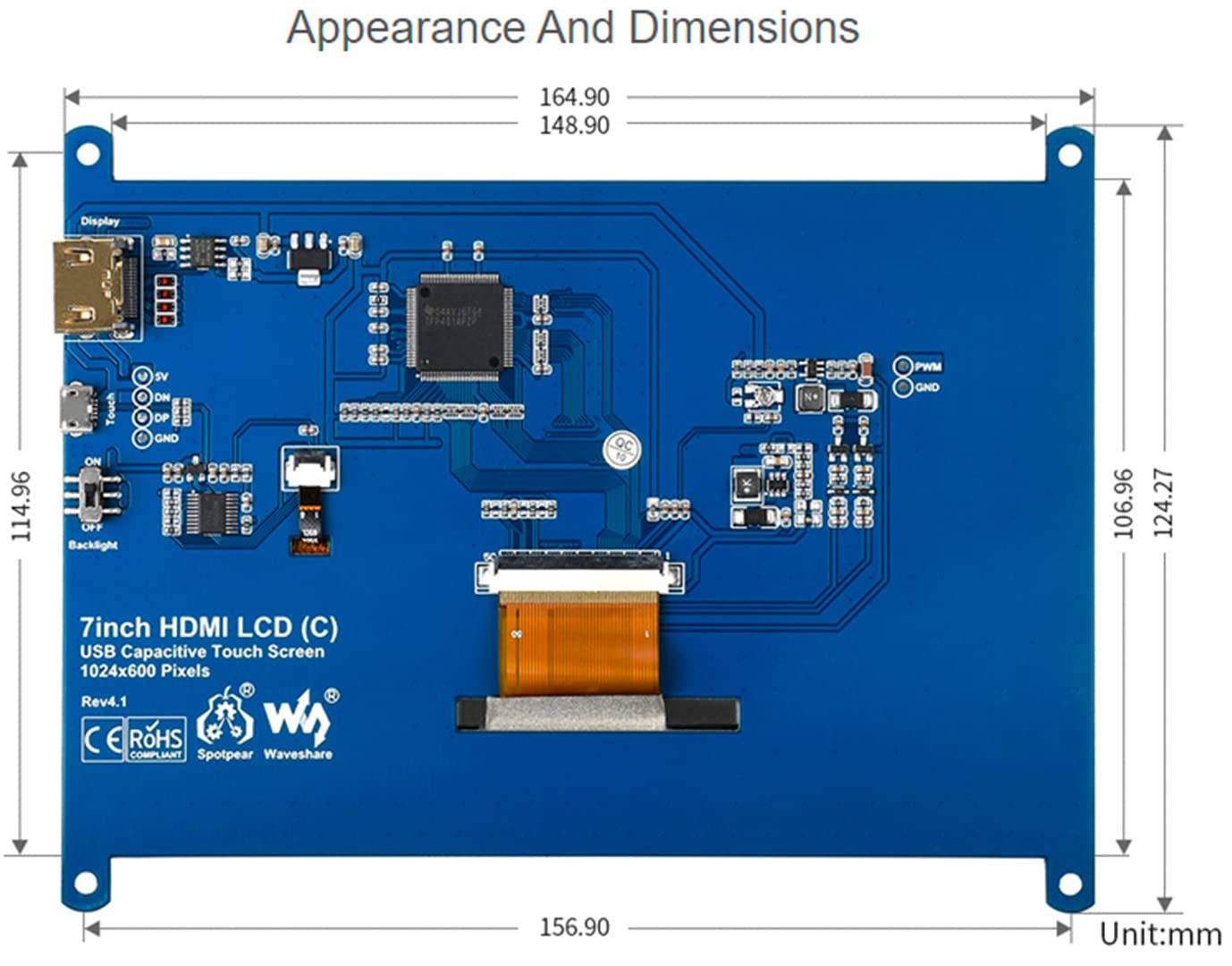
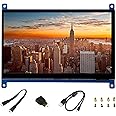
Features 7" IPS screen, 1024x600 hardware resolution, capacitive touch control, compatible with popular mini PCs, such as Raspberry Pi, BB Black and common desktop computers. Support Raspbian/Ubuntu/Kali/Retropie/WIN10 IOT driver free when working with Raspberry Pi. If you work as a computer monitor, it supports Windows 10/8.1/8/7, 5 point touch, driver free. Turn off the backlight to reduce power consumption. Note: You need an additional cable to use the LCD with the following mini PCs. Please purchase separately. 1. Raspberry Pi Zero: HDMI cable, USB-Type-A-receptacle to Micro B plug cable. 2. BB Black: HDMI Cable Instruction Documents/User Manual https://bit.ly/3f7pwUA Package Includes: 1 x 7" HDMI LCD (C) 1 x HDMI Cable 1 x HDMI to Micro HDMI Adapter 1 x USB Type A Plug to Micro B Plug Cable 1 x RPi Screw Pack (4pcs) 1 x Quick Start Seat FAQs 1. Q: How to remove colored squares during GPU self-testing when raspberry Pi started? Answer: /boot/config.txt:disable_splash=1 add the following command 2. Q: How to replace the startup logo image of the Raspberry Pi? Answer: Replace the custom picture in this directory / usr/share/plymouth/themes/pix/splash.png. 3. Q: What should I do if I see a thin red line at the edge of the screen? Answer: edit config.txt and add this line to the end of the config.txt file: hdmi_drive=1
| Brand | WaveShare |
| Manufacturer | Waveshare |
| Series | waveshare |
| Package Dimensions | 21 x 14.8 x 5.4 cm; 380 g |
| Item model number | 7inch IPS Screen(C) |
| Color | 7" HDMI LCD IPS Screen (C) |
| Standing screen display size | 7 Inches |
| Screen Resolution | 1024x600 |
| Resolution | 1024×600 ピクセル |
| Number of HDMI Ports | 1 |
| Are Batteries Included | No |
| Item Weight | 380 g |
Trustpilot
1 week ago
2 weeks ago