
DOWNLOAD THE APP


Customer Services
Copyright © 2025 Desertcart Holdings Limited
DOWNLOAD THE APP
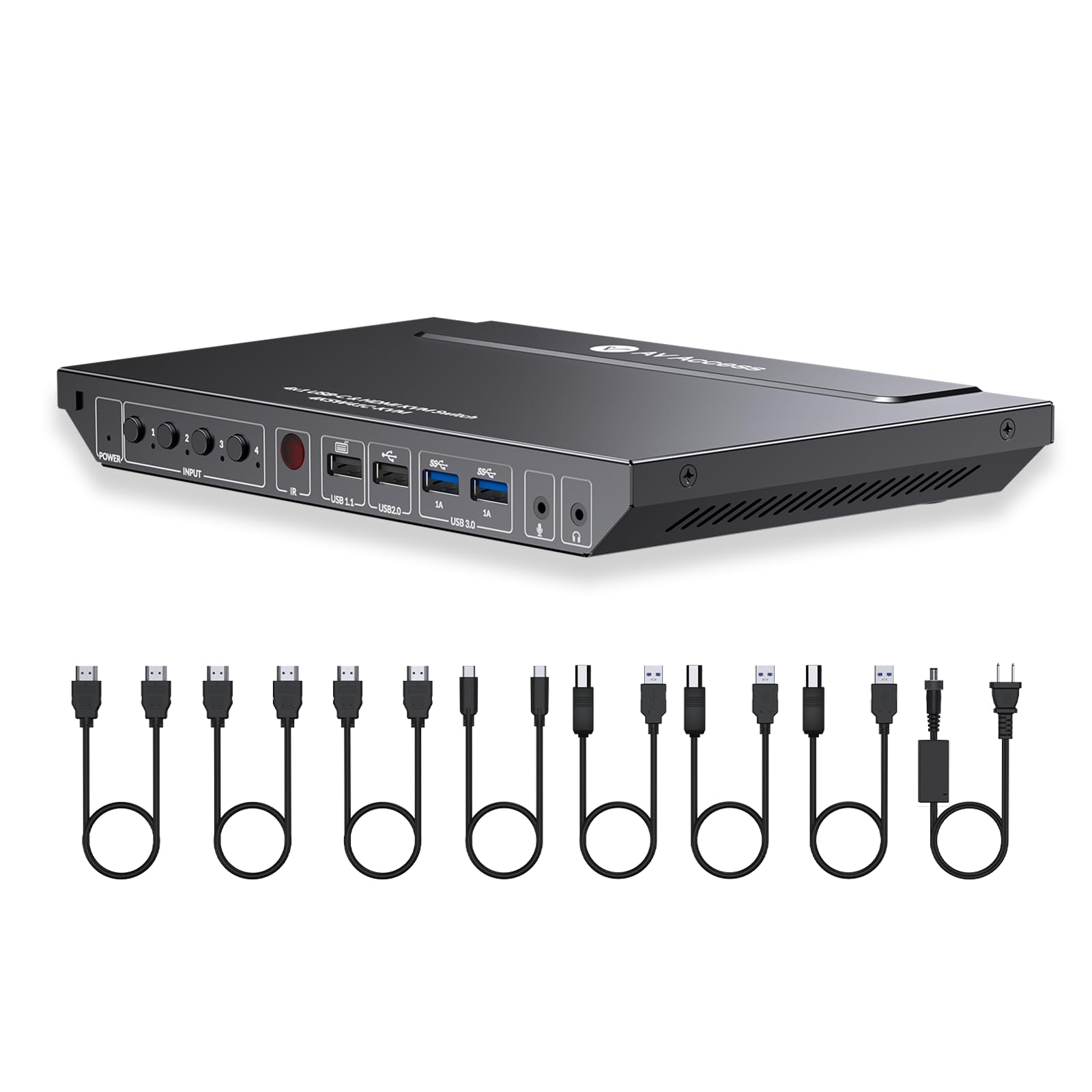
🚀 Elevate your multi-computer setup with 4K precision and lightning-fast control!
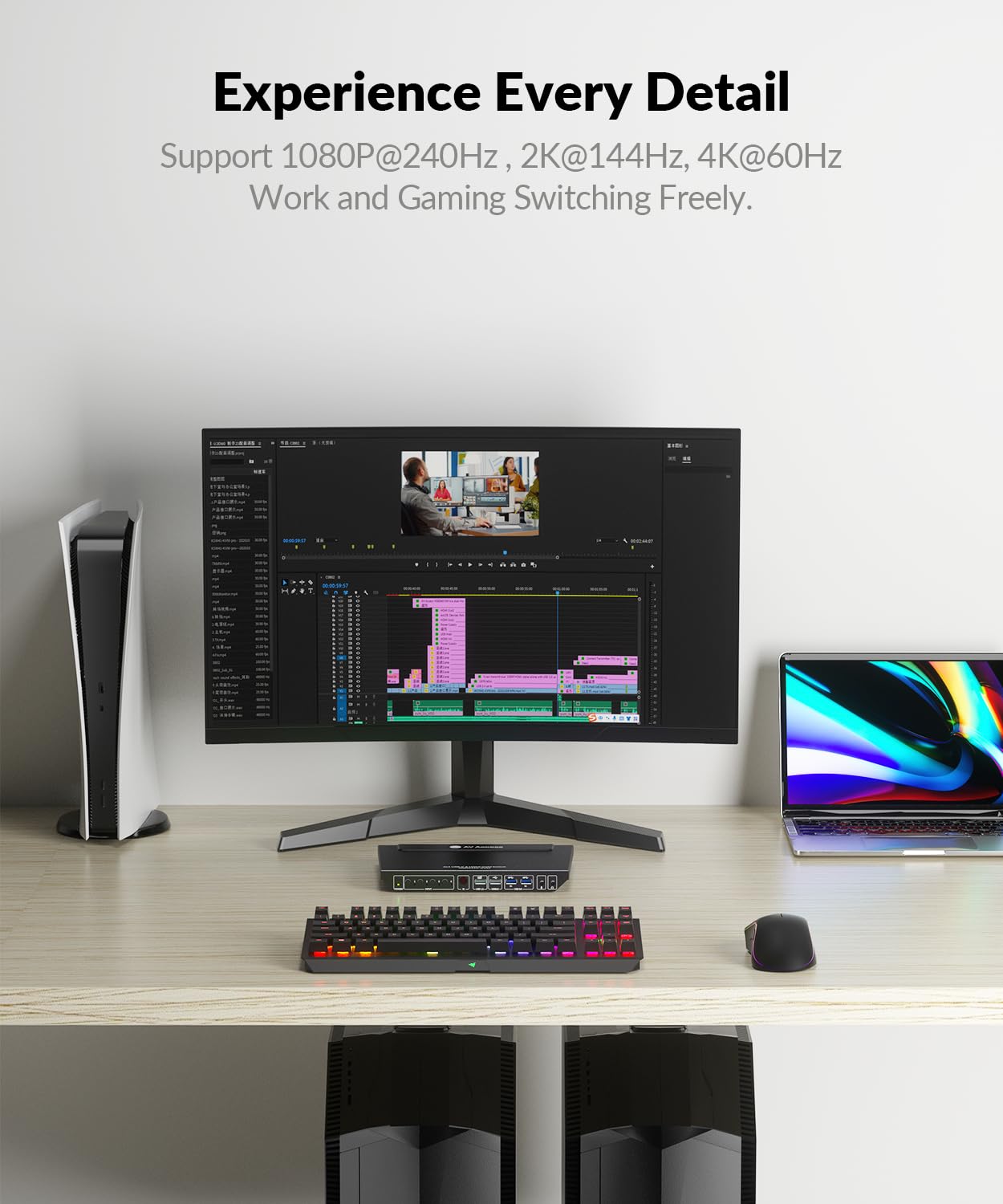
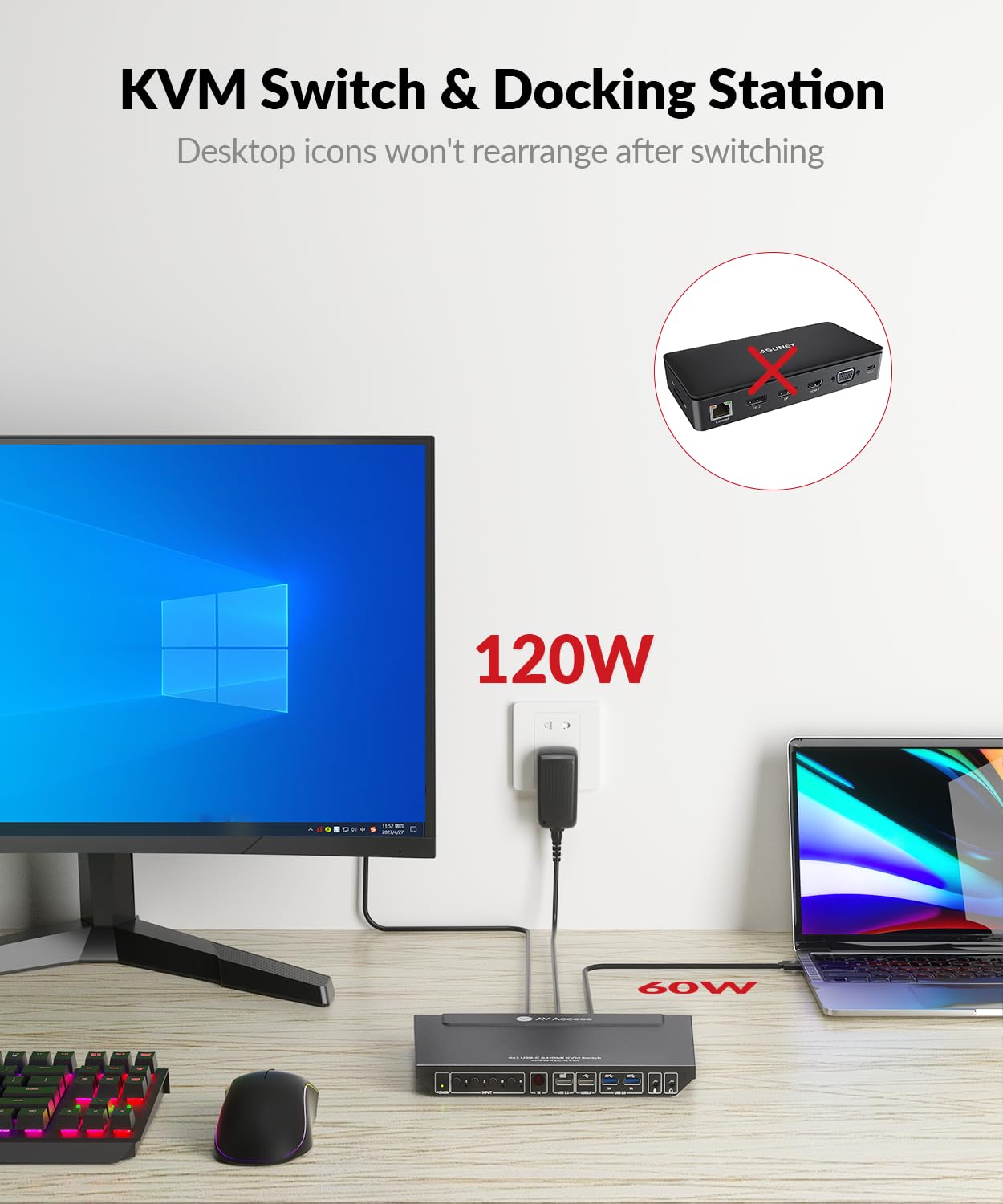
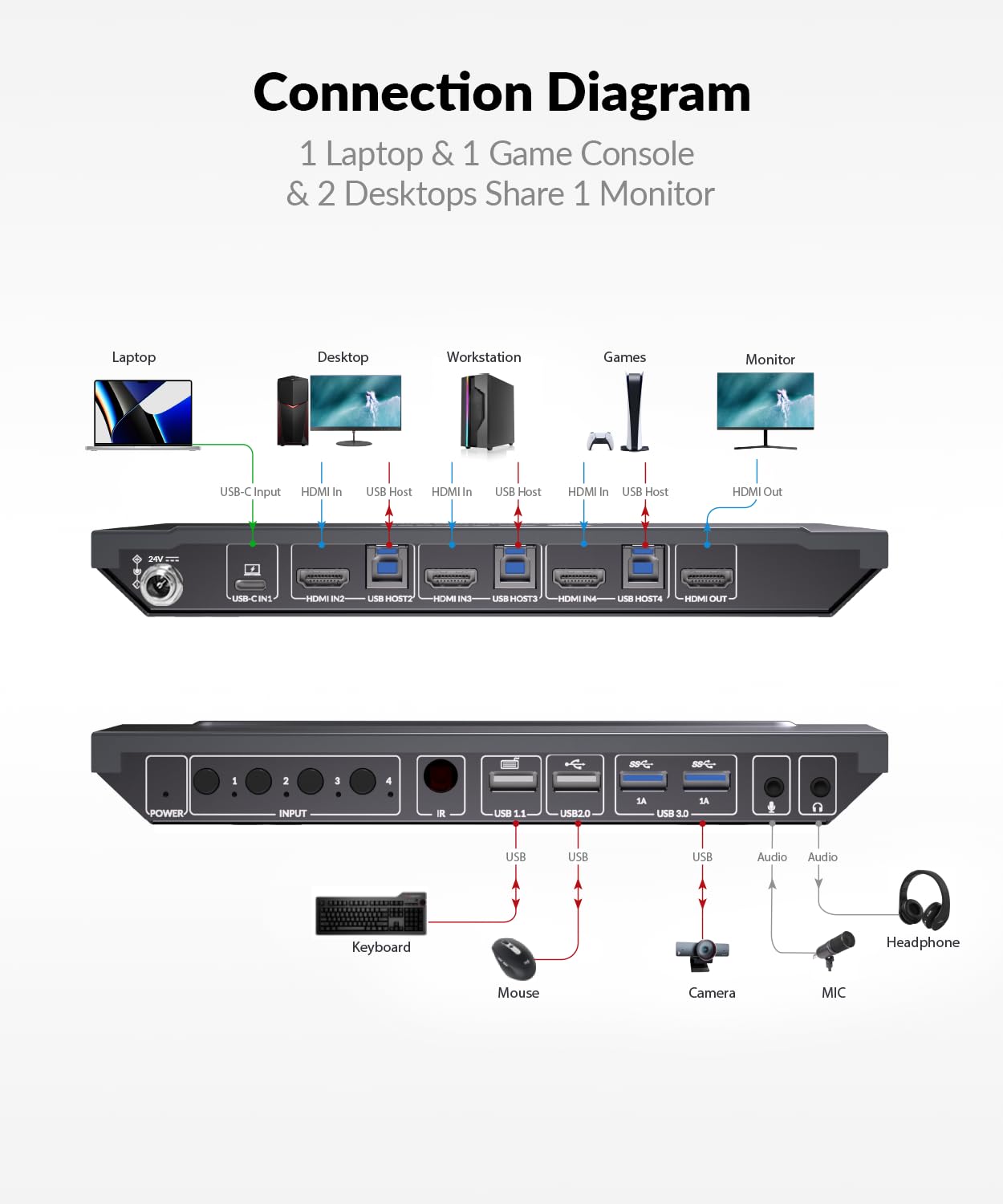
The AV Access 4KSW41C is a professional-grade USB-C and HDMI KVM switch that lets you control up to 4 computers using a single keyboard, mouse, and monitor. Supporting 4K@60Hz video, USB 3.0 high-speed data transfer, and flexible connectivity, it’s designed for modern workspaces demanding efficiency and crystal-clear visuals. With user-friendly IR remote and hotkey switching, plus durable metal construction, it’s the ultimate productivity booster for multitasking pros.


| ASIN | B0D93VNCRC |
| Best Sellers Rank | #145,459 in Computers ( See Top 100 in Computers ) #323 in KVM Switches |
| Item model number | 4KSW41C-KVM-NA |
| Manufacturer | AV ACCESS |
| Product Dimensions | 14.26 x 2.3 x 2.62 cm; 1.6 kg |
R**H
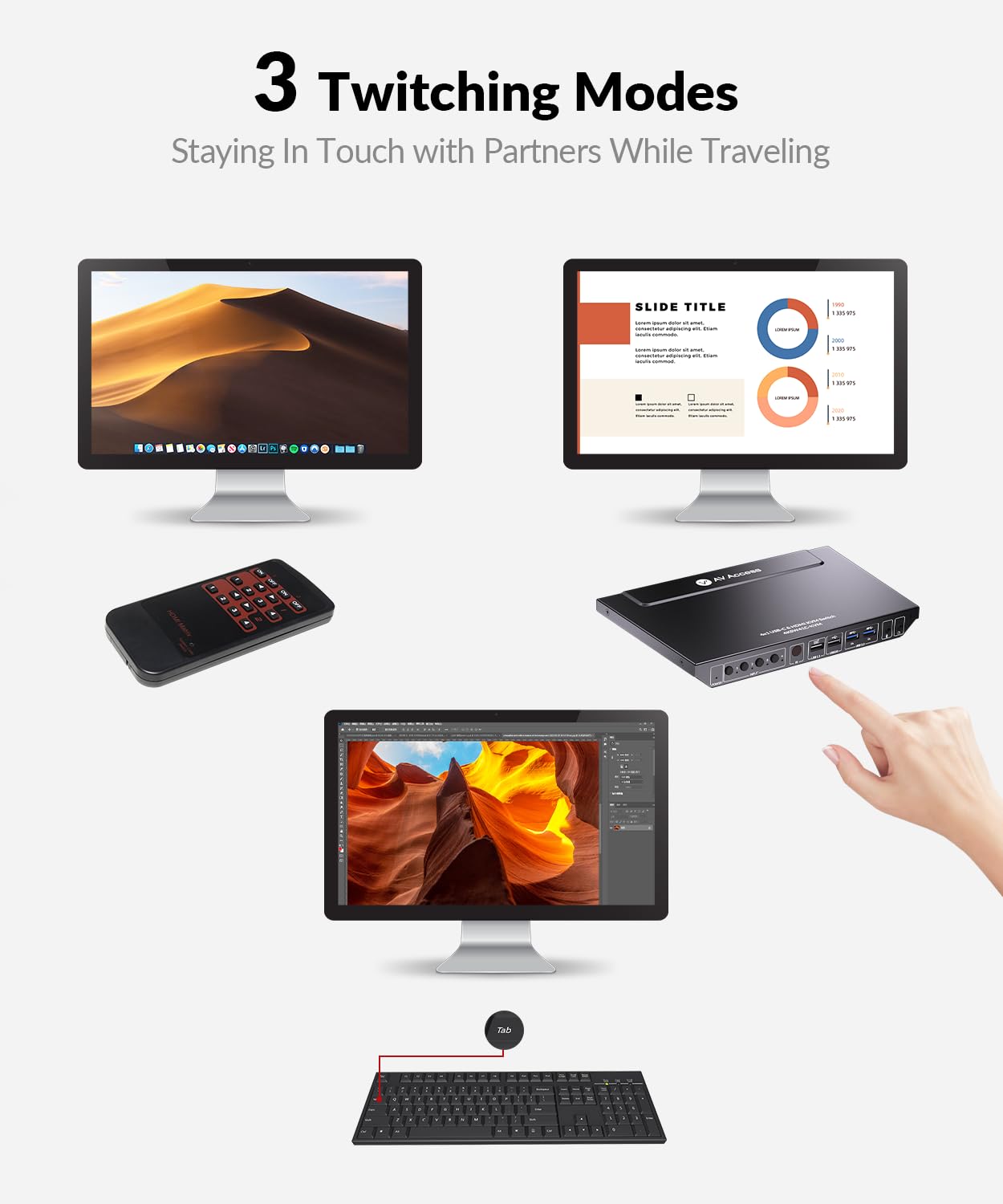
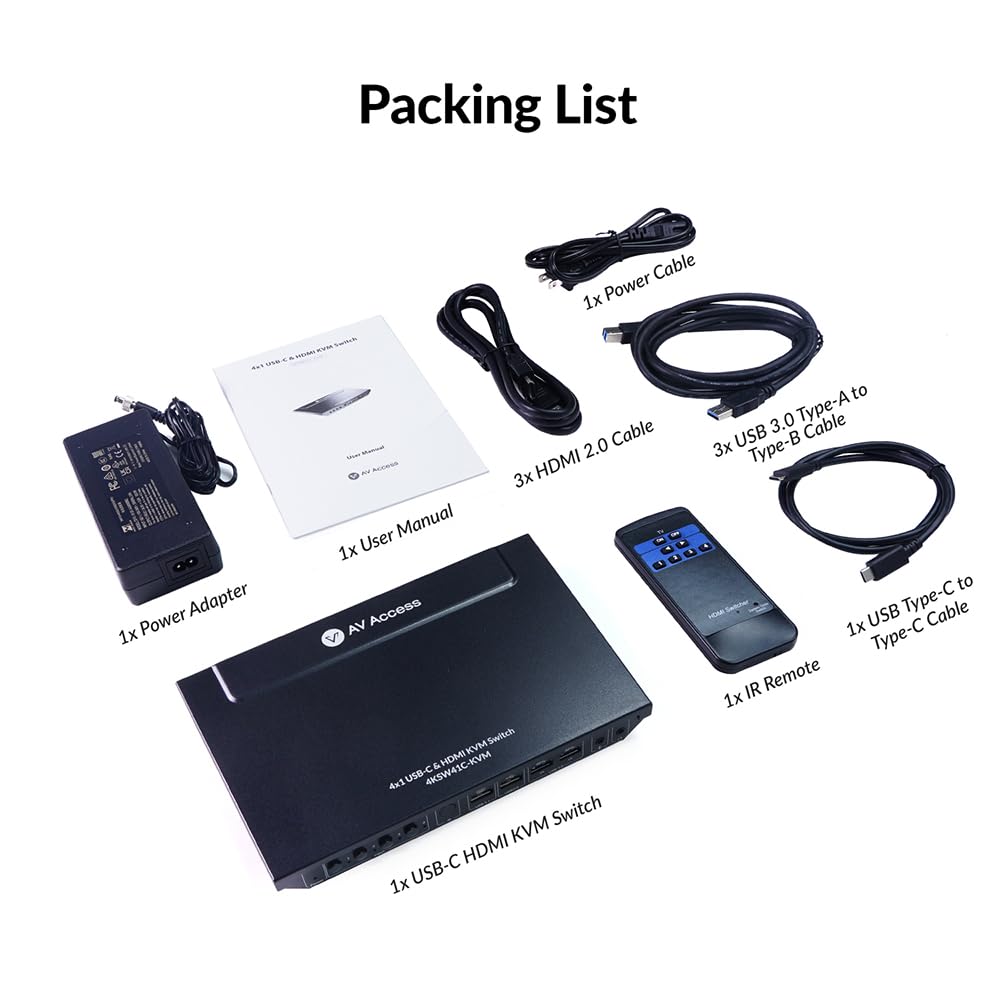
Outstanding KVM with just the features I needed. I have several different brands of older KVMs but the AV Access is sleek, small, and completely functional. It even has an IR switch in case you place the unit out of reach. The provided cables are of very good quality. I'd made a wiring error when hooking everything up and hit their web site to see if they had troubleshooting documentation online. A little chat window opened up. I expected some sort of sales bot, but typed in "troubleshooting" and to my surprise was immediately connected with their Technical Support group. The support engineer Kevin was really excellent - honestly, among the very best experiences I've had dealing with support. No scarcely trained staff reading from a support flowchart, Kevin knew the product extremely well and was equipped with graphics of the unit showing what needed to be done. I was up and running in no time. I'll be replacing the older, bulky Belkin units - reliable, yes, but just way oversized - with AV Access KVMs. Thanks AV Access for a great, well designed and well built unit - and thanks, Kevin, for your patience, competence, and for getting me up and running in record time.
J**Y
I needed one USB-C with 3 other HDMI KVM switch for my MacbookPro, desktop PC and other RPis. This unit fits the bill and bought. Unfortunately I had to return the unit as it's not compatible with MacbookPro on USB-C. Item wasn't defective as my other laptop works fine on the USB-C port. It's just not compatible with Macbook Pro. Somehow it flickers by losing the sync. I can't test it other MacbookPro but it's late 2021 Intel based one, so I don't know whether it would work with latest M core based laptops. I contact the seller/manufacturer via chat and they're fully engaged for troubleshooting the issue by suggesting methods to identify what is the issue and how to solve including FW update. Their customer service was top-notch. I really wished that they could solve the issue as I don't see any other KVM that has all the feature I need in similar price range.
H**N
This product did not work with my M2 MacBook Pro and my LG 4K display. It would not show proper scaling options like when I connect directly or using my old dock (different manufacturer). I spoke to their support who led me through many tests, including updating the firmware (had to use a Windows PC) before telling me that this product was not compatible with my equipment. The support rep was very nice and thorough, and this seems like a nice product otherwise, so I'm giving them 3 stars, but if you have a recent Mac and want all the scaling options your monitor provides, I would suggest you look elsewhere.
K**N
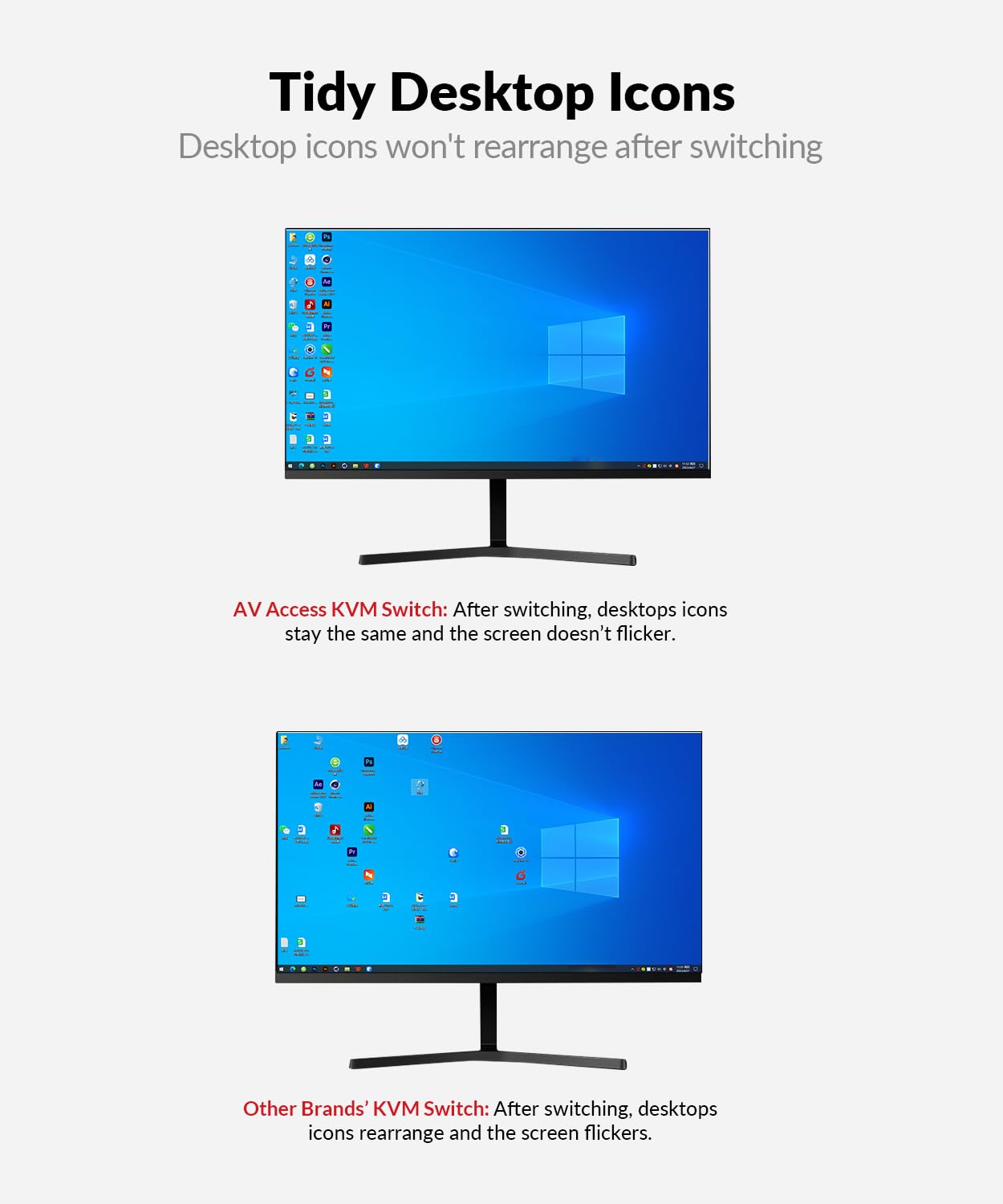
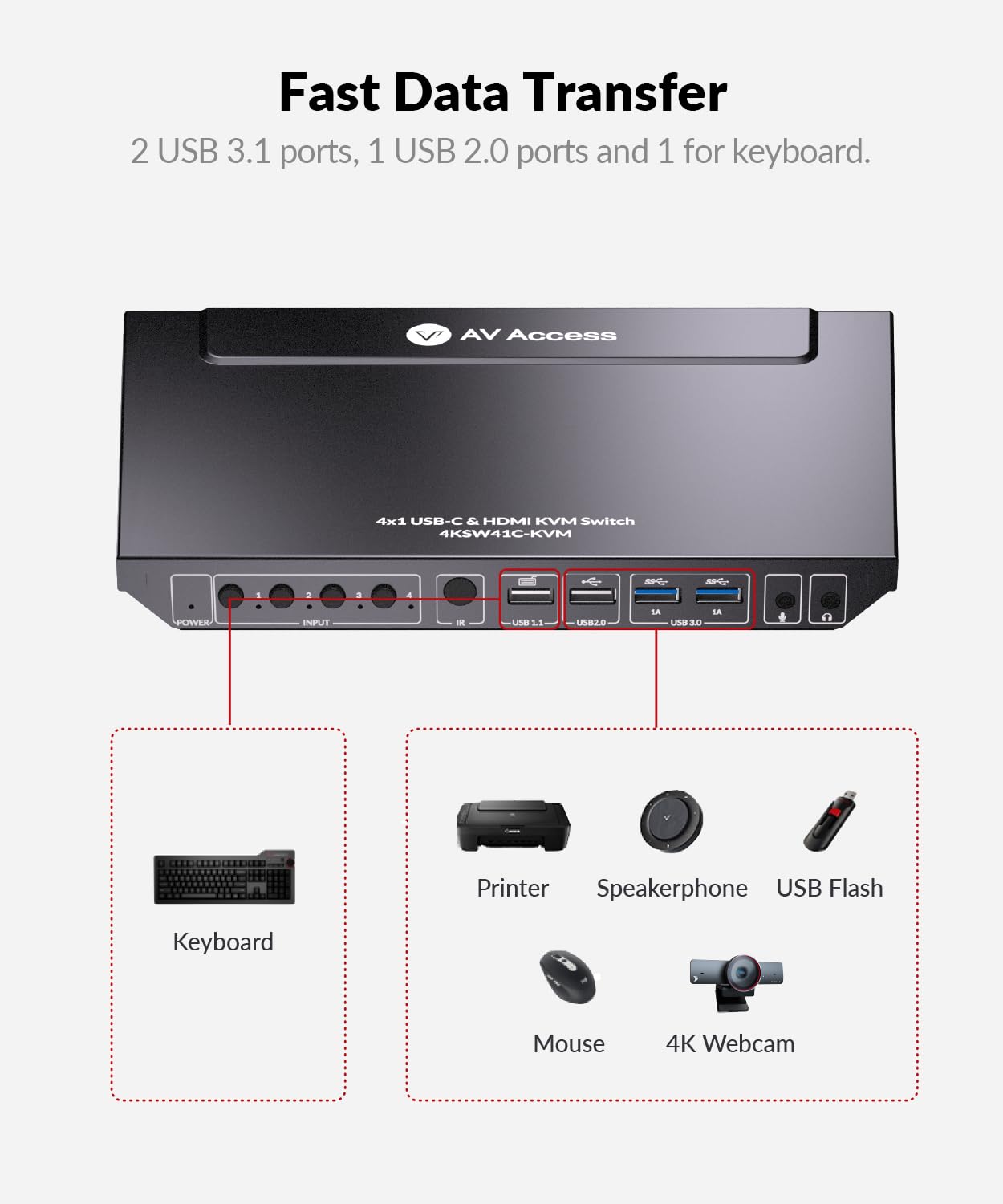
I have a few different A/V projects going with mini PC's and Raspberry Pi devices, and HDMI inputs are at a premium with my setup. A lot of the higher-quality KVM solutions tend to be quite bulky, and are a little overbuilt for what I want to do. Cheaper KVM solutions always seem to have problems with display switching and wake states. This has solved just about every problem I've had with a KVM. The device itself is pretty sleek, as KVM's go, and EDID helps make switching across devices nice and smooth. The overall build quality is quite good for the price, too. I wasn't too sure about whether or not I'd use the laptop dock feature, but found it to be extremely helpful on a couple of devices I have that don't do HDMI outputs. The only thing I didn't love was that the keyboard USB port is very low-power. Understandable, since it's just supposed to power a keyboard, but I found that it didn't get along well with my mechanical keyboard. (Not a huge problem - I used one of the USB 3 ports, but that reduced the number of USB 3 ports I could use for other things.)
Y**E
This 4K USB-C docking station has been a game-changer for my multi-computer setup. With the ability to connect up to four computers and switch between them effortlessly using the HDMI KVM switch, it’s streamlined my workflow significantly. The image quality is top-notch at 4K@60Hz, making it perfect for high-resolution tasks and media consumption. The USB 3.0 ports are a lifesaver, providing fast data transfer and efficient connectivity for my peripherals. I also appreciate the hotkey and IR remote options for switching between computers; it adds a layer of convenience that really enhances the user experience. The fast charging feature is an added bonus, keeping my laptop powered up without any hassle. One feature that stands out is the EDID emulation, which ensures consistent display settings across different computers. This has been particularly useful for avoiding display issues when switching between devices. Overall, this docking station delivers on its promises and has simplified managing multiple systems in a way that's both effective and straightforward.
Trustpilot
4 days ago
2 weeks ago