

Desert Online General Trading LLC
Dubai, United Arab Emirates
Desert Online General Trading LLC
Dubai, United Arab Emirates



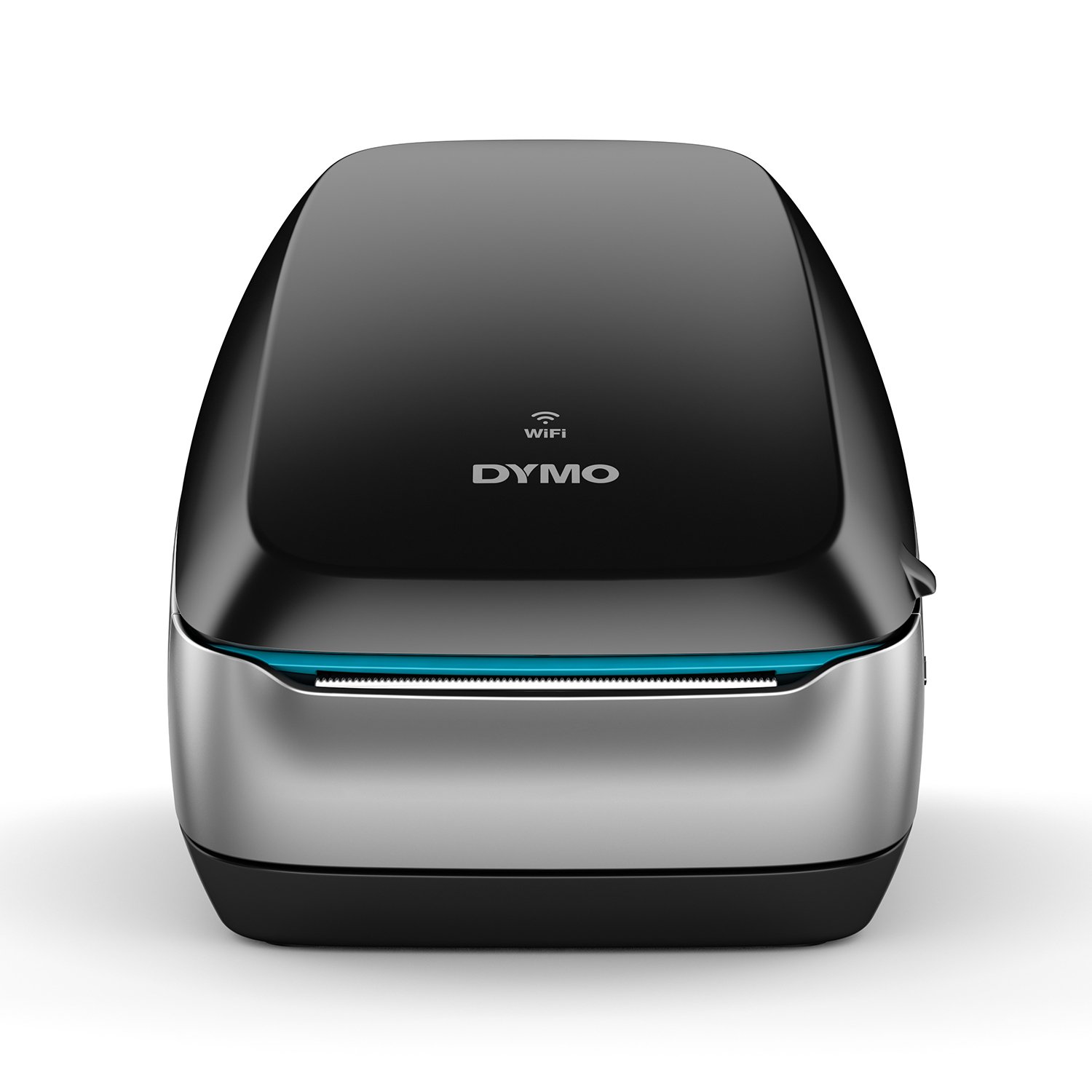
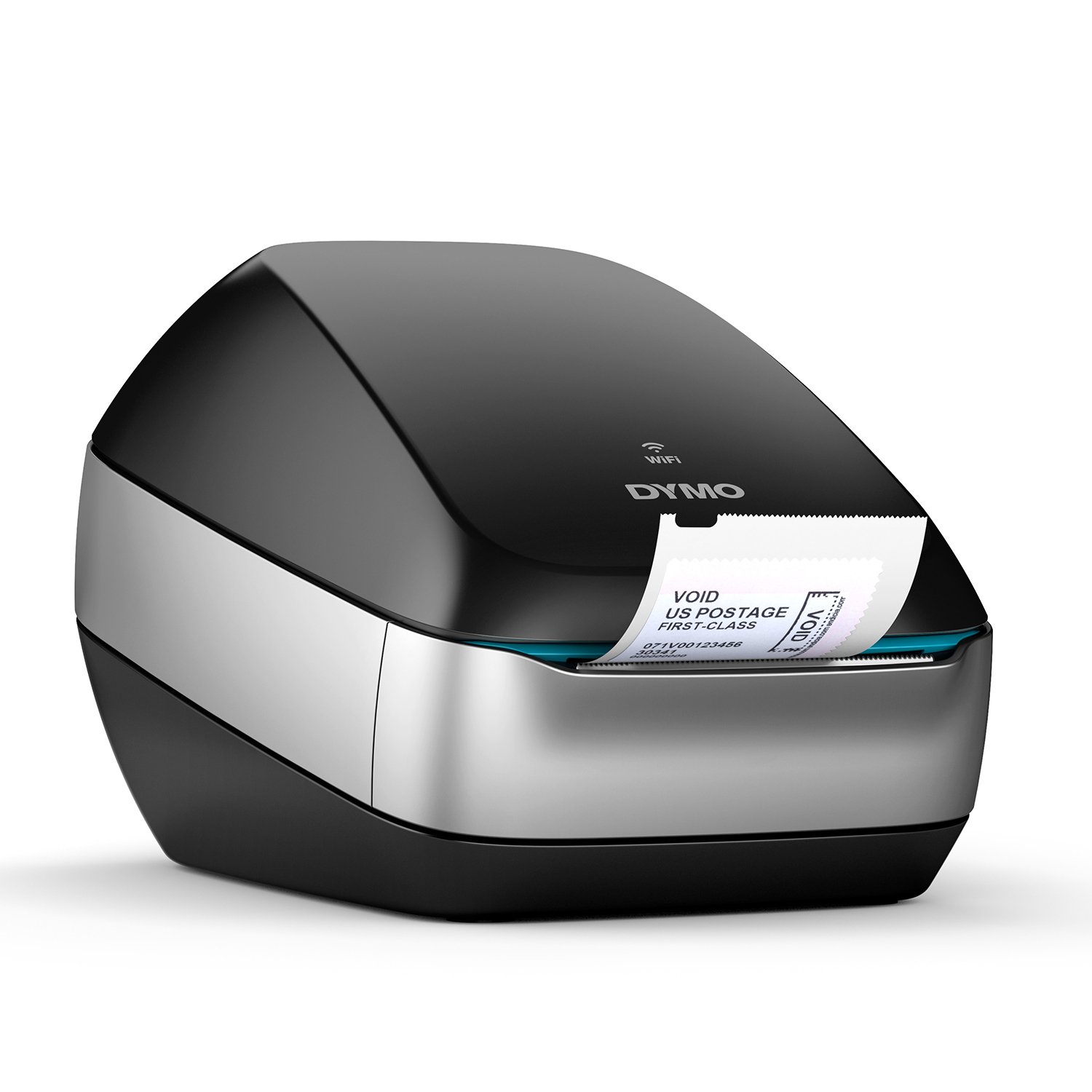
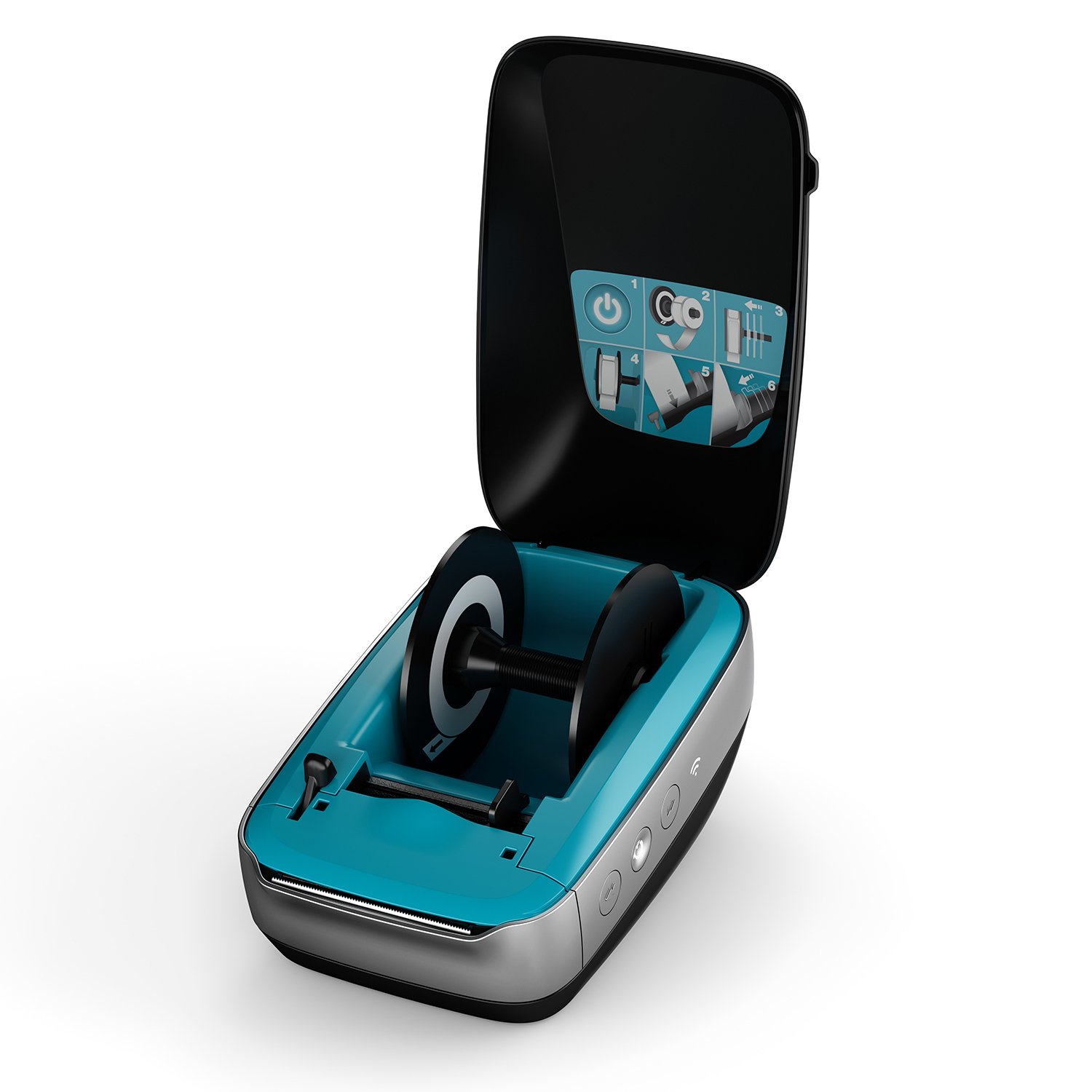
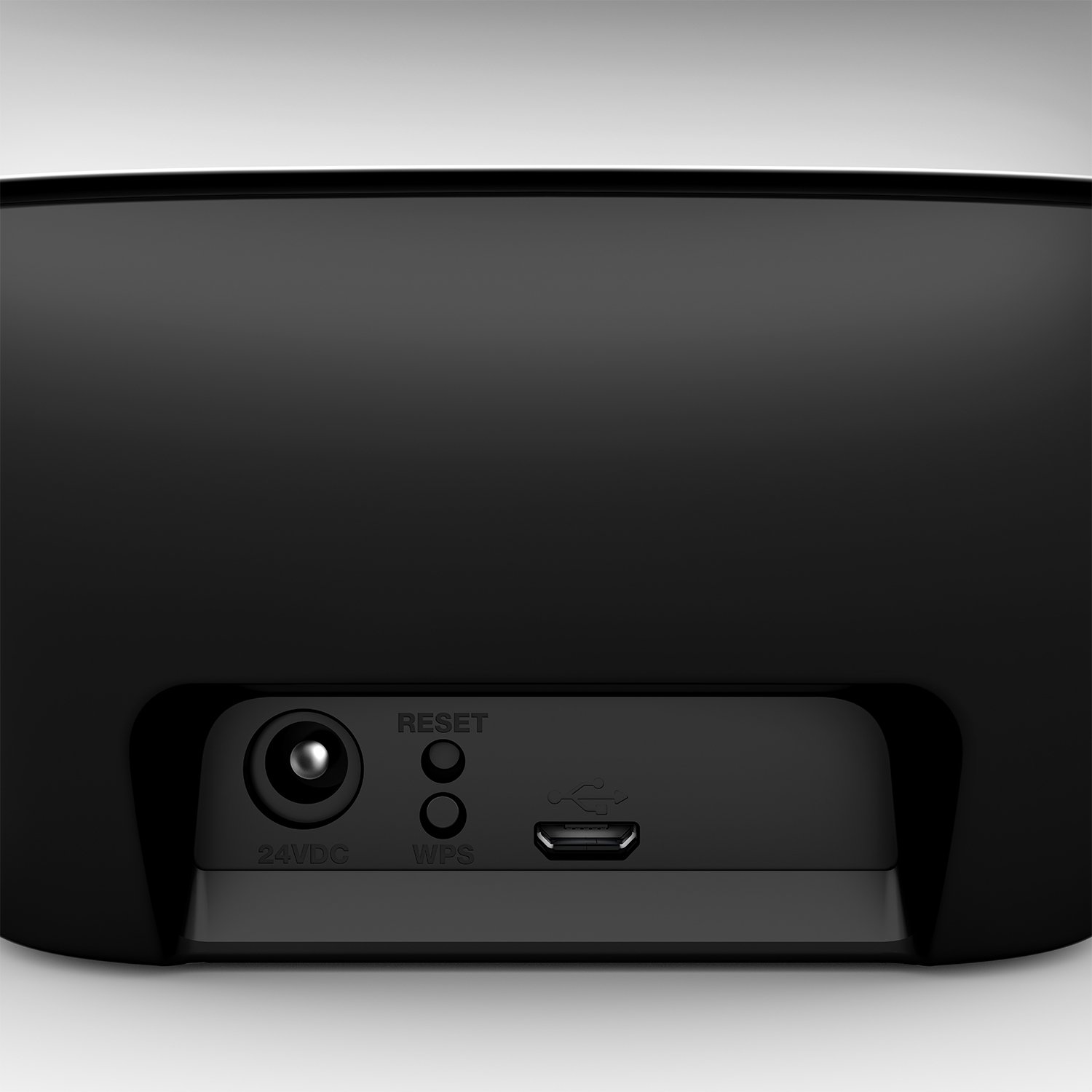
📶 Print Smart, Print Wireless — Label Like a Pro!
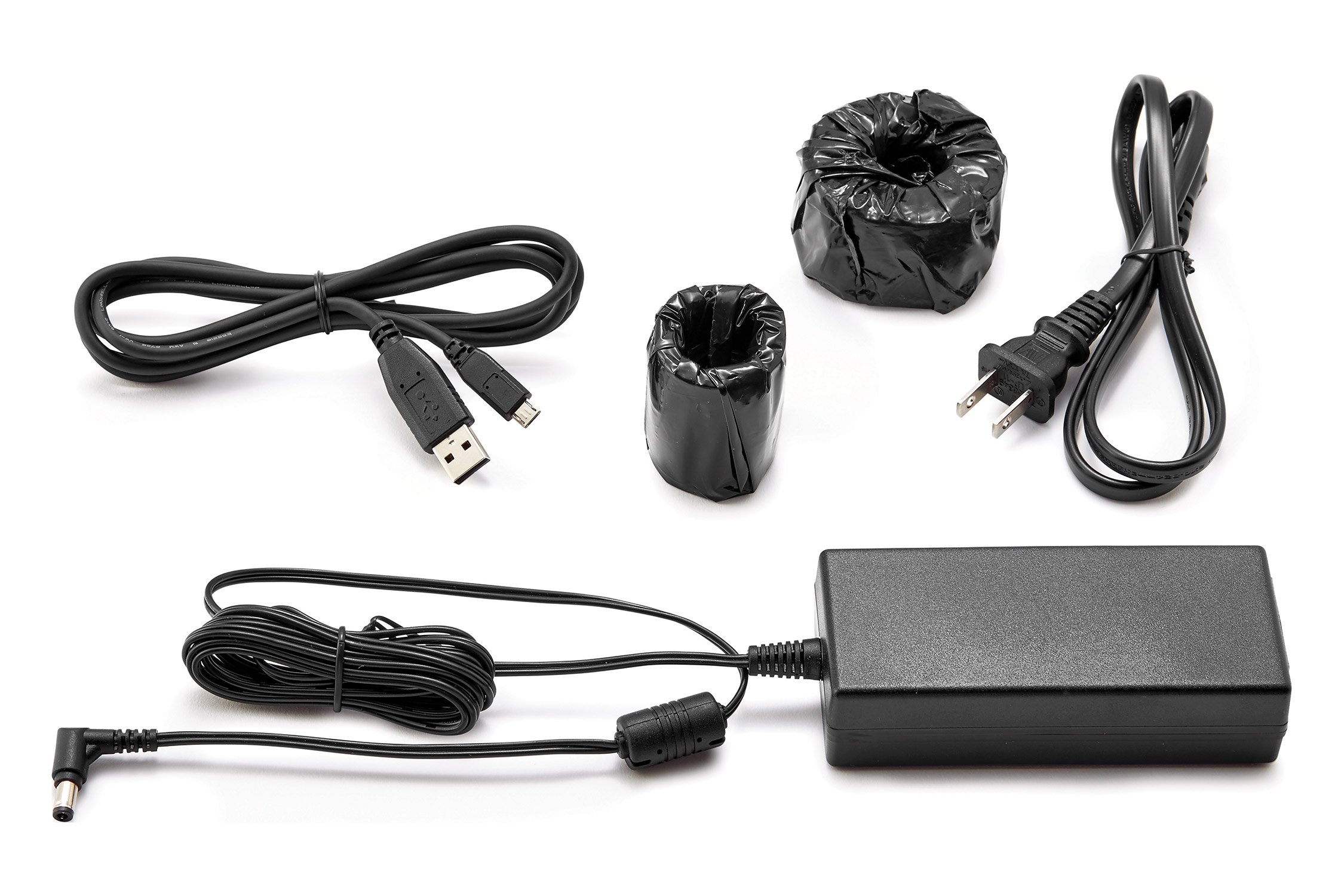
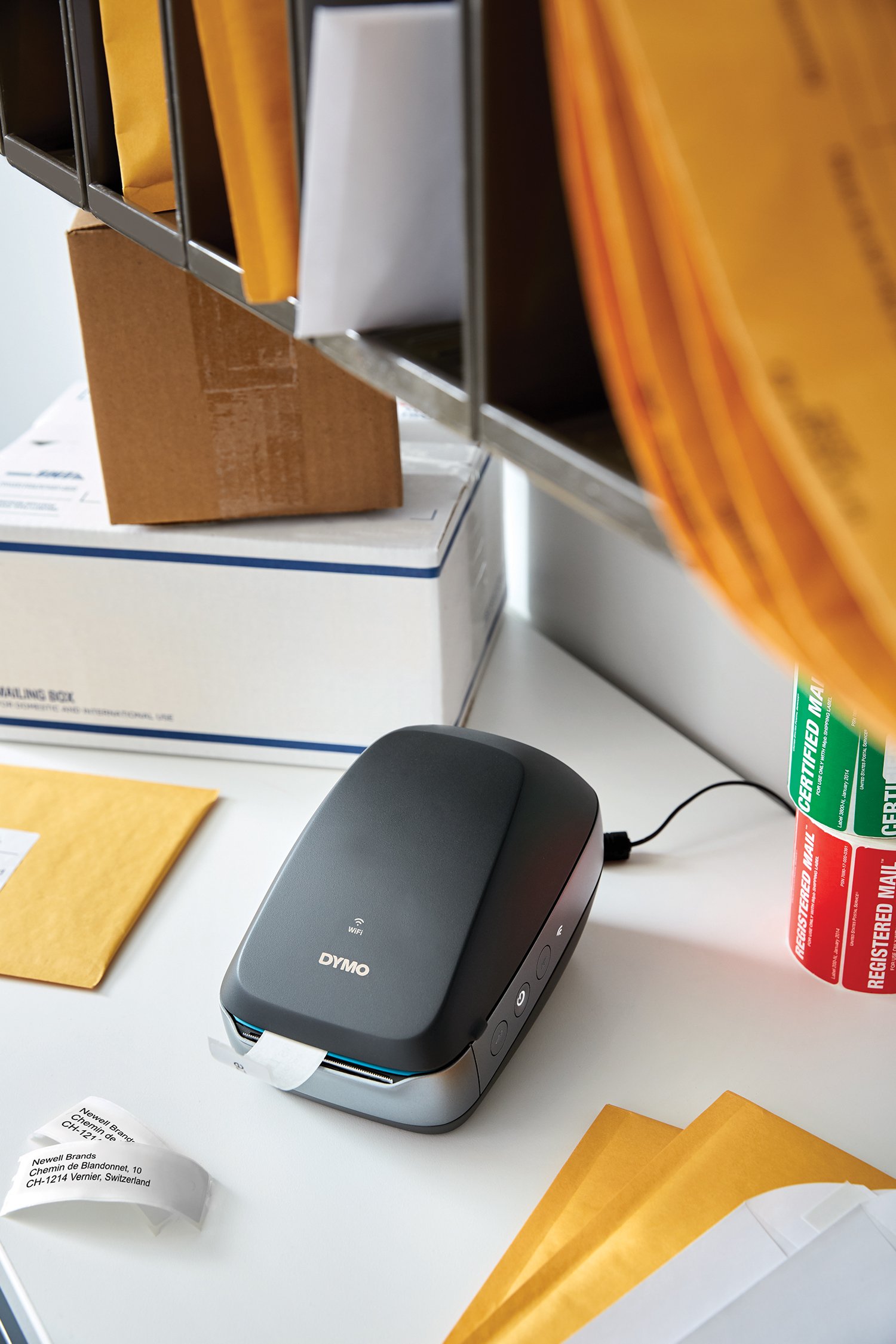
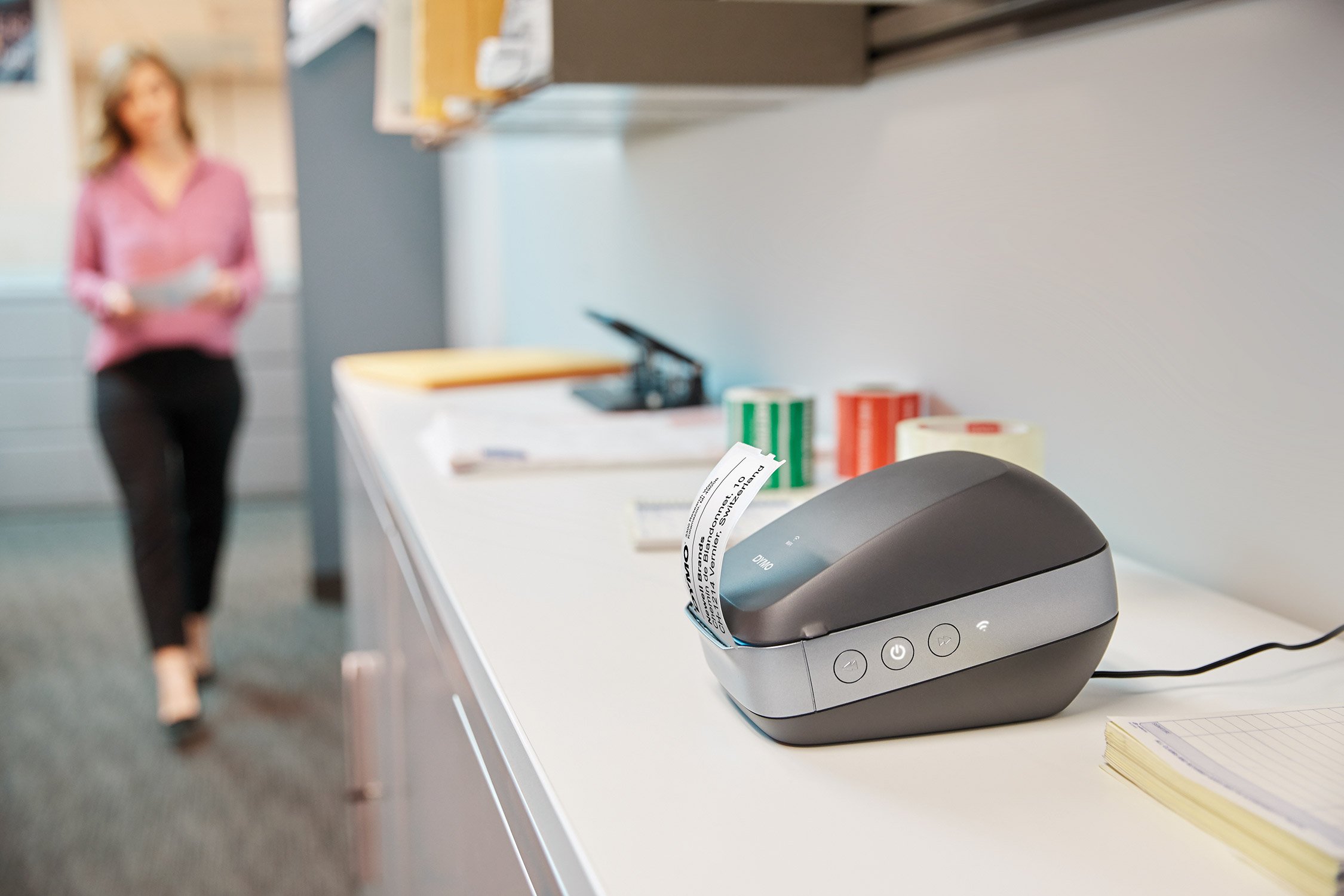
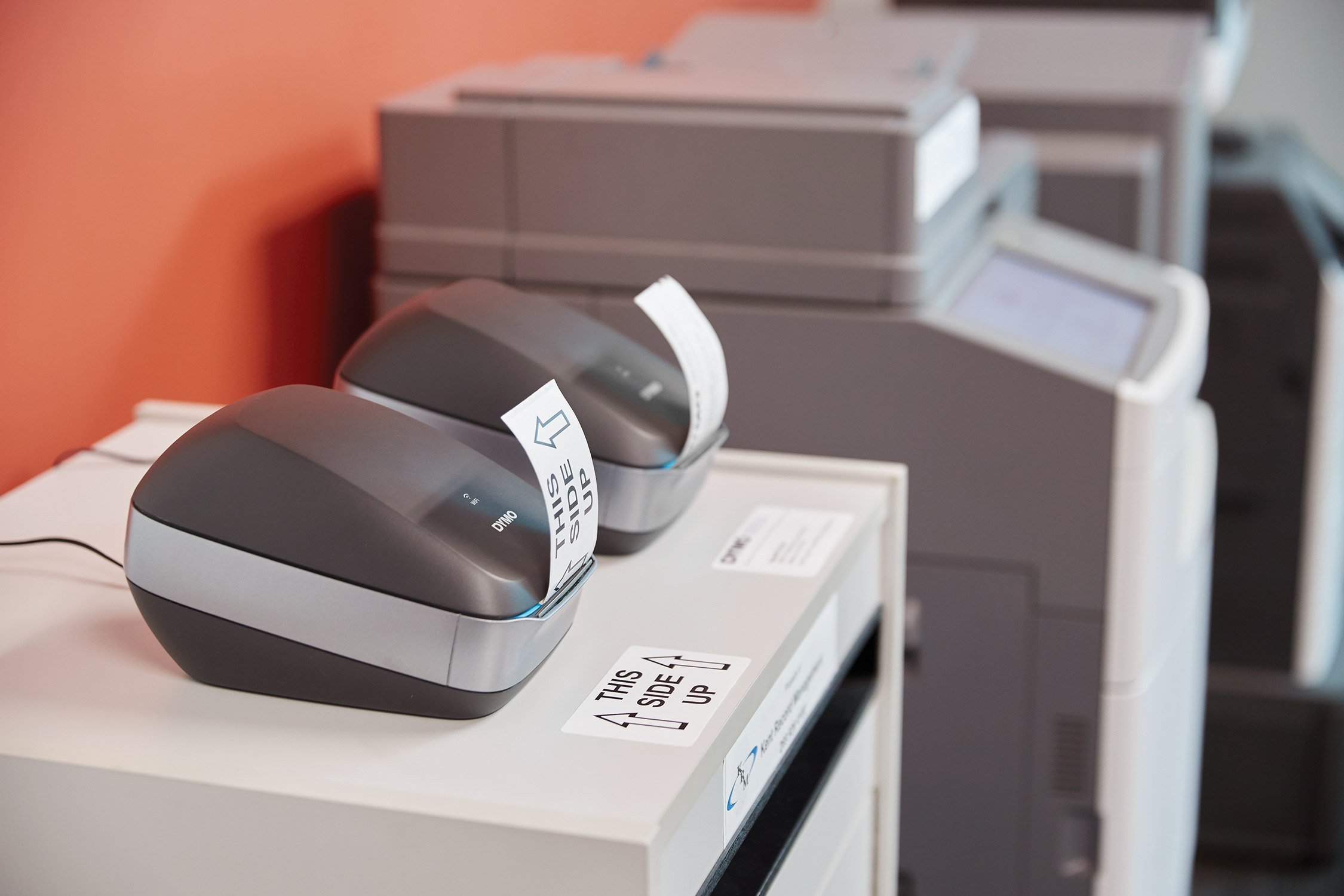
The DYMO LabelWriter Wireless Label Maker is a compact, Wi-Fi-enabled thermal printer designed for effortless, ink-free label printing from Macs, PCs, smartphones, and tablets. Compatible across major operating systems and integrated with free DYMO software and Microsoft Office plugins, it brings fast, network-wide label printing to professional environments, eliminating cables and costly consumables.


| Included components | Labels |
| Print media | Labels |
| Max input sheet capacity | 71 |
| Compatible devices | Smartphones, PC, Tablets |
| Maximum colour print resolution | Low |
| Sheet size | Labels |
| Maximum black and white print resolution | 600 dpi |
| Dual-sided printing | No |
| Product Dimensions | 20.4 x 12.7 x 12.4 cm; 960 g |
| Item model number | 2000932 |
| Manufacturer | Newell Rubbermaid |
| Connectivity Type | Wi-Fi |
| Wireless Type | 802.11n, 802.11b, 802.11g |
| Number of USB 2.0 Ports | 1 |
| Operating System | Android,Ios,Mac,Windows 7 |
| Are Batteries Included | No |
| Item Weight | 960 g |
| Guaranteed software updates until | unknown |
J**E
Good but few issues and a bit expensive
Got the dymo and connected perfectly once the connected it stayed connected and u could connect to the printer through its own WiFi (its a bit of a security flow as anyone can get on it and start printing) anyhow day 2 the printer jammed on paper and the motor stopped working, waiting to get a refund and get another one.
A**R
what a atrocious excuse for a wifi label printer
disappointed would be an understatement, lets start with the configuration, after 3 attempts to pair to my network via WPS, it managed to pair. only to lose the configuration when you turned off the printer, ended up pairing the system via the web interface, which was fine. then we get to app software dymo connect on an iPhone, thats about a glitchy as it gets, it freezes and takes about 5 attempts at pressing a print button for something to happen, while the ideas behind the app are excellent, it just doesn't work!. When you give up on the phone app and go to the dymo pc version and try and print from there, here never managed to print anything!, just gave me printing errors. Im more than capable at using the software, having used non wifi labelmaker 430 turbo, so i know it not me! i then put the software on a mac and managed to print a label!. The printer cannot cope with being linked to several devices. I did try hard wiring via the usb cable but that didn't work either. i basically packed it up and set it back, its the worse product i have seen from dymo, how they have released this product and app is amazing.
C**E
WOW!
I have received this today and i have to say - what other reviewers are saying has to be false. Either that or I'm the only lucky one!I use to have the label-writer 450 and it was good. Needed to use it pretty much every day. Especially as my spare bedroom is like a warehouse and have lots of online orders coming in through the day. But, what the problem was that every-time i wanted a label, had to start up the software, make the label, then go up to the 'warehouse' and connect my laptop up (find the USB, plug it in, wait for it to tell the printer, etc etc). A bit of a pain. Not anymore; i can sit in the lounge and print them all from there and just pop up to the 'warehouse' once finished. No connecting or waiting mess.This was set up in less than 5 minutes. Flawless. I haven't tried the WPS, but whats the point if you have the static option? Much more reliable. Found the network, typed in the IP address and boom; up came the DYMO page to set it all up. Then just download the DYMO software and add it as a printer. Its as simple as that!The app is also good. Its always connected. Always ready to print. Much quicker than the 450 too. Would totally recommend this.(yes i know its still early days, but will update the review if i encounter any problems!)
I**L
Errors Printing After 3 Months, very disappointed was great at the start
I received it on February the 13th and it has never sustained physical damage. However in the past few weeks when I attempt to print the printer either scrunches the paper, jams before it fully prints or randomly prints successfully, definitely not the value for money, I’ll be searching for how to solve this however I do not have a solution as of now and this is very frustrating it has made me have to manually complete it
K**R
Just not compatible with my BT router which used the ac protocol
Excellent designWorks well with a cable but not in wireless mode as it was not compatible with my BT router which used ac protocol.BT confirmed that all their router used this protocol.Check before your buy
M**R
Let down by the software
Nice product. Advertised as iPhone friendly but my iPhone 11 won’t work with the app however my older iPad mini 4 does work and it’s slow but does the job. Glad I’m not relying solely on my iPhone or I’d me stuffed. App clearly needs an urgent update. But overall does want I need it to do.
S**D
Great concept, very poor WiFi connection, very poor app
The Dymo wireless Label printer is a great piece of quality hardware let down by the program and app.To print-you have to connect directly with wifi to the Dymo network (iphone/ipad settings-wifi-Dymoxxxx) and not through your house network-router. It will not print if connected to your normal wifi network!!!and be in range with the printer-say 10 metres direct. You cannot print from anywhere in the house/office on your Cat 5 networkTo select a label size-search-key in the label serial number type, not select from the badly displayed picturesCut the ABC from the new-add text-and type your label-print
L**D
Good quality, fast and easy to use
We already have a DYMO connected printer, and now have got this one for its wireless ability. It looks great, was super easy to set-up, prints labels fast and cleanly, and everyone connects fine to it. Really nice product. Very happy with it.
Trustpilot
1 month ago
3 days ago