⚡ Plug into the future: seamless USB 3.0 extensions that keep you connected and ahead of the curve.
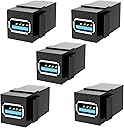
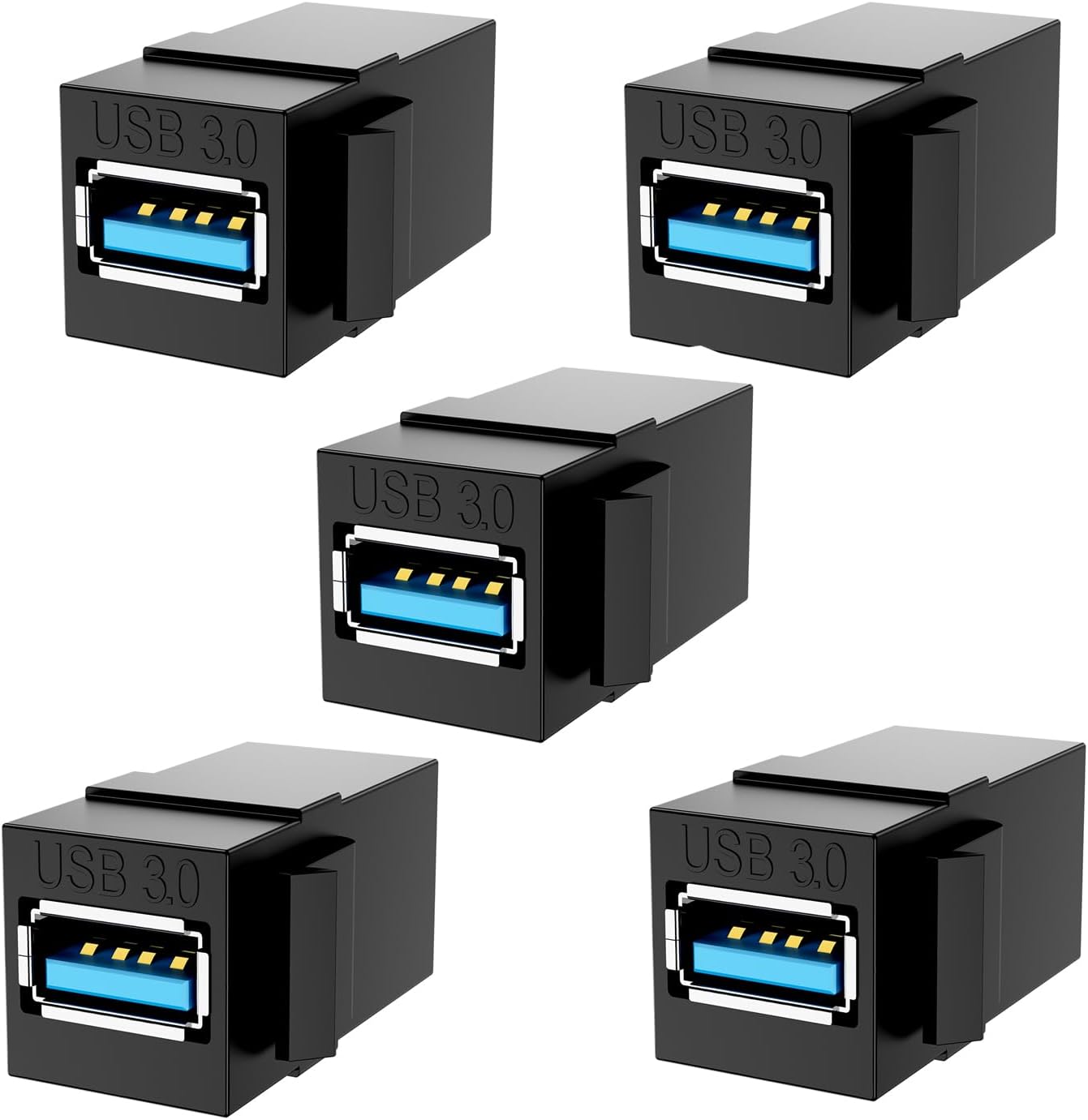
The BERLAT USB 3.0 Keystone Jack Inserts are a 5-pack of female-to-female USB 3.0 adapters designed for easy snap-in installation into standard keystone wall plates. Supporting SuperSpeed data transfer up to 5 Gbps and backward compatible with USB 2.0/1.1, these inserts enable clean, concealed cable extensions for a variety of USB devices including PCs, external drives, and media players. Durable and flexible with a sleek black PVC shell, they come with a 12-month quality guarantee, making them an essential upgrade for professional, clutter-free connectivity.
| ASIN | B08ZN247XV |
| Batteries Included | No |
| Batteries Required | No |
| Best Sellers Rank | #807,527 in Electronics ( See Top 100 in Electronics ) #1,144 in USB to USB Adapters |
| Brand | XIUXIU |
| Compatible Devices | Laptop, Media Players, Monitor, Tablet, USB External Hard Drives, USB Printers |
| Customer Reviews | 4.7 4.7 out of 5 stars (188) |
| Data Transfer Rate | 5 Gigabits Per Second |
| Date First Available | 18 August 2022 |
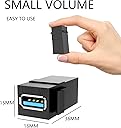
| Item Dimensions LxWxH | 10 x 6 x 1 Centimeters |
| Item Weight | 41 g |
| Item model number | 666 |
| Manufacturer | XIUXIU |
| Model | 666 |
| Net Quantity | 5 Count |
| Number of Ports | 5 |
| Number of items | 5 |
| Product Dimensions | 10 x 6 x 1 cm; 41 g |
R**K
I am always a bit concerned when buying couplers, especially USB. No problem with these devices, they work every time and get lots of use.
G**E
I bought 3 packs of 5 pieces of this product and this is not working how I was thinking it should. I did many tests to be sure what was happening. First I connected an USB Flash Drive directly to the USB 3.0 to check the performance (Picture Test #1). After that, I connected an USB A to USB A cable to my computer in the plug #1 and the plug #2 to the keystone jack to create an extension to connect a device (my idea was to pass this to another room for the wall), this does not work how I was thinking with an external disk, but this work like USB 2.0 with the same USB Flash Drive, the speed was reduced from 240 MB/s to 40 MB/s read and from 59 MB/s to 29 MB/s write. After some days I could undertstand what the problem was. I used an USB A to A and usually these are crossed. I mean, the pin #5 in the plug #1 is connected to pin #8 in the plug #2, pin #6 to pin #7, pin #8 to pin #5 and pin #9 to pin #6 (Picture Table 1). Therefore, if we use this type of cable and this keystone jack to create an extension, the result will be something crossed and will not work to connect USB 3.0 devices, only will work with USB 2.0, because the pins used to USB 2.0 are not crossed (Pin 1 to Pin 4). To have this working we should use an special USB A to USB A cable with VBUS and Data Pair Straight Through (Picture Table 3). In my case I could not find this type of cable here in Amazon, so I had to change the connections directly on the connector. You can see a picture how I crossed the pins to get a direct cable connection. Also, other option is cut the cable and create a direct cable, I think this last it's better for the performance, we can weld the wires and conver these again with aluminum to avoid interferences. After this changes I tested and I can say this work like USB 3.0 (440 MB/s read and 449 MB/s write). I tested with an external M.2 Disk. Would be nice to have this jackstone key crossed to avoid an extra work, however, I could not find a keystone USB A female to USB A female crossed.
J**O
Good quality
D**R
In my infinite wisdom, I decided to clean up my workbench area. Many pounds of filament later, I have a Multiboard setup. I also decided to take a 1U keystone panel and outfit it with HDMI, USB, and Ethernet jacks. I got the BERLAT XIUXIU USB 3.0 Keystone Jack Inserts (5pcs, F-F, Black-5 Pack). The good news is that the jacks work. They are a pretty tight fit in my patch panel, but without any adverse effects. I got some M-M patch cables to make my setup work, and it works well. With a unit cost under $2, I'm happy with the economics of this product. Recommended
K**V
Thanks to Giuseppe's comments for identifying this issue and explaining the problem. This connector is a straight through connector and will block USB3 speeds in certain circumstances. I'm using it between a computer and a USB3 hub with a flash drive. Without this connector, I get 442MB/s Read and 370MB Write speed. With the stock connector installed it drops to only 41MB/s Read and 38MB/s Write. I cut some traces and turned it into a cross over connector. With the cross over installed, 442MB/s Read and 370MB write. If you are good a soldering and PCB rework, you can change this to a crossover connector. Warning, this procedure could ruin the connector and destroy attached computers and devices. Follow these instructions at you own risk, I am not liable for any damage caused if you follow the procedure. 1. You'll need to cut traces on the bottom (Side with lettering) at pins 5,6,8 and 9 at both connectors. 2. Add the following wires: 3. Connector 1 Pin 5 to Connector 2 Pin 8 4. Connector 1 Pin 6 to Connector 2 Pin 9 5. Connector 1 Pin 8 to Connector 2 Pin 5 6. Connector 1 Pin 9 to Connector 2 Pin 6 You may also want to cut the VBUS trace to prevent back powering devices
Trustpilot
2 weeks ago
1 month ago