🚀 Supercharge your Pi 5 with NVMe speed and official cooling — because fast is the new smart!
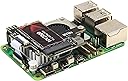
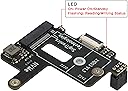
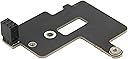
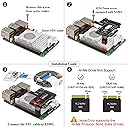
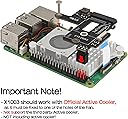
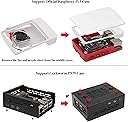
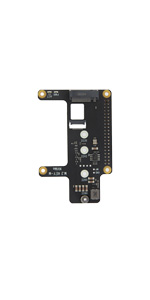
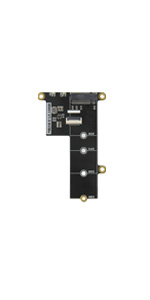
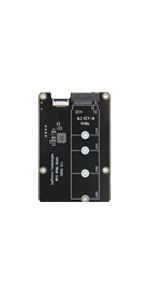
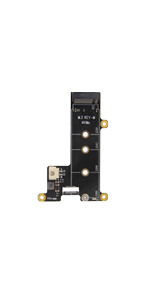
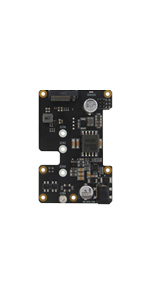
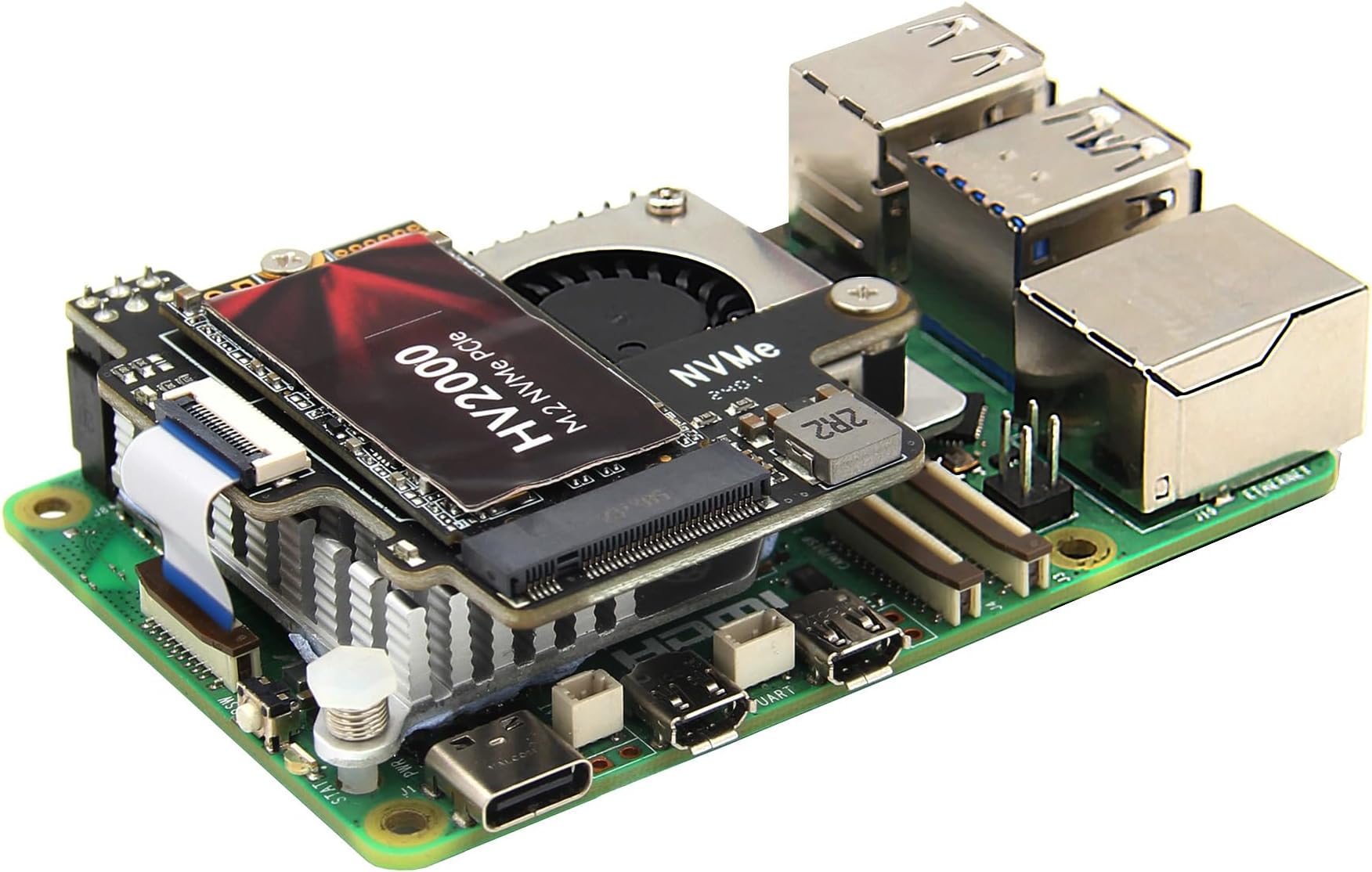
The Geekworm X1003 is a compact PCIe to M.2 NVMe SSD adapter designed exclusively for Raspberry Pi 5 models. Supporting M.2 2230/2242 NVMe SSDs, it enables ultra-fast storage performance with PCIe Gen3 speeds. It requires the official Raspberry Pi 5 Active Cooler for optimal thermal management and fits neatly inside the official ABS case. This board allows users to boot directly from NVMe SSD, eliminating the need for SD cards and accelerating system responsiveness.


| ASIN | B0CSFHTJP8 |
| Best Sellers Rank | #1,685 in Single Board Computers (Computers & Accessories) |
| Brand | Geekworm |
| Color | black |
| Customer Reviews | 3.8 3.8 out of 5 stars (66) |
| Date First Available | January 16, 2024 |
| Item Dimensions LxWxH | 2.17 x 2.17 x 0.51 inches |
| Item Weight | 0.388 ounces |
| Item model number | X1003 |
| Manufacturer | Geekworm |
| Number of Processors | 1 |
| Operating System | Raspberry Pi OS Bookworm |
| Product Dimensions | 2.17 x 2.17 x 0.51 inches |
| RAM | LPDDR4 |
| Series | X1003 |
| Wireless Type | Bluetooth |
R**D
Very easy to install, works with RPi 5 active cooling
I bought two different solutions for adding an NVMe drive to the Pi 5. This one was simple to install and worked perfectly. The only downside is that it can not handle full length M.2 cards, but that's not a problem as long as you buy the correct sized NVMe SSD m.2 drive. My RPi5 now boots fast and apps launch fast. I am currently operating my Pi 5 with no SD card installed. I used the new network installer capability to install the OS to the SSD drive and worked easy as pi! As an aside, I accidentally broke the ribbon cable clip on the Pi 5 itself. I did some googling and found a suggestion to use cardboard from a cereal box to secure the ribbon cable. This work wonderfully. The ribbon cable clip on the Geekworm HAT was undamaged. Be sure to pay attention to which side of the ribbon and insert them properly.
J**N
This is a very nice NVMe PCIe HAT for the Raspberry Pi.
Not much to say here, but it works great. A little fiddly to install since the cable is short (as it needs to be). My RPi boots perfectly with no issues. This HAT will ONLY work with the official RPi 5 cooler. I know it is stated in the description as well, but it should be reiterated. Be careful on choice of NVMe. The Union Memory PCIe Gen3 NVMe has worked as expected. Very fast booting!
J**C
Works well but should include hardware for mounting a 2230 NVMe device
Works fine for me, pay careful attention to the orientation of the ribbon cable, makesure the correct end is attached to the NVMe PCB. The ends of the cable are NOT reversible, just because the contacts are on the correct side of the cable does not necessarily mean the cable is oriented properly. Also, this PCB can only be mounted with a Raspberry Pi Foundation Pi 5 cooling fan. Other fan styles will not work. There is no hardware for holding down a shorter 2230 NVMe device. It really should include the hardware since it can be hard for a hobbyist to find. I would have rated this device at 5 stars had it included that hardware.
A**N
Edit after some time...
Original review below, update: This stopped working at some point. The SSD is still good, so I'm pretty sure the hat just didn't want to stay secured. While using the SSD with the RP5, it was good at first, but now the device isn't recognized at all. Had to fall back to the SD card, and the OS didn't want to recognize the SSD. Eventually just had to give up on the hat, raspberry pi started working again after removing. Original: Used this in combination with a Raspberry Pi 5, official active cooler (from another bundle), and the leftover SSD from an upgraded Steam Deck. After installing the hat on the motherboard and inserting the Steam Deck SSD, the raspberry pi OS recognized the drive immediately with no issues. Check that the ribbon cable is oriented exactly as the instructions and label on the ribbon shows. Major nitpick: If you are installing a 2230, you have to secure the SSD yourself. The included screw is for a 2242 SSD. I was able to salvage a rubber stopper from another enclosure, but some people may have difficulty with this. I only found out about this after looking closely at the small instruction pamphlet.
A**R
Board works, ribbon cable doesn’t.
Yes I know it’s a WD and yes I’ve tried other SSDs (Intel & Kingston). The board is powered but the Pi doesn’t detect anything at all. The only explanation I could understand is that it might be a faulty ribbon cable. I hope to get in touch with someone and get a replacement ribbon cable
M**R
perfect fit
Fits the Pi5 case perfect - make sure you use the official pi cooler!! LOTS of reviews about the ribbon cable not working, which i first experienced as well - the cable it specific as to which side needs to be connected where... after seeing the very small print, realized I had it reversed and works great. board powered up, but pi would not detect or boot properly, simple fix for me. I have used ribbon cables for years and have to be really careful with getting them snapped in.
Z**O
killer combo
here is the killer combo for the case, nvme hat and ssd for the raspberry pi 5. easy to connect in a few minutes. i removed the micro sd card to make sure only the ssd was being used. then i connected it to ethernet and booted up the pi. just hold down shift when you see the boot menu and it will download and install from the internet your OS distribution on the ssd. i am seeing speeds about 10x faster now. very happy with this combo. https://www.amazon.com/dp/B0CMZ84GM8?ref=ppx_yo2ov_dt_b_fed_asin_title https://www.amazon.com/dp/B08K79T9G5?ref=ppx_yo2ov_dt_b_fed_asin_title https://www.amazon.com/dp/B0CSFHTJP8?ref=ppx_yo2ov_dt_b_fed_asin_title
A**R
real storage for pi
Can't mount other HATs above, would give another star or two if it didn't eat the first six pins of GPIO connector.
W**Y
great item used on a raspberry pi Linux cnc controller build
D**B
Tried with recommended M2 drive and would not detect drive. I suspect that the ribbon cable is faulty. I have a Pimoroni hat and it worked as expected with the same M2 drive. This cable problem seems to be frequent with these Geekworm Hats. I don't recommend the Geekworm Hats; get a Pimoroni or Pineberry instead.
E**K
has to be used with official cooler and takes up 6 gpio pins
A**P
My first attempt at X1003 did not end well. I couldn't get it to work with any SSD (I tried 3 different brands). I reconnected the SSD, reset both ends of the ribbon cable - nothing helped. I ended up returning it. Decided to give it a second chance. Ordered a new one. This one worked without issues. I have been using it with 1TB Timetec SSD and so far things are looking good.
Trustpilot
1 month ago
2 weeks ago