Buy anything from 5,000+ international stores. One checkout price. No surprise fees. Join 2M+ shoppers on Desertcart.
Desertcart purchases this item on your behalf and handles shipping, customs, and support to Argentina.
๐ฎ Elevate your handheld gaming setupโdock, charge, and dominate in 4K clarity!
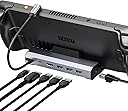
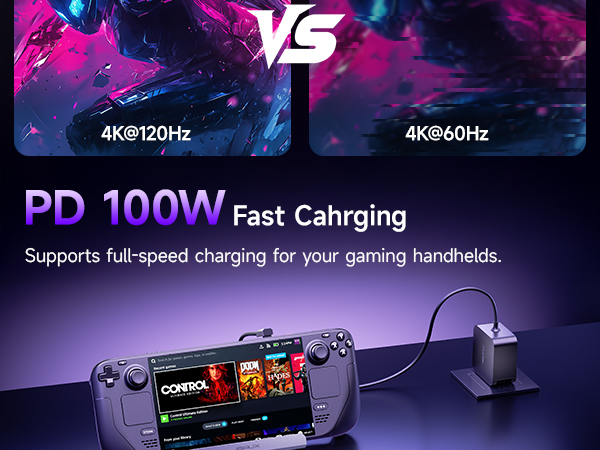
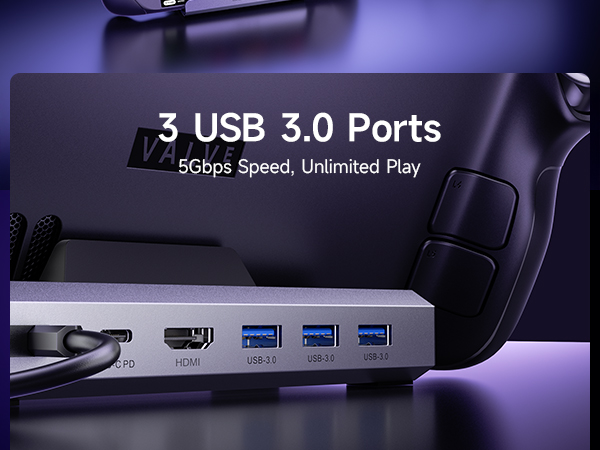
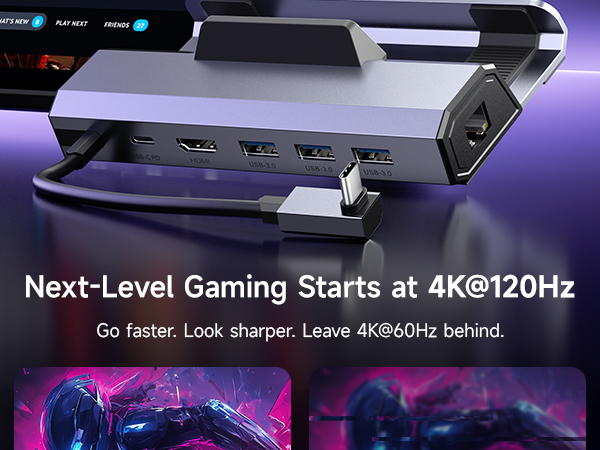
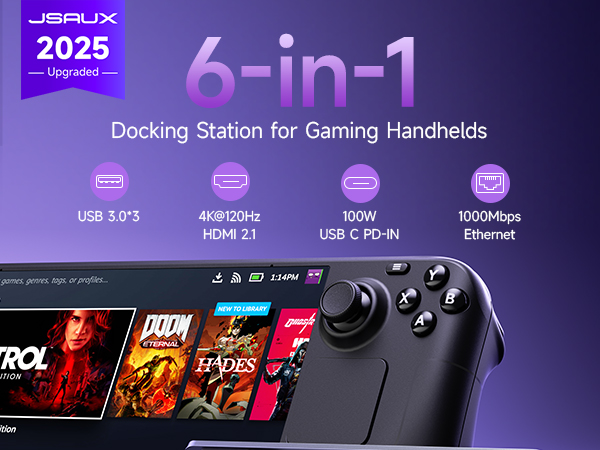
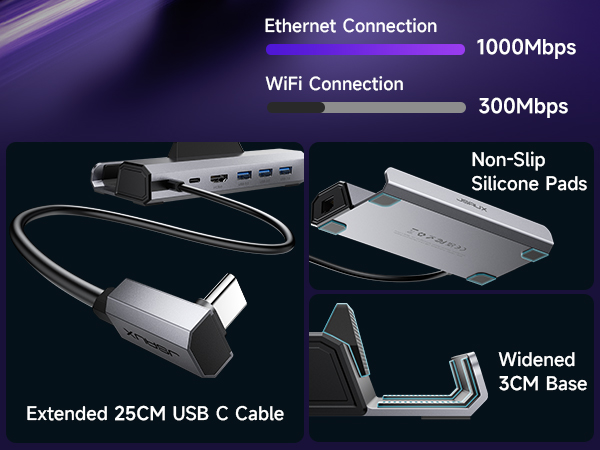
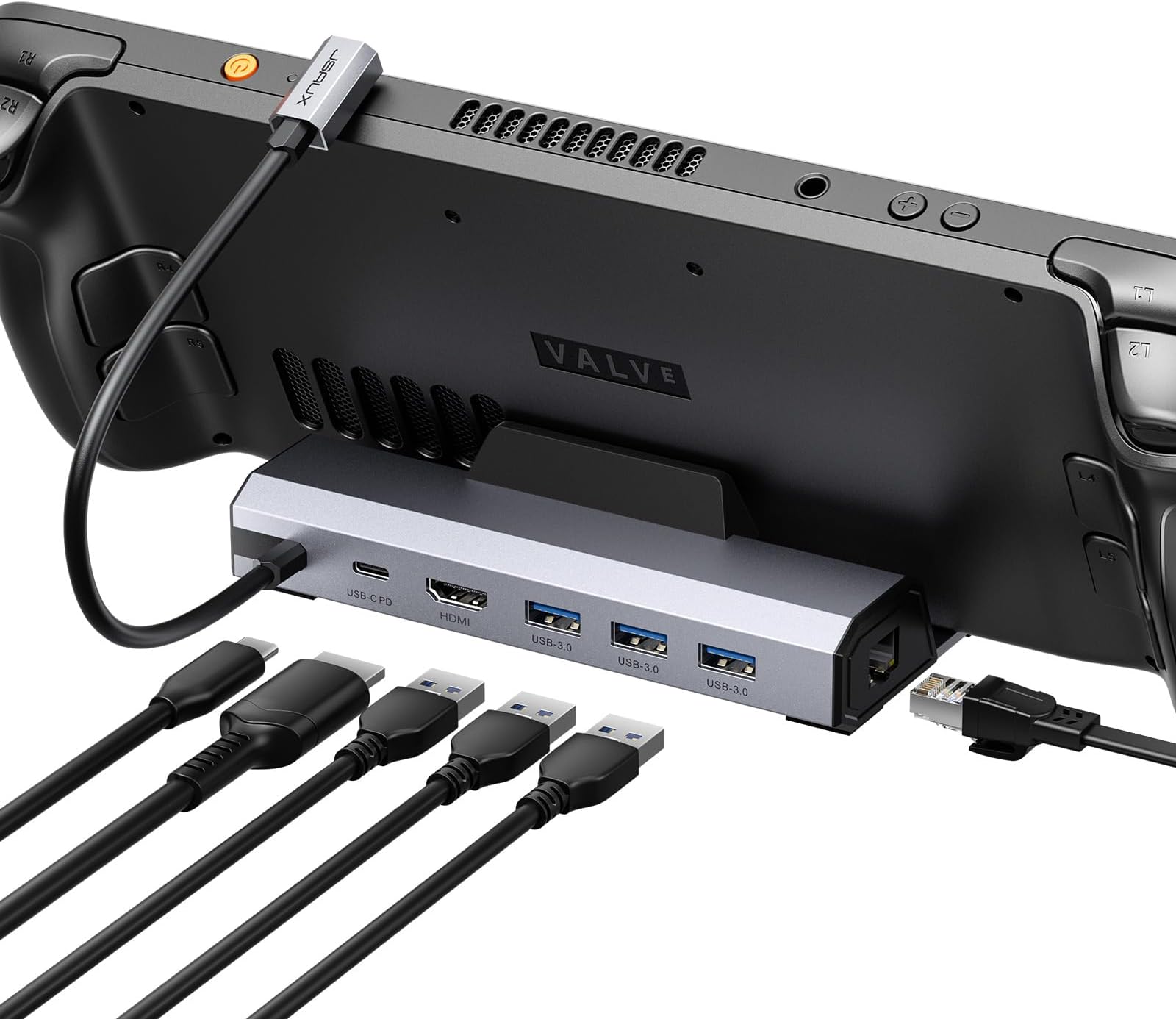
The JSAUX 7-in-1 Docking Station is a versatile hub designed for Steam Deck OLED, ROG Ally, Legion Go, and MSI Claw. It features dual 4K@60Hz video outputs (HDMI & DisplayPort), gigabit Ethernet for stable online play, three USB 3.2 ports for high-speed data transfer, and 100W USB-C charging. Its compact form factor supports cases under 2mm thick, making it the ultimate accessory for professional gamers and multitaskers seeking seamless connectivity and stunning visuals.


| ASIN | B0B7HVZNMB |
| Best Sellers Rank | #126 in Computers & Accessories ( See Top 100 in Computers & Accessories ) #15 in Laptop Docking Stations |
| Brand | JSAUX |
| Color | 6-IN-1 |
| Compatible Devices | Steam Deck LCD/OLED, ROG Ally / Ally X, Legion Go / Go S, and MSI Claw |
| Customer Reviews | 4.3 out of 5 stars 4,167 Reviews |
| Hardware Interface | Ethernet, HDMI , USB 3.0, USB Type C |
| Item Dimensions L x W x H | 1.26"L x 4.29"W x 6.02"H |
| Item Weight | 170 Grams |
| Manufacturer | JSAUX |
| Mfr Part Number | HB0603 |
| Model Number | HB0603 |
| Number of Ports | 6 |
| Product Dimensions | 1.26"L x 4.29"W x 6.02"H |
| Smart Home Compatibility | Not Smart Home Compatible |
| Total Number of HDMI Ports | 1 |
| Total USB Ports | 4 |
| Total Usb Ports | 4 |
| Unit Count | 1.00 Count |
| Wattage | 100 watts |
K**E
Good
This docking station is very useful and works really well. The transfer speed is fast, and I have not noticed any delay. It also has many ports, which makes it very convenient. I use it to connect my Steam Deck and laptop to my monitor, and everything works smoothly. Overall, it is easy to use and worth buying.
A**T
Versatile and Reliable Docking Station - Perfect for Steam Deck, ROG Ally, and Work Laptop
The JSAUX Docking Station has proven to be an exceptional addition to my setup, accommodating my Steam Deck, ROG Ally, and work laptop with ease. I have absolutely no complaints about this versatile docking station and highly recommend it to anyone in need of a reliable solution. Allow me to share my experience and highlight its notable features. First and foremost, the build quality of this docking station is remarkable. It feels sturdy and well-constructed, providing a sense of durability and reliability. I have confidence in its ability to support and protect my devices during use. The docking station's Ethernet functionality deserves special mention. The connection is lightning-fast, allowing for seamless online gaming experiences and speedy downloads. Whether it's for multiplayer sessions or streaming content, the Gigabit Ethernet ensures a stable and lag-free connection. One of the standout features is the compatibility with both the Steam Deck and ROG Ally. This versatility is incredibly convenient, allowing me to dock and charge either device effortlessly. The docking station accommodates the unique requirements of each device, providing a seamless connection and charging solution. I must point out that while using the docking station with my ROG Ally, I encountered a "not compatible charger" error, resulting in the device not receiving the full 30w charging profile while docked. However, after conducting thorough research, I discovered that this is likely a software issue with the Ally itself, and not a flaw in the docking station. Therefore, I don't deduct any points from my rating for this particular compatibility hiccup. In addition to gaming devices, I also utilize this docking station for my work laptop. The convenience of consolidating multiple cables into a single USB-C connection has been a game-changer. Previously, I had to manage five separate cables, but now, with this docking station, I enjoy a clean and clutter-free workspace. The ease of grabbing my laptop and going has been a significant time-saver. In summary, the JSAUX Docking Station is a versatile and reliable solution that caters to the needs of Steam Deck, ROG Ally, and work laptop users. The sturdy build, lightning-fast Ethernet, and seamless compatibility make it a standout choice for docking and charging multiple devices. While the ROG Ally compatibility issue exists, it's important to note that this is likely a software-related matter and not a fault of the docking station itself. With this in mind, I wholeheartedly recommend the JSAUX Docking Station to anyone seeking a cleaner, more efficient setup for their devices. Experience the convenience and simplicity of this docking station, and elevate your gaming and work experiences to new heights.
S**E
Great Dock for the Steam Deck
Been meaning to purchase one of these and this one like the other reviews say it worked great and saved from using the OEM version. I cant speak to the HDMI as I dont use it for that, I mainly use it to dock so i can add keyboard and mouse to it and theres plenty of USB ports available..
S**E
Works as advertised...which is refreshing
I wasn't able to get a video output from my Legion Go 2...tried other cables and powered hubs but nothing. Tried this as a last option and it connected first try. Good quality and if you are having video out or lagging issues I can recommend this product. You can plug a controller, keyboard and mouse into it. If you have more gadgets they have docks with more outputs. Thanks guys...you made a believer outta me!
C**E
Works Well
I'm going to be leaving my first review at the bottom. I have been using this dock for almost 2 weeks now, the first week I had problems with screen flickering and black screens. Those were a problem that almost had me returning this, the company out of good faith offered a refund and I saw that as a good sign so I chose to keep trying it. The second week has been better those problems have gone away after a factory reset on my Steam deck so I believe that it was a software bug, but Valve also put out an update last week that included dock specific fixes and they may not have been applied to my deck till after the reset. I wont give this a 5 star tho because I still see the lack of a Display Port port as a negative. old review below I have been using my Steam deck with this dock as a replacement PC while staying with family for over a week now and I am considering returning it. It works but there are a few problems with the dock. First is screen flickering after about 30 mins the external display will flicker or out right go black the problem will not be resolved until I unplug the dock from the Steam Deck for around 10 second, but the flickering will return after about 30 more mins. The same goes for the black screen. The second problem is wake from sleep over half the time the external display will not wake until unplugging the dock and waiting for 10 seconds. The final problem is more a design issue there is no Display Port port on the device and it seems that when you use an HDMI to DP adapter it will not work. After researching the the screen flickering problem I have found that other users have the same problem with this dock and they believe it to be an over heating issue with the dock. I can confirm that the dock gets very warm almost hot after about an hour of continued use. The wake from sleep problem could be an OS problem, but I would need to buy a different dock to test.
C**Y
Works with Galaxy phones for Dex
Used with a Galaxy S24 Ultra for Dex. Absolutely fantastic. No issues after updating and restarting my phone. Not a downside, but be aware that it doesn't come with a power block or cord. Anker sells a 100w block with a stupidly long type-c for like $35.
A**U
Works great. Incredible customer service
Works great. Features as advertised. The customer service is incredible. The ethernet port on my first unit went out. I got a response from customer service within hours and had a new unit the next day.
S**S
Worked well until my cat got the zoomies and broke it
It connected well with my TV and I was able to play some Baldur's Gate 3. For a little bit. Until my cat crashed into the cord connecting my controller to the dock (I was having bluetooth issues with my controller) and ripped it off the TV stand. The USB plug that goes into the steam deck got bent and everything started glitching. I hooked it up again and got it working. But then my cat did the same thing again (I should have learned the first time around). The point of this story being, I wish the cord connecting the Steam Deck to the dock was detachable or interchangeable so that I could replace it without replacing the whole dock. (My Steam Deck was just fine after falling on the hard floor twice. Those bad boys are thankfully built like tanks. My cat even threw up on my Steam Deck once and it was easy to clean. But this is not a Steam Deck review, or a cat review, so I will stop writing now.)
A**N
Funciona super bem
Muito bom. Atendeu bem as minhas expectativas.
G**Y
Great device!
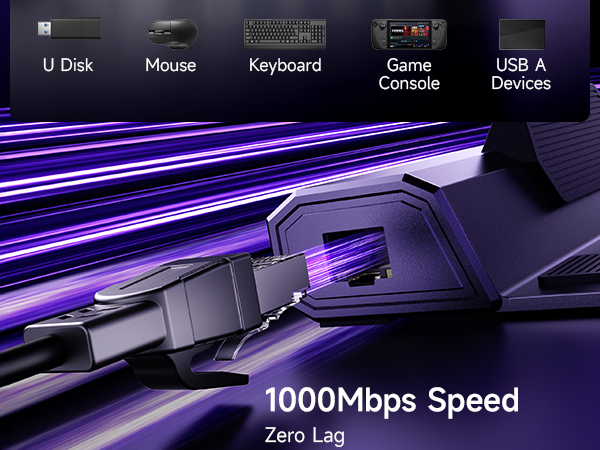
Pretty good build quality, outputs 4K 120hz, usb slots for wireless mouse and keyboard. Ethernet for faster speeds. Can't got wrong!
A**L
Works flawlessly for Steam Deck
Note: This is a Day 1 review. Once I've received it I've been playing on it for a straight 10 hours, no issues whatsoever on 2K monitor and on 4K TV, no input lag. Something to have in mind: 1- This is only for Steam deck, any other devices might cause it power issues. 2- it's recommended to use the original 45W power plug, so don't exceed the limit as the power regulator might burn something. 3- it gets warm after a long hours of heavy play, but there was no problems so far. ุงุฐุง ู ุนู ุณุชูู ุฏูู ุงูุตุญู ููู ุงุฐุง ุชุจู ุดูุก ู ุถู ููุ ุบูุฑ ูุฐุง ููู ุฎูุงุฑุงุช ุงูุถู.
C**O
Recomendable
Muy buena calidad y funcionalidad, solo me hubiera gustado que el puerto ethernet estuviera en la parte trasera aunque quitaran un puerto Usb.
S**U
Works as expected. Love it.
This allows me to game with my Steam Deck on my Mac Mini's external monitor. This is perfect for games with on-screen text, as sometimes it is difficult to read on the smaller OLED screen.
Trustpilot
1 month ago
1 week ago