Buy anything from 5,000+ international stores. One checkout price. No surprise fees. Join 2M+ shoppers on Desertcart.
Desertcart purchases this item on your behalf and handles shipping, customs, and support to Argentina.
🚀 Elevate Your Storage Game!
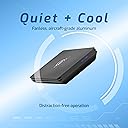
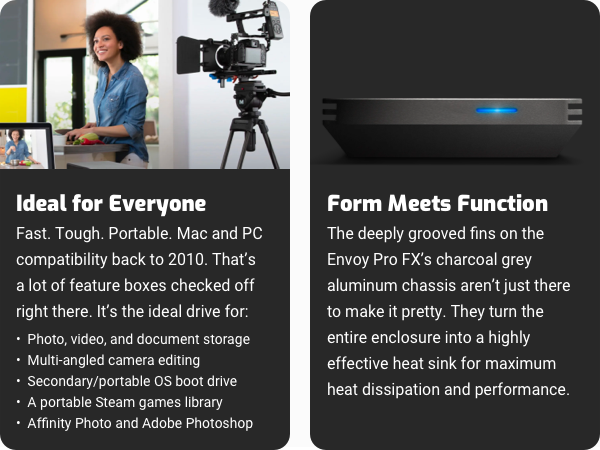
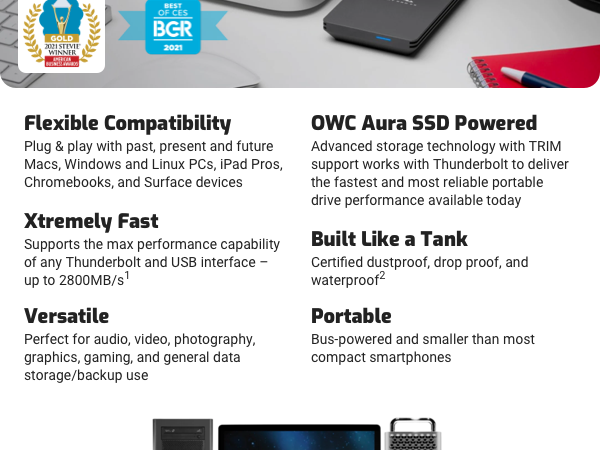
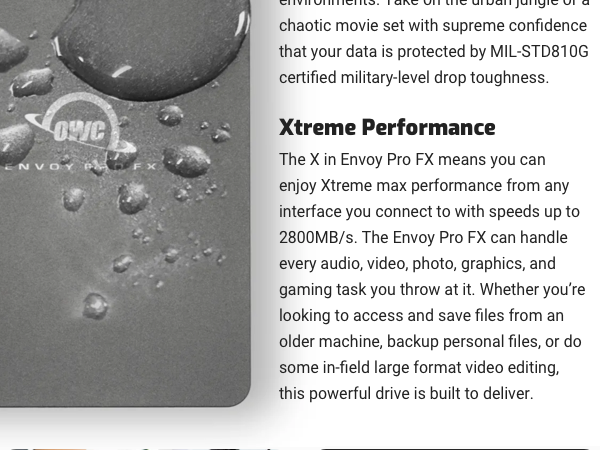
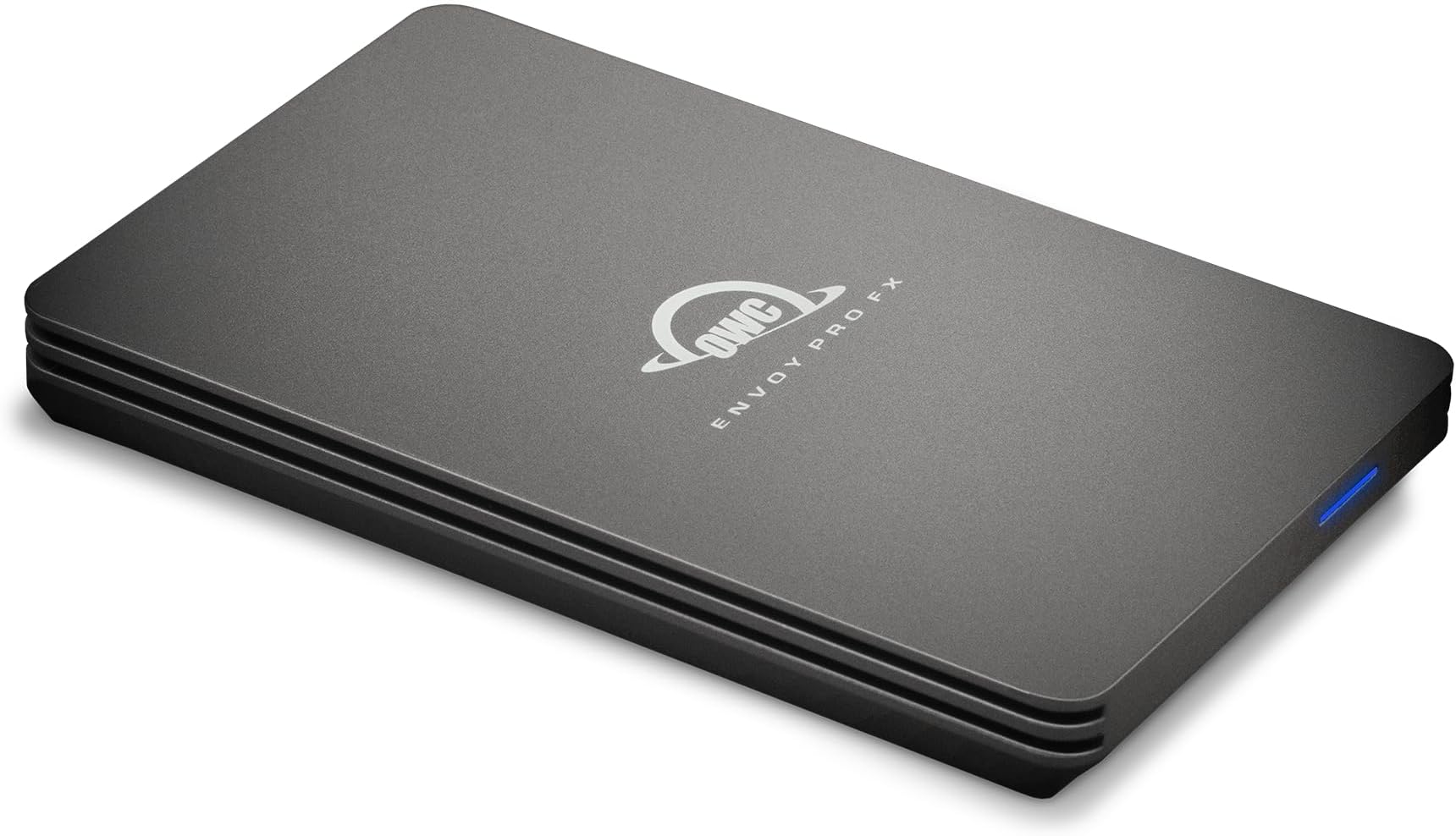
The OWC Envoy Pro FX 4TB Portable NVMe M.2 SSD is a high-performance external drive designed for professionals who demand speed and versatility. With a blazing fast data transfer rate of up to 2800MB/s, it supports a wide range of devices including Macs, Windows, and Linux PCs. Its fanless design ensures silent operation, making it ideal for any workspace. Weighing only 0.22 kg, this portable SSD is perfect for those who need reliable storage on the go.


| ASIN | B0B96PKM2J |
| Additional Features | Waterproof |
| Best Sellers Rank | #71 in External Solid State Drives |
| Brand | OWC |
| Built-In Media | Thunderbolt / USB cable |
| Cache Memory Installed Size | 4 |
| Color | Blue |
| Compatible Devices | Laptop |
| Connectivity Technology | Thunderbolt , USB |
| Customer Package Type | With cable |
| Customer Reviews | 4.6 out of 5 stars 183 Reviews |
| Data Transfer Rate | 2800 Megabytes Per Second |
| Digital Storage Capacity | 4000 GB |
| Enclosure Material | Aluminum |
| Form Factor | Portable |
| Global Trade Identification Number | 00810586037082 |
| Hard Disk Description | Mechanical Hard Disk |
| Hard Disk Form Factor | 2.5 Inches |
| Hard Disk Interface | Thunderbolt |
| Hard-Drive Size | 4 TB |
| Hardware Connectivity | USB |
| Hardware Platform | Linux, Windows |
| Installation Type | Portable SSD, Portable SSD |
| Manufacturer | Other World Computing |
| Media Speed | 2.8E+3 megabytes_per_second |
| Mfr Part Number | OWCTB3ENVPFX04 |
| Model Name | TB3ENVPFX04 |
| Model Number | TB3ENVPFX04 |
| Number of Items | 1 |
| Read Speed | 2800 Megabytes Per Second |
| Special Feature | Waterproof |
| Specific Uses For Product | Gaming, Personal |
| UPC | 810586037082 |
| Unit Count | 1.0 Count |
| Warranty Description | 1 Year Limited Warranty |
D**.
Envoy Pro FX is the SSD to buy for your iMac upgrade
I needed to upgrade my 2019 Retina 5K 27" Intel iMac because the Fusion Drive had developed file directory hash errors that couldn't be resolved with Disk Utility First Aid, even after running First Aid for several days. I eventually backed up (externally and offsite) and reformatted the Fusion Drive and reinstalled MacOS to remedy the disk errors. But the disk errors seemed like a harbinger of a potential impending hardware failure, and time to consider replacing the aging Fusion Drive with newer, faster solid state drive technology. SSDs have come way down in price since I purchased my iMac. There are three good options for upgrading the 2019 iMac drive: 1.) Add a Thunderbolt external drive and make it the boot drive 2.) Add an internal SSD mounted in place of the existing SATA drive inside the iMac 3.) Replace the NVME drive connected to the PCIe bus behind the iMacs mainboard. This small NVME drive is part of the Fusion Drive and acts as a sort of drive cache. But since it connects to the PCIe bus on the mainboard, it has the potential to be the fastest upgrade option by far. Installing these options increase in complexity in the order listed above. But the internal SATA replacement is actually slower than the external Thunderbolt option. The PCIe NVME option #3 is the fastest option, but the hardest to do. It requires almost completely disassembling and removing the innards of the iMac to access the backside of the mainboard. And due to the technical depth of the task, it's pretty easy to screw things up. I opted for the easy upgrade, Option #1. The OWC Envoy Pro FX ($300) was $60 more expensive than a SanDisk alternative (SanDisk Pro 2TB Pro-G40 at $240). At first I ordered the SanDisk to save money. But after reading about very many user complaints about failed SanDisk external SSD, I cancelled my order and ordered the OWC Envoy Pro. I'm glad I did. The Envoy Pro FX drive has incredible build quality. The enclosure is beefy, machined anodized aluminum. Very thick and massive as a heat sink. I didn't appreciate this until I held it in my hands and felt the weight and solid construction. Nice job OWC! BlackMagic disk speed test now shows Write speeds exceeding 1518 MB/s and Read speeds of 2664 MB/s on the external Thunderbolt drive. That's almost 3 times faster than the internal Fusion Drive. I recommend the OWC Envoy Pro FX drive. And I am no longer a fan of SanDisk due to the controversy about lost data. I already have a 4TB SanDisk Extreme Pro Portable SSD. But due to the stories online, there's little confidence in SanDisk reliability today.
S**R
The Best! Great Product & Design; A Tank; Very Fast w Mac Studio M1 Monterey TB & mini (2012) USB 3
This OWC Envoy Pro FX 2TB Portable NVMe M.2 SSD [ASIN B08YMR64RT] design is unusual and almost unique— it can't be overstated. Having the current interface Thunderbolt speed and (TB/ USB-C) connector for a Mac Studio (M1 Max, 2022) running macOS 12.3.1 ("Monterey"), OR being also able to alternatively use USB 3.0's full speed (5Gbps) with a Mac mini (Late 2012) running macOS 10.13.6 ("High Sierra"), OR alternatively use USB 2 (480Mbps) with a 17" MacBook Pro (Mid 2010) running macOS 10.13.6 ("High Sierra"), OR USB 1 (12Mbps) on legacy G4 Macs, allows me to have one single 2TB fast, rugged, portable drive that I can use as my primary user account folder! Now, I don't have to waste time syncing files on various Macs, nor duplicating directory structure changes to enable syncing. The latter is especially significant. No matter how diligent I try to be, there are always spontaneous directory structure changes I make, which I don't have time or access to duplicate on other Macs—then syncing becomes a nightmare. Perforance of this OWC Envoy Pro FX 2TB Portable NVMe M.2 SSD is excellent. Using ChronoSync 10, I created a 1.61TB 1.85 million file bootable clone of a Mac mini (Late 2012) internal SSD via USB 3.0 (5Gbps) in 3 hours 33 minutes 20 seconds, with full verification. ChronoSync scans the source, copies the source file, writes the target file, then fully reads the target written file, compares with the source file, and then writes a detailed log file entry. The NET aggregate throughput achieved was 132MBps (1.03Gbps) (3 to 10 times faster than similar ChronoSync cloning operations to a WD 12TB My Book HDD). As a software and hardware engineer, I can't rigorously compute the isolated write speed without more research, but I suspect it is roughly at least double the above net aggregate measured. This OWC Envoy Pro FX 2TB Portable NVMe M.2 SSD is physically built like an armored tank—I seriously think I could run over it (slowly) with a large SUV without fracturing the solid aluminum case. (Do NOT try this at home! ;-) The $549 I paid for this OWC Envoy Pro FX 2TB Portable NVMe M.2 SSD is small compared with the value received. Being able to buy new Macs with base SSD capacity already has saved me the OWC's price, AND I don't have to wait for a BTO (built to order) model to be queued. A stock base model Mac Studio 512GB SSD was immediately available. I would have had to wait 4 – 10 weeks, and spend $600 (for 2TB SSD) to $2,400 (for 8TB) more had the OWC Envoy Pro FX 2TB Portable NVMe M.2 SSD not been available. (As you may have noticed, Macs are generally useful for a long time. 10 – 20 years isn't extraordinary—for a Mac, that is. My 2003 Xserve G4 is still hosting Internet services.) Now that most new Macs generally do not have user upgradable drives, nor RAM, I would tend to max both. So $549 OWC likely saved me $2,400. I would definitely buy this OWC Envoy Pro FX 2TB Portable NVMe M.2 SSD again, and recommend others purchase as well.
S**O
Ready for adventure and editing on the go!
As ssd prices are rising and may stay up for another 2 years with ai companies sucking up all the resources I decided to invest in something that will last a long time for my 6k video editing services. My research landed me on the owc envoy pro fx - rugged build, waterproof design so I can edit while traveling with my M1 Max MacBook. High compatibility with multiple types of connectivity. Brilliant design on the heat synch and easily mounted to my laptop via strong Velcro for portability. It was pretty pricy but I found the value in it for these reasons - having suffered from lost data from ssd accidents in the past - this seemed like a reliable choice for the long term.
E**H
Extremely fast digital file storage
Extremely fast and spacious in a reasonably sized package. Some external SSDs are smaller and thinner but those are not anywhere near as fast. This one you buy for very fast transfers of large amounts of data or large files. I use it for photo storage between shoots before offload to a NAS, but it could be an excellent video project storage unit too.
P**L
Works great but you have to pay to manage it
This is a well made SSD with great performance. I contacted OWC tech support to see if there was a way for me to get information about the drive itself (hardware errors, firmware version, etc.). They directed me to their softRAID management software. That costs anywhere from $49.99 up to $249.99. While there is a 14 day free trial for the software, OWC should provide a free basic tool that allows SSD users to do basic management tasks on their SSD. Directing a user to a tool that costs up to 50% of the original cost of the SSD is ridiculous.
B**C
Fast
Wow this is a really fast backup SSD
S**R
Fast, big, compact.
Well it's 4 terabytes of space, SSD. It works and it's fast. My MacBook pro has a 1 TB SSD and it boots in approximately the same amount of time either internal or this external drive.
E**S
OWS drive is perfect for large photo libraries
I purchased the 4 TB version to serve as the external drive on my Mac Studio M1 Max for my (large) Lightroom and Apple Photos photo libraries. The speed of this drive is exceptional and perfect for large photo libraries (78K in Lightroom, 37K in Photos). LightRoom images load almost instantly. There is no observable delay as you click from one photo to another. I'm just sorry that I didn't get this earlier. I have a number of OWS devices, and they have always been top-notch. Maybe a bit pricey, but the performance and reliability are well worth it.
C**2
Extrem hastighet
Extrem hastighet Med rätt anslutning. TB3 eller 4. Byggd som en tank.
F**O
A la altura de su exigencia
Es muy rápido, cumple con lo que dice. Yo la uso para guardar librerías de instrumentos virtuales para composición y va muy bien.
T**T
デザインが特に良い
見た目も質感も良い。 データ速度の速さは不自由なく使えている。
M**S
Awesomely fast
Awesomely fast. Sustained 3Gbytes/second read or write with a MacBook Pro 3. It's annoying that the cable is permanently attached to the unit, but I understand that OWC don't want you to use just ANY old cable to connect it.
A**T
Super
Petit SSD Tunderbold 4 un peu lourd mais respire la qualité... Time will tell 😉 Petit bémol cependant, la diode bleue/verte ne s'éteint pas à la mise en vielle de l' ordi et reste allumée tant qu'on ne débranche pas le câble. Note du 26 août 2025... Acheté en 2023 238,85€ 1T. Aujourd'hui, pile 2 ans > 354 € !!! A part cela fonctionne parfaitement
Trustpilot
3 weeks ago
2 weeks ago