We remain fully operational. Our teams are working around the clock to ensure your deliveries continue safely.

Descargar la aplicación


Servicios al cliente
Sobre nosotros
Copyright © 2025 Desertcart Holdings Limited
Descargar la aplicación



Buy anything from 5,000+ international stores. One checkout price. No surprise fees. Join 2M+ shoppers on Desertcart.
Desertcart purchases this item on your behalf and handles shipping, customs, and support to Argentina.
🎧 Elevate Your Listening Experience!
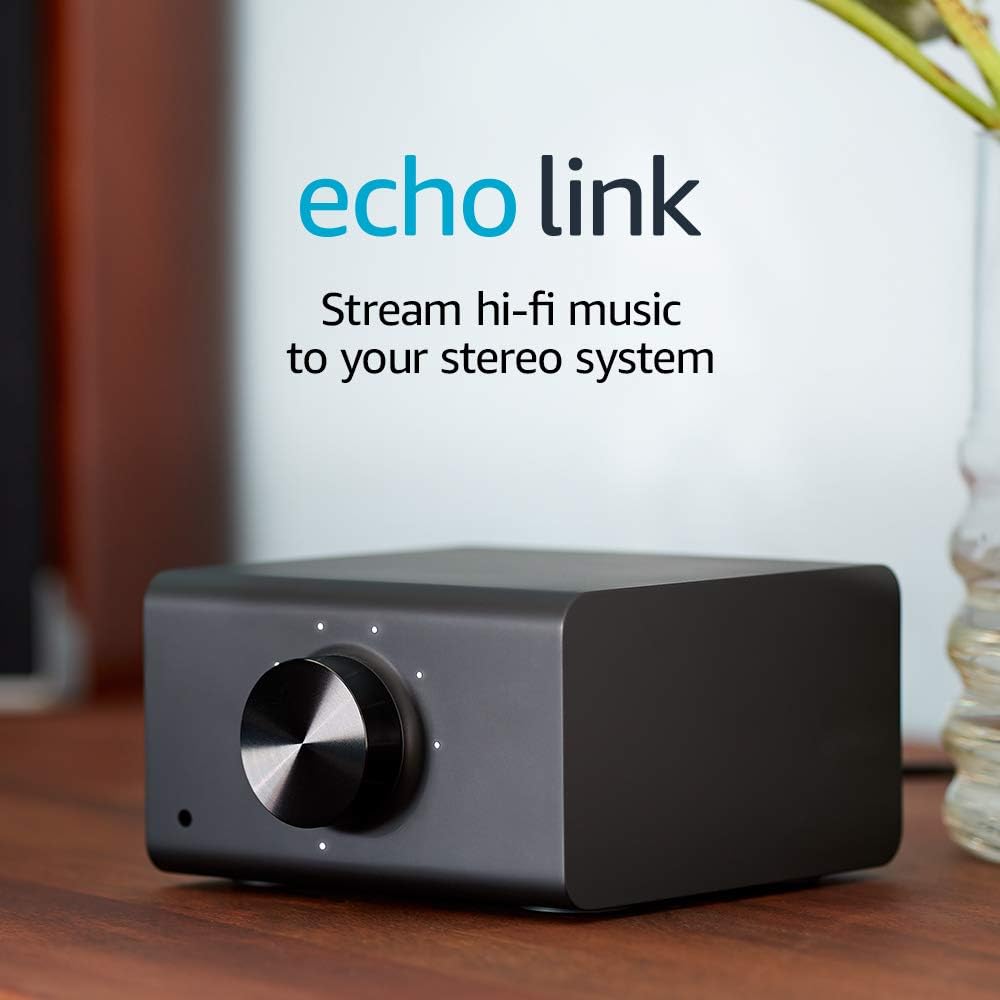
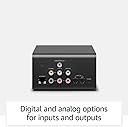
The Echo Link allows you to upgrade your existing stereo system with high-fidelity music streaming and Alexa voice control. It connects seamlessly to your stereo, supports multiple audio inputs and outputs, and enables multi-room audio playback, making it the perfect addition for music lovers looking to modernize their sound experience.
T**I
Dramatic improvement over the DOT connection
I had an extra Dot after upgrading another part of my home's Echo collection, so I connected it into a spare set of inputs on my main audio system. This was mainly an experiment to see if I could easily use Alexa to stream to the outdoor speaker system that runs off the main system so I wouldn't have to come inside to change CDs or flip vinyl every so often. The convenience of Echo voice control however just makes you do more and more with what you have, but in my case at least, the sound quality off the Dot was definitely lacking. In the house I have a mid-range somewhat vintage but very transparent audiophile system with a Musical Fidelity preamp into an updated Eagle Amp driving a pair of lightly modified Magnepan 1.6s. The Dot did what I originally wanted, but listening to it as the source other than when I was outdoors was fatiguing at best except for background entertainment music in whole house or main level configuration. No problem initially, but over time, the mismatch between the Dot and the main system's capabilities just got more and more annoying no matter what. I saw the Echo Link, liked the capabilities on paper vs what the Dot could do and grabbed one during a recent combo sale+credit card discount perq. One of these days, I may break down and invest in a decent external DAC and use optical connections, but for now, I just connected the analog outputs of the Echo Link with a set of garden variety RCA signal cables from the spare parts bin, powered up and joined it to my network. WiFi connectivity is required for initial setup, but was a little spotty compared to other devices in my network, so if you can connect via ethernet cable, I recommend that after setup via that required WiFi connection & Alexa is completed. I had very few issues with the setup process and quickly added the Link into the main floor group the Dot had been part of. BTW, I was pleased to see that the volume indicator LED's faded out a few seconds after any level adjustment whether by the large knob on the front or via the Alexa app - There are already too many LEDs glowing in the dark on too many devices in my life. With it all connected, I fired everything up on the main and asked Alexa to play some music. The initial sound was just....awful...harsh, grating, way too bright. Definitely was getting way more detail from the Link vs the Dot, but it was painful to listen to and I was considering returning it and investing in some other solution. I don't think I've ever had a component addition sound this bad on my system. before just giving up, I decided to let it run for a while with reduced volume and see if it settled in with some time on it. I let it run this way over a period of a few days, trying it out for a bit turned up each day. It seemed to get noticeably better after about the 3rd day. It was still too bright and harsh sounding, but it wasn't driving me from the room any more. I was still a little unhappy though, so today I yanked the original signal cables and started experimenting with some lower capacitance signal cables and now I have the Link giving me what I'd hoped for. I might try a few more interconnects, but right now, channel separation is very, very good / better than I expected. resolution and clarity are quite good for what this little device costs, and while I still prefer my other sources for serious listening, this is head and shoulders way above what the Dot can do. It is a worthwhile addition to my old school audio system, adding simple, convenient voice controlled streaming capability without spending a fortune that I can enjoy listening to. That said, on higher performance systems, you may need to spend a little time experimenting. I found it needed a little burn in time and was as in-your-face sensitive to cable characteristics as any piece of analog out audio gear I've owned. I'm a little disappointed in the Wifi but that may be something unrelated to the Link itself. I'm happy with my purchase and I'm keeping it.
S**E
Improved Sound Quality and Creative Ways to Stream Local Media with Plex over Multi-Speaker Groups
Hello, I purchased this because I wanted have improved sound quality and to use the link in a multi speaker group. I also wanted to be able to play local music from my collection over a multi-speaker group and the source of the local music would be from the very same receiver this is connected to. However, this has been a challenge because I'm still trying to figure out how I can make this happen. I'll try using the zone 2 output from the receiver. I'm using a Shiit Dac Modi 3 to help improve the quality of sound. Still learning and I'll update more as I go. If anyone has any advice on how to improve my listening experience, please chime in. Thank you! UDATE: Can’t play local files through it. Only streaming. Direct Line Audio input from other source does not work. Disappointing in that regard. It does sound slightly better than just an Echo Dot hooked up to the receiver and it can be used in a multi speaker group. My Yamaha receiver has Alexa built in but is very limited, that is partially why I purchased the Echo Link. I like having good sounding quality on my stereo and the ability to play across the house to different Alexa speakers. Just wished I could play my local files with Plex or other sources directly from the Yamaha receiver. The Schiit DAC is still in the equation and I haven’t compared the quality of sound without it. Update: 2/24/2020. I added a Bluetooth Transmitter (1Mii 230ft LONG RANGE Bluetooth Transmitter Receiver Bluetooth Audio Adapter Wireless Transmitter, Support AptX Low Latency & NFC, Digital Optical, RCA AUX 3.5mm for TV PC Bluetooth Earphone/Speaker )to the Echo Link by plugging it into the audio line Input and it actually works! I used my phone to play the Plex server to a group of speakers that I have designated. So I can play my local media over a multi speaker group. Pretty Cool. UPDATE: I’m going to connect a Chromecast to the line in on the link to play music from my Plex Server. I like listening to my FLAC music files from my own collection. This way I don’t need to tie up my Bluetooth connection on my phone but can still control the music from my phone via the Chromecast connection. I’ll let you know how this goes. UPDATE: April 30. I connected Chromecast to an Audio Extractor then split the Audio to the audio input on the Echo Link. I connect Plex to the Chromecast that sends My local music Files to the Echo Link. On Echo Link I can distribute my music to what ever Echo or Echo group I want to. It’s my work around to have Plex play on multiple speakers in different rooms. UDATE: May 8, 2020. Echo Link randomly goes off the network. Still online but won’t play music in a multi speaker setup. Went to try and fix it and it’s extremely annoying. The Amazon Alexa App now Crashed. I’m frustrated with this product. So much potential and it’s line audio distribution is really great idea. I think Amazon really needs to fix these buggy issues with firmware upgrades. Time to reduce my star rating. I really don’t like to do that but like I said it’s frustrating. Update: Use the Echo Link to stream my local music files. I connected a Chromecast to the audio line in and now I use the Plex App on my phone to cast to the Chromecast. Music is distributed over my echo multi speaker group including the Yamaha Stereo where the Link is connected to. It’s nice to have control and flexibility of where in my house I can play my local music collection through the Plex app.
Trustpilot
Hace 2 semanas
Hace 1 semana