
Descargar la aplicación


Servicios al cliente
Sobre nosotros
Copyright © 2025 Desertcart Holdings Limited
Descargar la aplicación
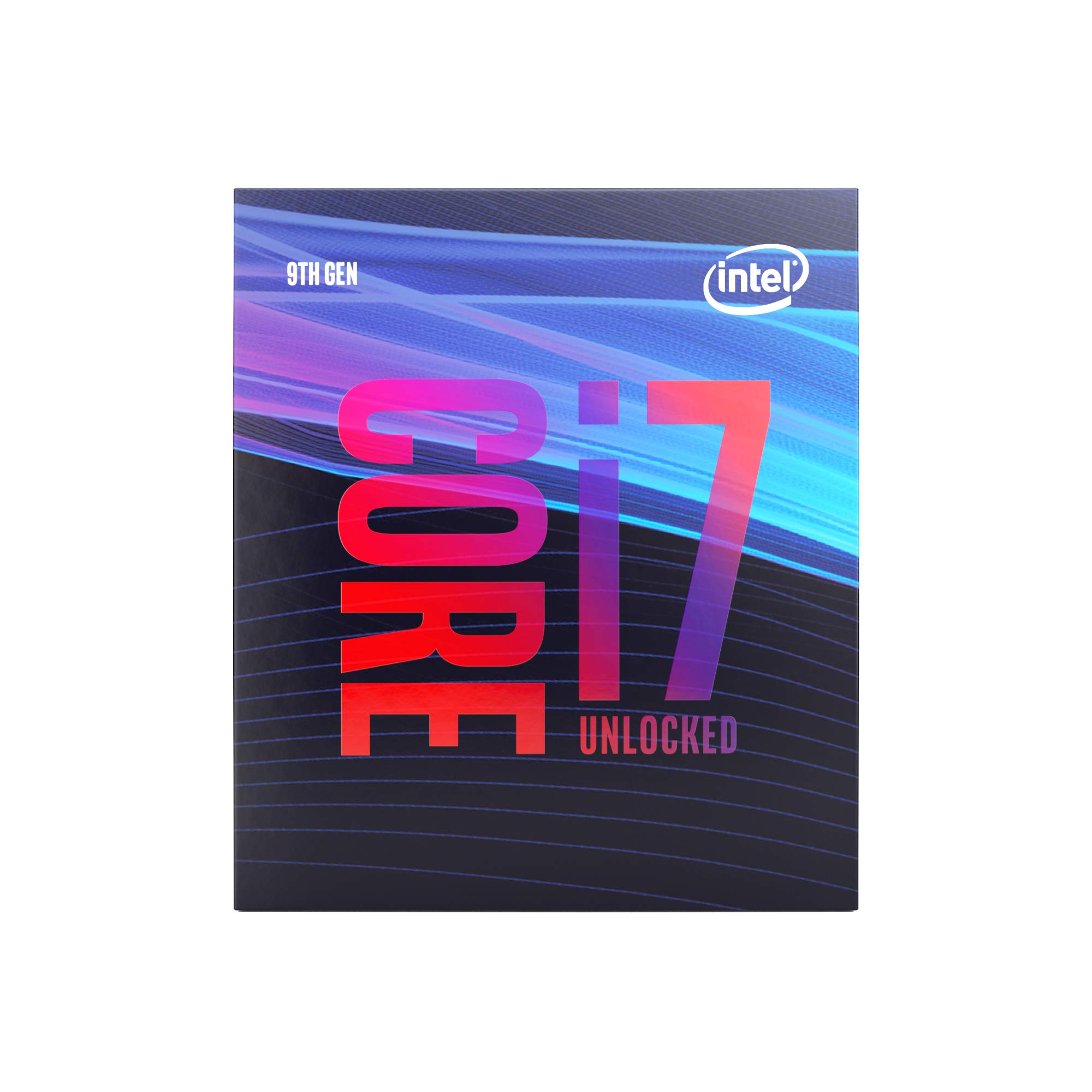
🚀 Power your ambition with the Intel i7-9700K — where speed meets precision.
The Intel Core i7-9700K is a high-performance 9th Gen desktop processor featuring 8 cores and no hyper-threading, delivering up to 4.9 GHz turbo boost speeds. Designed exclusively for Intel 300 Series chipset motherboards, it supports up to 64 GB DDR4 memory at 2666 MHz and includes 12 MB of smart cache. Ideal for gamers and professionals seeking robust single-threaded performance, this unlocked CPU invites overclocking with advanced cooling solutions (cooler sold separately).


| ASIN | B07HHN6KBZ |
| Batteries | 1 Lithium Ion batteries required. |
| Best Sellers Rank | #52 in Computer CPU Processors |
| Brand | Intel |
| Computer Memory Type | DDR4 SDRAM |
| Customer Reviews | 4.7 4.7 out of 5 stars (10,378) |
| Date First Available | June 10, 2021 |
| Is Discontinued By Manufacturer | No |
| Item Dimensions LxWxH | 4.57 x 3.98 x 2.76 inches |
| Item Weight | 1.59 ounces |
| Item model number | BX80684I79700K |
| Manufacturer | Intel |
| Memory Speed | 3600 MHz |
| Number of Processors | 8 |
| Number of USB 2.0 Ports | 1 |
| Processor | 4.9 GHz core_i7 |
| Processor Brand | Intel |
| Product Dimensions | 4.57 x 3.98 x 2.76 inches |
| RAM | DDR4 |
W**E
Workhorse gaming CPU! Overclock friendly. Running 5.1GHz @1.385v
I'm upgrading from a 4790k. If you own something from recent generations, then upgrading may be unnecessary (depending on your disposable income). I know the allure of owning the latest and greatest, of which this is for gaming. Previous build: cpu: 4790K @4.4GHz cooler: Cooler Master GeminII S524 Version 2 mobo: MIS Z97 Gaming 7 gpu: Asus ROG Strix OC 1080 Ti memory: Corsair Vengeance 2 x 8 DDR3 1600MHz psu: Corsair TX750 Current build: cpu: 9700K @5.1GHz cooler: CORSAIR H100i PRO RGB mobo: Asus ROG Strix Z390-I gpu: Asus ROG Strix OC 1080 Ti memory: Corsair Vengeance 2 x 16 DDR4 3200MHz psu: Corsair HX850i 9700K v 9900K: For gaming, the 9700K is ~$120-150 cheaper and you only lose a few frames and in some cases gain frames. The question of whether Hyper-threading is right for you is up to your application. Gaming benefits from clock speed over core count once a minimum core count is reached. I think the was Intel's rationale in offering the 9700K. It's a budget 8 core unlocked 9th gen cpu with no Hyper-threading. The 9900K is the obvious superior choice for multi-threaded operations and encoding. If you're looking for a powerful encoding cpu for broadcasting/recording, the 9900K will be a budget buy beating out the entry X-series HEDT chips by at least half the price. If you are looking for a high performance gaming cpu, this should be on your short list. Gaming benchmarks comparing the 9700K v 9900K show negligible differences. I'll leave the AMD debate/comparisons for others. I'll let the benchmarks I've attached speak for themselves, but here is the tldr. I overclocked to 5.1Ghz using XMP I, DDR4 3200MHz. I turned off Speedstep and Speed shift as this brought me more stability when playing games, specifically LoL. Idles at ~40 degrees @1.359-1.368v. Under load ~80 degrees @1.376-1.385v. I have included benchmark screen shots (each paired with the corresponding HWMonitor results) from CineBench, CPU-Z, 3DMark Time Spy Benchmark & Stress tests. I'm extremely happy with the performance of this processor. It runs warm, but an overclocker should be prepared for advanced cooling solutions.
A**A
Excellent CPU
def a strong cpu but al little bit old as we head into the future. released in 2018 the i7-9700k can output strong speeds and leverage for competitive gaming and streaming which i intend on doing with the cpu!! Everything shown on photo is what came in the package.
X**M
5 years strong with this processor giving amazing performance
Such a great processor for the price, I bought this in 2020 and I’m still more than adequate in my FPS. I’ve had no issues with processing speed and I don’t plan to upgrade anytime soon. I use my desktop daily and I get the same performance as my buddy’s 2024 build.
D**D
Works great
Works great. No complaints.
S**.
Proper gaming PC if it has an adequate cooling solution
I upgraded from the i5 9400F. I didn’t want to change my motherboard to accommodate the ene-of-the-line 10th generation intel processor. I change up every few years and I think it is more prudent to wait until the 10nm fabrication this time around. I bought the processor for gaming and VR. At first I was getting major loss in fps at 80-90 hz on a 165hz hertz monitor (HP Omen 27i IPS display, 1440 res., 165 hz). I have Noctua NH-U95 cooling it with one fan, which isn’t enough. It would exceed 75C without overclocking under full load. Once I added a second fan attached to the heatsink, and one above to vent of out the warm air, it never exceeds 60C and idles at 30C! Paired with a Strix overclocked gtx 2070 and having 32gb of DDR4 memory, I can play almost any PC game at full quality and all VR games. H-K: Alyx is pretty cranked up as far as quality and it runs smoothly. The 9400F was noticeably maxing out in performance. While the 9700K is only around 12-14% faster, it is enough headroom to smooth out performance in gaming. Everything also felt snappier as far as desktop usage. It should give me enough processing power until the next advances in transistor fabrication. This processor probably doesn't overclock well with the performance hit it takes at higher temperatures. Inadequately cooled, the CPU Benchmark was 89%. Once I increased the airflow, it came in at 100%. With my 9400F, the gaming PC score was around 90%. With the 9700K, I’m at 108%. Unless you’re gaming, the 9400F is more than adequate for most needs.
T**R
Misleading information
Very odd that it says new but comes in a not original box. Also says cpu only an no cooler but yet it come with a cooler. Looks like it may have had thermal paste on it at some point but was cleaned off. Seems like it’s a legit i7 but a little hesitant about how it’s labeled and sold.
C**S
Easy upgrade.
Install was simple, needed a bigger fan to handle the light bulb power requirements. Windows didn't initially recognize the upgrade, had to run msconfig as follows 1. Click Start, type “msconfig” (without the quotes) in the Start Search box and then press ENTER. 2. In the System Configuration window, click the Boot tab. 3. Click the Advanced Options button. 4. Check mark the Number of processors box. 5. Click on the 1 below to open a choice box, and click then on 2. If the choice box does not open, you don’t possess a multi-core processor and won’t be able to use this tip. 6. Click OK. 7. Windows jumps back to the system configuration window. Click “OK”. 8. You will be asked to reboot the PC. Save all open files, close all open applications, and then click Restart. The modifications will be immediately effective.
O**S
Good option for my first PC
Works like a charm
F**O
Lo tengo con un Cooler Master ml240l a 5.1ghz 1.35v y no sube de 75-80 grados, mi temperatura ambiente va de 14-24 grados. Estube a punto de devolverlo para sacar el i9 de la misma linea, pero la verdad es que este procesador ya es un overkill para cualquier tarea, ya sea gaming, streaming, diseño, etc no hay una sola cosa que no le puedas tirar y corra al maximo. Este procesador no es para jugar con un monitor promedio ya que queda muy de sobra, esto es para gente que está buscando muchisimos fps, jugar en altas resoluciones o para trabajos pesados. Para computación del dia a dia está demaciado sobrado.
M**N
Passage d'une configuration initiale : A Core I7 2700k , 16 Gigas de Ram vive à 1666 MHz , complété d'un WD CAVIAR BLACK SERIES à 7200 tours/Min. sur Windows 7 64 bits . Le Core I7 de génération Sandy Bridge étant toujours fonctionnel et ce , même en "heavy load" , et ayant été overclocké à 4.5GHz , de façon très stable , sur une très longue durée , "in Game" . Premières impressions : Conditions : Procésseur refroidi sans watercolooling et par Ventirad NOCTUA : NH-U12S avec remplacement du ventilateur d'origine de 120mm en 1500 RPM , par un ventilateur industriel : A haut rendement en 3000 RPM ( Très silencieux en applications courantes et en idle ) . Aucune Chauffe . Ce Processeur 9700K , procésseur de dernière génération à 8 coeurs , et certes sans hyperthreading , apparaît en "Idle" et dans toutes les tâches courantes , et de prime abord très rapide !!! Mais c'est tout de même , au regard de son prix , ce que nous étions en droit d'espérer . Point remarquable : Associé à un ventirad Noctua NH-U12S , dont le ventilateur de 120mm a été remplacé par un ventilateur capable d'un débit en "AirFlow" de 186 mètres cubes/heure , ( NF-F12 iPPC-3000 PWM , Ventilateur pour refroidissement à haut rendement, 3000 tr./min. ). En tâche courante , et assisté de 32GB de DDR4 en 3000 MHz , le niveau sonore en décibels est très réduit . Autant dire que pour les taches courantes , si vôtre installation est stable , et que tout a été mis en place correctement , aucun soucis côté bruit . Le ventilateur Noctua effectue quant à lui le travail , avec une remarquable efficacité , laquelle est immédiatement perceptible . Aucune chauffe n'a été constaté , dans un boitier correctement aéré . Tout celà demeure à confirmer en "heavy load" ... et "In Game" , en pleine session de travail ou de jeu , mais les premières impressions sont en faveur de ce processeur , qui apparaît très réactif , et c'est un air TRES frais !!! qui émane du boitier et non , un air sec et chaud . Le bond et les avantages techniques entre un 4 coeurs même hyperthreadé et overclocké , apparaîssent ici immédiatement . Dans les tâches courantes , et à l'heure actuelle technologique , s'il est assisté d'un SSD valable , de suffisamment de RAM , pour pousser celui-ci vers de hautes températures , il apparaît de suite qu'il faudra lui envoyer un "workflow" de taille , et donc une quantité d'informations conséquentes . En terme de bureautique classique , il semble peu nécessaire de se tourner vers ce genre de processeur . Points positifs : - Aucun problème de chauffe constaté . ( refroidissement à air ) , sans système de "Water-cooling" . - Prix en baisse à l'heure de l'écriture de ce commentaire . - 8 Coeurs vrais . - Le gain en terme de performances pures , comparativement à un 4 coeurs même largement overclocké . Points négatifs : Le prix , encore élevé . Bilan : Excellent Procésseur , surtout destiné aux applications exigentes , et au "Gaming" . PS: Prévoir une carte mère de génération compatible : A Chipset Z390 , ou bien en Chipset Z370 , lequel nécessitera une mise à jour du Bios . BON JEUX !!! :-))) MISE A JOUR du commentaire : Confirmation !!! Aucune chauffe notable du Core I7 9700K , même en 4K "In Game" sans aucun Water-cooling , après plusieurs jours d'utilisation . Comme indiqué un ventirad Noctua suffit , telle que la référence indiquée par exemple , avec le remplacement du ventilateur d'origine limité à 1500 RPM ( Rotation Per Minute) , par un ventilateur capable de 3000 RPM toujours de chez Noctua convient . Aussi , et c'est un peu la cerise sur le gâteau , niveau sonore , aucune mauvaise surprise constatée .
A**2
+ Top-notch gaming performance + Easily overclocked + Comfortable temperatures + No bottleneck issues paired with a 2080 Ti + Rivals 9900K for $150 less - Still don't like the price - 9900K should have been the 9th-gen i7 - No hyper-threading and by extension, SMT - Doesn't come in a cool box (sarcasm) In my opinion, the i7-9700K is the best CPU for gaming rigs in 2019. It easily sits at 5.0GHz and does really well against big brother i9 from the benchmarks I have seen, and I would recommend this for a pure gaming pc. If you intend on doing streaming, video editing and the like, I would recommend the i9-9900K/9820X over this. I hope that Zen 2's performance will cause a big price drop for this generation and the next.
P**O
Um excelente produto, uma pena estar fora da realidade o seu alto custo para nós Brasileiros devido a alta do dólar + crise da pandemia. Utilizo diariamente para trabalho!
S**E
Perfetto, da oltre 5 anni nel mio computer principale
Trustpilot
Hace 1 semana
Hace 1 mes