
Descargar la aplicación


Servicios al cliente
Sobre nosotros
Copyright © 2025 Desertcart Holdings Limited
Descargar la aplicación
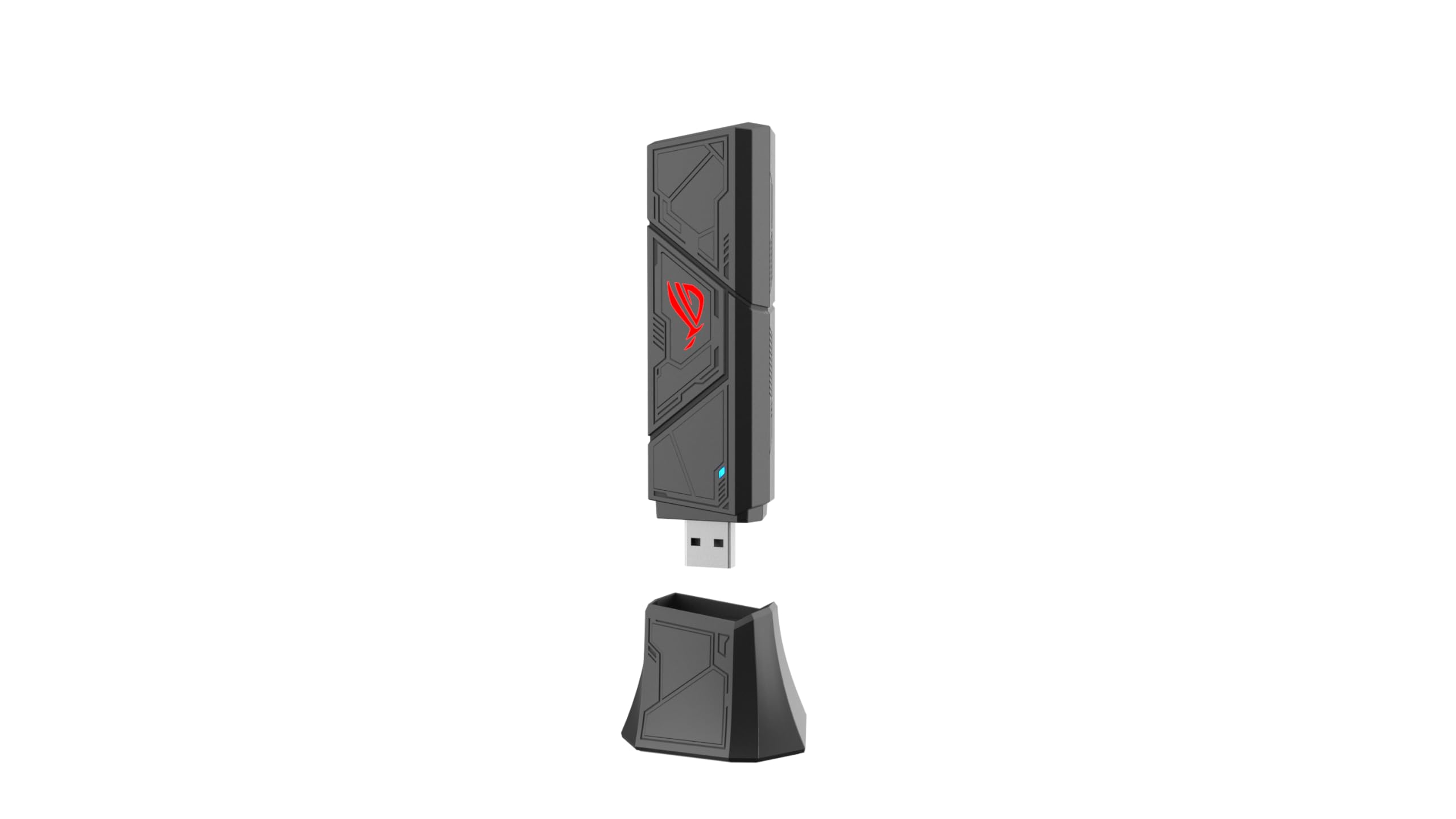
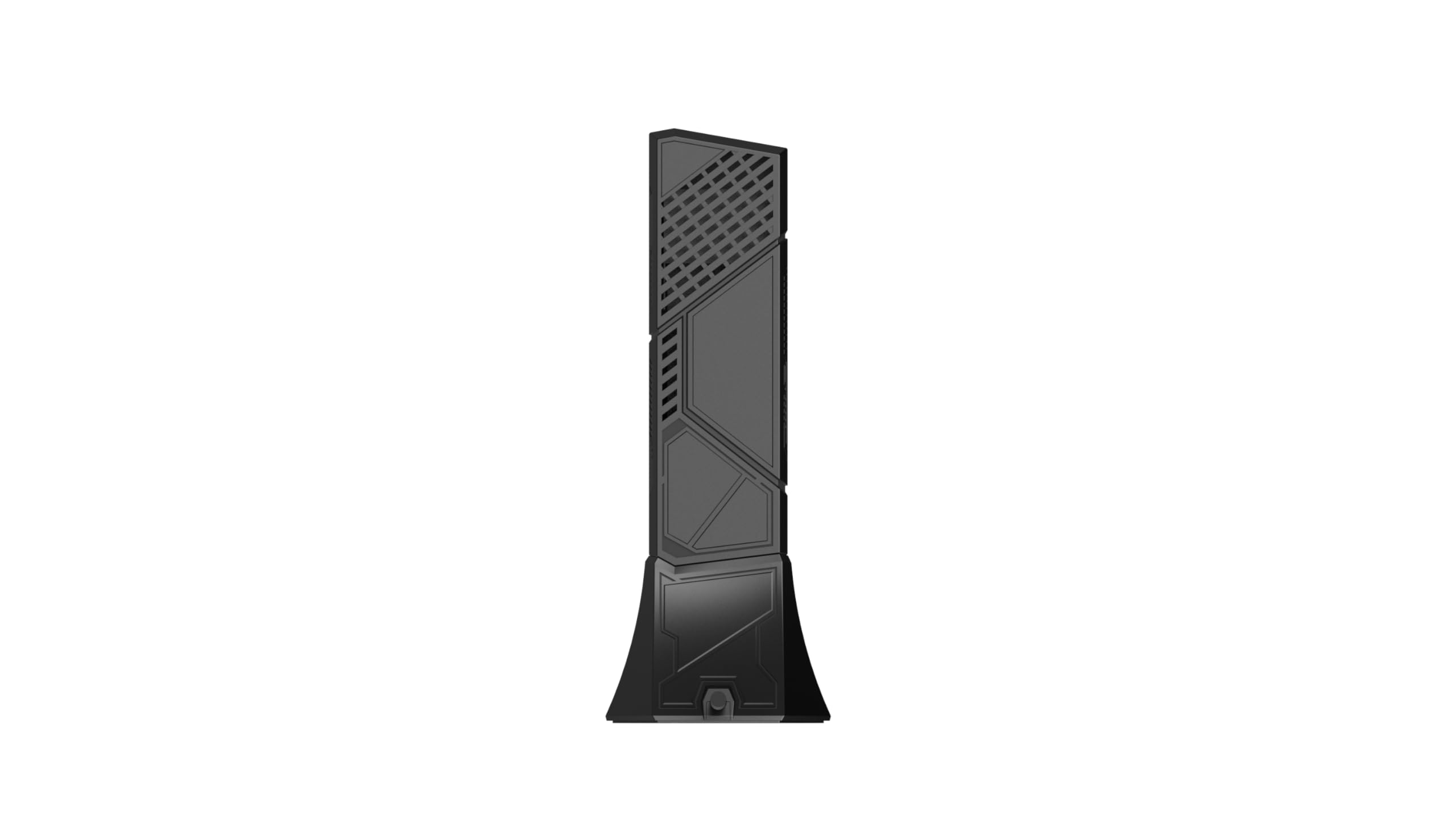

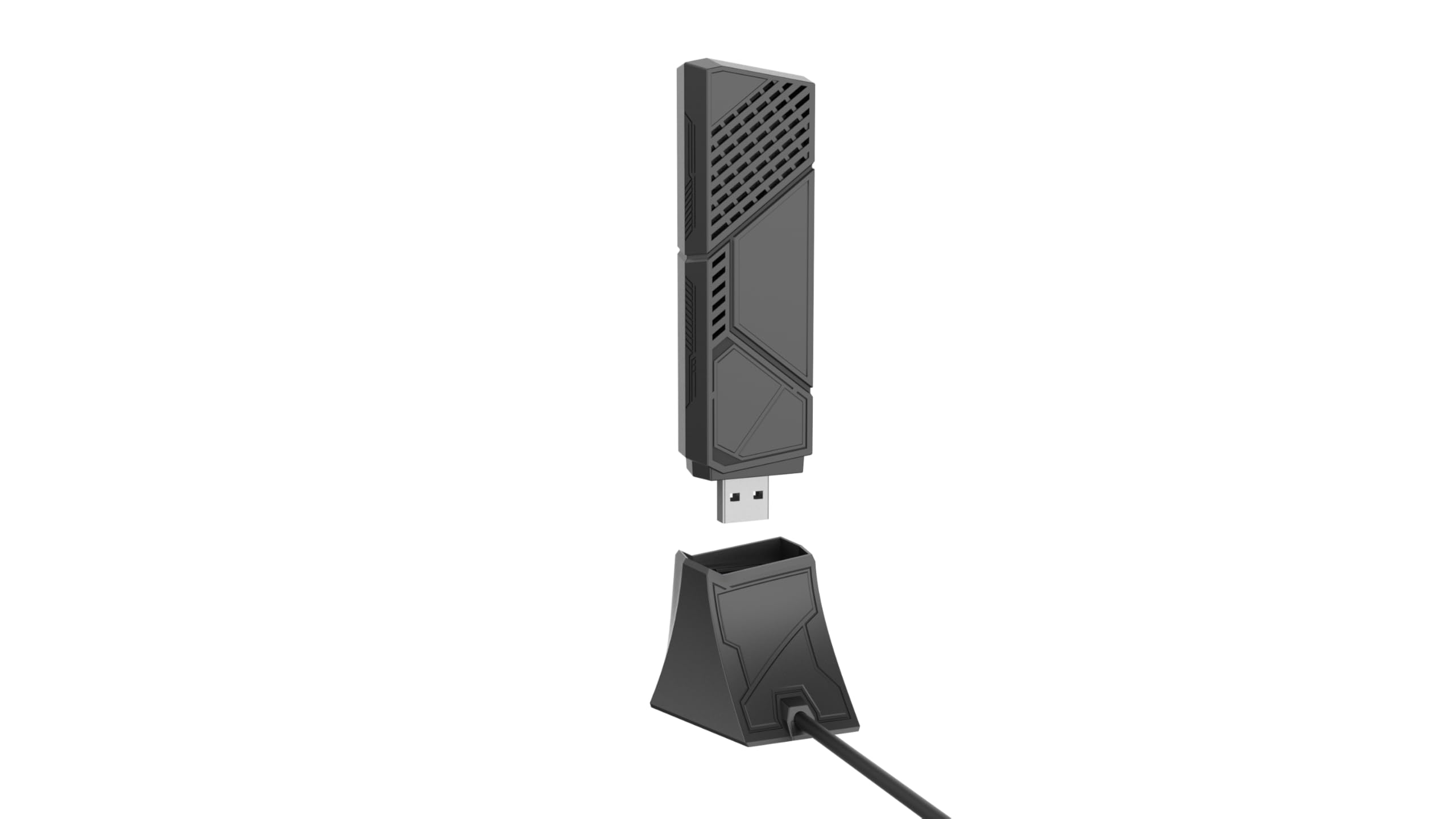
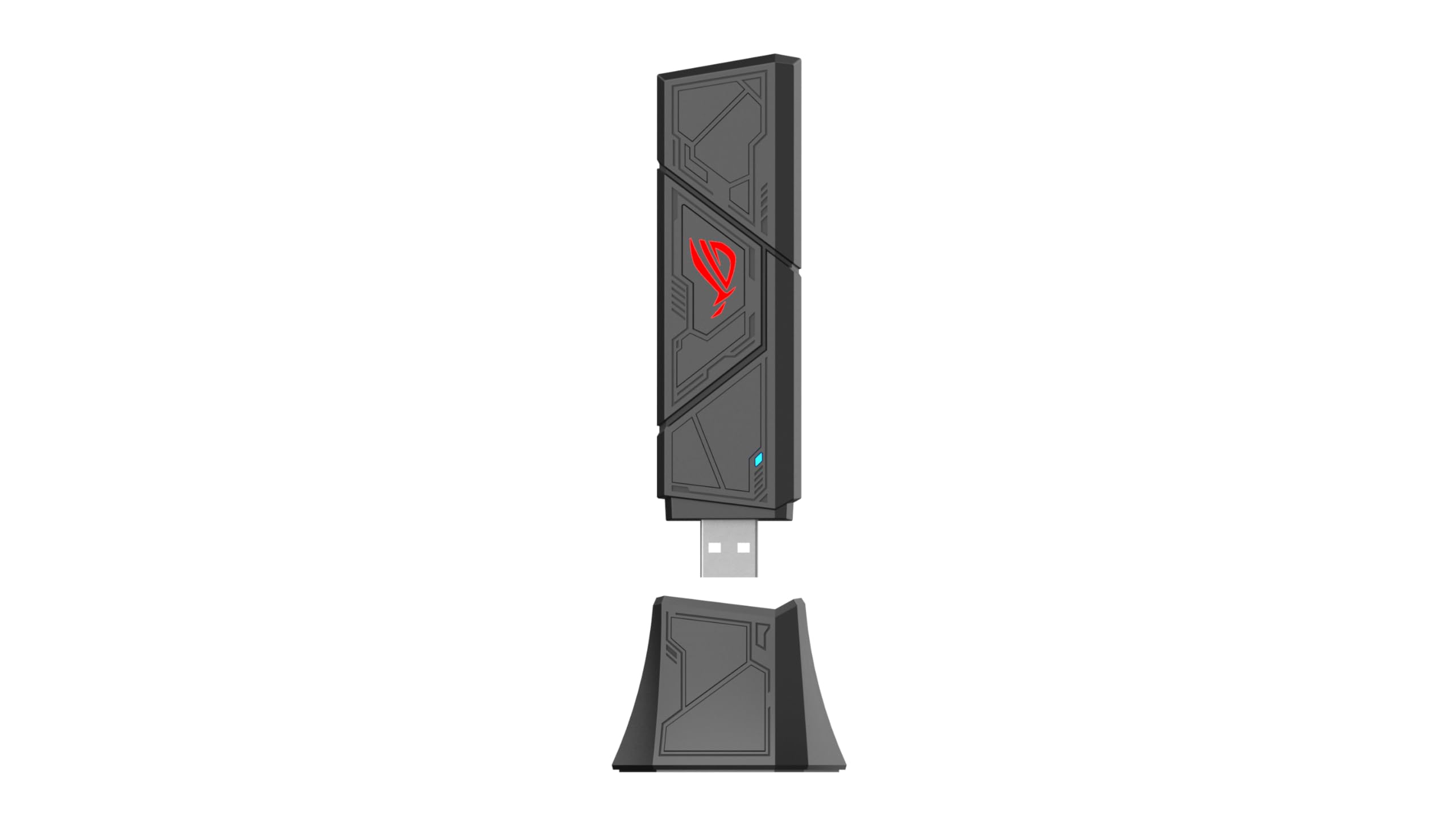
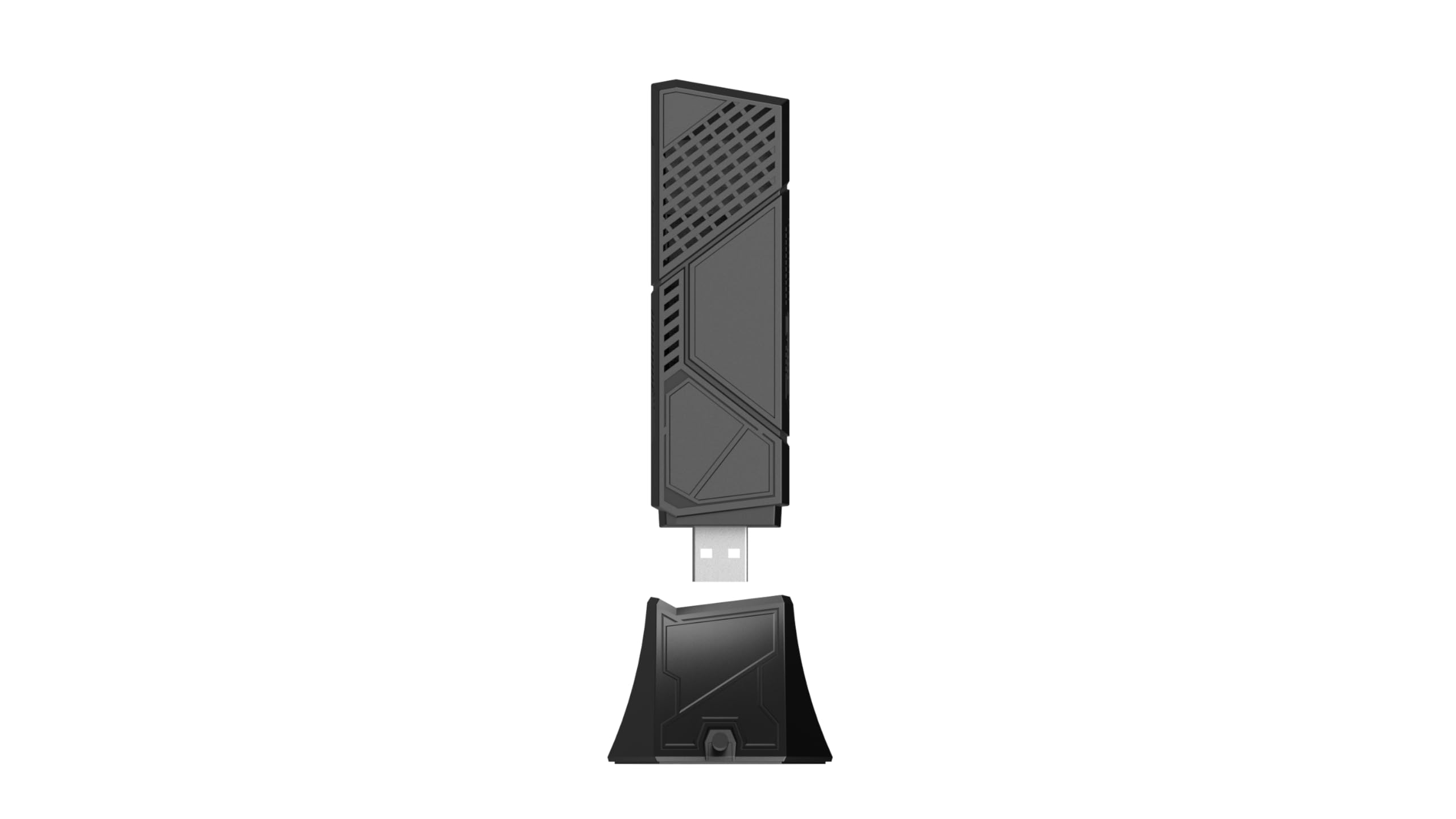
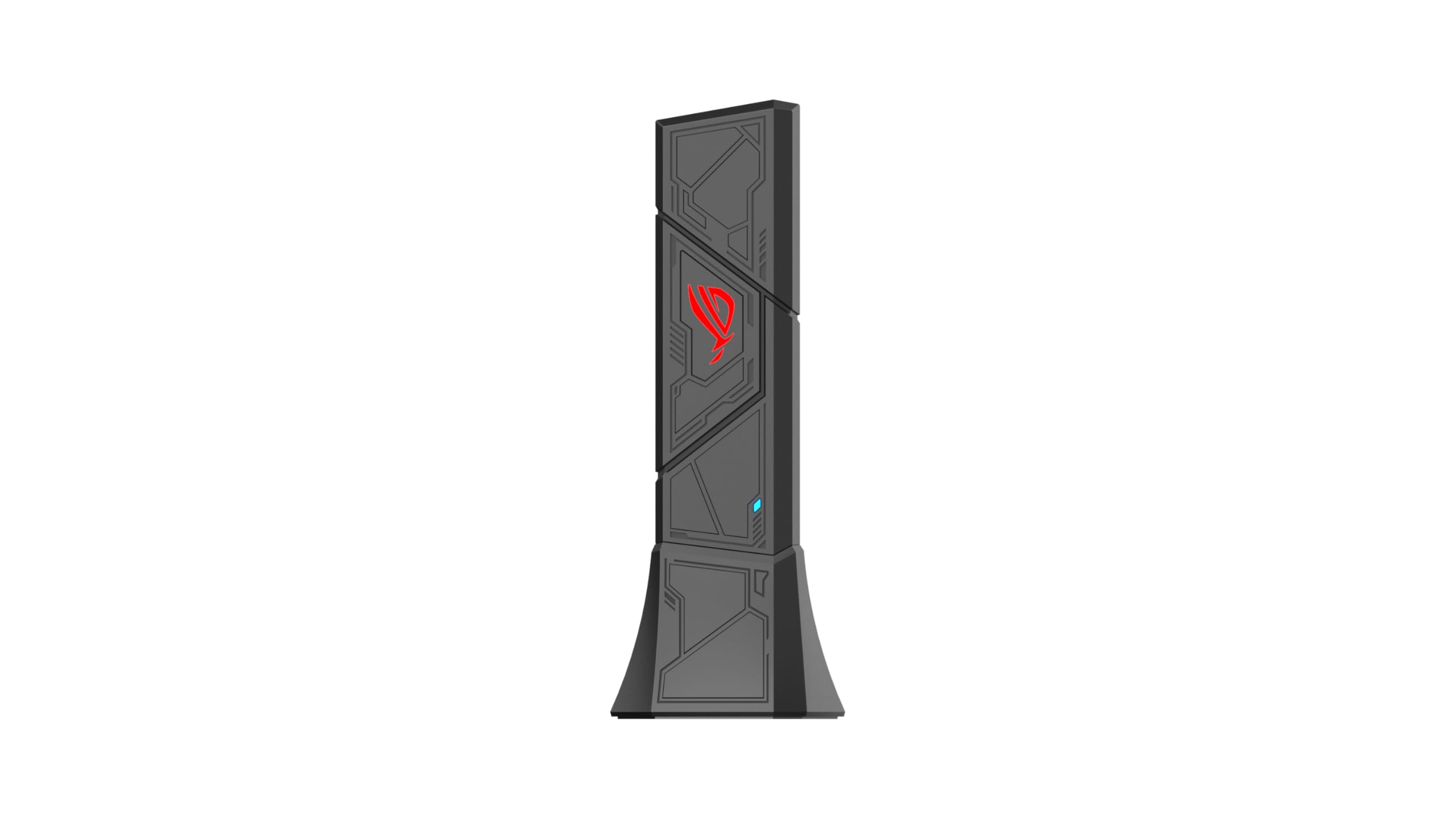
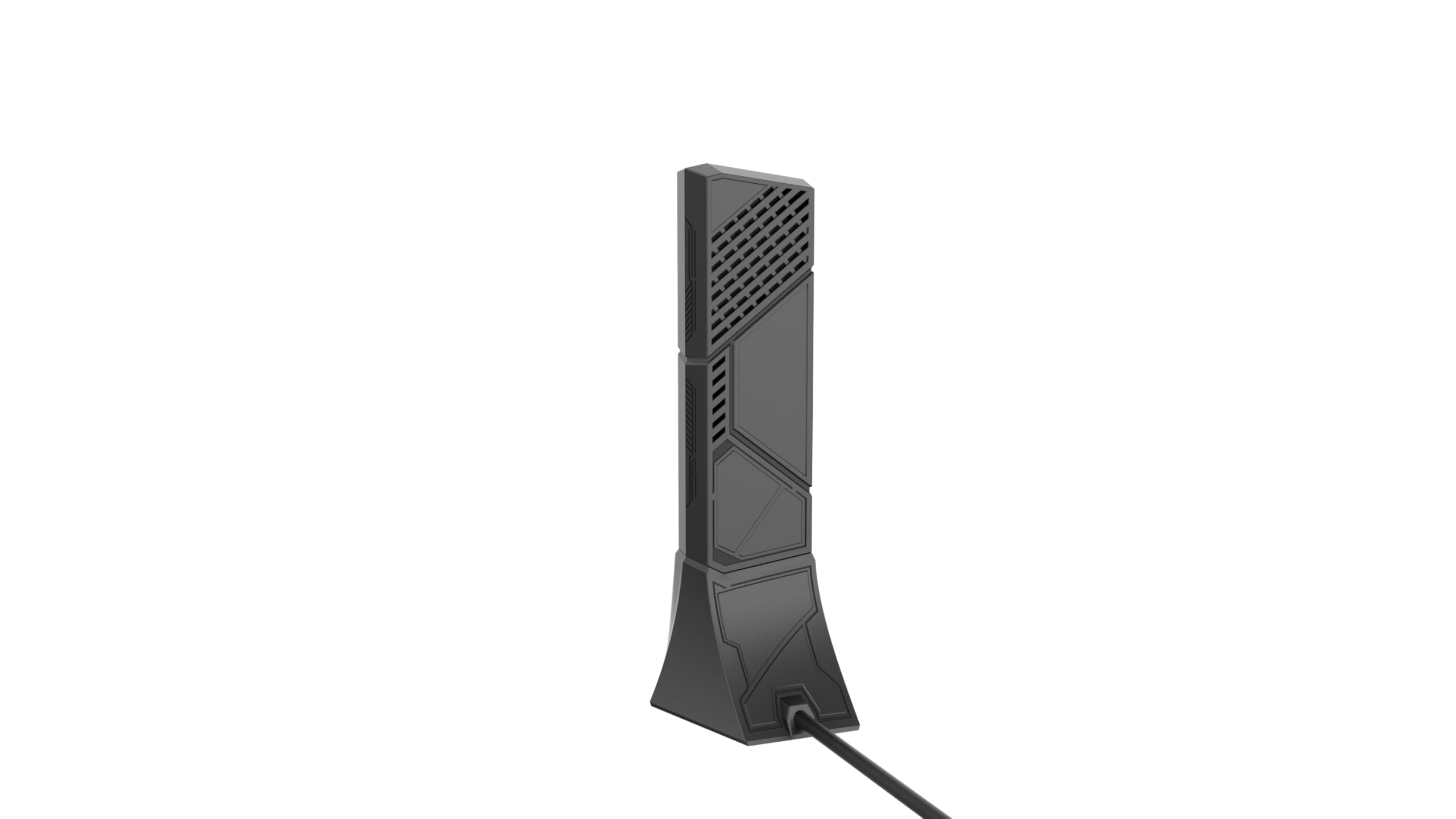
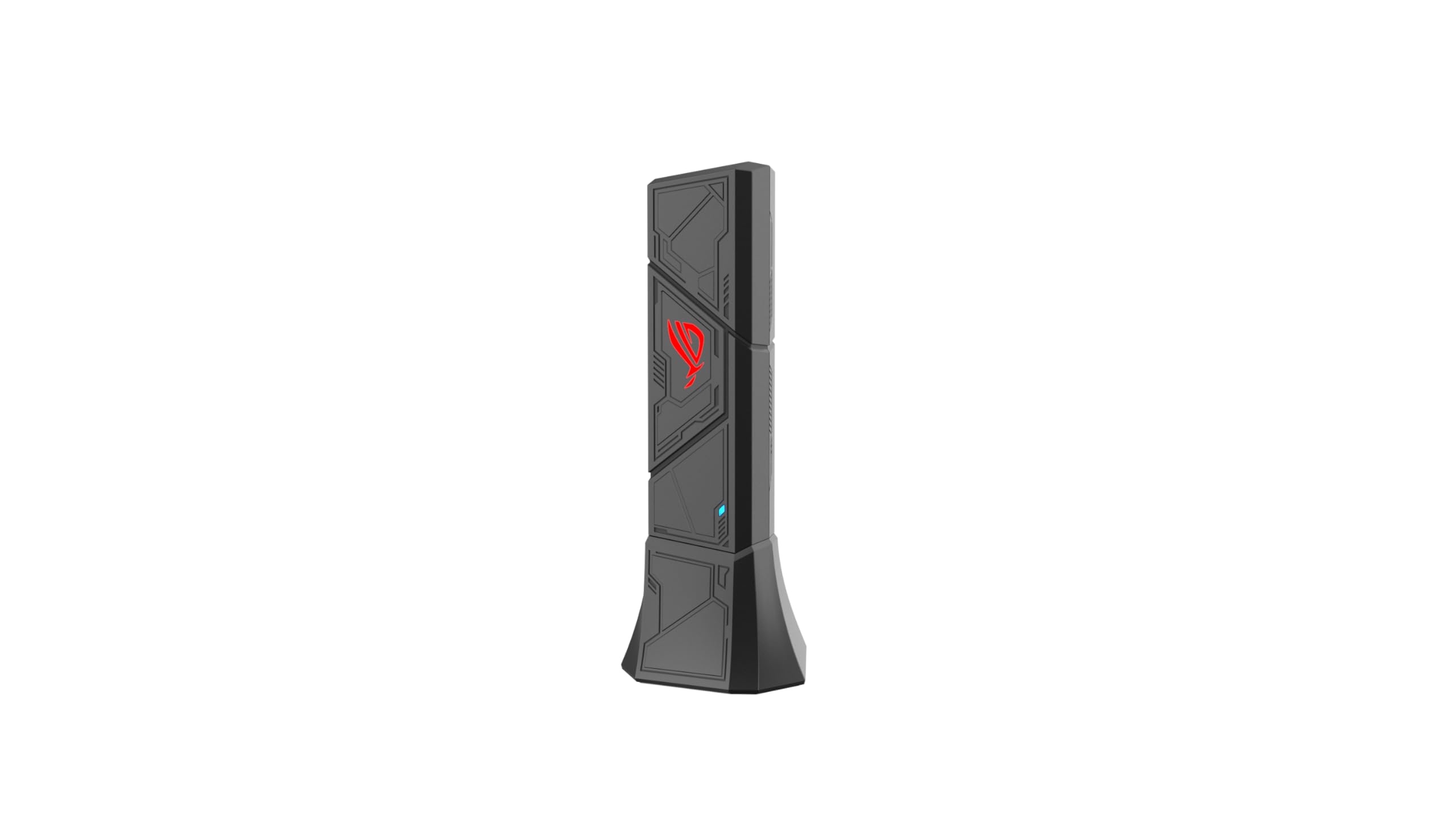


🚀 Upgrade your WiFi game with ASUS ROG USB-BE92 — speed, security, and style in one sleek adapter!
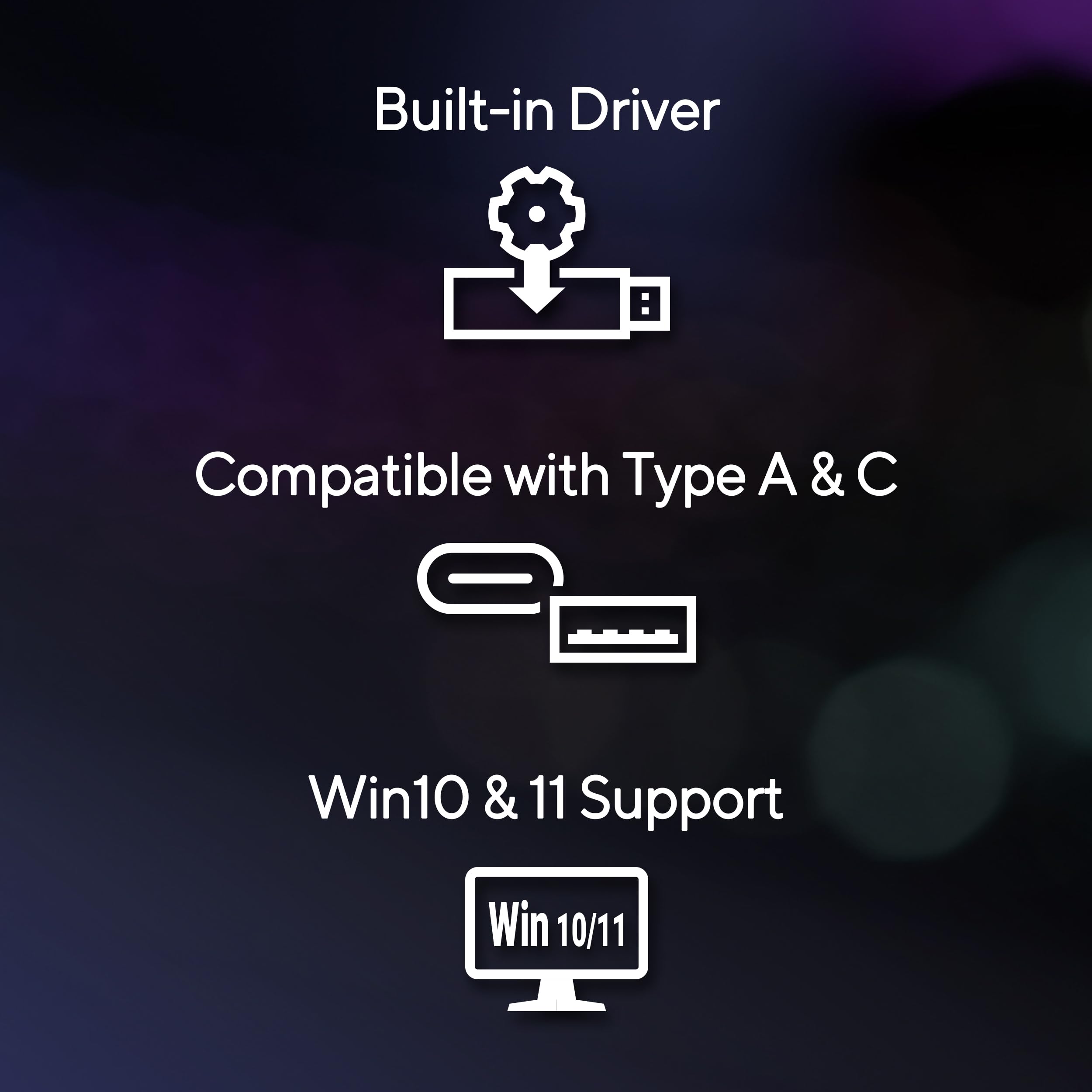
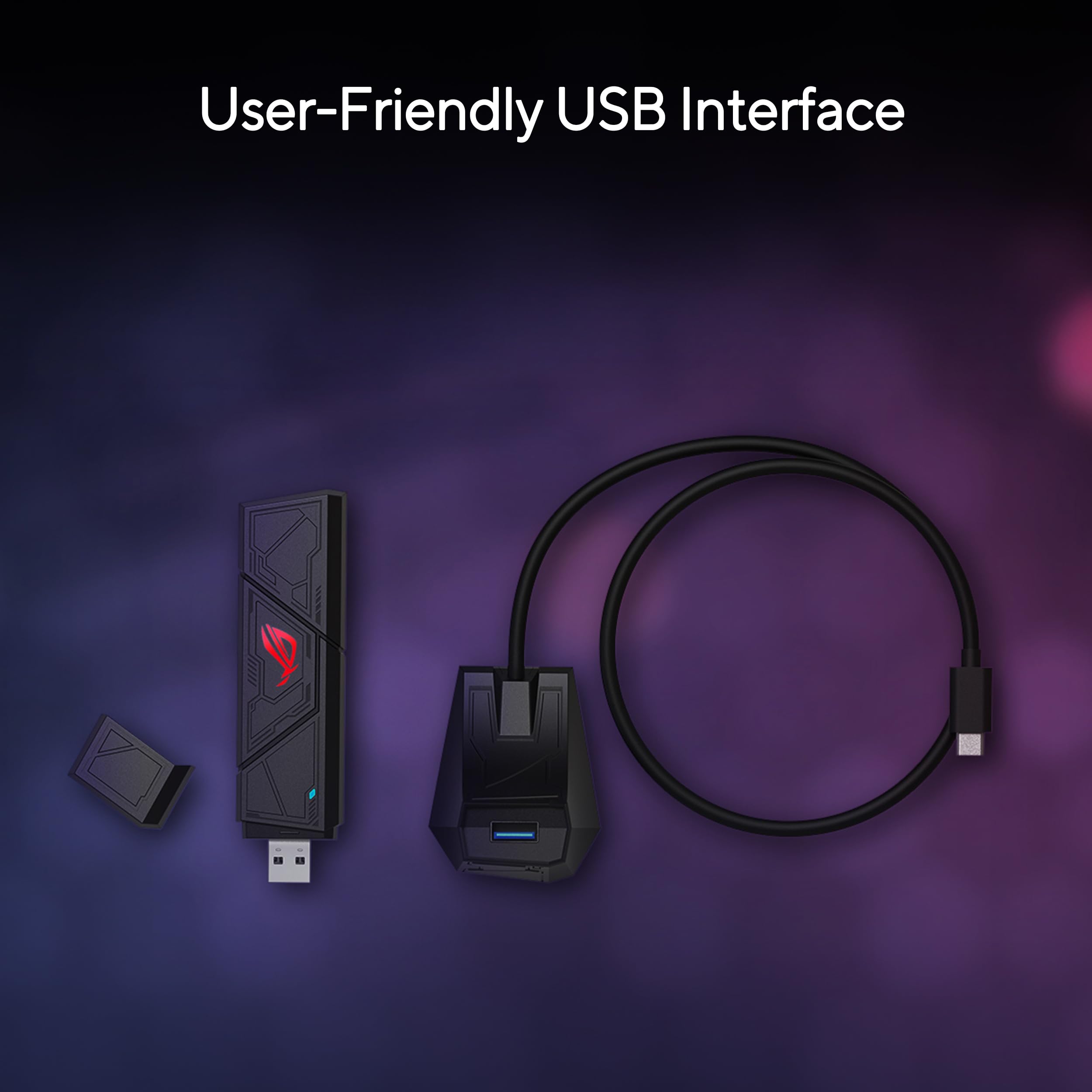
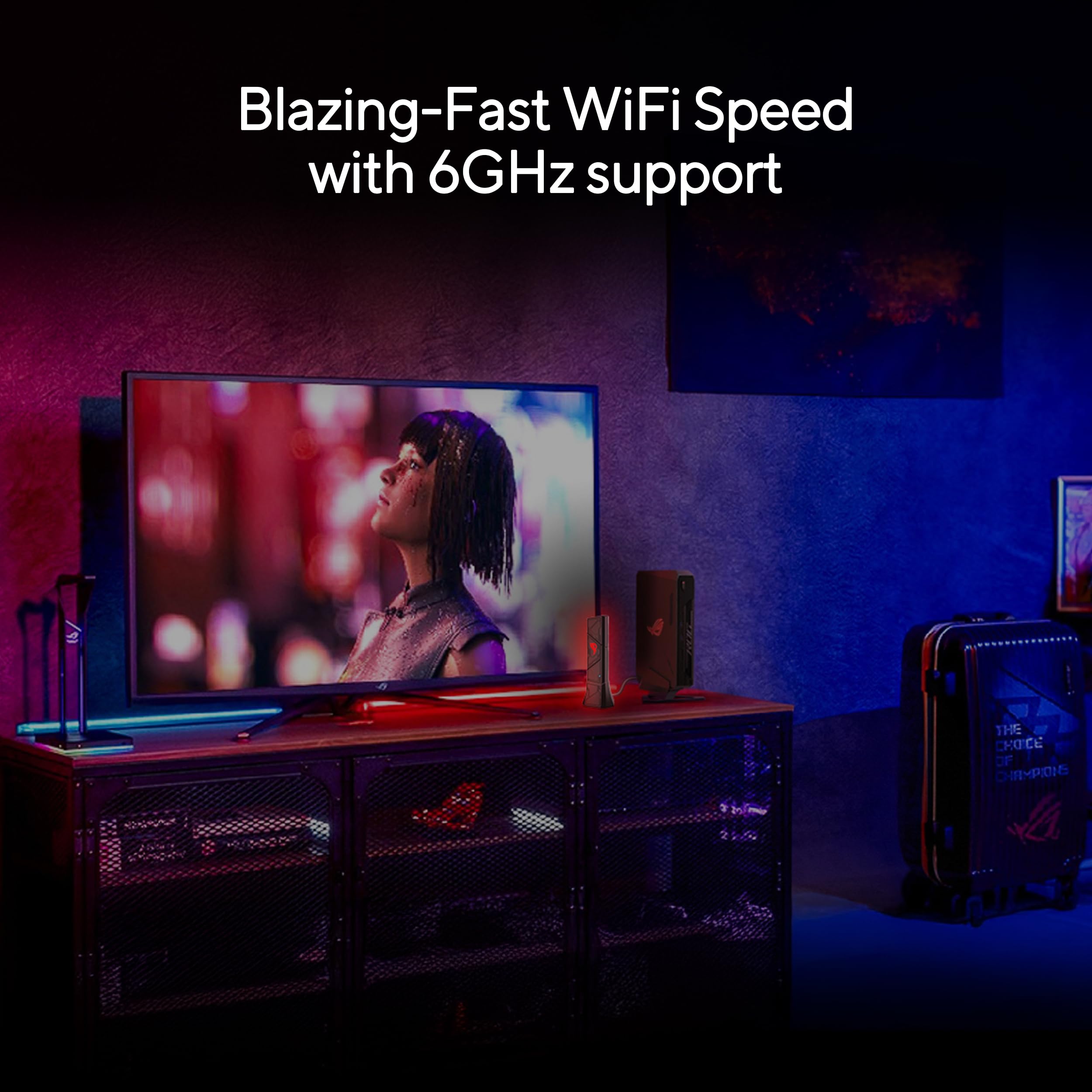
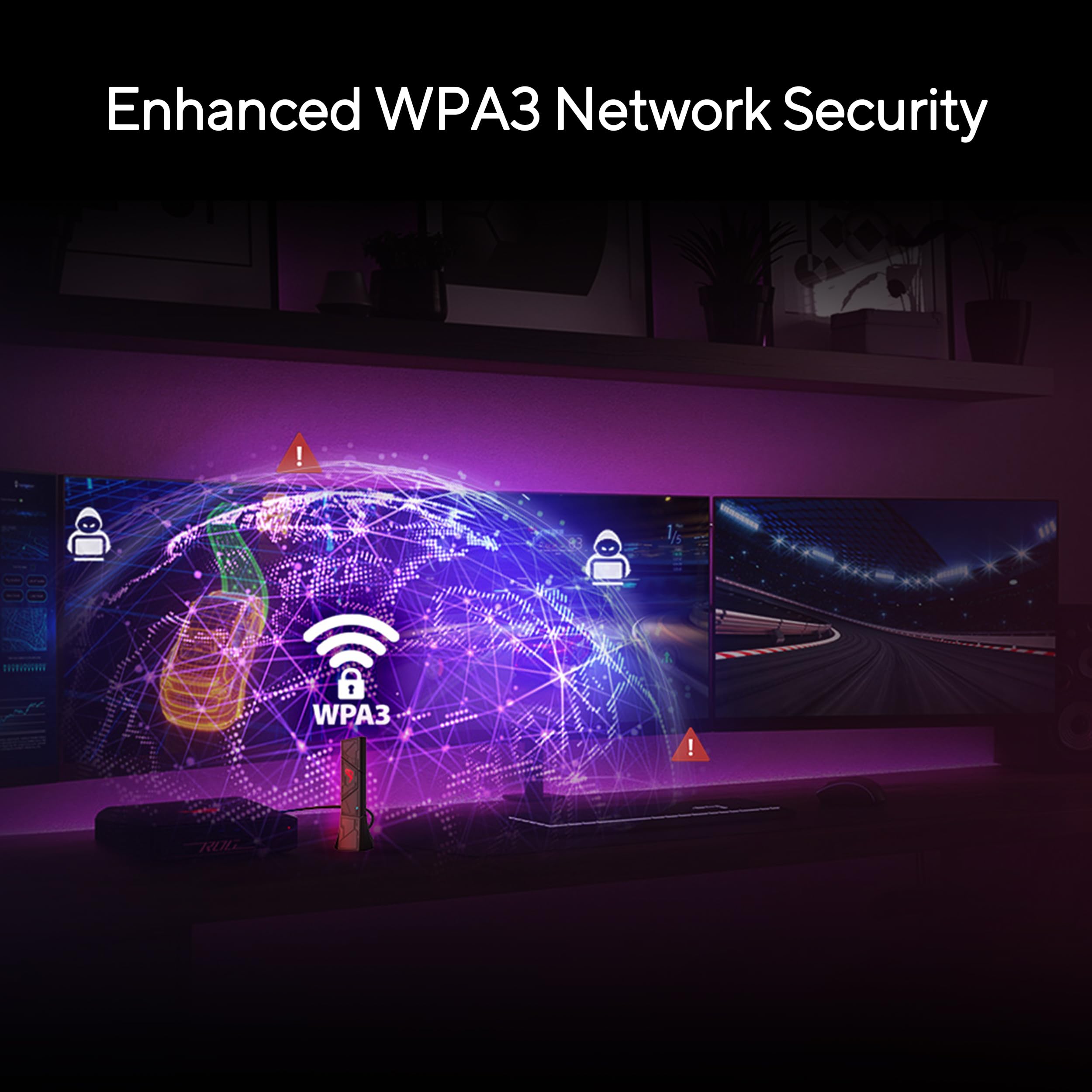
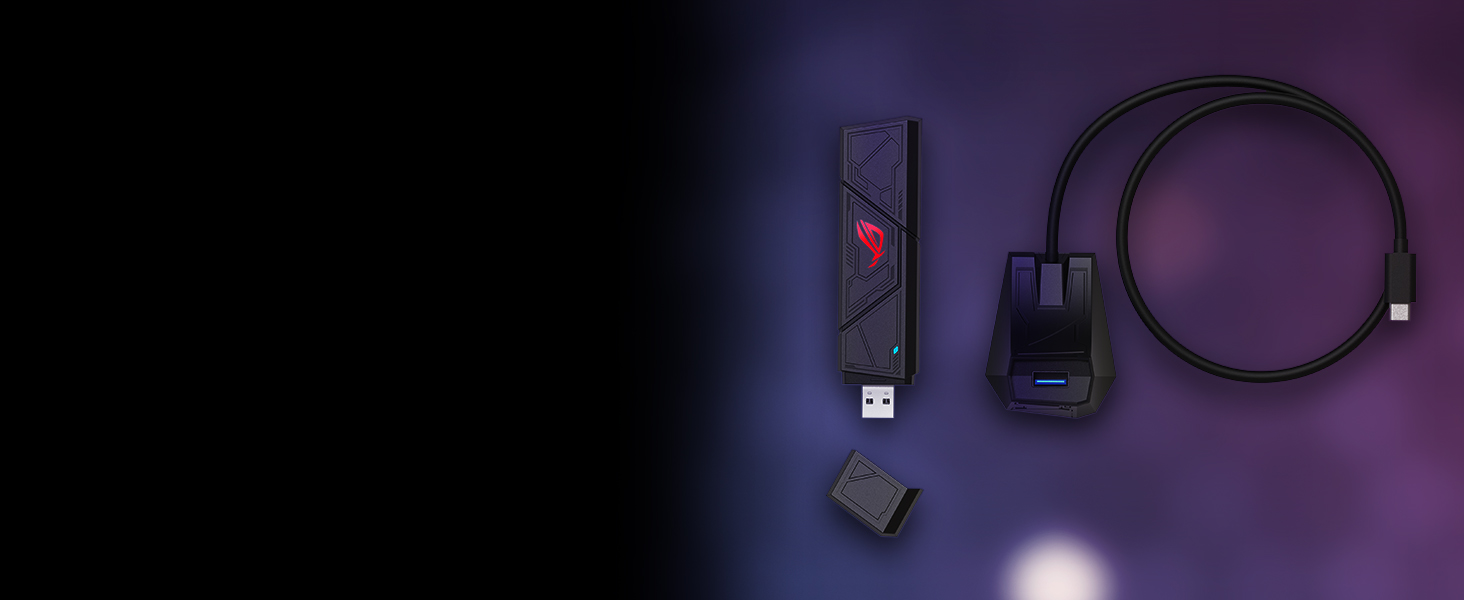
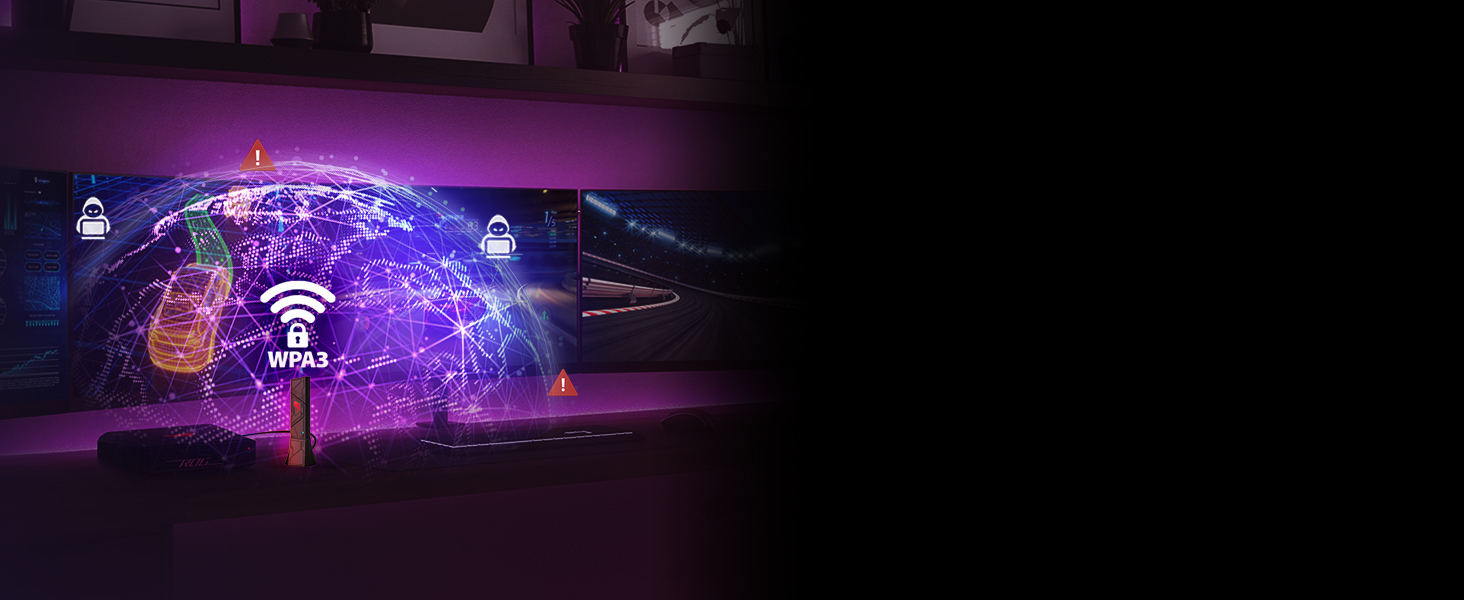
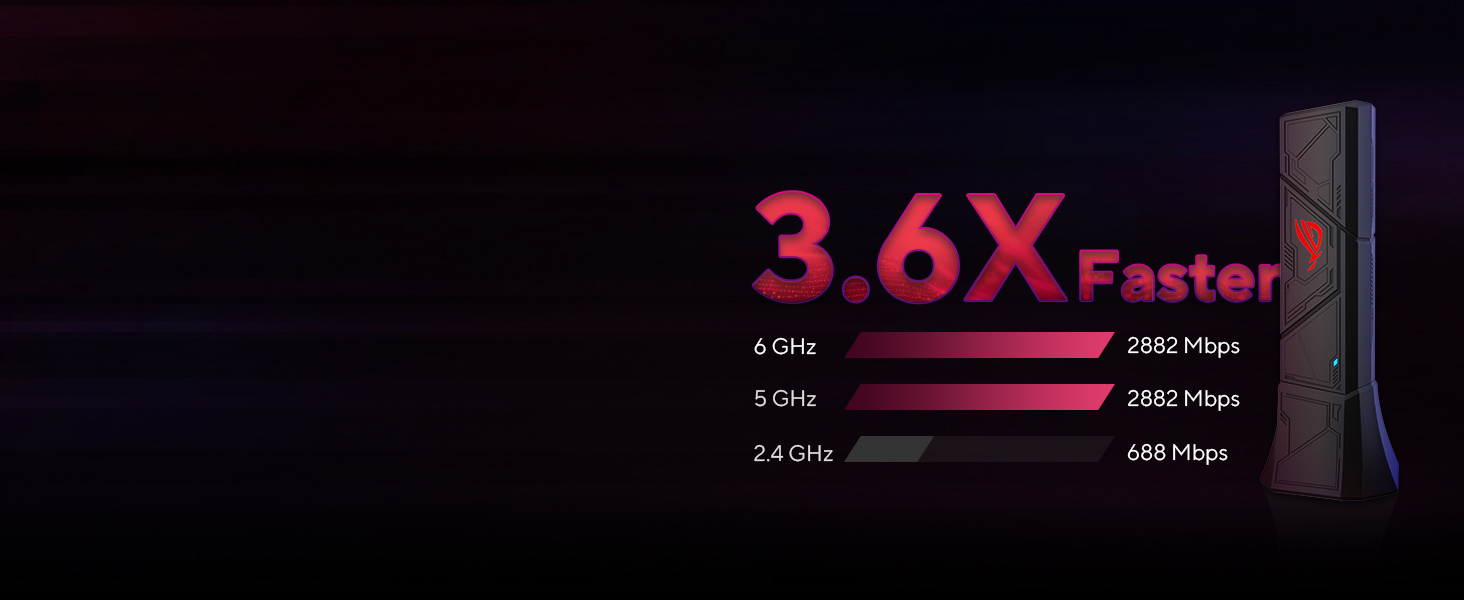
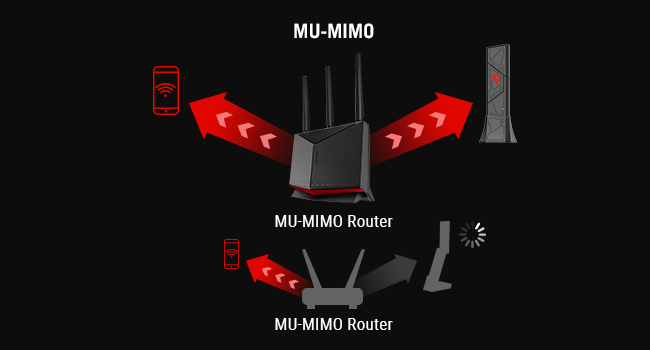
The ASUS ROG USB-BE92 is a cutting-edge WiFi 7 USB adapter delivering up to 6,500Mbps across tri-band frequencies (2.4, 5, and 6 GHz). Featuring 4096-QAM modulation, Multi-Link Operation (MLO), and advanced network security with WPA3, it supports both USB Type-A and Type-C interfaces for versatile, plug-and-play connectivity. Designed for professionals and gamers demanding ultra-fast, reliable wireless performance in high-density environments.

| ASIN | B0F7W58JVJ |
| Are Batteries Included | No |
| Brand | ASUS |
| Color | BLACK |
| Customer Reviews | 4.0 4.0 out of 5 stars (60) |
| Date First Available | 19 May 2025 |
| Item Weight | 45.4 g |
| Item model number | ROG USB-BE92 |
| Manufacturer | ASUS |
| Product Dimensions | 1.78 x 3.05 x 11.18 cm; 45.36 g |
| Series | ROG USB-BE92 |
| Wireless Type | 802.11.be, 802.11a, 802.11ac, 802.11ax, 802.11n |
M**Y
The important facts: It will give you a stable, fast connection to a wireless router over WiFi 7 and earlier, it runs off the USB bus so it's powered, it doesn't require a big installer it actually self-installs when you plug it in, it is best used with the USB-C cradle for performance, the light is sorta edgy "look at me" gamer design but it's functional, it's rather good. Pricy, but if you're looking at this, you probably have suffered onboard motherboard WiFi for long enough, this dear friend is what you need, it will vastly improve your gaming experience and is worth every penny.
L**S
Mi access point es compatible con WiFi 7 a través de la banda 6Ghz y el ancho de banda efectivo es de 2882Mbps. Es importante descargar los drivers desde la página de Asus ROG. Recomiendo que lo conecten a un puerto USB C 3.2 o USB4.
S**N
Works well so far
S**M
Works great. I just wish the LED light was customizable. Usually Asus Rog stuff is and the red light doesnt match my setup. Not a big deal but would have been a nice touch.
J**K
I have the Zephyrus G16 2024 (4090) laptop. For many months, regardless of specific Intel updates, I have been dealing with unstable connections + minor packet losses and most importantly disconnections with the Wi-Fi itself, even with 1G up/down. Because I am playing online FPS titles, I see these problems instantly and it's affected my match quality and performance where that one disconnect from any rank match means heavy penalties. At first, I completely upgraded our Wi-Fi 6 systems thinking it was the Wi-Fi itself, and because the laptop had Wi-Fi 6E card inside, I assumed it would be able to take advantage of having a Wi-Fi 7 router and fix most problems. It did not. Then I typed in the Wi-Fi card again to search for any information, and I found endless threads and complaints on exactly what I was suffering. I had no idea how bad that Intel Wi-Fi card is! I'm so thankful to now be in the know on the actual problem. I saw this USB Wi-Fi 7 adapter from ASUS and everything new that I could take advantage with it. It's genuinely fixed every problem I've had in these games. It really is plug and play. The first screenshot is the Intel Wi-Fi card, the second screenshot is this product, the ROG USB-BE92. The fact I am getting near ethernet levels of download/upload is something I never thought I'd see on Wi-Fi. I am getting NO disconnections and NO instability while gaming. (I am connected to the 6GHz band as I'm only two feet away from my Wi-Fi mesh with no obstructions). My bufferbloat grading was an average C with sometimes a B. With this ROG USB, I am getting consistent A's only. I am so happy to now never be dealing with this problem again. I really encourage everyone who has this problem like me to know it is exclusively that Wi-Fi card! You do not need to download any additional driver firmware if you're not in specifically in the Europe/Asia regions (as they state on the website). Please NOTE you have to have specific USB 3.0+ Type A and/or Type C ports to get the maximum output from this product. It works fine for ports below that, but the older architecture of those ports will limit the download/upload potential.
Trustpilot
Hace 1 mes
Hace 2 días