📼 Turn nostalgia into digital gold—because your memories deserve the spotlight!
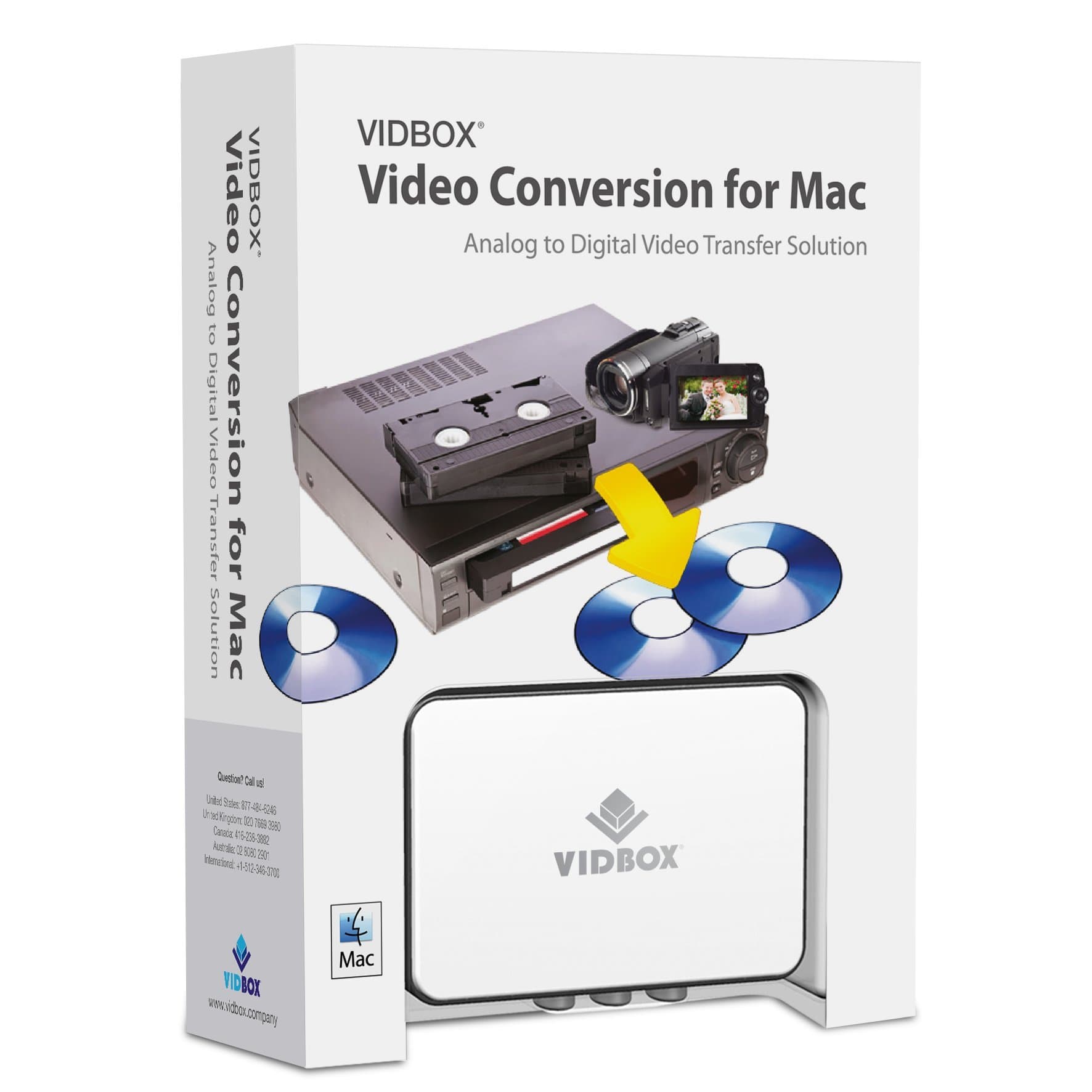
The VIDBOX Video Converter for Mac is a compact USB device that effortlessly converts legacy VHS, Beta, 8mm, and camcorder tapes into digital formats compatible with Mac OS X. It offers seamless integration with QuickTime, iMovie, and iDVD, enabling easy editing and DVD burning. Lightweight and user-friendly, it empowers Mac users to preserve and share their cherished videos across Apple devices without relying on third-party services.


| ASIN | B00DPHOV0A |
| Batteries Included | No |
| Batteries Required | No |
| Brand | VIDBOX |
| Compatible Devices | Gaming Console |
| Customer Reviews | 4.4 4.4 out of 5 stars (1,286) |
| Date First Available | June 27, 2016 |
| Finish Type | マット |
| Item Model Number | VFM1M |
| Item Weight | 0.16 Kilograms |
| Item model number | VFM1M |
| Operating System | Ios |
| Product Dimensions | 13.67 x 5.41 x 19.05 cm; 160 g |
A**.
Yo había comprado otro producto similar que no cumplió, perdí 3 días tratando de hacerlo funcionar con mi MacBook Pro y Catalina OS pero nada. !Compré Vidbox y todo funcionó de maravilla, instalación sin contratiempos, funcionó a la primera, fácil de usar! ¡Muy recomendable para poseedores de iMac o MacBook, no pierdas el tiempo con otros productos para Windows!
T**R
Conversion is possible in your own home. No need to give your precious VHS to someone else to convert. It really works... I was sceptical but it converted me (haha cheesy).
S**A
Works great, a little bit of technical stuff because of Macs automatically blocking non-Apple downloads. But once you locate the permissions in the settings, it's just a quick toggle on.
P**R
Unfortunately my VHS machine is not working so I have not been able to use this item. It is still in its box. Hugh Gee
G**K
The only quirk of this is during set up when it asks to have access to your computer's camera without explanation. I said "no" and that was critical. What it actually needs is not your camera, but the video connection which the camera happens to share. So it didn't work after I said "no" and I couldn't figure out why. Tech Support responded very quickly and I reinstalled and said "yes" and voîla!, it's worked fine ever since. (They are taking up my recommendation to explain and clarify this weird request in the instruction set up as there was no mention of the implications of saying "no" or why they need it.) All that now said, I've digitized about 20 VHS tapes so far. I just pop a tape in my deck, set it up on the software then hit the record button on the software, hit the play button, and it records in the background while I work. You can view the progress of the recording anytime on the software's small screen. Best to use gold tipped RCA jacks to maximize connectivity and clarity. There's a Video Composite jack, but read up on this as it is controversial whether it gives you better results than RCA jacks. You decide. A convenient feature is that you can set the time of the recording to match the length of your input tape. It digitizes into an .mp4 format. The only tricky thing is that if you want to edit, say in QuickTime, as soon as you trim a section, the .mp4 file immediately turns into an "untitled" file, so you need to save it as a different file. (I suppose it's a safety feature so you don't accidentally overwrite what you've just recorded.) FYI: a 2 hour VHS tape = about 3.25GB as an .mp4 or .mov file. This little converter and the software works very well and does what it is supposed to do: convert your old analog tapes into digital format. You of course need whatever deck for whatever kind of tape you have to plug this converter into, and after conversion, you are free to do whatever you want with the .mp4 files. This just converts it into digital format and does it well. I shouldn't have to add this, but there's always someone who will ask this or think it somehow possible, so I'll answer it here: as one cannot make a silk purse out of a sow's ear, nor squeeze blood from a turnip, nor get water out of a stone, you cannot get Hi-Def (HD) video results from 30 year old VHS tapes that were made well before "HD" was even a concept. You can't get "Hi-Def" out of "low def", which is what VHS and BETAMax and all those analog tapes were. What you have on the tape is what you will get in the digital product of an .mp4 file. No better, no worse. This is not a "magic black box" that will turn your ugly old washed out color VHS or Betamax 480p tapes into hi-resolution full-color 1080p or 4K digital images. It just transfers your analog tapes at whatever quality you took them at to digital file format (.mp4) and does it simply and well. Good product. Highly recommend it.
Trustpilot
Hace 1 día
Hace 4 días