We remain fully operational. Our teams are working around the clock to ensure your deliveries continue safely.

Descargar la aplicación


Servicios al cliente
Sobre nosotros
Copyright © 2025 Desertcart Holdings Limited
Descargar la aplicación
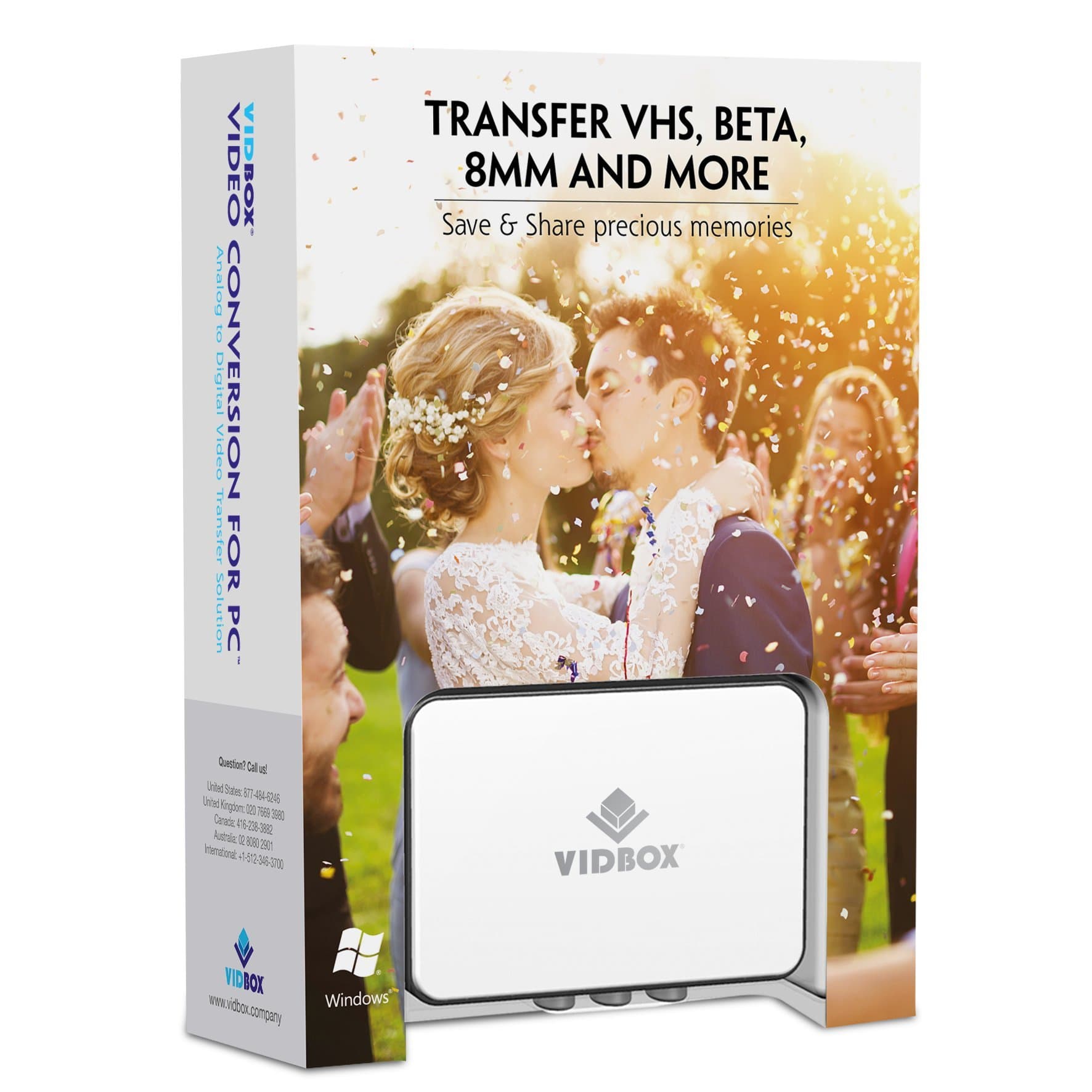


🎞️ Turn nostalgia into now — digitize your legacy with VIDBOX!
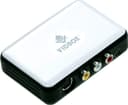
VIDBOX Video Conversion for PC is a top-rated all-in-one hardware and software solution designed to convert VHS, Betamax, and camcorder tapes into digital formats. Compatible with Windows 10 and 11, it requires a USB 2.0/3.0 port and an Intel i5 or higher processor. The package includes cables and software to easily preserve and share your precious memories in DVD, MPEG-2, or MP4 formats, ensuring your vintage videos stay vibrant and accessible for years to come.


| ASIN | B01IP6N5MA |
| AV Output | MPEG-2 |
| Antenna Location | Video Recording |
| Best Sellers Rank | #82,291 in Electronics ( See Top 100 in Electronics ) #309 in Video Converters |
| Brand | VIDBOX |
| Built-In Media | AV Adapter, TF Card Reader |
| Compatible Devices | Personal Computer |
| Customer Reviews | 4.3 4.3 out of 5 stars (1,863) |
| Global Trade Identification Number | 00882960200931 |
| Hardware Interface | USB |
| Item Dimensions | 13.7 x 5.4 x 19.1 centimeters |
| Manufacturer | VIDBOX |
| Mfr Part Number | VCP1M |
| Minimum System Requirements | Operating System: Windows 10, 11 Available USB 2.0 or 3.0 port Processor: Intel i5 or higher Memory: 4 GB RAM Free hard drive space: 15 GB recommended |
| Model Name | VCP1M |
| Model Number | VCP1M |
| Operating System | Windows 10, Windows 11 |
| Other Special Features of the Product | All-in-one video converter software and hardware solution, Cutting-edge technology, Unparalleled performance |
| Platform | Windows |
| UPC | 882960200931 |
H**S
De kwaliteit van de video, ook bij hoogste instellingen, valt via de S-videokabel behoorlijk tegen.
P**R
The quality of the ViidBox unit, and its corresponding software is very good. There’s a slight learning curve if you’re not familiar with video formats and video hardware and software. There are several types of negative reviews I have seen, but as near as I can tell, these negative reviews come from when one of several variables required to convert old technology to new formats fail. Some of these variables are as follows: #1. the quality of the mechanical camcorder or VCR, that you play the media, #2. how the media was recorded in the first place and at what quality speed or resolution, #3. the system specs of the PC or Mac computer capabilities that you are using to do the conversion. The VidBox does exactly what is intended to do. The accompanying software for the vid box is pretty straightforward, but it does take a little bit to figure out how to use it. My opinion is, is that one of the biggest failures people would have would pertain to the PC or Mac that they are using to do the conversion. In order to manipulate, the large volumes of data that are required. When converting video, you cannot use a sub standard PC with low memory and perhaps without a dedicated video card. If you do not have a capable PC to handle the volume and speed of data, you’re going to get a crappy result in the software of the vid box and it will not record smoothly. Another thing, camcorders from the 90s are very old! They don’t have the technology or even the mechanical ability as when they were first manufactured. You have to take that into account that the source video could be low quality. As well, an old VCR is not going to produce quality video output like we are used to at the present age. I used my Dell Precision Workstation laptop. With windows 10 professional versions. My laptop workstation has a high end dedicated video card and a lot of video memory as well as system memory. It has a fast i7 Intel processor as well. It’s a machine that is almost designed for this kind of data volumes and speeds. Let’s be honest, if you are using a PC that’s any older than 5 to 7 years old that is fir casual use or surfing the web you are definitely at a disadvantage when it comes to converting video so please keep that in mind, if you don’t have a very powerful PC or laptop or Mac, perhaps borrow someone’s Computer that does and when finished converting transfer all of your new converted files onto a quality USB flash drive or Mobile SSD drive This has been probably one of the most satisfying purchases I have made in a while, I had to borrow a super eight camcorder to play back super 8 tape video that I haven’t seen in 30 years! I am presently converting all this video and putting it onto my computer and making a copy to put on a flash drive to put in my lockbox. This is a wonderful tool. Once you figure out all the variables that apply to you and your equipment and your situation and what you want to do with the video, you will not be disappointed. Please try to be patient while figuring all the variables out. You will not be disappointed in the end. If anyone has any questions as to how I broke the learning curve on this, I’m more than happy to answer. All in all I highly recommend this product I fully admit I am biased towards it because it has been a vehicle to save a lifetime of memories.
C**N
Reçu en bon état dans un délai convenable. Bon produit, très facile d'utilisation.
K**E
I don't really write reviews but I had to come back for this one, at first I had a few hiccups with it and thought I'm gonna have to send it back like the other one I tried but after having a Tech Whiz of a friend come round and sort out some settings for me it worked perfectly fine I'm now almost finished converting all of my home movies so they're immortalised forever and I even now have them on my phone! Just wanna add that I didn't use the vidbox software as I couldn't get along with it and it was reducing quality so I used OBS capture instead and now they're at the best quality they can be for their time
A**Y
Excellent device to digitalize my old videos of my family. Simple to use. They supplied an MP4 converter but I used a better one to obtain better refresh rates.
Trustpilot
Hace 2 meses
Hace 5 días