
Descargar la aplicación


Servicios al cliente
Sobre nosotros
Copyright © 2025 Desertcart Holdings Limited
Descargar la aplicación

🚀 Power your productivity with speed, smarts, and seamless mobile printing!
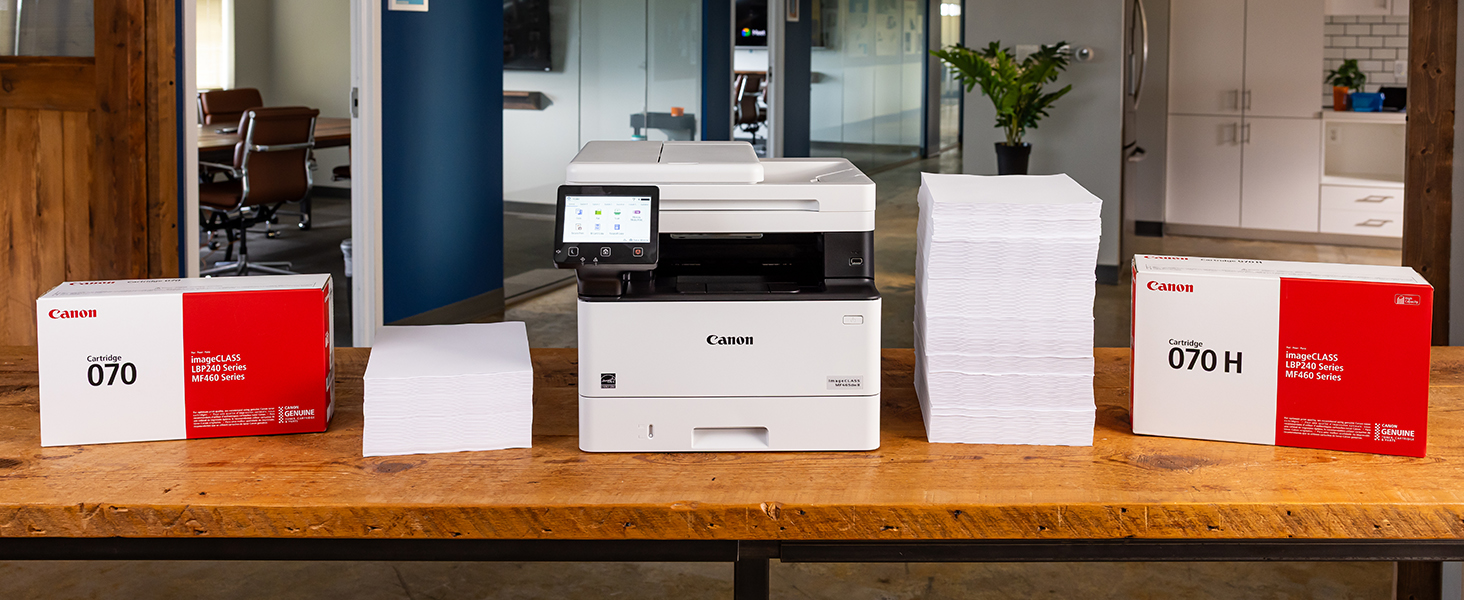
The Canon imageCLASS MF465dw is a monochrome laser all-in-one designed for small offices demanding high-speed printing (42 ppm), duplex scanning, and mobile-ready wireless connectivity. With an expandable 900-sheet capacity and backed by a 3-year warranty, it combines robust performance with reliable support to keep your workflow smooth and efficient.





| ASIN | B0C87J71B1 |
| Are Batteries Included | No |
| Best Sellers Rank | #26,197 in Computers ( See Top 100 in Computers ) #84 in Laser Printers |
| Color | White |
| Compatible devices | Smartphones |
| Connectivity Type | Wi-Fi |
| Controller type | Amazon Alexa |
| Customer Reviews | 4.3 4.3 out of 5 stars (416) |
| Date First Available | 27 July 2023 |
| Dual-sided printing | Yes |
| Form Factor | Print, Scan, Copy, Fax |
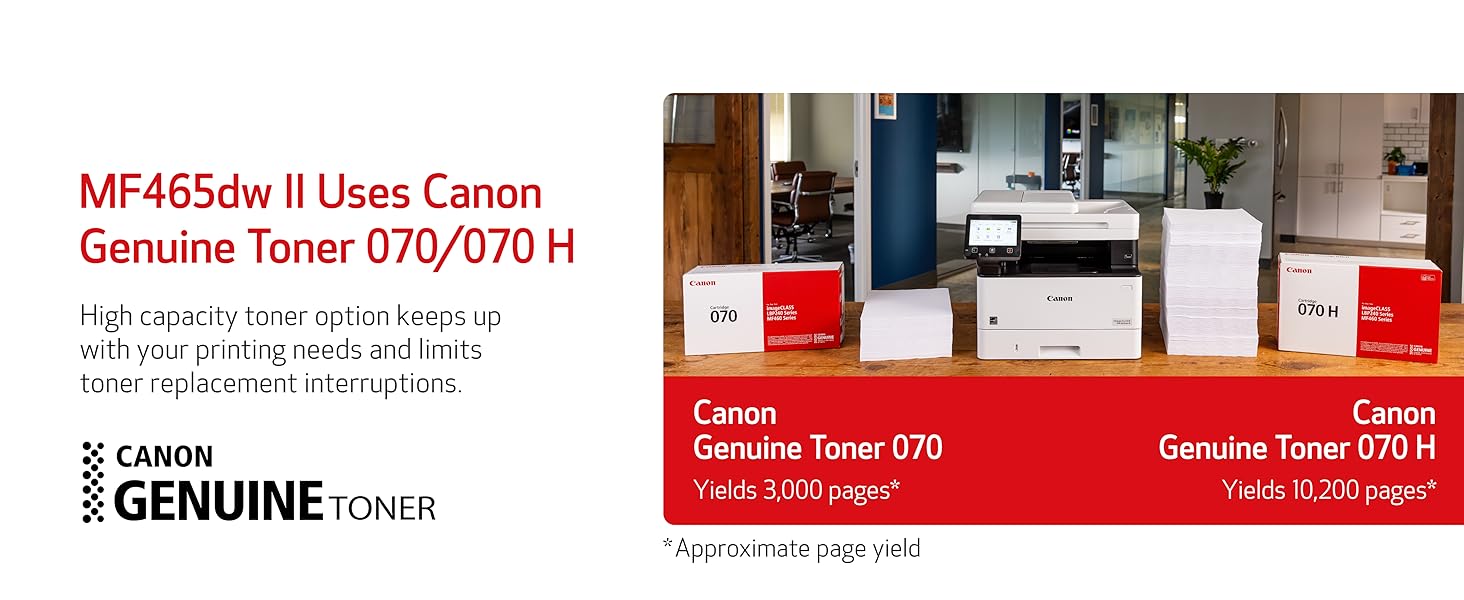
| Included components | Cartridge 070 Black Standard, Approx. 3,000 Page Yield, MF465dw Product, Power Cord, Telephone Cable, User Software DVD-ROM & Documentation |
| Item Weight | 15.6 Kilograms |
| Item model number | 5951C005 |
| Manufacturer | Canon |
| Max copy speed (black & white) | 42 ppm |
| Max input sheet capacity | 250 |
| Maximum Media Size | A4 |
| Maximum black and white print resolution | Up to 1200 x 1200 dpi Dots Per Inch |
| Number of Ethernet Ports | 1 |
| Number of USB 2.0 Ports | 1 |
| Operating System | Windows®10 / Windows®11 / Windows®Server2012 / Windows®Server2012 R2 / Windows®Server2016 / Windows®Server2019 / Windows®Server2022, macOS 10.13 (or later) |
| Print media | Envelopes, Labels, Paper (plain), Unknown |
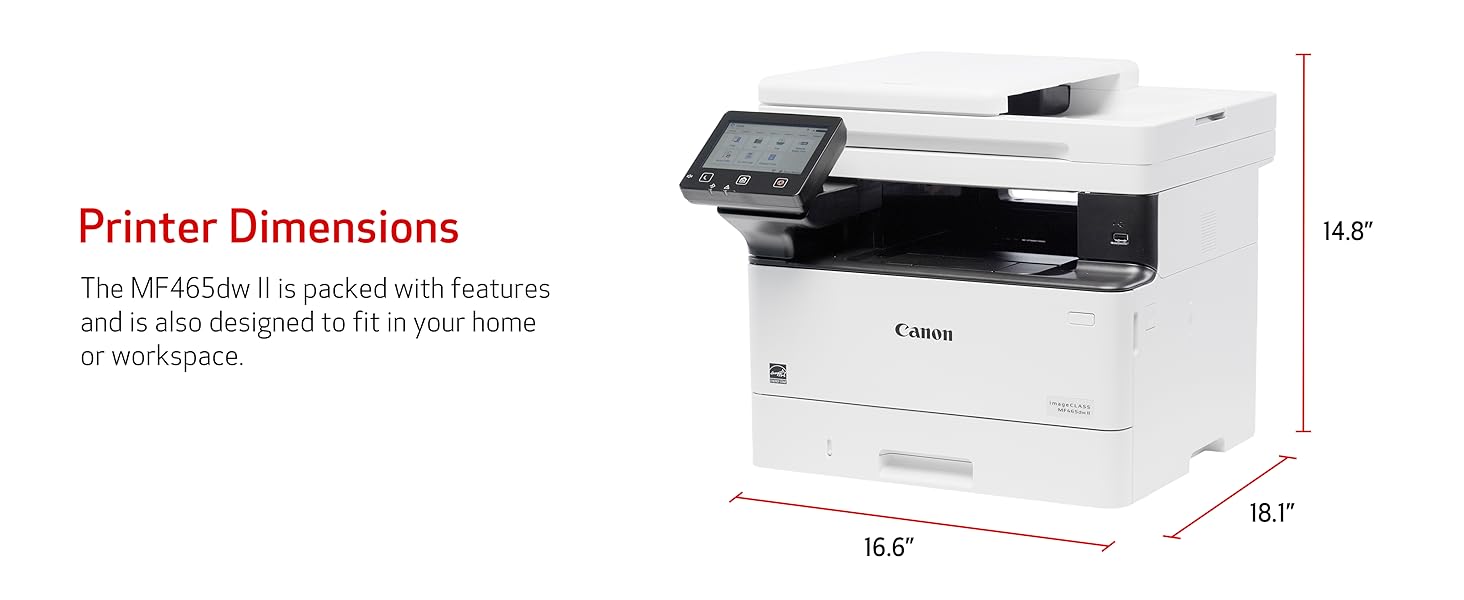
| Product Dimensions | 45.97 x 42.16 x 37.59 cm; 15.6 kg |
| Scanner type | Sheetfed |
| Sheet size | 21 centimeters |
| Warranty type | limited warranty |
ا**د
ماكينه ممتازه
D**K
Toner capacity is less, and cartridge is also expensive
I**H
The product received was faulty & damaged
W**L
I have 2 homes and spend 6 months per year in each. I got tired of returning to the other home only to find out my IJ printer once again has dried out from lack of use, so now I use a laser at each home and have no issues with turning them off for 6 months at a time. Love my Canon MF465dw! Great for printing, scanning and copying.
N**N
Poor working
T**N
This unit replaced an over 10 year old Canon printer, whose paper intake finally failed. (No complaints there, that one served well over the years.) We have this unit connected via Ethernet and use it as copier/printer and scanner. So far it has worked flawlessly and - unlike with a recent Brother printer that I purchased for my mom - here the driver installation was smooth and went without a hitch. As with any network device that acts as a "server" (in the broadest sense), it is a good idea to set it to a fixed IP address on your network's DHCP server (usually your router) and you should do that BEFORE installing any drivers. This is how you do that: 1. Connect the device to your network and power it up. 2. Go to your router's management interface and check the IP address and the MAC address of this printer. 3. Add this device via its MAC address as a static IP address and save this new setting. Make sure that IP address is inside your subnet, but outside of the range of dynamic IP addresses. 4. Wait until this printer has picked up the IP address, you assigned it to. This make take a few hours, but you might be able to speed this up by turning off the router and this printer, then turning on the router again and - after a minute or two - turn on this printer. 5. Get the newest drivers and software from the website, don't bother with any included CD and install them in the sequence that the manual suggests. 6. You're ready to print and scan to your heart's content.
Trustpilot
Hace 5 días
Hace 4 días