
Descargar la aplicación


Servicios al cliente
Sobre nosotros
Copyright © 2025 Desertcart Holdings Limited
Descargar la aplicación
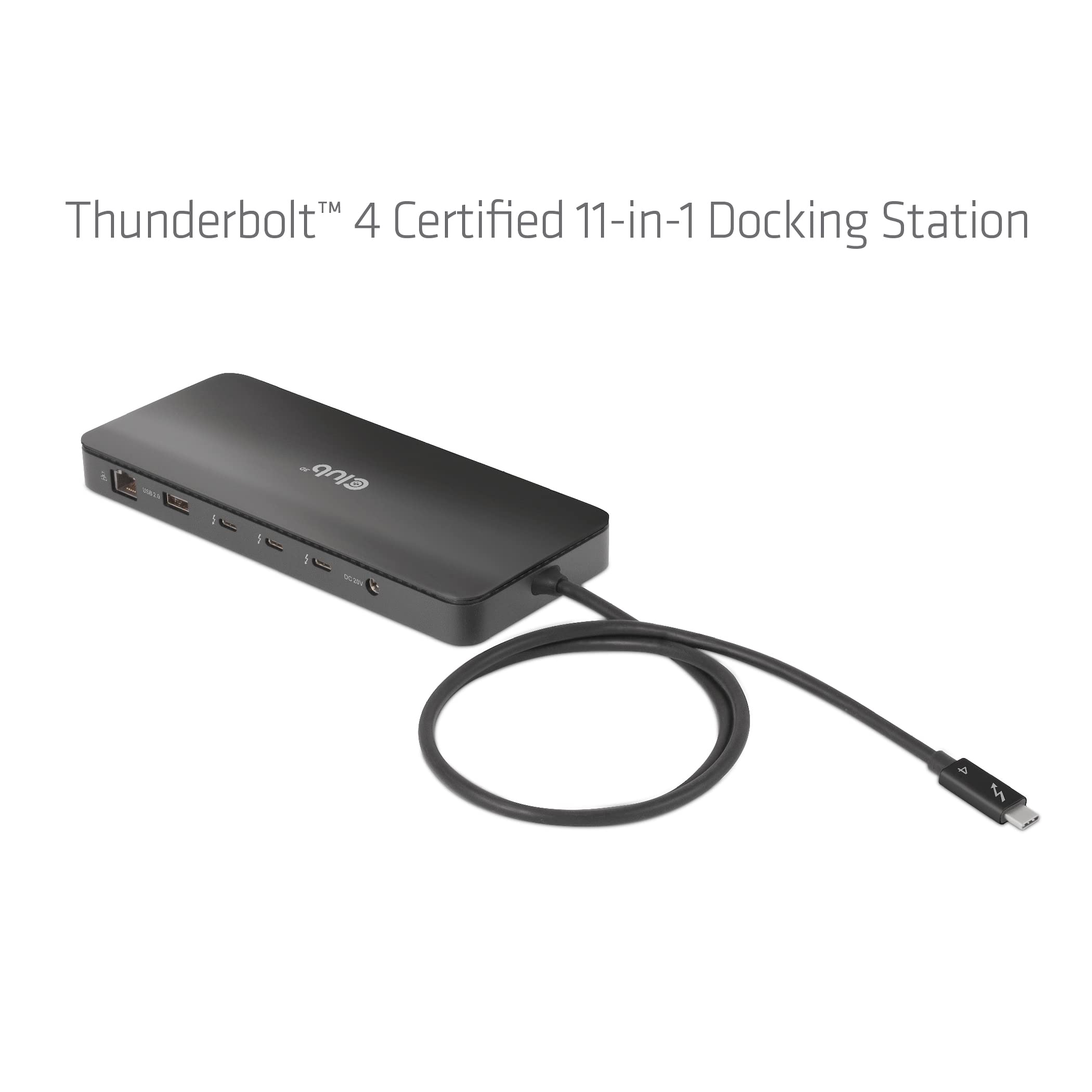


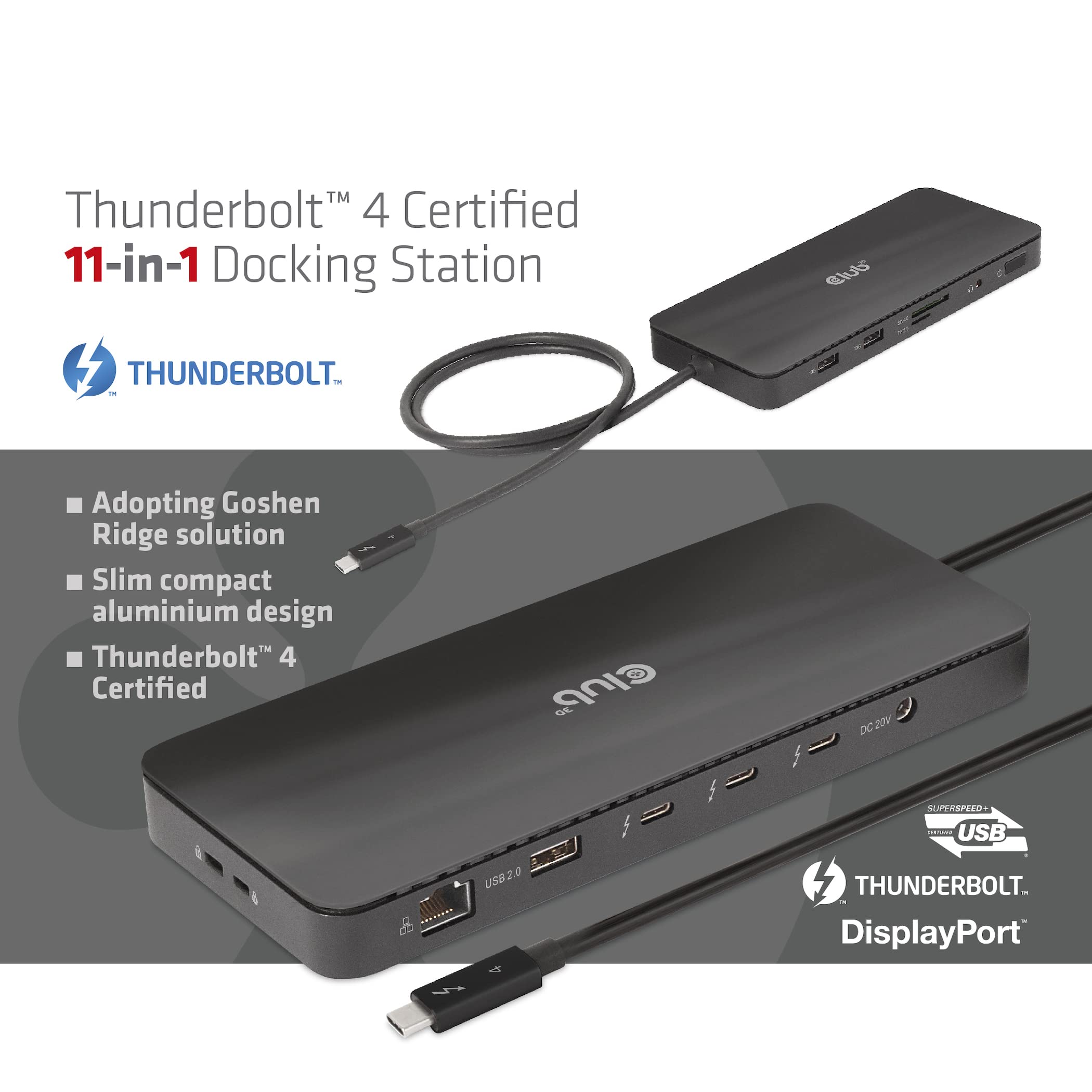

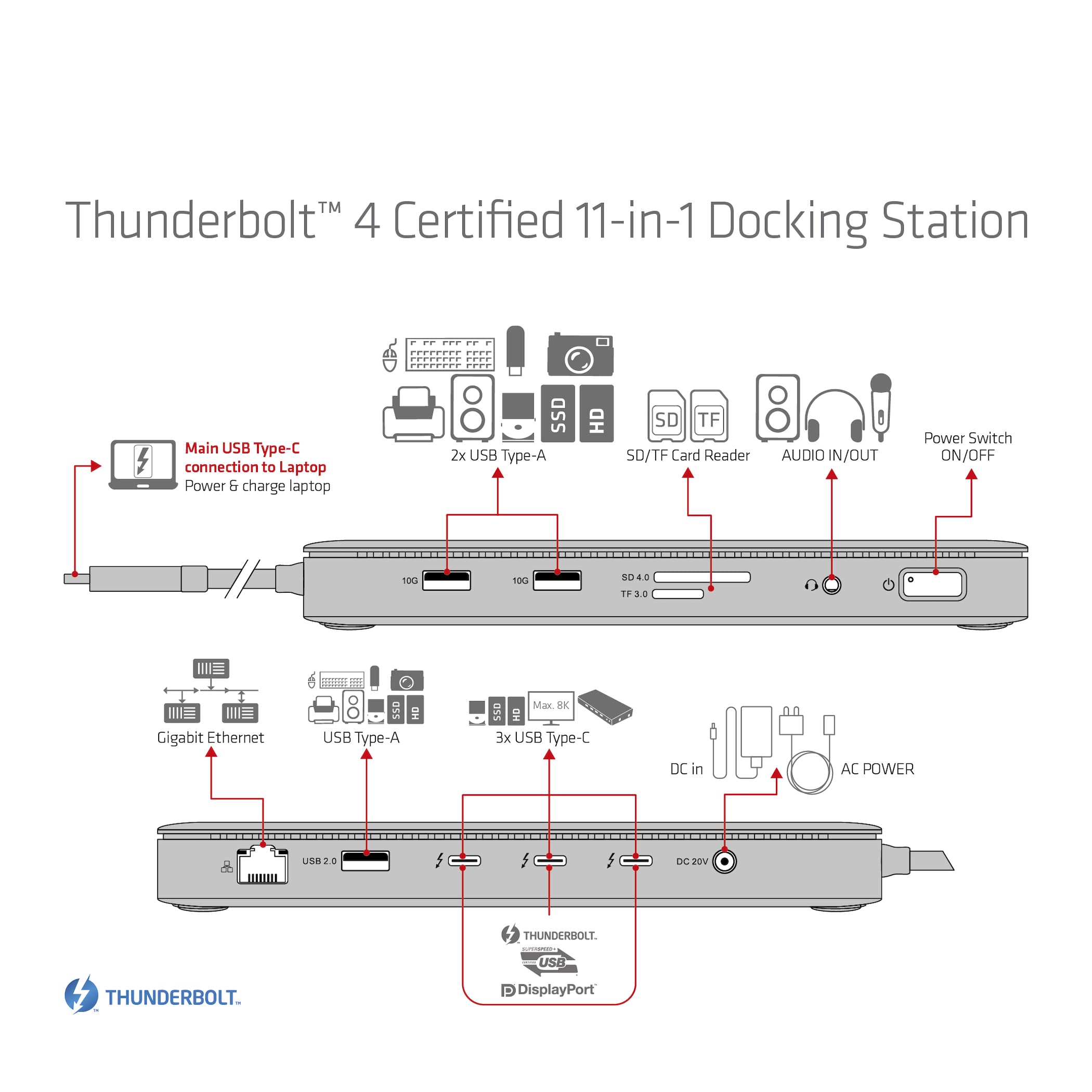
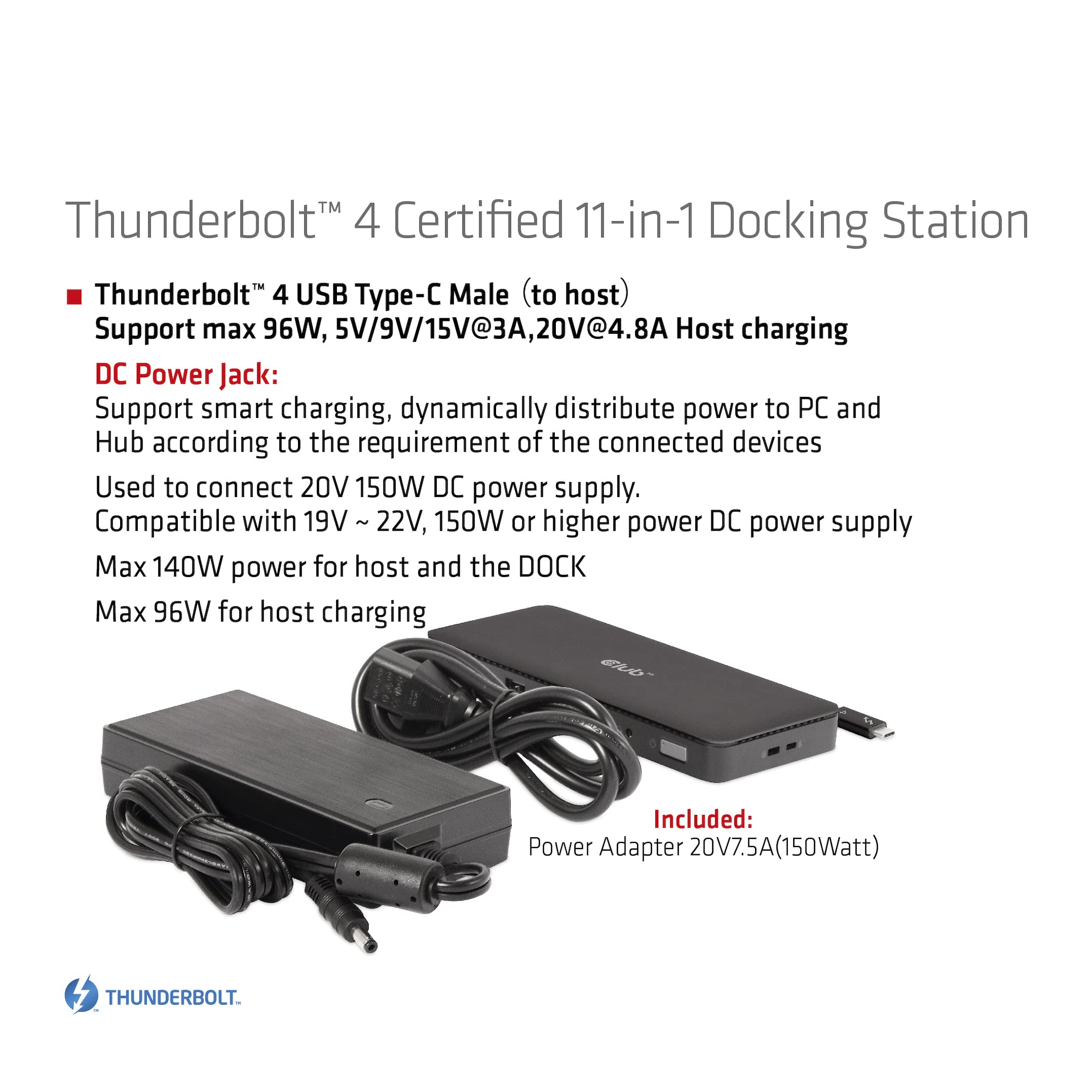
⚡ Power your productivity with the ultimate Thunderbolt 4 dock!
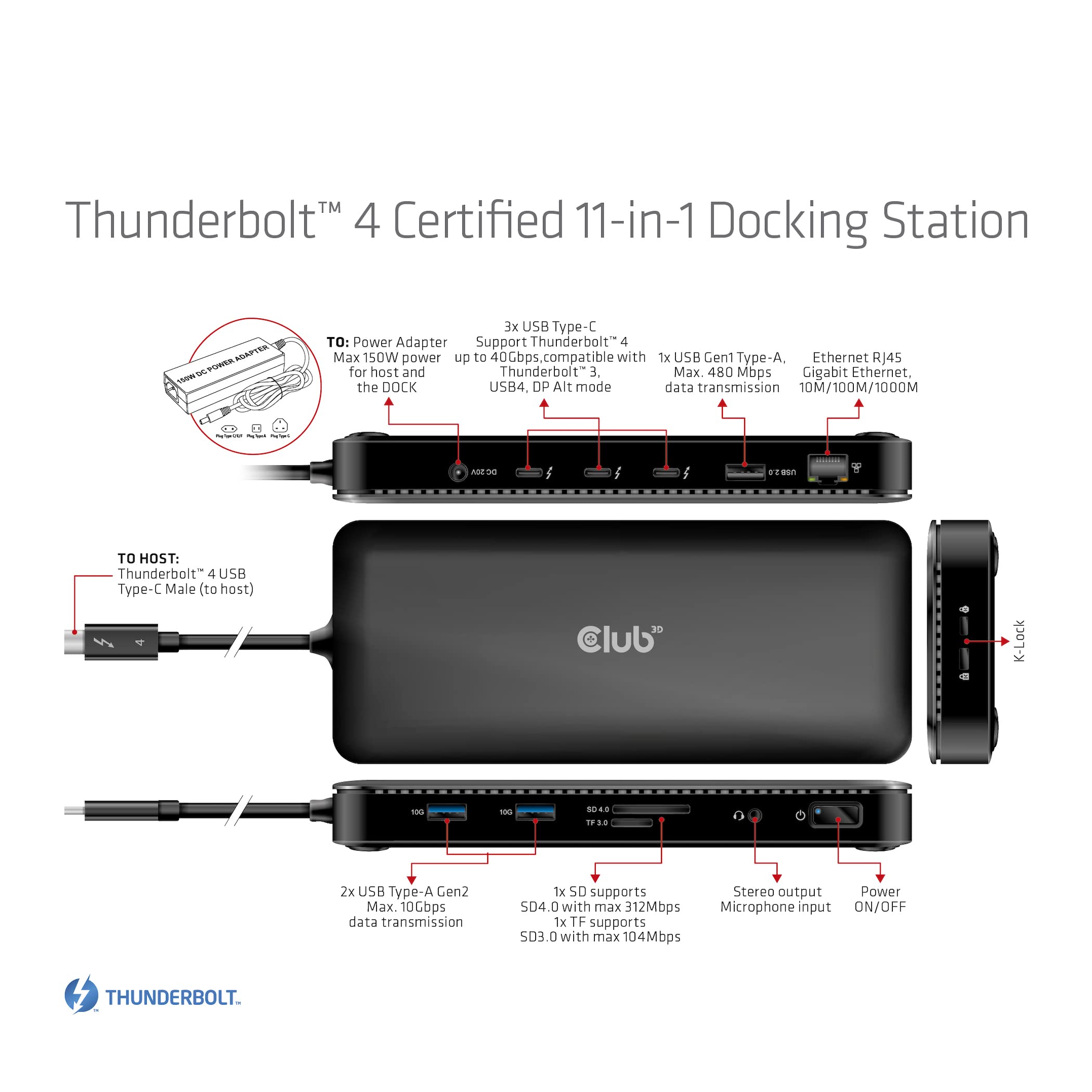
The Club 3D Thunderbolt 4 Certified Dock DS delivers cutting-edge 40Gbps data transfer and video output speeds, supports up to 140W power delivery with Smart Power distribution, and features a sleek aluminum design. Compatible with Thunderbolt 4 PCs and Thunderbolt 3 Macs (including M1 chip), it consolidates multiple peripherals into one streamlined connection, perfect for professionals seeking a clutter-free, high-performance workspace.
| ASIN | B0BX3KBQ7W |
| Item model number | CSV-1581 |
| Manufacturer | CLUB 3D |
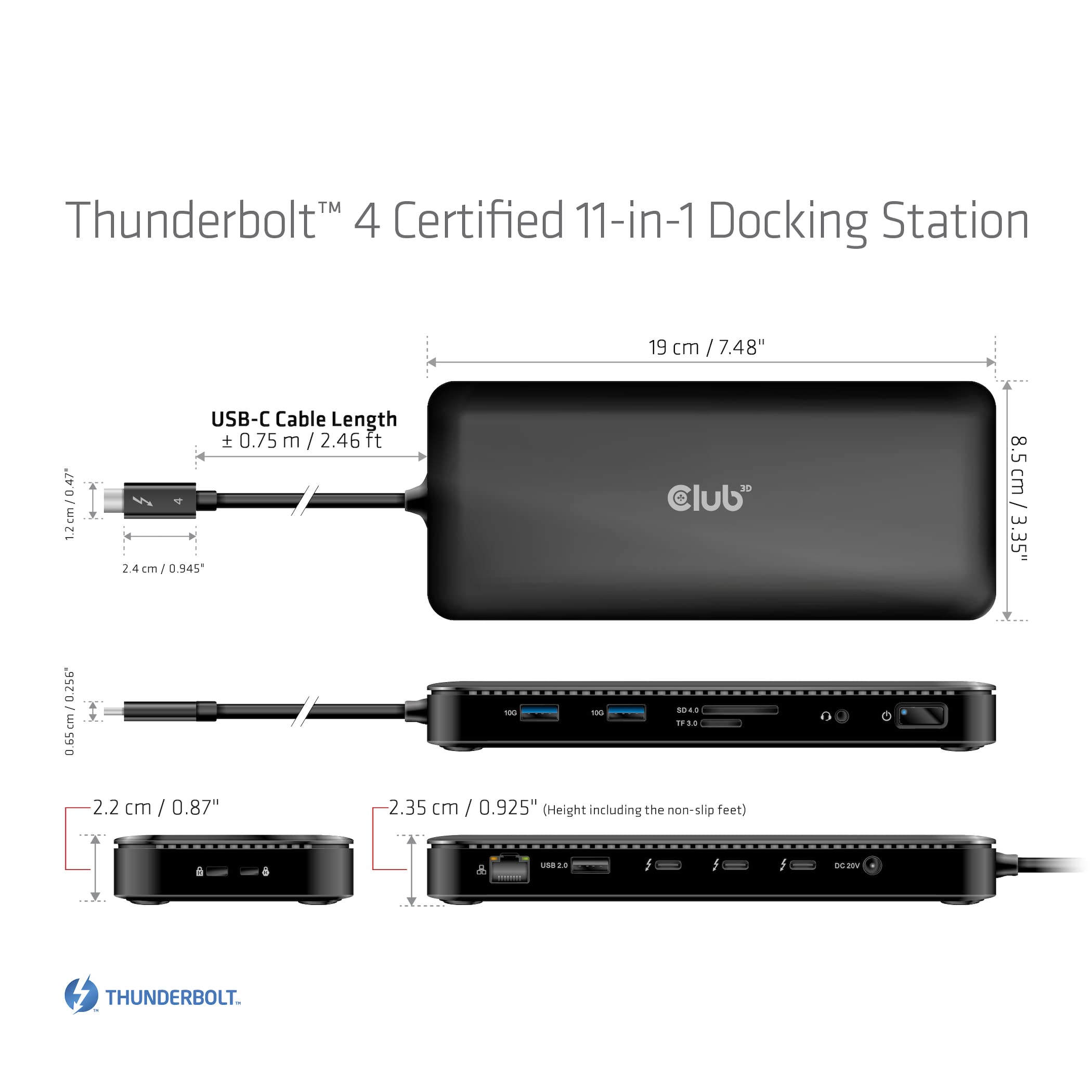
| Product Dimensions | 19 x 8 x 2.2 cm; 1.23 kg |
D**L
I am using this as a one-cord dock for my gaming laptop. I still have to plug in power (because the laptop can't receive as much power as it needs to fully operate via the thunderbolt port), but thunderbolt is the only other thing I have to plug in. Everything else (keyboard, mouse, headphones, webcam, ethernet) all stay plugged into the dock. I ended up getting a longer thunderbolt cord, so that I could hide the dock away better. I'm using the displayport connection at 2560x1440 @ 144Hz, without issue. Seems to be a good product.
A**S
I plugged it into a Dell latitude running Microsoft Windows 11. When I plugged it in, the laptop made a noise and I can see that there's a USB device in the USB settings. Also the device has a green light where the display port plugs plug in. When I plugged in a monitor to the display port plug, there was no signal on the monitor and the computer did not recognize getting a new monitor. I tried both display port input plugs and neither of them worked. I'm not sure what's wrong, but if it starts working, I'll come back and edit my review!
M**N
I've only tested this with a single monitor so far, but it works great with the USB-C port on my laptop. I really appreciate that the dongle was packaged in environmentally responsible packaging. All the materials in the packaging are recyclable or even compostable, which is rare.
L**P
Update: An der Situation mit dem Netzkabel hat sich nichts geändert, der Hersteller verweist an Amazon, und Amazon an den Hersteller. Da das Dock an sich für mich und meine Anwendung aber gut funktioniert und, naja, "Lieber den Spatz in der Hand als die Taube auf dem Dach", behalte ich es erstmal und nutze ein Netzkabel aus meiner Grabbelkiste (dazu hat man sie ja, gell?) Das Dock selber verrichtet seinen Dienst unauffällig mit wechselweise einem Lenovo T15 und einem Macbook Air 15", einem Monitor und diversen Dongles (Logitech Bold im USB 2.0 hinten einstecken und vergessen), SSDs und weiteren USB Hubs in 3.0, 3.1 bis 40Gbit und was man so an Zeug anzuschließen hat. Ich hab auch anfangs mal Speedtests gemacht, nachdem mir dazu jetzt nichts mehr einfällt, waren sie wohl okay. Vier Sterne wegen dem Netzkabel. Originalrezension: Leider kann ich das Dock nicht in Betrieb nehmen, da im Karton nur ein US Kaltgerätekabel enthalten ist und ich tatsächlich mal keine Reserve mehr daheim habe.
B**N
Habe es nur kurz getestet um meinen Monitor über ein USB-C-auf-DisplayPort Kabel anzuschließen. Das funktioniert tadellos, sogar mit G-Sync. Einziges Manko, welches mir aufgefallen ist: Das Dock muss immer manuell über den Anschalter eingeschaltet werden, wenn es keinen Strom hatte. Damit ist es für schaltbare Mehrfachsteckdosen und damit für mich leider nicht geeignet.
Trustpilot
Hace 1 mes
Hace 1 mes