
Descargar la aplicación


Servicios al cliente
Sobre nosotros
Copyright © 2025 Desertcart Holdings Limited
Descargar la aplicación

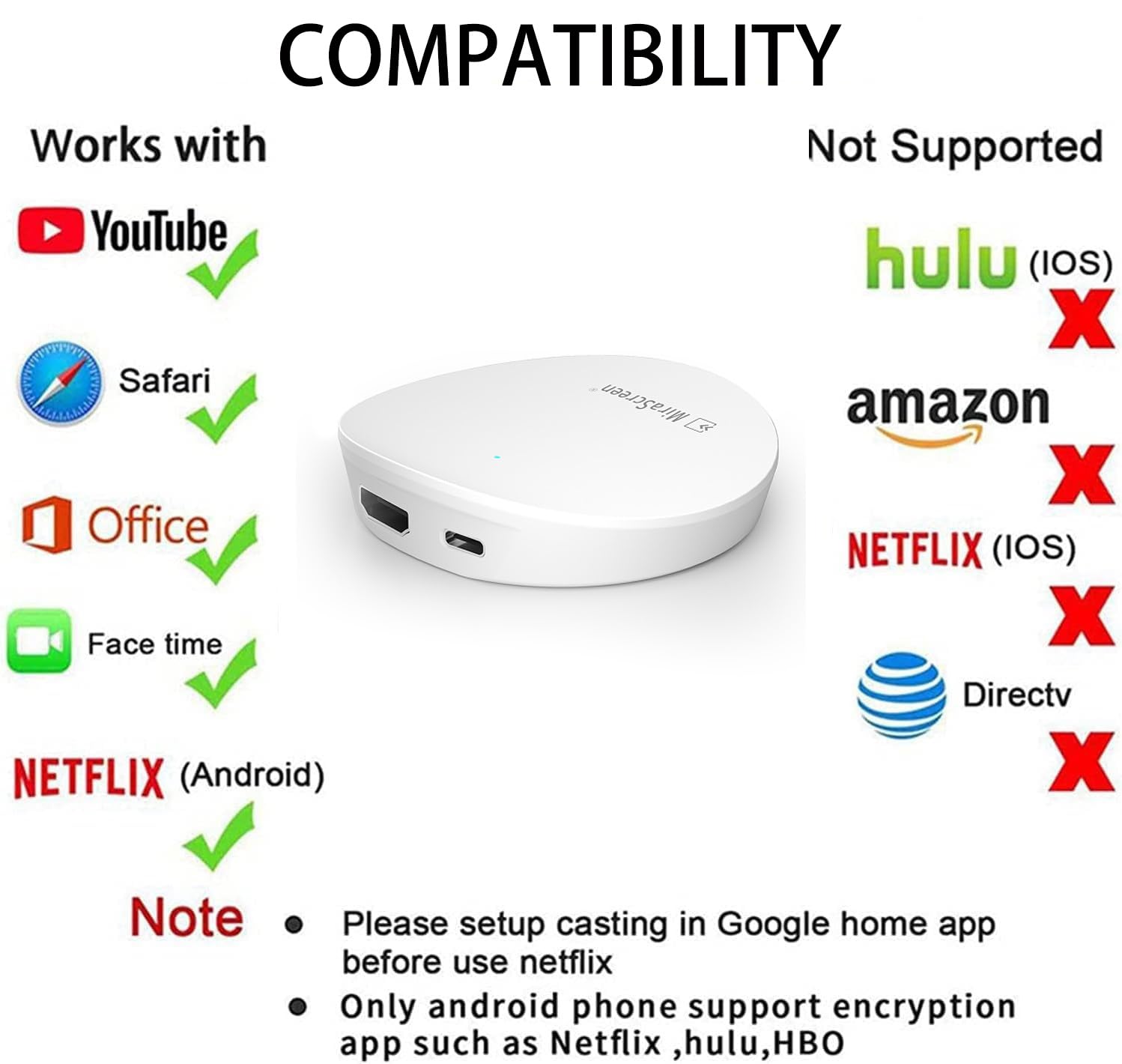


📺 Elevate your screen game—stream smarter, not harder!
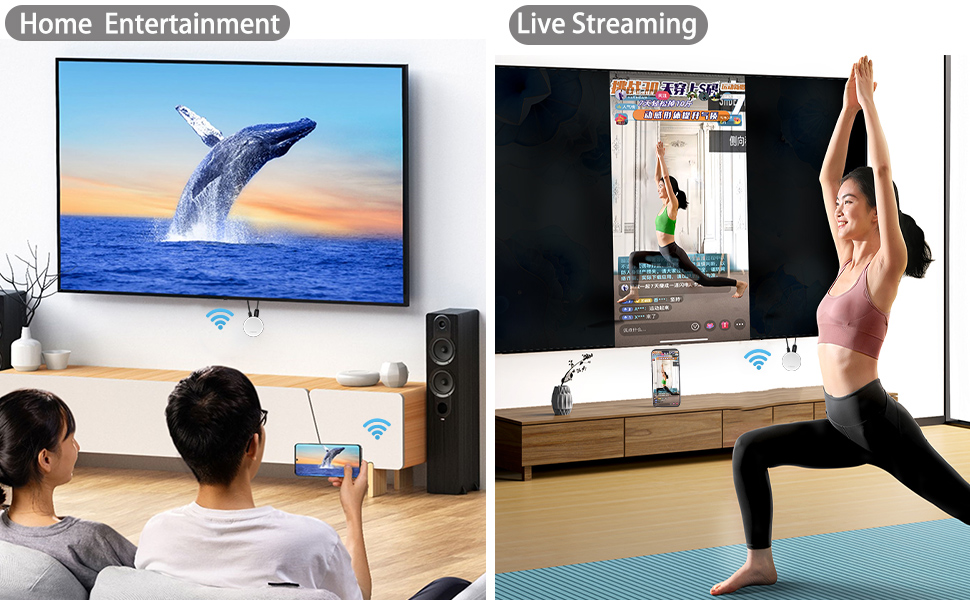
The SmartSee 5G 4K Wireless HD Display Adapter is a compact dongle that wirelessly mirrors content from iOS, Android, Mac, and Windows devices to TVs, monitors, or projectors. Featuring dual-band 5G/2.4G connectivity and dual-core chips, it supports smooth 4K and 1080P video streaming with landscape and portrait mode switching. Regular OTA updates ensure ongoing compatibility and feature enhancements, making it a versatile solution for professional and entertainment needs.


| ASIN | B0CJNR936V |
| Best Sellers Rank | #99,388 in Electronics ( See Top 100 in Electronics ) #464 in Streaming Media Players |
| Brand Name | SmartSee |
| Color Name | White |
| Customer Reviews | 3.8 3.8 out of 5 stars (23) |
| Date First Available | September 23, 2023 |
| Item Weight | 5.3 ounces |
| Item model number | STCD0092 |
| Product Dimensions | 3 x 3 x 0.78 inches |
| Special Features | Airplay, DLNA, Miracast |
A**R
Perfect
I had an anycast that stopped working because the lame microusb broke. USB c is much more stable structurally so this should last longer
T**H
Functions correctly but bad fan placement
It works good with old devices and properly. Definitely does what it advertises but there's a big design flaw with it's fans. They're located at the bottom of the device so unless you set it up upside down it will easily heat up and possibly overheat
B**E
Easy To Pair And Use
I needed something easy and compact in size to connect my devices to my TV without having to plug anything in or run any long cables. This is just what I was looking for. It was so easy to pair with my devices, even my Android phone. This is such an awesome find!
D**D
Adaptable and easy to use, but flawed
I read many reviews before making a purchase of a casting device. There have been reviews concerning the instructions and initial set up. The instructions provided are printed very small. However, if you look at different devices on Amazon some of them have in the descriptions detailed instructions on how to set it up that are large enough to read. They essentially all work in the same manner. First you must connect the device to your wifi. I could easily do this on my android phone and on a desktop. I suggest using the desktop as you can stay connected to the internet and be connected to the device as well. Open your wifi, look for the device, enter the device passcode, type in the device IP address in an open browser and then connect it to your wifi. Once that was completed, I could easily find the casting device on Airplay, but for google cast, I had to add it to my Google Home account using the Google Home App on my android phone. The pros were easy to connect, and no need to switch between iOS/Airplay and Android/Windows. It does cast far and the signal is strong. The Cons include I could only cast for 20 minutes and then everything stopped. The device was very hot. If I stopped casting, and then reconnected it would go for another 20 minutes and then stop. I tried multiple locations and made sure the device had plenty of air flow around it to keep it cooler, but the same situation occurred. I reached out to support via email, the only method on the instructions, and never received a reply. I am not sure if I just have a defective device that shuts down when it overheats. Since it was in the 30-day return window, I returned the device. I am hesitant to recommend this device, and if you do purchase it make sure you are able to return it if it does not work.
A**S
Don’t bother. Too convoluted.
The reason I was looking for something like this is because I don’t have an Apple TV attached to every television. I also can’t chromecast to my tv from certain apps so I thought this would be a fix for that. Well this is the most convoluted thing to setup. You have to connect to it via wife and submit your WiFi credentials to it so it can be seen on your network with your other devices. That already make me weary security wise. Then when I had to download an app to further make it work which I didn’t due to security reasons. I could see the device when choosing a device to airplay to. But guess what? It’s audio only from iOS. Big waste of time. Skip this.
F**N
robust
I recently got this awesome HDMI wireless display adapter. Let me tell you, this is an absolute game changer. First, let's talk about the setup. It's easy. Just plug it in, connect your device, and voila! It supports a variety of devices, from iPhones to Windows laptops. There are no compatibility issues at all. This means it's highly compatible with a wide range of devices and is a versatile addition to any tech setup. I recently took it on a business trip and it saved me the hassle of dealing with the TV in my hotel room. Setting up a presentation was easy, and the wireless added a professional feel to the meeting. Build quality is excellent and the device appears to be robust.
M**K
Works seamlessly on Android.
Really glad I found this item. Needed a device to mirror my phone screen to my TV without wires and this 5G 4K Wireless HDMI Display Adapter works perfectly with my Smart View app on my old Samsung phone. It was easy to set up, just plug HDMI end into an HDMI port and the USB power into a 5V power supply (I just plugged it into my TV USB port) and you're up and running. There's multiple connection options for iOS, 5G wifi and others but for my need the Mirror Cast works great since it plays videos that other devices like these won't display the videos for some service providers.
N**.
Great gadget!
Turns any monitor into a wireless monitor. This small pod (about 2 inches in diameter) can be used to make a monitor wireless. Ironically the pod needs two wire connections: The HDMI connection from the target monitor and a USB-C connection to power the pod. Once the pod is set and powered on then as long as you have an up-to-date OS you can wirelessly add the monitor with no fuss. The pod also had a phone app to allow usage with phone and tablet that may not (yet) support wireless displays. Overall a good deal
Trustpilot
Hace 2 semanas
Hace 2 días