

🔘 Elevate your smart space — 8 buttons, 24 scenes, zero limits!
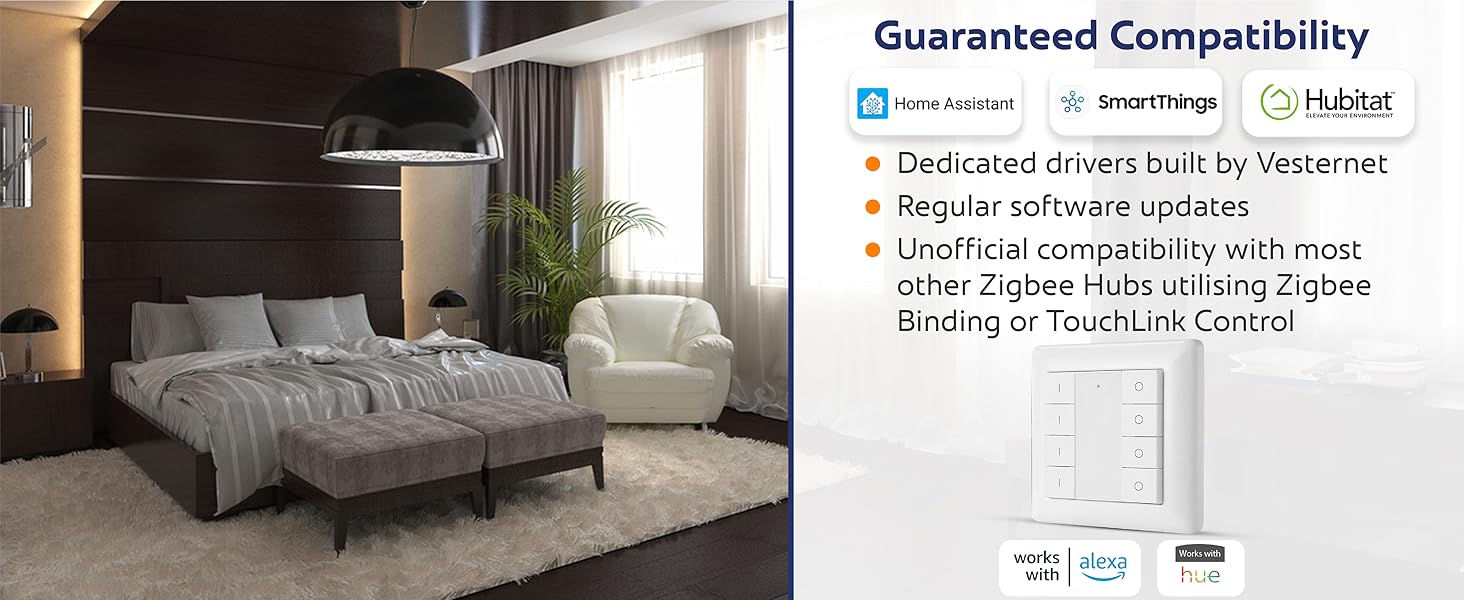
The Vesternet Zigbee 8 Button Smart Wall Controller empowers millennials to effortlessly orchestrate their smart homes with 24 unique scene triggers via 8 versatile buttons. Compatible with leading hubs like Home Assistant, SmartThings, and Hubitat, it supports Zigbee 3.0 for enhanced range and reliability. Its direct device control feature ensures uninterrupted operation even offline, while flexible mounting and a sleek metal design blend style with convenience. Ready to use out of the box with a long-life CR2450 battery included, this controller is the ultimate upgrade for a connected lifestyle.


| ASIN | B0C1P948VG |
| Batteries | 1 CR123A batteries required. (included) |
| Batteries Required? | No |
| Batteries included? | Yes |
| Battery Cell Type | Lithium |
| Best Sellers Rank | 152,349 in DIY & Tools ( See Top 100 in DIY & Tools ) 434 in Industrial Switches 1,860 in Switches & Dimmers |
| Customer Reviews | 3.7 3.7 out of 5 stars (25) |
| Date First Available | 6 April 2023 |
| Included Components | switch |
| Item Package Quantity | 1 |
| Item Weight | 120 g |
| Item model number | Zigbee 8 Button Controller |
| Manufacturer | Vesternet |
| Part Number | VES-ZB-WAL-012 |
| Plug profile | Wall Mount |
| Switch style | Dimmer Switch |
M**N
Easy to pair and setup/use
This makes a great Home Automation Remote for the Lounge/Living Room. Looks like a TV remote, but allows a lot of control, best suited for devices that use an Up/Down - lights, volume, blinds, curtains etc, but can be used for anything. Pairing it very straightforward and easy. The instructions are easy to follow and the LED light on the remote lets you know when it is in pairing mode and when paired. If you have never setup up a remote control in a Home Automation hub it will be challenging. I set it up in zigbee2MQTT and Node Red and it took no time to figure out. The only issue I am working through right now is the main on /off switch also seems to send the same commands as the number 1 on/off switch. I suspect I am goofing up somewhere and will need to spend some time on it. It feels good quality and feels good in the hand, unlike a lot of home automation switches, this looks good. Each pair of buttons supports on/off as well as increase/decrease by holding the buttons down for a while. Vesternet are very good at supporting their products. The magnetic base is a nice extra, not sure if/how I will use it.
H**L
Works with Home Assistant (ZHA) but top ON/OFF buttons act as group switches
Easy to pair with Home Assistant and the build quality feels solid. The main issue is the top two ON/OFF buttons – they don’t act as independent triggers, instead they behave like “group switches” and fire all four zones at once. In Home Assistant this means you’ll see multiple events and may need to filter or add workarounds to stop unwanted automations from running. For simple lighting it’s fine, but for more advanced HA automations, the group behavior makes the top buttons less useful. Aside from that, the remote is reliable, responsive, and flexible once you understand how the events are sent.
C**H
well made but not for alexa
I don't have home assist etc. but i do have several Alexa's with ZigBee but it will not connect to any of them. so i could not test it even though its meant to be able to be used with Alexa according to the seller.
P**N
Works directly with Home Assistant.
Well made remote control. Easy to pair with Home Assistant. Be aware that the top I and O buttons aren't individually addressable, they just sequentially fire the on or off buttons below. But that's great if you are using this to control lights because you can switch them all on or off with a single key-press.
G**Y
Hubitat not a good experience
Despite numerous (30+) factory resets and attempts to pair, my Hubitat C8 only detected the remote once and even then it failed initialisation. Documentation is sparse, unclear, inaccurate with regards to LED behaviour, and often self-contradictory with several different reset instructions and several different pairing instructions
P**P
Quite decent - small issue with 'double click'
I found this a little bit fiddly to setup on my Samsung Smartthings hub, but got there eventually. It's really easy to configure once you've got it talking to Smartthings. My only minor complaint is the 'double click' option doesn't seem to be working for me, it ignores my double click even though I've configured that in the settings, however you do have the options for single click, double click and press-hold, so I just used single click for one function and press-hold for the 2nd function and just not bothered with double-click. It's been working perfectly well for months now. I'm very pleased. So even having the single and press-hold click functions it means you can effectively control 8 devices for on-off operations. Very handy.
K**.
Impossible to setup
I have a Sonoff iHost Zigbee and Alexa Echo which can pair directly to devices… neither of which will recognise this device as anything more than a switch (on/off) and beyond recognising it, it just appears offline with the hub never detecting any event from the device. So sending back,
A**R
Easy to pair and set up with home automation
Great product. We use it for multiple functions with home automation. Good quality housing, tactile buttons and very easy to programme. I particularly like the magnetic wall-mount. Very well made product and has worked without issue. It's native to z2mqtt on home assistant but not to ZHA. For ZHA, first pair and then listen for ZHA events. Copy paste the event code into your automations for the actions for each button push.
O**Y
Lässt sich per Zigbee2MQTT problemlos in HomeAssistant einbinden. Leider sind die Tasten nicht ganz unabhängig voneinander, sodass ich letztendlich nur 4 Geräte und 2 Szenen schalten konnte, anstatt der erhofften 12 Geräte/Szenen.
Trustpilot
Hace 3 semanas
Hace 2 días