
Descargar la aplicación


Servicios al cliente
Sobre nosotros
Copyright © 2025 Desertcart Holdings Limited
Descargar la aplicación
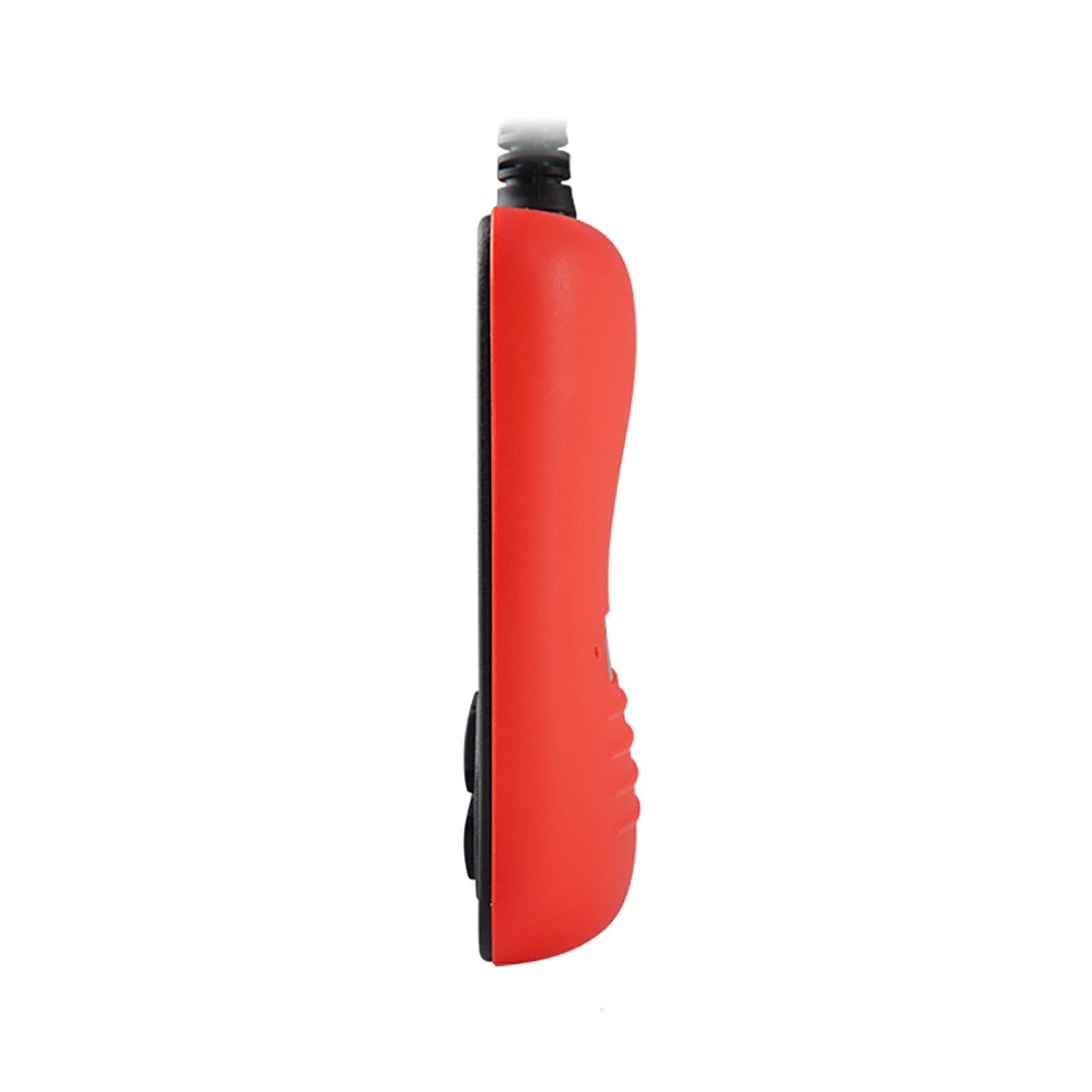
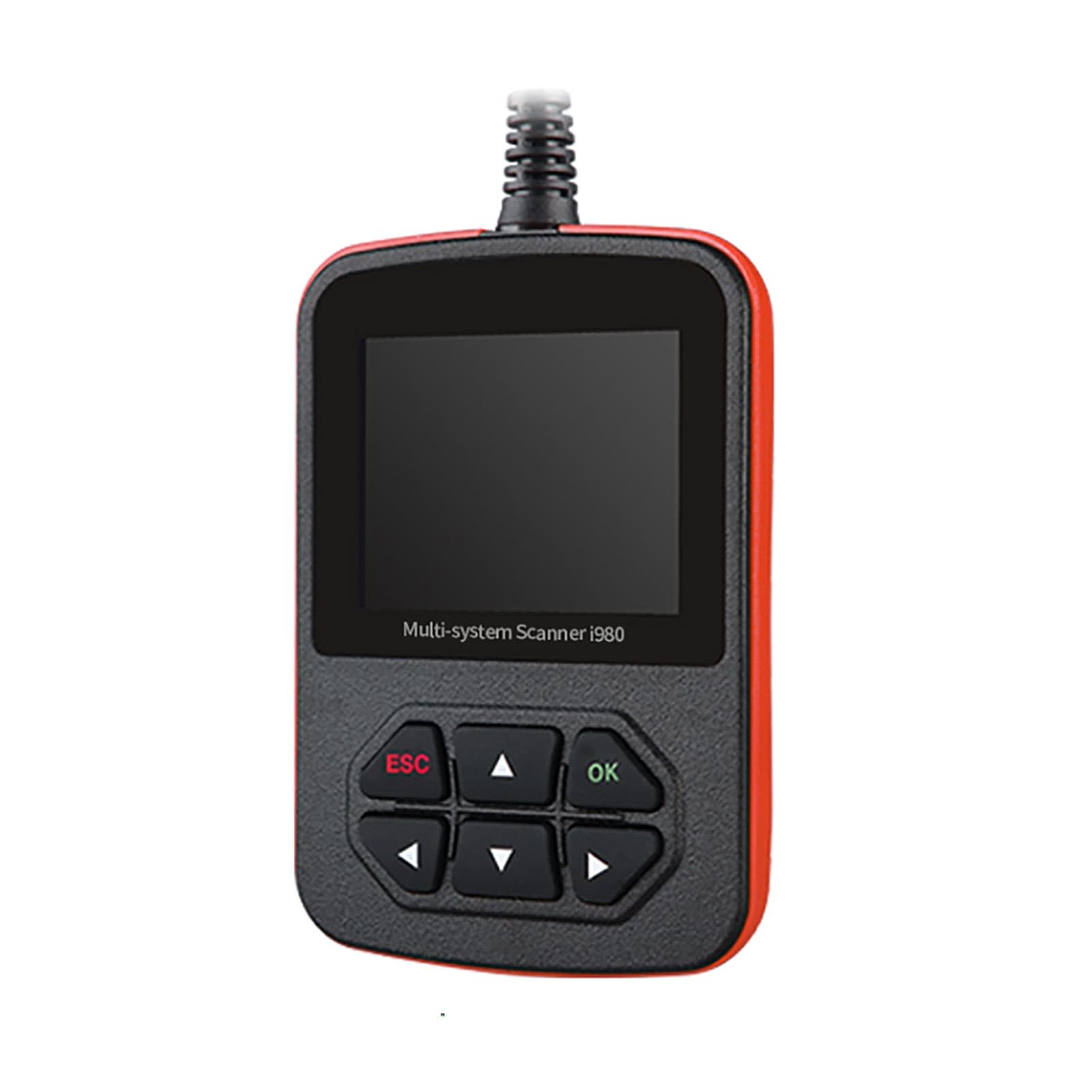
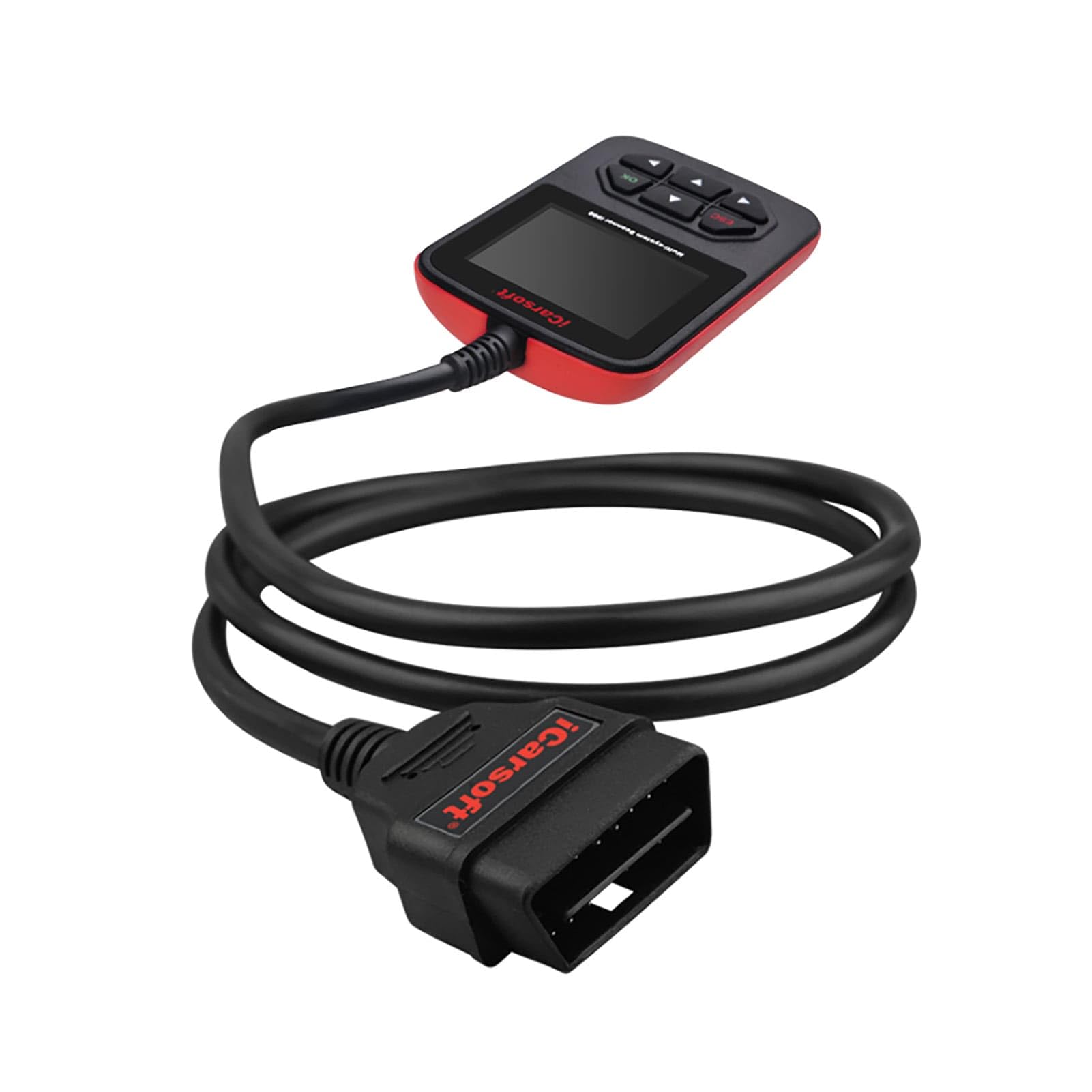
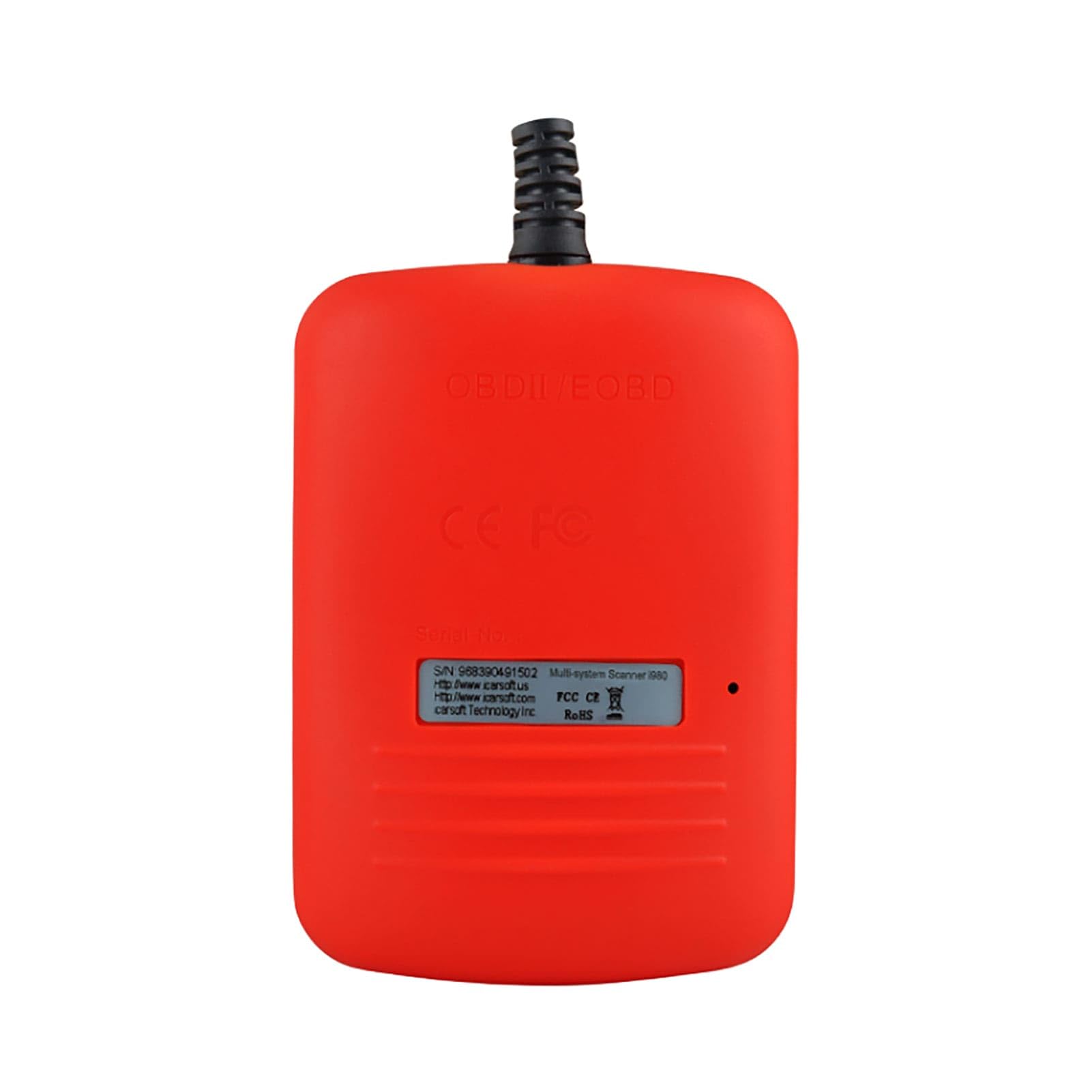
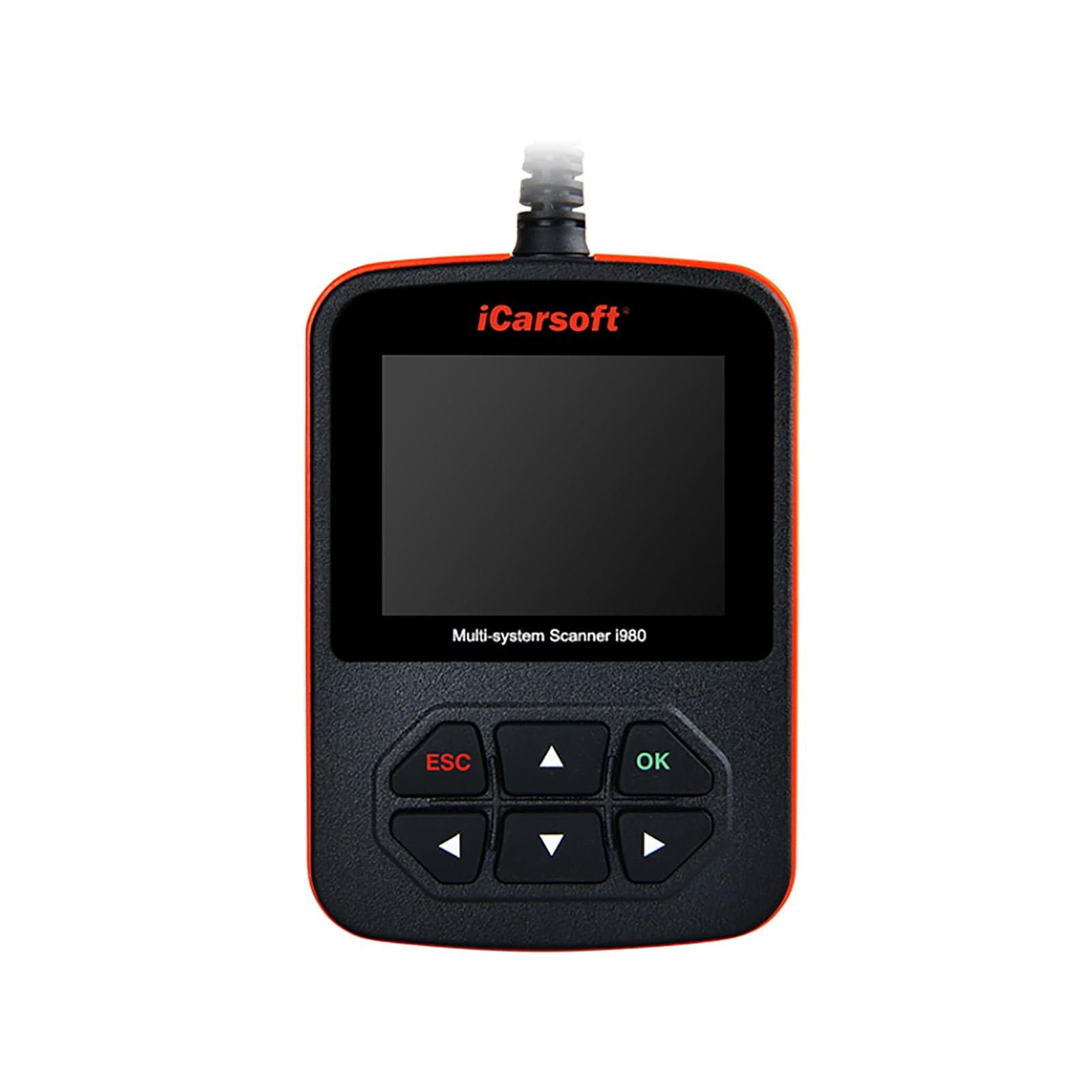
🔧 Diagnose like a pro, drive with confidence.
The iCarsoft i980 is a professional-grade OBD2 diagnostic tool tailored for Mercedes Benz and other OBD II/EOBD compliant vehicles. It offers full system diagnostics including engine, transmission, ABS, and airbags, supports multiple communication protocols (CANBUS, ISO9141, KWP2000, J1850), and provides real-time live data streaming. With USB 2.0 update capability and multi-language support, it ensures you stay ahead in vehicle maintenance and troubleshooting, saving costly garage visits.
| ASIN | B00IUIDFSS |
| Best Sellers Rank | 250,401 in Automotive ( See Top 100 in Automotive ) 1,389 in OBD-II Engine System Diagnostic Tools |
| Brand | iCarsoft |
| Customer Reviews | 4.0 4.0 out of 5 stars (1,031) |
| Date First Available | 24 July 2014 |
| Item Weight | 590 g |
| Item model number | i980 |
| Manufacturer | iCarsoft |
| Manufacturer part number | i980 |
| OEM Part Number | i980 |
| Product Dimensions | 24 x 14.2 x 6 cm; 589.67 g |
| Voltage | 12 Volts |
A**B
Good product but took me a while to change language from German to English
Neat piece of kit - I’m new to diagnostic devices so I can’t really go into much depth about the specific features it offers, but everyone tells me it’s a “must have” item for any Merc owner. The default language appears to be in German so it took me an hour or so to work out how to resolve this. Hopefully this will helps others: If the device language is set to German you can follow these steps to change it to English: - Select the 4th option in the main menu (Einstellugen) > Select the 1st option in the next menu (Sprachen) > Select “English” and press the “OK” button If you don’t see English in that menu then you will need to update the firmware on the device - it’s not that hard to do, but it appears that it can only be done on a Windows machine (i.e. not Mac). When updating, the available languages are English, French, German, Spanish, Italian, Russian, Portuguese. To update the device follow these steps: - Plug it into your computer via the included USB cable (there’s a little plastic latch at the bottom of the device where the USB cable plugs into) - When the device comes on, press the “OK” button (be quick - you only get 5 seconds) - Go to the iCarSoft website, select the Support and Updates menu option. It’s important to make sure you select the right update package for your device as if you use the wrong one, it won’t work. So for the i980 you need to select the “Software Update for iCarsoft 1st Generation Products” from the website options. Scroll down to the bottom of the page and click on the “Updating Tool downloading” link. The application will then download. - Install the application and open it - Follow the prompts to register the device (you will need your email address and serial number - which is found on the device screen - if it doesn’t accept your serial number, it means you are using the wrong update tool - so go back to the iCarSoft website and download the right one if this is the case) - It will also ask you for a code - this can be found by opening the device folder on your computer (just like you would an external hard drive) and find/open the device info text file - this is where you will find the password for your device - You should then be presented with the update interface on your computer - tick all the languages you want and then click on the update button - When your computer tells you that the update is complete (shouldn’t take more than 5 minutes), unplug the device/USB cable from your computer - Then plug it back into the USB / computer so that the device turns back on, and it should ask if you want to update it - say yes and let it unpack the latest update - Once it is back on the normal home screen it will probably still be in German so select the 4th option in the main menu (Einstellugen) then select the 1st option in the next menu (Sprachen) and then select “English” and press the “OK” button. Now it is up to date and in English! The above steps are what I did and they worked for me, so they should work for you too!
M**R
Works straight out of the box
I do not usually write reviews but was motivated to do so for this as the device works so well, and I had been put off by previous reviews showing that people had struggled to get this device to work, and accounts of the language being set wrong on arrival. None of this was the case with the one which arrived this morning, the day after I ordered it. I had no problems whatsoever getting this to connect to the car, recognise the model, and start scanning the car’s system for faults. There was no need to download any firmware, and the device defaulted to English, and despite the description of the device present when I bought it, all of the packaging and instructions were in English, not French. You simply plug it in (to what looks like a old-fashioned Scart socket located under the steering wheel console on my old Merc), and it activates and provides a menu to navigate to what you want it to do. Start by identifying your model of car and take it from there. Simples. It comes in a handy storage pouch, and seems to do pretty much everything you could want it to. It actually saved me a trip to the garage as it showed my car simply had a momentary fault and allowed me to clear the relevant code. It showed that the part I suspected had malfunctioned - the EGR valve - actually was working fine, giving readings in real time showing the valve was opening and closing. I’m assuming it stuck momentarily when I had the car idling in traffic, sending a fault code. If I get the code again I now have the means to check it out and it will point me to what needs fixing. The data this provides on your car’s systems, in real time, really is impressive. For the money, you can’t go wrong.
M**.
it did what i needed it to do
It identified the problem, and allowed me to then use the www to identify what I needed to do and also to reset the error code.
J**R
Double check compatability
Product was sent from Germany which I was not expecting. First impressions were very good; well built and presented. Although the box was marked 'ENG', on connecting to vehicle found there was only German language loaded so tool had to be updated on computer. This proved a bit complicated and long winded; the instructions were not clear and there was no driver for Windows 10 installed which I had to do before the tool would connect to the update. Had I not been somewhat computer literate I might have struggled with this. Downloaded up to date software including English language. On connection to car, MB E400 2014, found that my model was not listed in the databank. Reloaded the updates just to be sure. After providing several details by email to supplier informed that my model would not work with the device. No option but to request a return which they require to be posted back to Germany. There was a £10 delivery charge and it will cost at least the same to return and it is unclear if this will be refunded - I will update this post when I know. My advice is to check with the supplier if your vehicle is covered by this tool BEFORE you order as that will save you a lot of time and bother, possibly expense.
R**O
Buon articolo, serio, concreto, robusto. Seguendo le indicazioni del Fornitore sono riuscito a configurarlo e anche ad installare la lingua Italiana....e se ci sono riuscito io ci riesce sicuramente chiunque!!!!. Ho provato a connetterlo ad una C200 W204 benzina del 2008 e mi ha fatto una "scansione" del motore e dell'elettronica individuando anche un guasto all'apertura elettronica della portiera anteriore sinistra che già sapevo. Certo l'apparecchio non può risolvere il guasto, BISOGNA SEMPRE RIVOLGERSI AD UN PROFESSIONISTA PER LA NOSTRA E ALTRUI SICUREZZA, ma ho potuto cancellare eventuali "spie" dal cruscotto che magari potrebbero influire su altre parti elettroniche. Consiglio l'acquisto buon rapporto qualità/prezzo.
D**P
Nice product
J**N
I've kept a couple of OBD II scanners in my wish list for a while, but ended-up going with this one due to it's library of CANBUS codes for my vehicle (ML350 W164). It's a terrific value, and while not perfect, I'm giving it 5 stars as it met all my needs, and exceeded them somewhat. For those wondering, yes it works to read the error codes for any car with OBD II, but it will only clear them for Mercedes, as that's the option the scanner was programmed with. Good * You can read and clear most codes for OBD and CANBUS for Mercedes. I didn't have much to clear, but I can see on the menus the option to clear almost anything in the engine, or the radio, airbag, etc. Try finding that capability for a Merc on any other similarly-priced scanner at present day. * The scanner seems solid and well made, including the cable and its stress points. * It's quite intuitive to use. You should read the docs to get the most out of it, though. * You can monitor many types of data in real time. Just OK * You should really update the software after receiving it. The top menu was originally quite different from that shown in the instructions until I updated it, and a lot more features opened-up after doing so. Too bad this step is needed...I can see a lot of disappointed buyers not aware of this, but once you do so, it's well worth it. * There's a lot of redundant menu items. I think the developers of the scanner dump libraries of codes into it's memory as they get them. You will probably have to write down how to get to some of your favorite menus too, as they can get a little buried. I spent about two hours exploring menus, and it could be simplified quite a bit. Still, if you get an actual code, you can both search for and clear it quickly. My exploring is more for browsing, or finding data streams, etc. * Certain data streams only start when the engine is started...or when the accessory switch is on, or when no ignition at all. The scanner usually tells you, but I would occasionally be uncertain which mode the key had to be in. Other Points * The scanner doesn't support every model and year in the OBD II/CANBUS era, so look at the list of supported classes carefully. I think the developers update the codes as they get access to different vehicles. This is probably why the scanner is so much cheaper than a more expensive one that could do any vehicle ever invented. You can go back to the website and update it any time, although I don't think updates are all that frequent. * As already noted, you can read generic OBD II codes from any car supporting them, but you can't clear them. In addition, most vehicle OEMs have their own custom CANBUS codes too, and this scanner probably won't read them either. If you buy the scanner with Mercedes software, that's the OEM it will work for, and even then, for the models and years shown. There's nothing I really dislike, and the extra details in the menus, while sometimes repetitive, let you look-up and clear almost any code. Considering that it may allow me to just make one repair myself, it is truly one of those purchases that could pay for itself almost immediately.
J**S
Funciona bien, muy completo, borra fallos.
S**S
When programmed for the correct vehicle, this instrument provides many menus of diagnostic information. Easy to use. I had hoped to clear some deep error codes but had to get the dealer involved for those. Not unhappy with purchase.
Trustpilot
Hace 5 días
Hace 3 semanas