We remain fully operational. Our teams are working around the clock to ensure your deliveries continue safely.

Descargar la aplicación


Servicios al cliente
Sobre nosotros
Copyright © 2025 Desertcart Holdings Limited
Descargar la aplicación
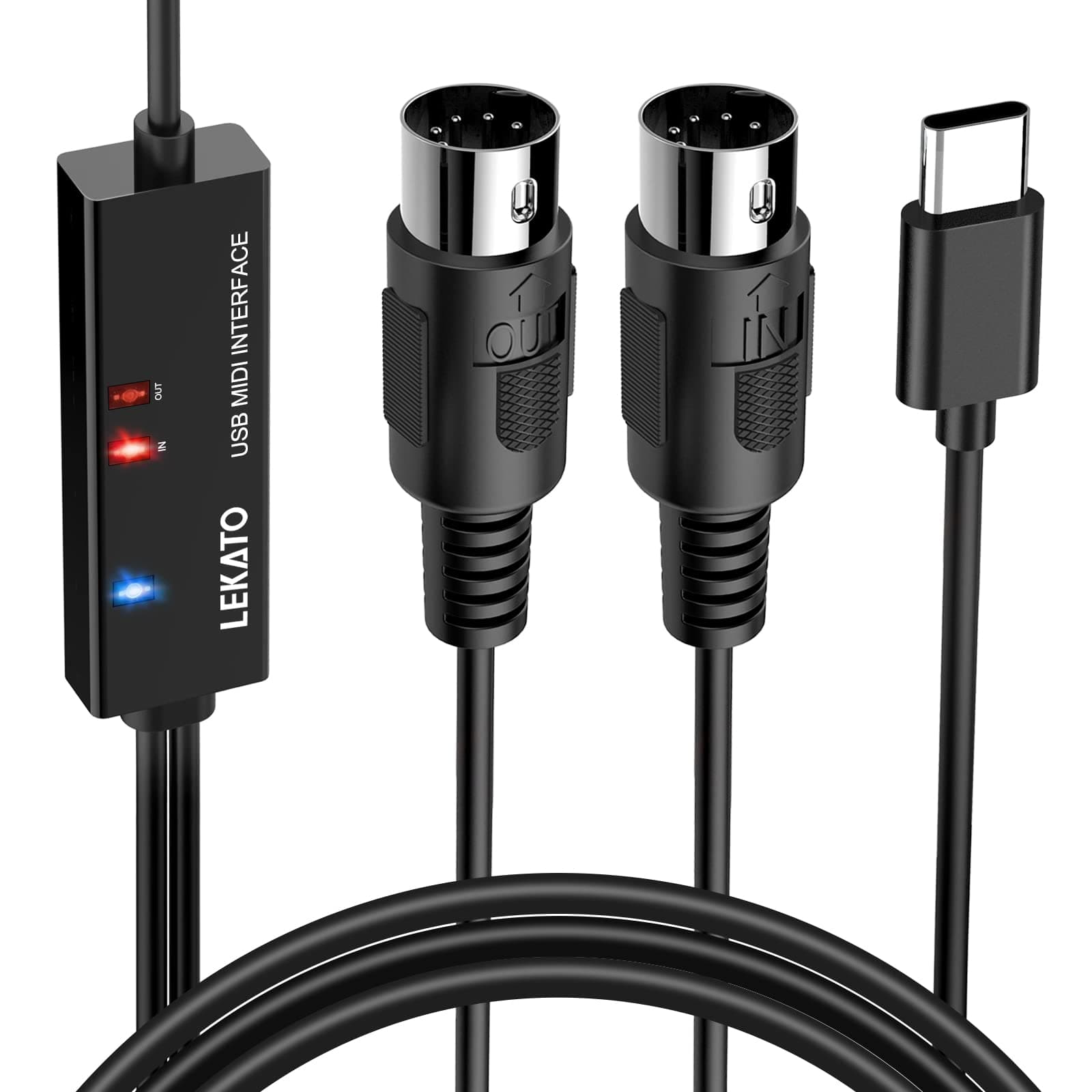
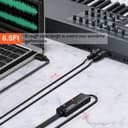
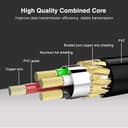
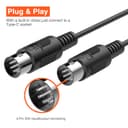

🎶 Plug in, power up, and play like a pro—no delays, just pure MIDI magic!
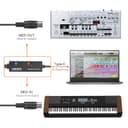
The LEKATO MIDI Cable is a professional-grade USB Type-C MIDI interface featuring 1 input and 1 output port with support for up to 16 MIDI channels. Designed for ultra low latency and stable transmission, it ensures pristine audio signal integrity with electromagnetic interference resistance. Compatible with Windows and Mac OS, it offers plug-and-play convenience with intelligent LED indicators for easy monitoring. Perfect for connecting keyboards, synthesizers, and other MIDI devices to your computer for seamless editing and recording in any studio setup.




| ASIN | B09KZ3X59K |
| Best Sellers Rank | #832 in Musical Instruments ( See Top 100 in Musical Instruments ) #2 in Computer Recording MIDI Interfaces |
| Brand Name | LEKATO |
| Cable Type | USB |
| Color | Black |
| Compatible Devices | Laptop, Monitor, PC |
| Compatible Phone Models | Likely compatible with smartphones, specific models not listed |
| Connectivity Technology | USB |
| Connector Gender | Male-to-Male |
| Connector Type | USB Type C |
| Customer Reviews | 4.5 4.5 out of 5 stars (1,135) |
| Indoor Outdoor Usage | Indoor, Outdoor |
| Item Shape | Round |
| Item Weight | 100 Grams |
| Manufacturer | LEKATO |
| Maximum Voltage | 5 Volts |
| Model | MCBK-Type C |
| Model Name | LUM |
| Number of Items | 1 |
| Number of Pins | 24 |
| Other Special Features of the Product | Led Indicator |
| Recommended Uses For Product | connecting MIDI devices to computers for editing, recording, and stable MIDI data transmission |
| Specification Met | Electromagnetic |
| UPC | 793811894240 |
| Unit Count | 1.0 Count |
M**.
Great, inexpensive option!
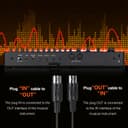
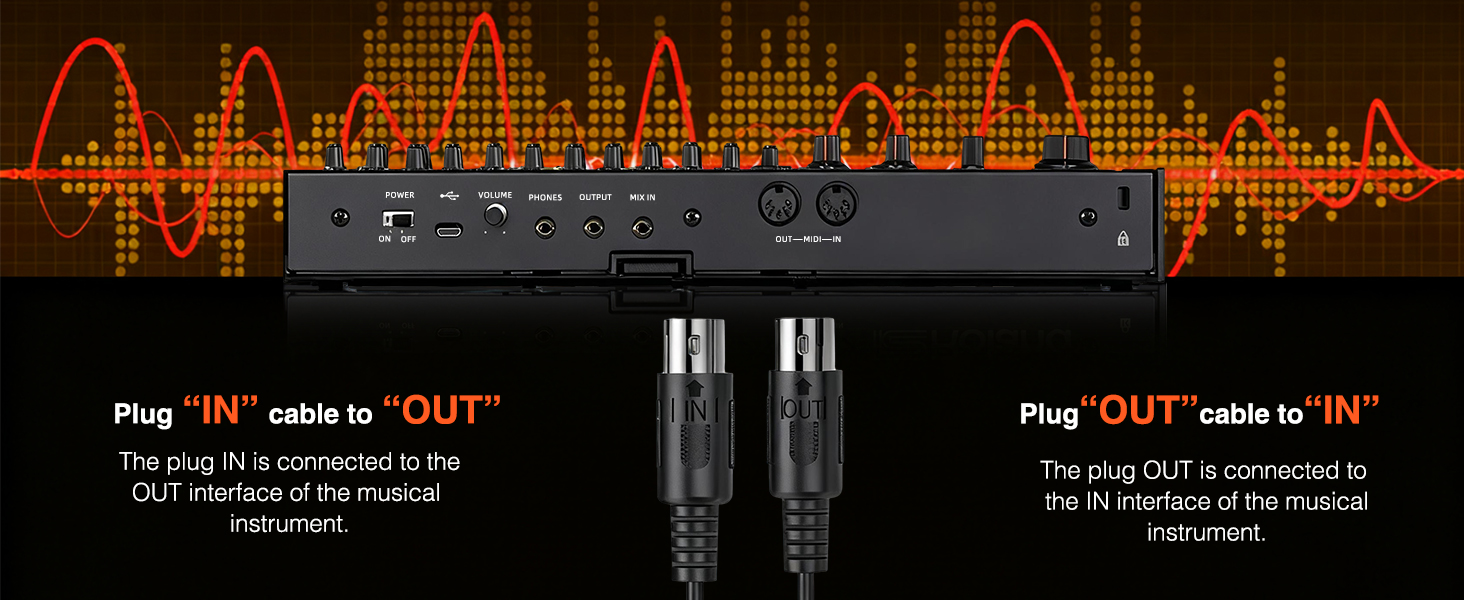
This is in light of reading other reviews here. One quick thing up front: I've seen conflicting info here about which MIDI plug (in/out) goes where. And yes, for dozens of years you'd plug a MIDI OUT cord into your MIDI IN socket on the instrument (and vice versa - that was the standard. Not sure if standards or changing or if this is just a single example, but their instructions are true to what worked for me: OUT goes into OUT sockets, IN to IN, not the old IN/OUT way I'm used to. For me it worked with the OUTS and INS being coupled respectively. First, I've used MIDI since the 90's and this wasn't particularly intuitive. The instructions are only a bit helpful (plus the printing is microscopic, not kidding, I had to use a magnifying glass to read them!). It took a few hours to get it going, mostly because only the sparest info is given. It was hard to tell if you needed the 2nd part (the dongle, not the tethered pair), didn't need it, or what. Eventually after seeing a good video that the company included in its order listing, I made progress. My overall goal is to use this so I can move my keyboard far from my audio interface box, yet still input into a DAW (I use the Apple two mostly), and then Airplay it across my house (or whatever space I'm at); the idea is not only to have MIDI control but actually use an onboard instrument in my DAW to sound back to my home pods - all without needing cables. Eventually I found that I do need the dongle plugged into my desktop Mac (I used a A-to-C USB adapter I had), and then plug in the two MIDI sockets to my keyboard, i.e. I needed all 3. 2) It took a little figuring out exactly how to GET Logic and Garageband to respond - and sound. Turns out yes it was simple, but too simple, and wasn't intuitive. First, I didn't need to do anything that the instructions said (i.e. go to Finder and Audio Setup blah blah, all that happened automatically, so that was a waste of time). Second, after perusing several internet explanations, I finally realized all I had to so was simply to make a new *software instrument* track (not MIDI instrument for my purposes), hit "R" or "I" in the DAW to hear real-time input, and it was automatically responding to the MIDI signal - but more importantly, playing the sound of the digital instrument I selected! All I had to do then is to go into the instrument library and select the one I wanted, and bingo, I was in business. So yeah, this little device works GREAT (very little latency when hearing your playback) and I'm happy with it. I just think it's simpler than the instructions made out. I think after a small learning curve, I'll find I use this thing a lot and with increased time and hassle saving. So far I'd recommend it... just know how your individual programs or hardware might need to be tweaked.
R**S
Plug-and-Play Simplicity with Solid Performance
This LEKATO USB-C to MIDI interface cable has been a fantastic addition to my home studio setup. I use it to connect my older MIDI keyboard to my laptop and tablet, and it works flawlessly with both Windows and macOS. No drivers or extra setup needed—just plug it in and go! The build quality is great, and the connection is stable with no noticeable latency. The indicator lights are also super helpful to confirm signal activity while troubleshooting or setting things up. If you need a reliable and affordable MIDI-to-USB-C solution, this is it. Great value for the price and perfect for musicians, producers, or hobbyists.
R**T
A lot of bang for the buck - works great!
The M02045N Wireless MIDI with the USB dongle provides a lot of bang for the buck! I use it to wirelessly connect my Korg Triton Extreme keyboard to my PC laptop running a standalone piano VST. "MIDI A" plugs into the keyboard's MIDI IN and MIDI OUT. The "MIDI B" USB dongle plugs into the laptop. My laptop doesn't even have a built-in Bluetooth receiver - it's in the supplied dongle. Works great! No device firmware or Windows 10 driver installations needed. I also use this with my Triton Extreme using only "MIDI A" to connect wirelessly to an iPhone which has MIDI Bluetooth. There are some good iOS piano apps available, and this Wireless MIDI device allow my dinosaur keyboard (with an action I still like) to act as a MIDI controller for those iOS pianos. As for the LED colors, flashing blue means no Bluetooth connection has been made. Solid blue means Bluetooth connection has been made. Solid red means internal battery is charging. Red and Blue both illuminate (looks purple) when in use and charging at the same time. MIDI A has two 5-pin DIN connectors, one labeled OUT you plug into your keyboard's MIDI OUT jack. The other labeled IN you plug into your keyboard's MIDI IN jack. Easy peasy. Note these two connectors have a thin black insulated wire connecting them, but it's not connecting MIDI IN to MIDI OUT like an old style MIDI cable - that would create an ugly MIDI loop! The processor and radio of this wireless Bluetooth MIDI interface are probably in the larger MIDI OUT connector, and it sends over the black wire the data and power appropriate for the smaller MIDI IN connector.
K**K
Solid for the Price, Works as Expected
I picked up the LEKATO MIDI to USB-C interface for my studio and it has been a solid choice overall. Setup was mostly plug and play on both Windows and macOS with no extra drivers needed, though figuring out the “IN” and “OUT” labeling can be confusing since it depends on whether you follow traditional MIDI standards or the way LEKATO describes it. Once I swapped them correctly, everything worked without a hitch. Latency is impressively low and the signal has been stable in Logic, GarageBand, and even with apps like Simply Piano. Build quality feels sturdy, and the indicator lights are a nice touch when troubleshooting connections. It even doubles as a USB to wireless bridge in some setups, which turned out to be surprisingly useful. That said, the documentation leaves a lot to be desired. The text is tiny and not especially helpful. If you are new to MIDI, expect a bit of trial and error or hunting for tutorials before it clicks. Also, while most users report great reliability, there are a few who have had units fail after extended use, so longevity may vary. For the price, this interface punches well above its weight. Whether you are recording on a Yamaha, Roland, or an older keyboard without USB, it is an affordable and effective solution that just works once set up properly. Recommended for hobbyists and serious musicians alike.
S**E
Tenho uma Bateria eletrônica Roland HD-1... Comprei esse cabo para ligar no módulo da bateria e utilizar o Garageband no Ipad como instrumento virtual... Funcionou perfeitamente. Não tem latência e nem corta o som! Recomendo a compra caso essa seja a sua necessidade.
B**R
As described
W**H
works fine
J**N
Don't buy, it's absolute trash
M**I
Excellent product, price and delivery!
Trustpilot
Hace 2 meses
Hace 1 semana