
Descargar la aplicación


Servicios al cliente
Sobre nosotros
Copyright © 2025 Desertcart Holdings Limited
Descargar la aplicación


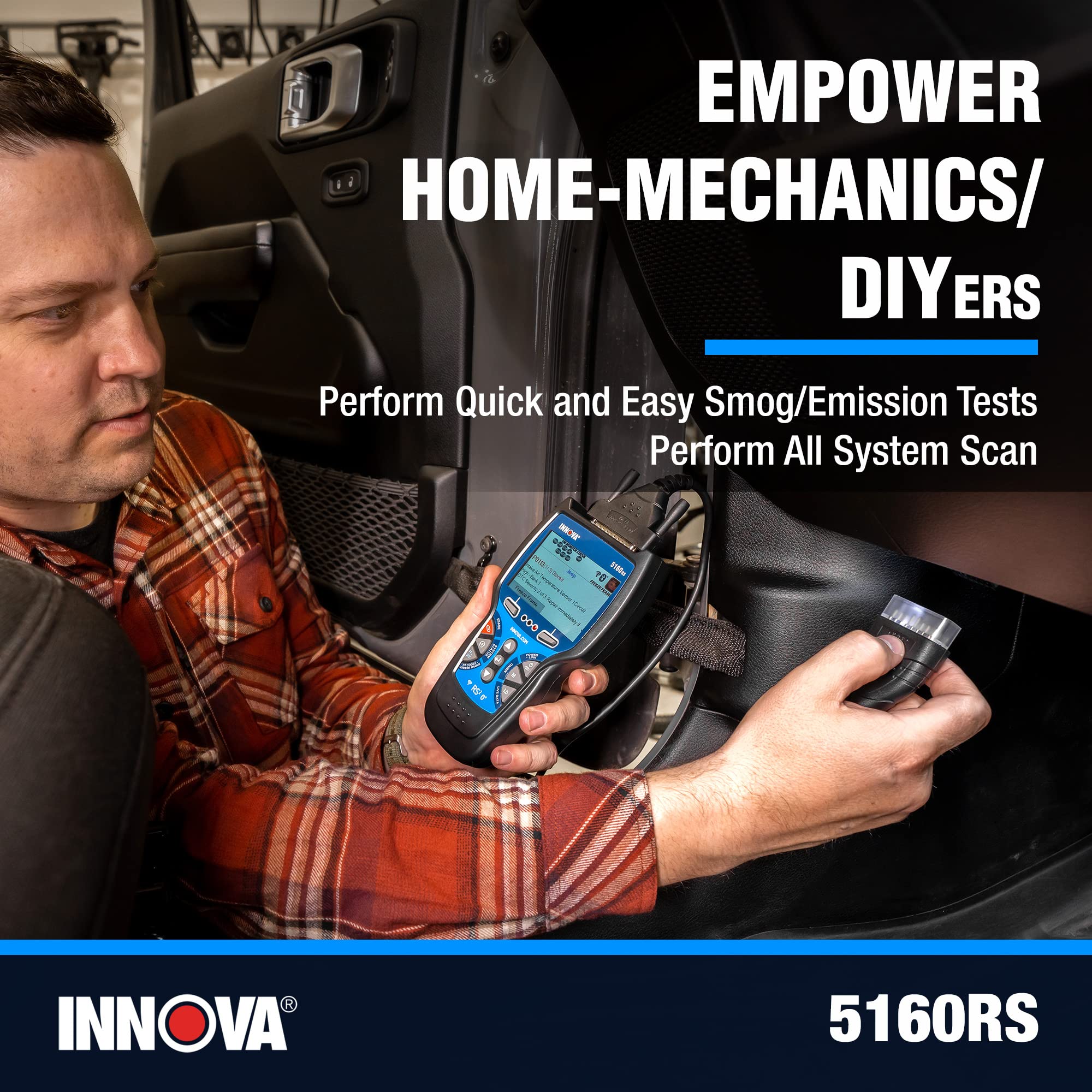
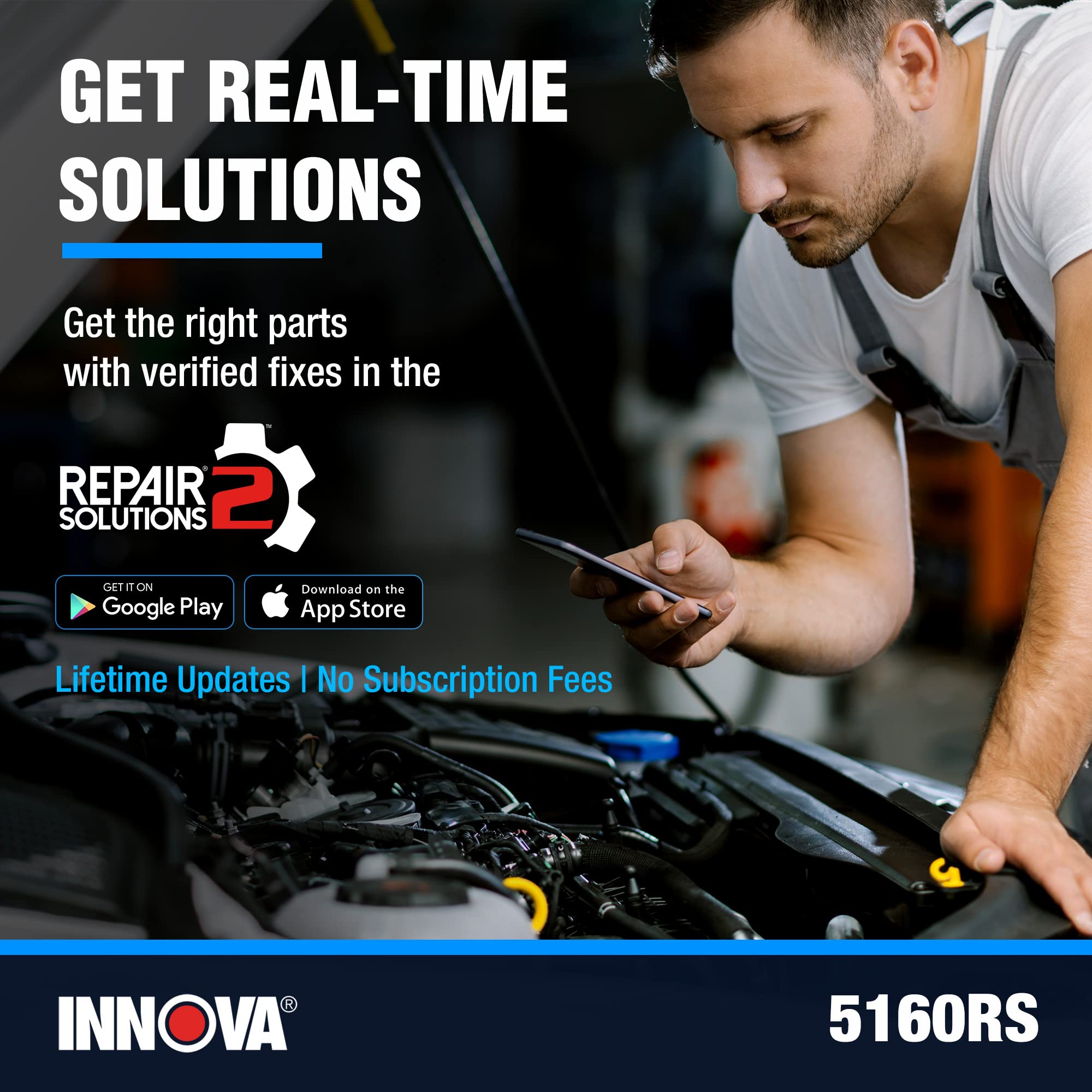
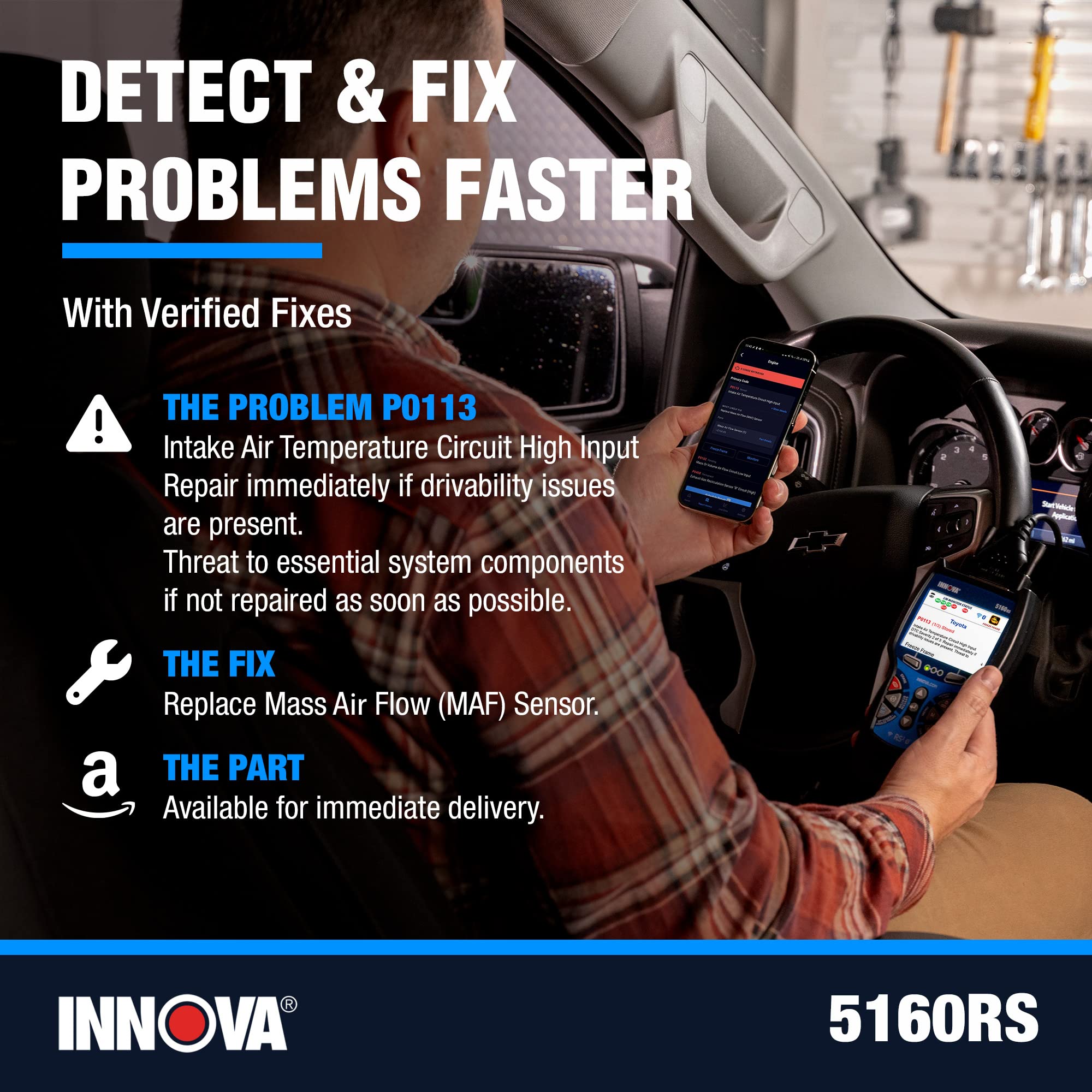

🔍 Diagnose Like a Pro, Fix Like a Boss!
The INNOVA 5160RS is a professional-grade OBD2 bidirectional scan tool designed for enthusiasts and DIY mechanics. It offers comprehensive all-system diagnostics, dealership-level reset functions, and actuator tests to identify and fix vehicle issues efficiently. Paired with the RepairSolutions2 app (available in US/Canada), it provides verified repair data and parts info. The tool features a patented all-in-one display for quick troubleshooting and comes with free updates and a 1-year warranty.
| ASIN | B071VYLP32 |
| Batteries | 3 AA batteries required. |
| Best Sellers Rank | #58,398 in Automotive ( See Top 100 in Automotive ) #290 in Automotive Code Readers & Scan Tools |
| Brand | Innova |
| Customer Reviews | 4.1 4.1 out of 5 stars (272) |
| Date First Available | 24 June 2017 |
| Item Weight | 726 g |
| Item model number | 5160RS |
| Manufacturer | Equus |
| Manufacturer Part Number | 5160RS |
| Model | 5160RS |
| Product Dimensions | 24.38 x 6.35 x 19.05 cm; 725.75 g |
| Special Features | "Misc: Alternator Tester, Live Data Graphing Recording Playback, Optional OBD1 Coverage, View TPMS, Transmission Temp All System Scan, Network Scan", ABS Scanner: Read & Erase ABS Brake Fault Codes, ABS Reset, Brake Light Reset, Brake Pad Life, ABS Brake Bleeding, Caliper Service, Advanced Features: Bi-directional tests/ Active Test, Enhanced Data stream Engine, AT, ABS, SRS, Special Functions, Ba… |
A**B
The mobile app works only in US & Canada
mobile app works only in US & Canada, for example here in UAE you can't even download it, i contacted Innova Support and they didn't care. Solutions Pro app can be downloaded here, but it doesn't support 5160rs
D**N
no app outside USA
You need the app to get the most out of the scanner as that is how it is designed to be used, but the app is not available outside the USA. without the app the scanner offers the same functions as the cheapest scanners available so why would you pay top dollar for something unusable? Why companies in the USA do not offer a lot of software to the rest of the world in the 21st century, when they happily sell you a product is beyond me. Additionally when I plugged the scanner into my Chevy it disabled the engine and caused multiple fault codes which I had to clear with my old Launch OBD scanner which has no issues with apps or software. Returned and got a refund and will buy the equivalent Launch scanner
M**E
High praise for INNOVA after sale customer service. The initial kit delivered was missing the GM (red) OBD-2 adapter. Ricardo at INNOVA responded to my email and immediately had another complete kit sent with the missing adapter and the corresponding extension cable for this particular adapter. My spouse is very impressed with the product and top-notch customer service. We’ll done INNOVA
R**A
Hardware robust and a quality unit but usefulness as regards locally sold cars that I tried to connect to extremely limited. Nissan Dualis and Tiida unrecognised models. BMW F10 battery reset worked but many other menu items non-functional. RepairSolutions2 won't install outside US so a very expensive entry-level scanner. Bought on Aussie Amazon site and these limitations SHOULD BE ADVERTISED Email to Innova has not even been answered. Very disappointed
C**S
muy básico, hace lo mismo que uno de menor precio
S**S
This is a nice scanner. Works well on my 2006 Honda Accord and 2016 Tacoma. It’s not going to have a lot (any?) transmission and airbag bi-directional support. But for engine codes it does a good job, in my limited experience. I do have some comments on updating the device: I’m a Mac guy. I have an old Win 7 laptop for the garage because it seems like engine tools mostly are supported by Win software. I liked how this scanner had Mac software available. So, I get the scanner and the first thing I want to do is update it. I DL the Mac software, hook up the scanner and it automatically starts doing its thing. Well, it shows a little progress bar during the update. The bar was full to the right and then just stayed there for 10 min, 20, 45 min. Wtf. Unplugged, reinstalled everything and tried again. Same. It seemed to get hung during the update. All the while the scanner was bricked. So, I thought I would try my windows machine. It imeadiatly started updating, but the progress bar was much more informative. It appears to fully reprogram the device, and it takes a long time. Plan to give it 30 min at least. I’m not sure if the Mac software would have worked or not, but I waited long enough that the computer went to sleep. So I don’t have much faith in it. Windows software worked fine.
D**R
Works as intended. Was better value than other similar devices.
Trustpilot
Hace 1 mes
Hace 3 semanas