We remain fully operational. Our teams are working around the clock to ensure your deliveries continue safely.

Descargar la aplicación


Servicios al cliente
Sobre nosotros
Copyright © 2025 Desertcart Holdings Limited
Descargar la aplicación
Buy anything from 5,000+ international stores. One checkout price. No surprise fees. Join 2M+ shoppers on Desertcart.
Desertcart purchases this item on your behalf and handles shipping, customs, and support to Argentina.
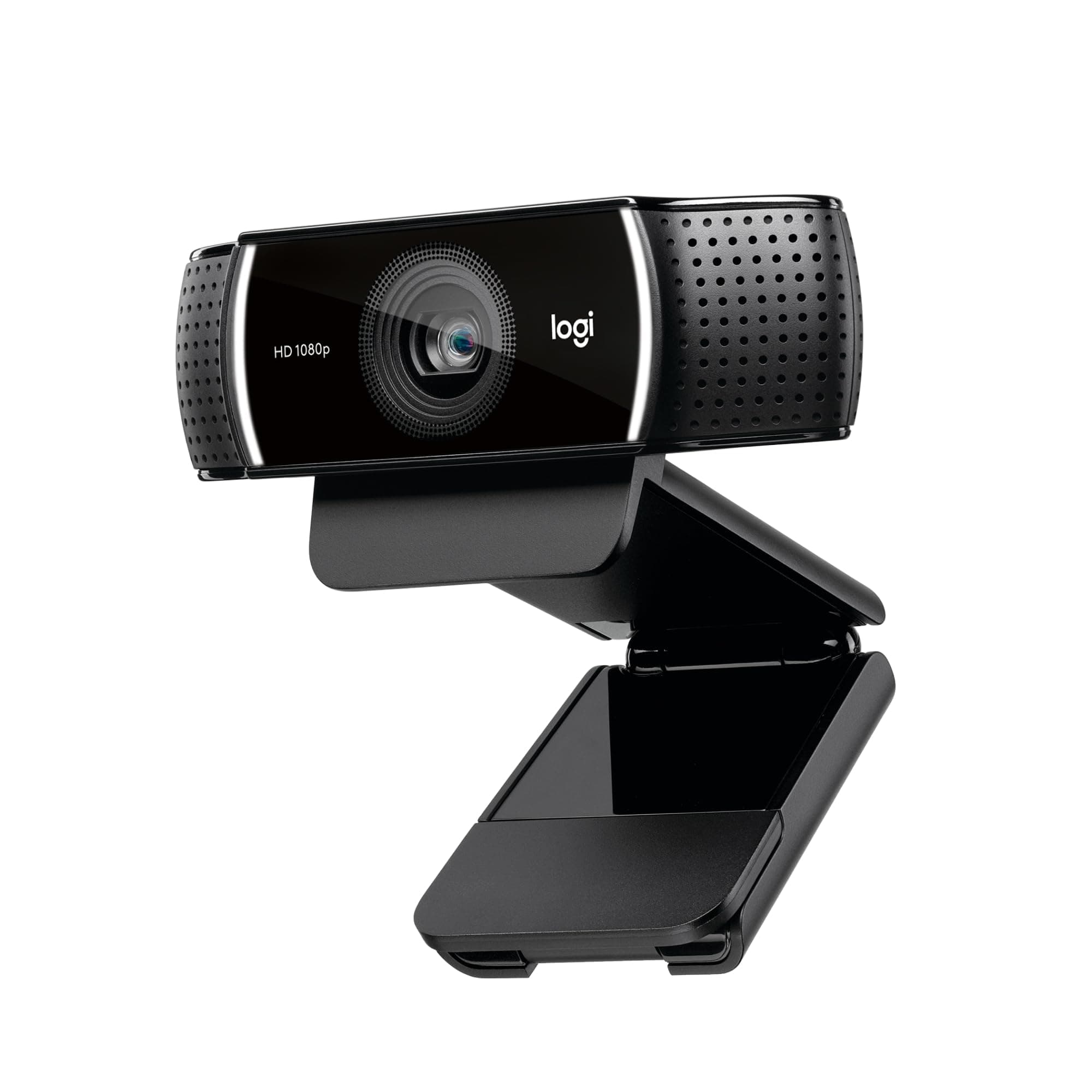
🚀 Elevate your video presence with pro-grade clarity and sound — don’t just join the call, own it!
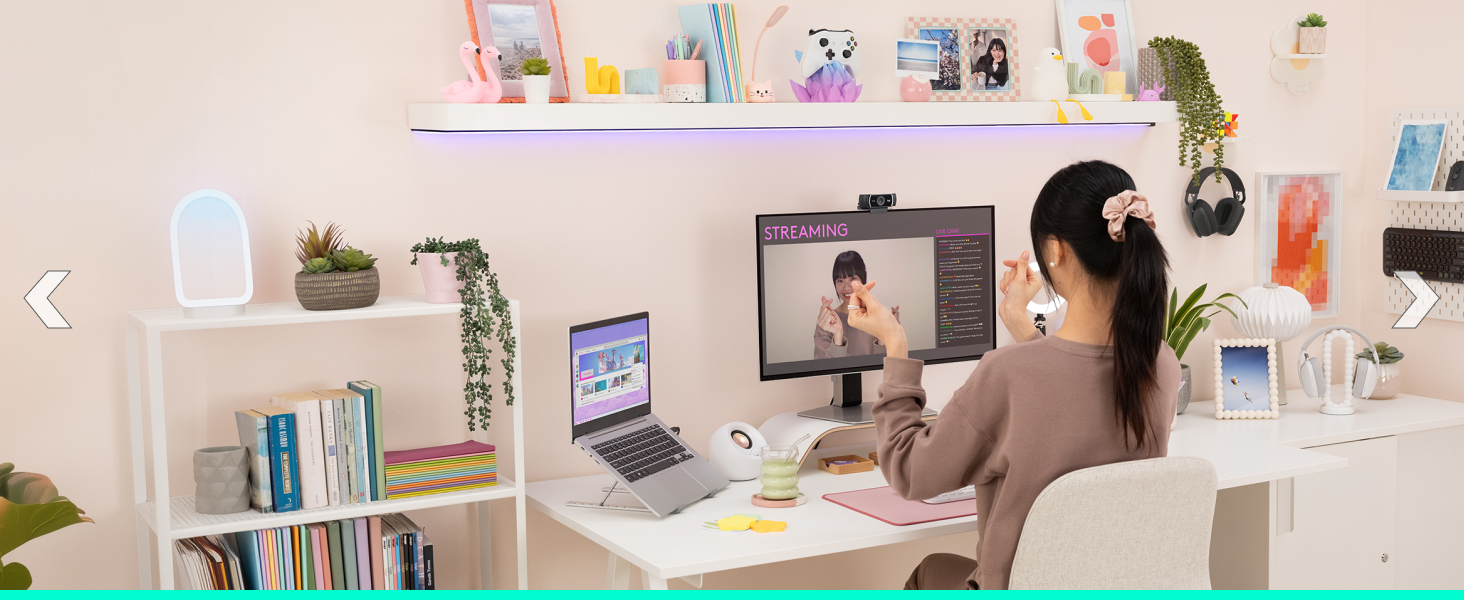
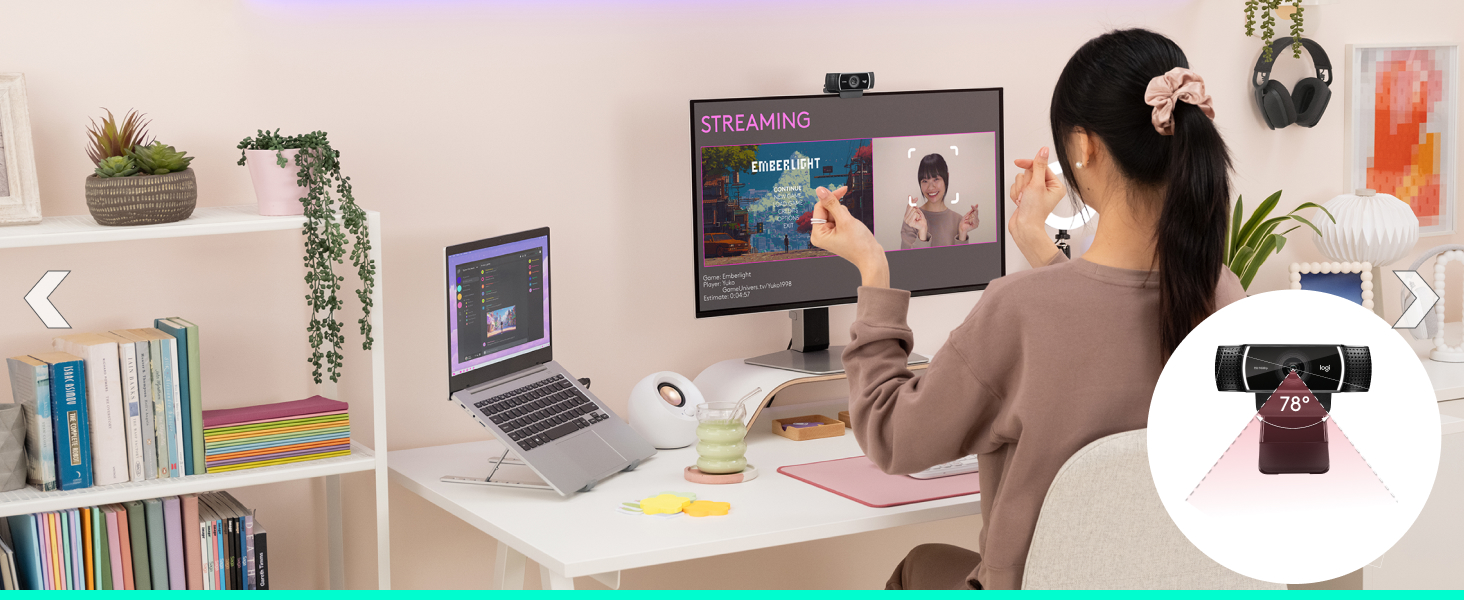
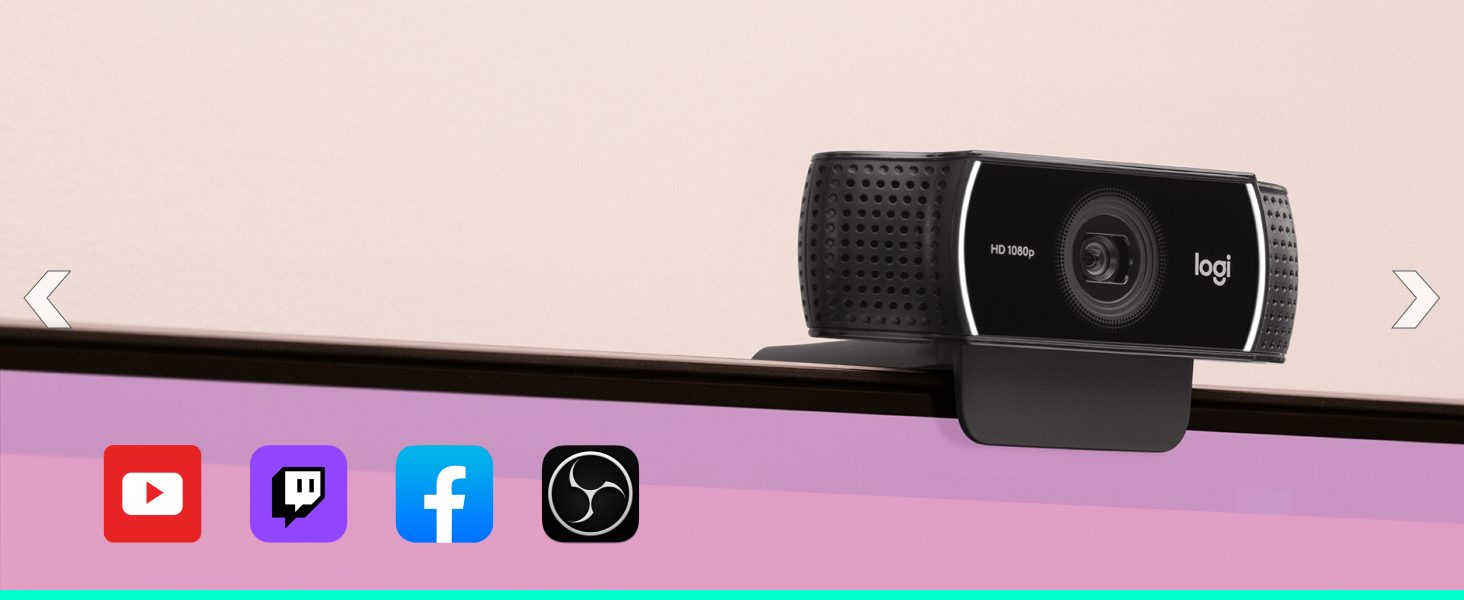
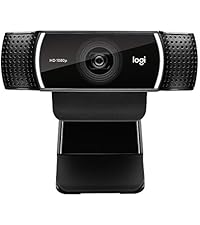
The Logitech C922x HD Pro Webcam delivers professional-grade video with 1080p resolution at 30fps or 720p at 60fps, enhanced by HD light correction and autofocus for crisp, clear images in any environment. Equipped with dual stereo microphones, it captures natural sound for flawless communication. Compatible across major platforms including Microsoft Teams, Zoom, Google Meet, Mac, Windows, and Nintendo Switch 2’s GameChat mode, it also includes a 3-month XSplit VCam license for advanced background customization. Ideal for professionals, streamers, and content creators seeking reliable, high-quality video conferencing and streaming solutions.








| ASIN | B01LXCDPPK |
| Antenna Location | Video streaming on social gaming and entertainment sites |
| Are Batteries Included | No |
| Best Sellers Rank | #2 in Webcams |
| Brand | Logitech |
| Built-In Media | quick start user guide, webcam |
| Camcorder Type | Video Camera |
| Color | Black |
| Compatible Devices | Devices with USB ports and compatible operating systems and platforms |
| Compatible Processors | Most x86-64 processors compatible with Windows 7, Windows 8, and Windows 10 |
| Connectivity Technology | USB |
| Customer Reviews | 4.6 4.6 out of 5 stars (38,622) |
| Display Resolution Maximum | FHD |
| Effective Still Resolution | 2 MP |
| Effective Video Resolution | 1080 Pixels |
| Exposure Control Type | Automatic |
| Features | Autofocus |
| File Format | JPEG |
| Flash Memory Type | SD |
| Flash Memory Video Speed Class | V30 |
| Focus Type | Auto Focus |
| Form Factor | Compact |
| Global Trade Identification Number | 00097855127037 |
| Has Image Stabilization | No |
| Image Aspect Ratio | 16:9 |
| Image Capture Speed | 60 fps |
| Image stabilization | false |
| Item Dimensions D x W x H | 2.8"D x 1.71"W x 3.74"H |
| Item Type Name | Logitech C922x Pro Stream Webcam 1080P Camera for HD Video Streaming & Recording At 60Fps (960-001176) |
| Item Weight | 0.36 Pounds |
| Lens Type | Wide Angle |
| Log Gamma Curve | [POSSIBLE] |
| Manufacturer | Logitech, Inc |
| Maximum Aperture | 1.8 f |
| Maximum Focal Length | 1.0 |
| Minimum Aperture | 1.8 f |
| Minimum Focal Length | 1.0 |
| Model Name | 960-001176 |
| Model Number | 960-001176 |
| Number of Batteries | 1 CR2 batteries required. |
| Operating System | Windows 7, Windows 8, Windows 10, macOS X 10.9 or higher, Chrome OS, Android v5.0 or above |
| Photo Sensor Size | 1/2.8-inch |
| Screen Size | 2.7 Inches |
| Sensor Type | 2 Mp |
| Shooting Modes | Low Light |
| Style Name | C922X |
| Supported Audio Format | OPUS, Stereo |
| Supported Image Format | JPEG |
| UPC | 097855127037 |
| Unit Count | 1.0 Count |
| Upper Temperature Rating | 40 Degrees Fahrenheit |
| Video Capture Format | Webcam |
| Video Resolution | 1080p |
| Viewing Angle | 118.6 Degrees |
| Warranty Description | Manufacturer’s warranty can be requested from customer service. |
| Water Resistance Level | Not Water Resistant |
| White Balance Settings | Auto |
| Zoom | Digital |
S**Y
Brightness is good and best adjustability
The video quality on this webcam is fantastic. The 1080p resolution is sharp and clear, and the autofocus works seamlessly during video calls. I use it for meetings and recordings, and the image looks professional even in moderate lighting. The built-in microphones capture sound clearly without distortion. Setup was plug-and-play with no issues at all. It feels sturdy and well-built, and the adjustable clip fits securely on my monitor. Overall, this is a reliable and high-quality webcam that delivers excellent performance.
M**N
Easy to install
Nice camera, no installation needed, Just plug it USB driver and choose HD pro pc webcam. Has a zoom feature, it adapts the lens to your distance to the camera. Image quality is fine, normal. Same as my laptop camera.
C**T
A great camera that's plug-and-play
It has been a long time since I had a piece of hardware that was absolutely plug-and-play. I set the camera on top of my laptop -- no need to attach it since I frequently use the laptop without a camera. When I plugged in the camera's USB and opened a zoom meeting, the new camera showed up instantly as an option. No need to install drivers or anything. The picture was very sharp, even in a dark office that just had a lamp. I absolutely love this little camera. And, with the Logitech brand, it was well worth the price.
C**R
Solid performance, average low-light quality
The Logitech C920x is a reliable webcam that delivers solid 1080p video quality for everyday use. Image clarity is good, colors look natural, and autofocus works well for video calls, streaming, and basic recording. Setup is straightforward and it works immediately with most conferencing and streaming software. The built-in microphones are usable for casual calls and pick up voices clearly in a quiet room. One downside is that performance in low-light conditions isn’t great. Without good lighting, the image can become grainy and lose detail, and the autofocus may hunt a bit. The microphones are also average at best and won’t replace a dedicated mic. Overall, it’s a dependable webcam that does what it’s known for, but proper lighting makes a big difference.
K**S
Good Product
Works well Easy install Good image and sound
E**N
Good quality, solid webcam
Fist ever desktop webcam. Use every week and works great. I take a weird pride in knowing I have the best web cam quality out of anyone. If you get the software I reccomended disabling the autofocus. It's tries it's best I find that it unfocused to often
M**R
This Completely Clobbers Built-Ins
One of the best personal webcams for youtube or content creation at one of the more affordable prices still left on the market. Graphics while live streaming are very high quality with a sound too boot. Recorded content is amazing upon playback and with some simple software you can edit and adjust the very high quality that comes from this web camera, with ease. I've had a couple of these and they've both been amazing.
D**P
Great Picture Quality, Easy Setup, and Works Well in Low Light
This webcam was very easy to set up and worked right away without any issues. It is simple to use and does not require anything complicated to get started. The picture quality is clear and sharp, and it looks good for video calls and recording. It also handles low light surprisingly well and does not get too grainy. It is versatile and works well for different uses like meetings, streaming, or general use. The fit on top of the monitor is secure and stays in place without slipping or needing adjustment. Overall, it is easy to use, has great picture quality, and performs well in different lighting conditions.
I**U
Satıcı çok ilgili ve hızlı gönderdi, tavsiye ederim. Ürün piyasaki en iyi kameralardan biri. 1080p/30fps ve 720p/60fps desteği var. Arka plan yoketme özelliği de var fakat ekstra yeşil arka plan alınması daha da iyi sonuç almanıza yardımcı olur.
J**Z
La Webcam llegó en solo tres dias despues de hacer el pedido, venia en una bolsa bien protegida. El paquete solo incluia la camara y una llave de 6 meses de Xsplit. Plug and play, pero si quieres hacer uso de la opcion para remover el fondo debes descargar un software aparte de la pagina de Logitech USA. O usar el Gaming Center si tienes otros dispositivos Logitech. Para hacer videos de Gameplay o Stream a 720p30fps se ve genial, es mi primer webcam fuera de la integrada y los colores y el autofocus no me han descepcionado para nada, aún con solo la luz del monitor de noche se ve muy bien y muy poca distorsión. Ampliamente recommendable, aunque si no piensas grabar videos a 60fps recomiendo major comprar la 920. El audio no es malo pero tampoco es de lo mejor si lo comparas con algun headset o un micrófono externo.
S**E
Great product for a video conference with the great microphone.
J**N
The background removal technology works quite well on this camera. Obviously, it works better with a more "simple" background. I found in my bedroom, even with my bedding, laundry, and wall posters in the background this camera still did the trick (although the image was blurry/cut off my arms). I am going to try this camera with a green screen to see if that significantly improves the background removal technology. I use this camera with personify (the supplied program) and OBS and found that it worked well when streaming/recording. The only weakness is the compatibility of OBS and personify. OBS will crash if you try to have a normal webcam source and a source with background removal. Personify isn't the best program in the world, however, it was sufficient to performing the basic tasks I needed If you are just looking for a solid webcam, this is a great option. The light absorption and auto-focus technologies were quick and responsive. Even when I opened my window and had the sunlight shining directly on the camera, it was able to focus and produce a (reasonably) clear and well lit image
M**8
Ideal for green screen and streaming
Trustpilot
Hace 2 semanas
Hace 2 semanas