We remain fully operational. Our teams are working around the clock to ensure your deliveries continue safely.

Descargar la aplicación


Servicios al cliente
Sobre nosotros
Copyright © 2025 Desertcart Holdings Limited
Descargar la aplicación

🔌 Unlock wireless power—connect smarter, work faster!
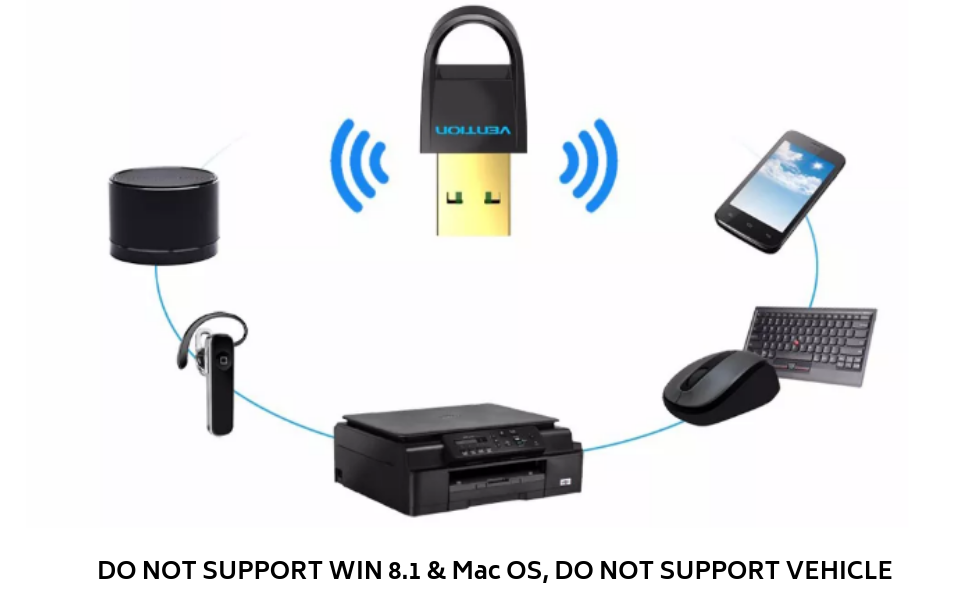
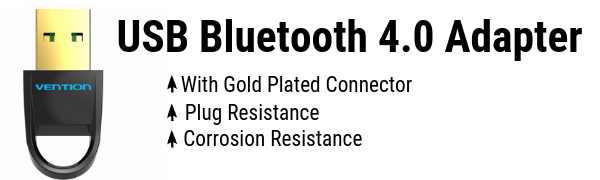
The Vention USB Bluetooth CSR 4.0 Dongle is a compact, plug-and-play adapter that enables seamless Bluetooth connectivity for Windows and Linux PCs. Supporting up to 7 devices simultaneously with a 30-foot wireless range and low energy Bluetooth 4.0 technology, it’s perfect for professionals seeking reliable, multi-device wireless integration without bulky hardware.


| ASIN | B07GC1QS2J |
| Best Sellers Rank | #32,087 in Computers ( See Top 100 in Computers ) #98 in Bluetooth Network Adapters |
| Brand | VENTION |
| Color | Black |
| Customer Reviews | 3.9 3.9 out of 5 stars (66) |
| Date First Available | 18 March 2021 |
| Item Weight | 50 g |
| Manufacturer | Vention |
| Operating System | Linux, Windows 10, Windows 7, Windows 8, Windows Vista |
| Package Dimensions | 8 x 6 x 0.4 cm; 50 g |
J**W
Good Product
Good Product
P**V
This is an amazing product. Easy to use. Plug and play device. The receiving capacity for this device is fantastic. I would definitely recommend this product if you are using a PC and you do not have a Bluetooth driver in-build. Thank you Amazon for speedy delivery. Thank you VEnTIOn for such a beautiful and quality product. I am very satisfied.
R**V
Good quality.i am satisfied
I**N
No drivers cd available ,for Windows 7 pc: even though I installed from their website it is not working with Windows 7 ultimate Bluetooth devices are showing but not able to connect to my boseqc 35 II and airpods
L**D
Using this to pair with an xbox wireless controller on my PC. Works perfectly Tip - Restart after first installation (Use default drivers on windows 10) - May need to reconnect once Incase of difficulty (from PC gamer) 1. Press the Windows key and type "Bluetooth" until search brings up the Bluetooth & other devices settings option. Click it to open that settings page. Here you should see your Bluetooth is set to "On" and is discoverable. Windows version note: Using the Xbox One controller via Bluetooth only works on Windows 10 with the Anniversary update applied. 2. Turn on the Xbox One controller by holding the Guide button. Press the sync button on top of the controller until the Guide light begins to flash rapidly. 3. In the Bluetooth settings menu, click "Add Bluetooth or other device" and then select Bluetooth from the menu options. After a few seconds of searching, your Xbox controller should show up. Click it to pair. And you're wirelessly connected!
L**.
Nice product - but requires exact drivers for win 7 - otherwise it is of no use- After installing necessary drivers it is working well till now.
Trustpilot
Hace 2 días
Hace 3 semanas