We remain fully operational. Our teams are working around the clock to ensure your deliveries continue safely.

Descargar la aplicación


Servicios al cliente
Sobre nosotros
Copyright © 2025 Desertcart Holdings Limited
Descargar la aplicación
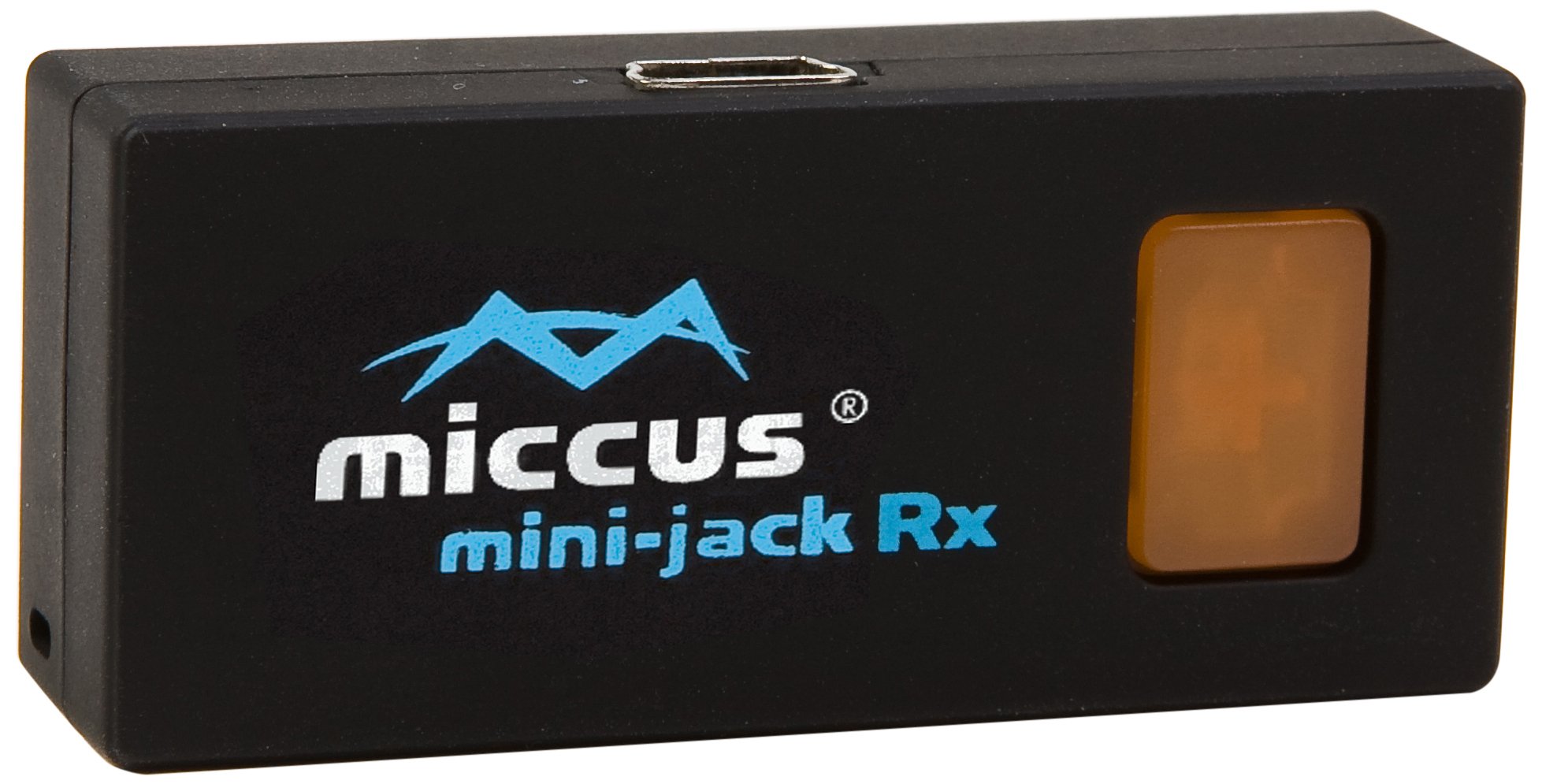
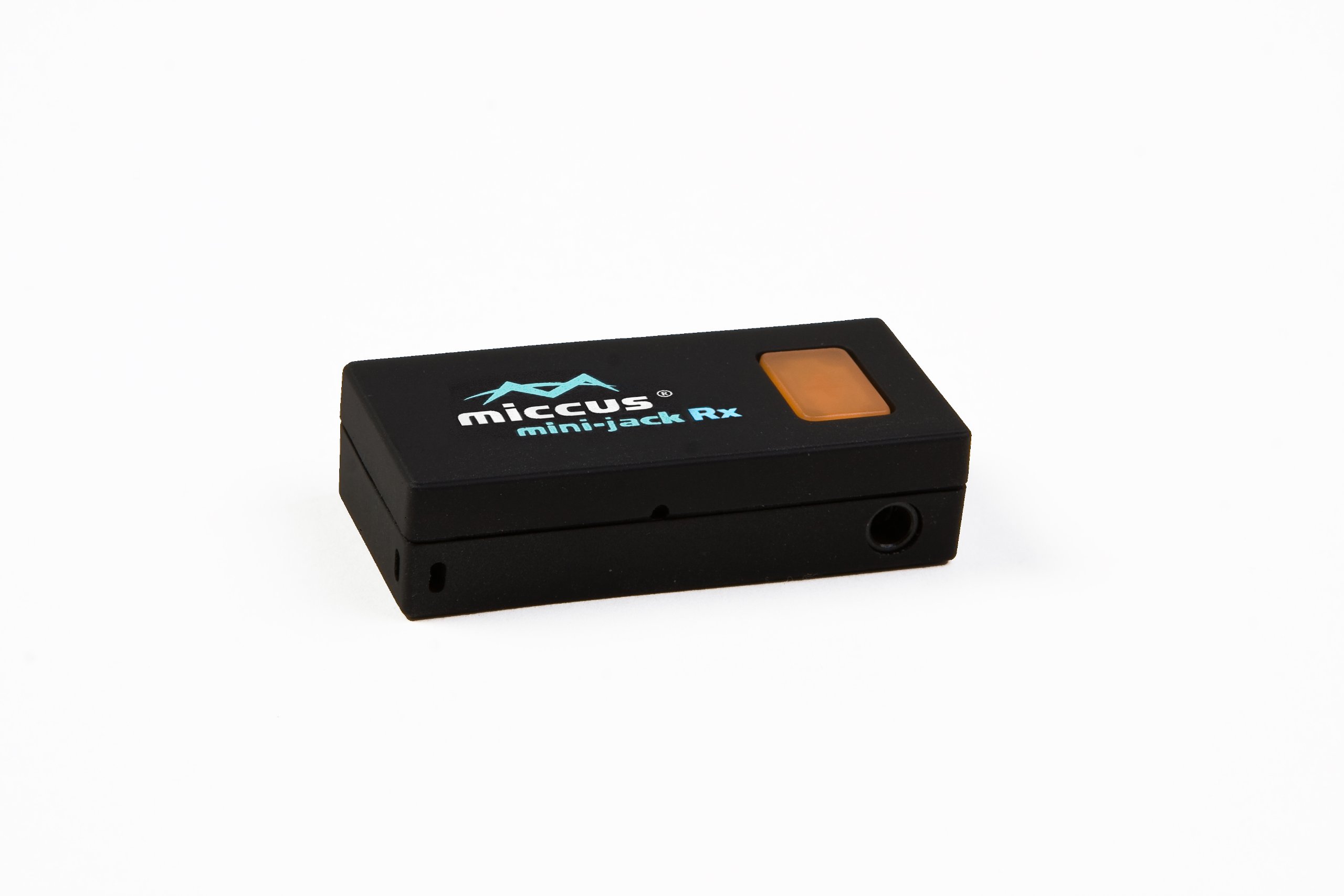
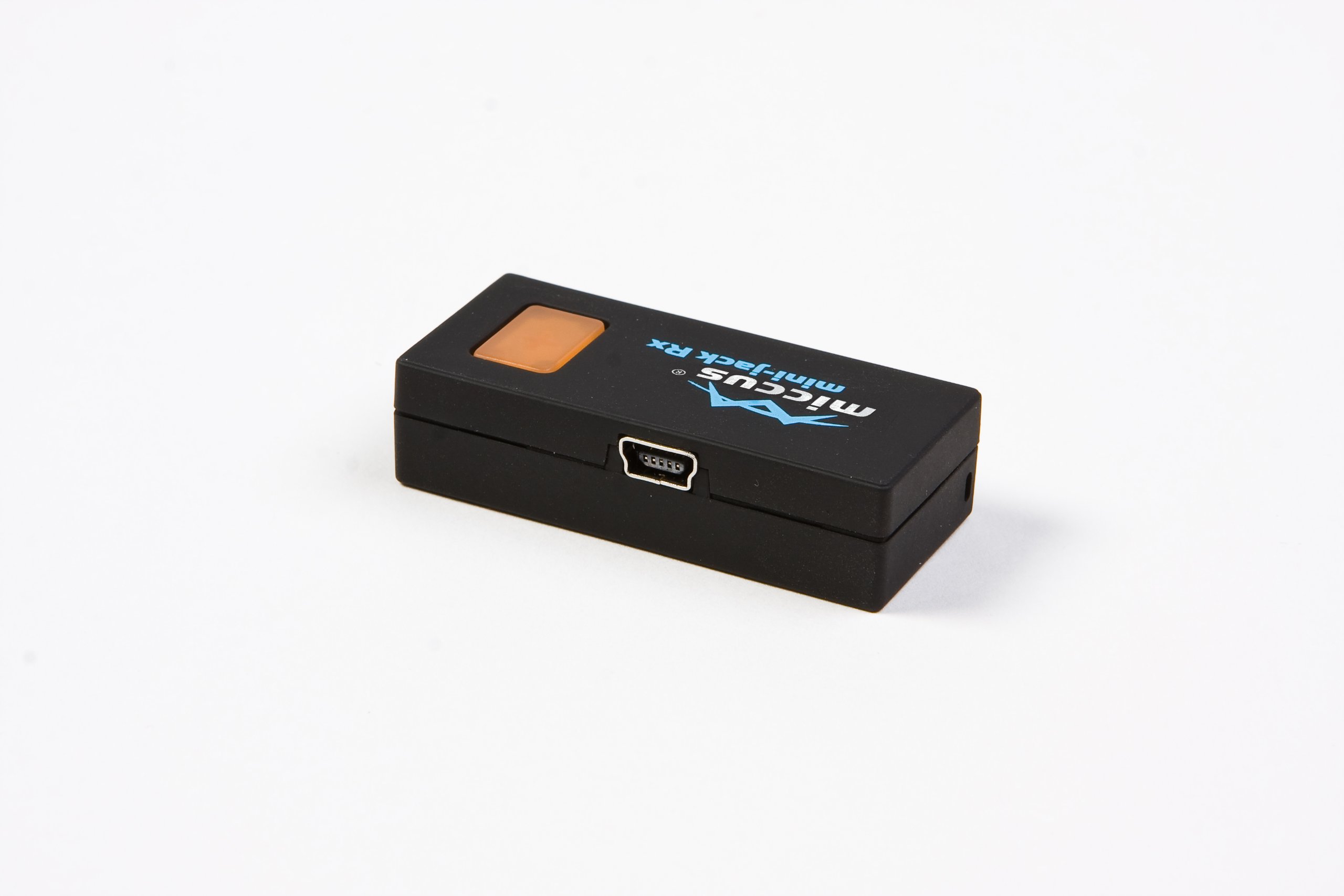
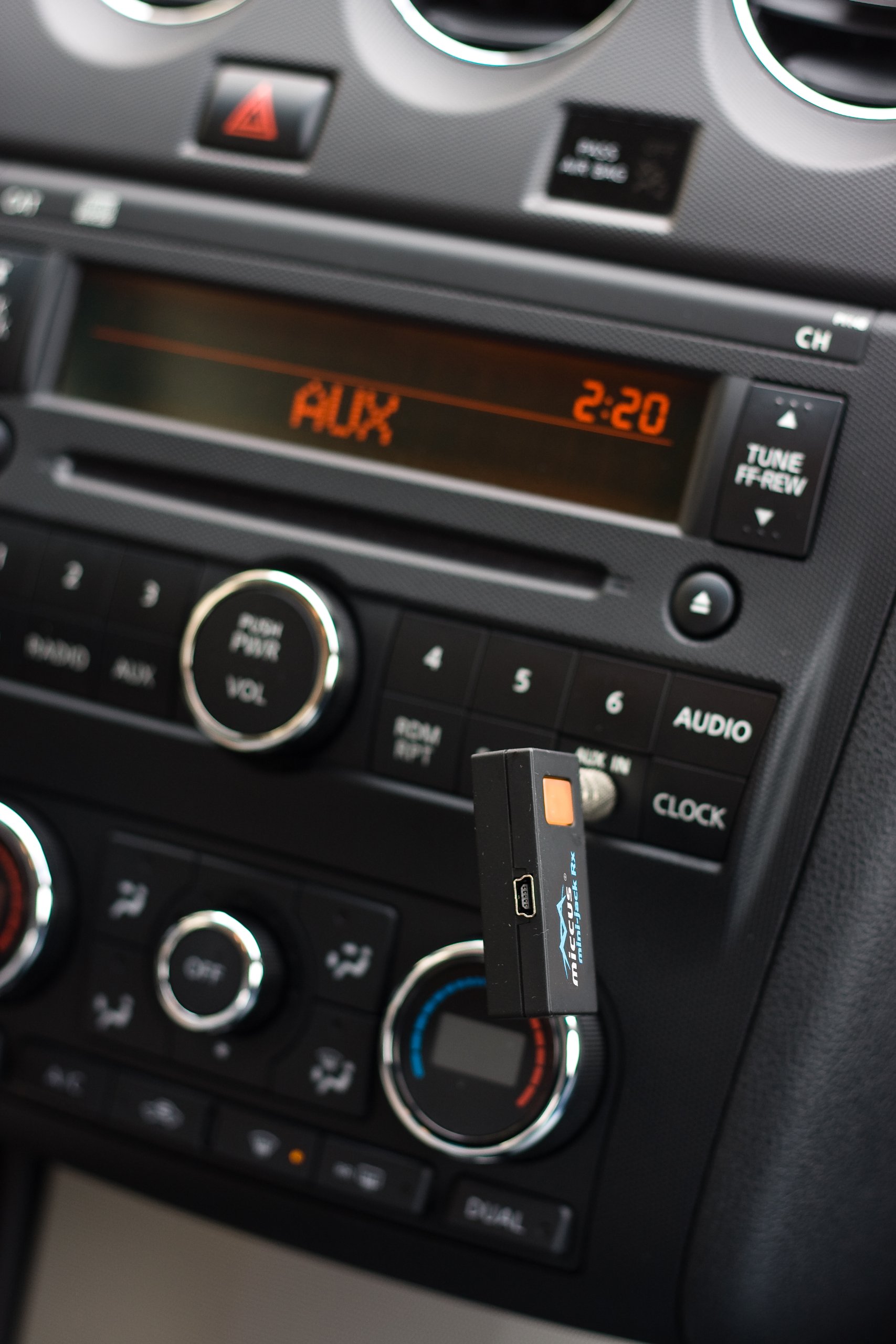

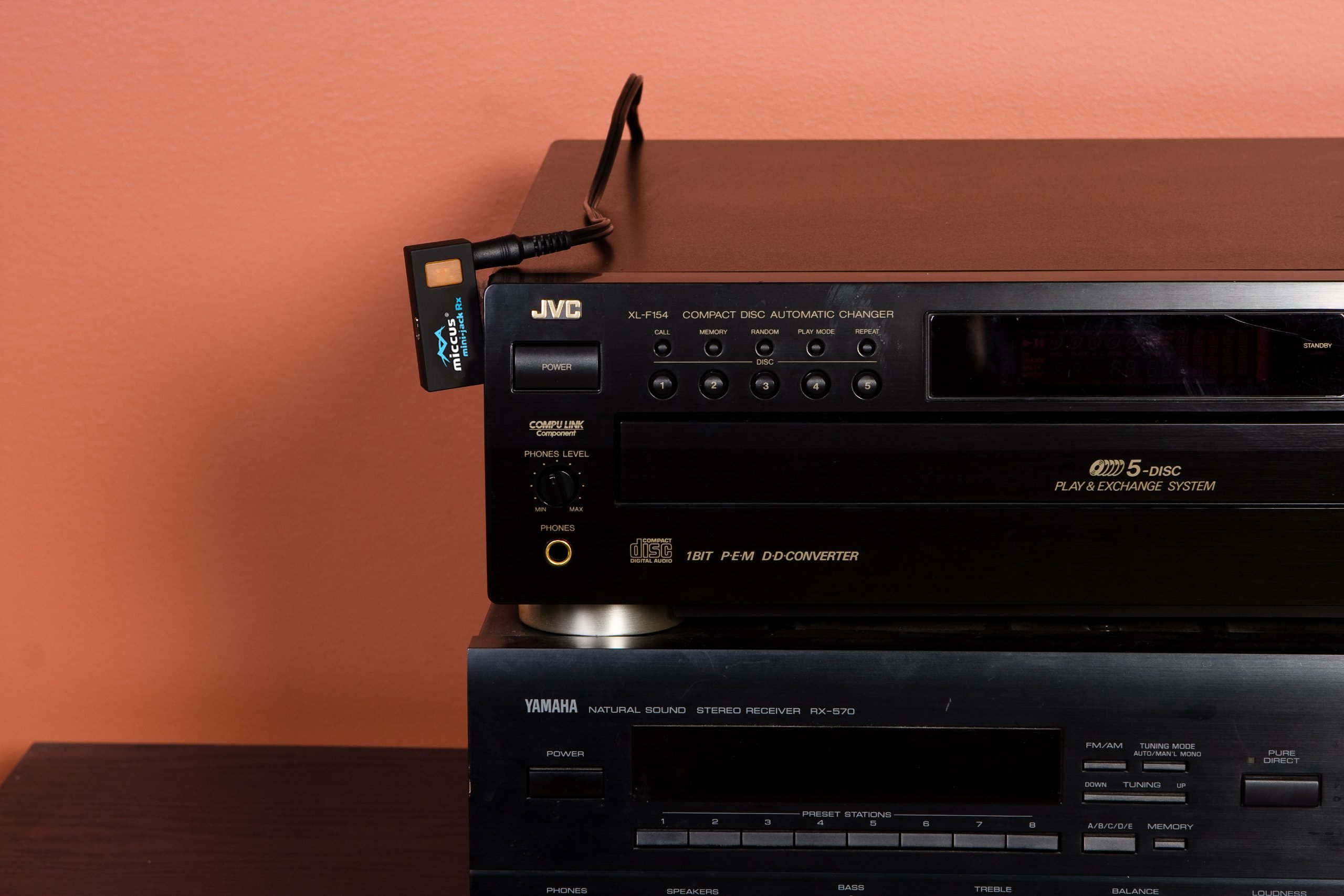
🎶 Elevate your audio game—wireless freedom wherever you go!
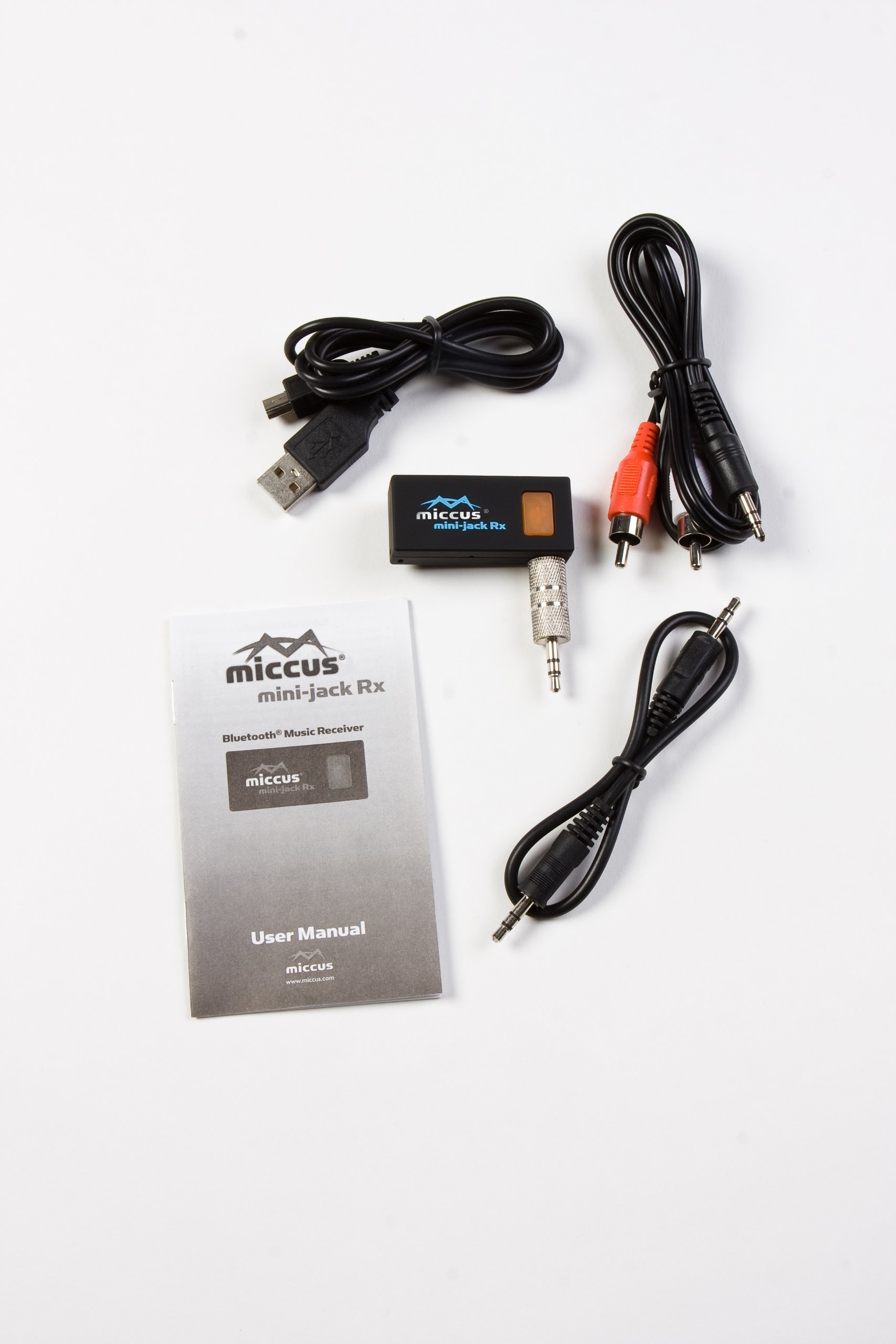
The Mini-Jack RX is a compact Bluetooth receiver designed to wirelessly stream audio from any Bluetooth-enabled device to your car, boat, headphones, or stereo system. Featuring automatic on/off via USB power, up to 7 hours of battery life, and single-link pairing, it offers a seamless, plug-and-play upgrade to your existing audio setup with reliable US-based support.
A**R
Not practical for use in a car with an iPhone
I purchased this unit to go in my 2006 Prius. The Prius has bluetooth for phone, but not for audio A2DP. There's a aux jack in the arm rest that I use to connect my iPhone to the car stereo system using a standard male-male headphone cable. I got tired of doing this, so I bought a bluetooth FM receiver. That didn't work since I live in the Dallas metroplex and have no consistently open FM frequencies. I looked at the Belkin F8Z492-PBluetooth Music Receiver, but it has to be custom rigged (that means a DIY hack) to power it in a car. I also considered the Belkin bluetooth in car adapter, which is basically a cigarette lighter plug with a headphone cable and a usb slot for plugging in your phone if you want to charge while playing. It was much more expensive than the Miccus.I received the item in good order from Amazon. No complaints there. The unit comes with a short (8"), male-male headphone cable to hook the unit to the car aux jack. It also has a rigid adapter that allows you to do the same thing. I assume for cars with jacks on the dash board. It also comes with a mini-usb to usb cable so you can hook the unit into a USB cigarette power supply. All in all, a good connection kit.Set up is easy. Just plug the unit into your car aux jack using the provided cable or plug and pair with your phone. To pair, you need to hold the button down on the unit until it quick flashes, then you turn on your phone's bluetooth to pair up. Strangely enough, I never had to enter a security code. The manual says you should. Not to worry, it worked and the sound was as good as the my wired setup. I was very pleasedThat is until I got out of the car and went to work. When I came back, I expected my iPhone to find the Miccus and start playing music. No signal. Odd. Looked at the unit and it was blinking blue as it should. Looked at my phone and BT was on and it showed the Miccus, however, it showed it as not connected. To make a long story short, I had to tell the iPhone connect. On the iPhone this is a big pain. There are no shortcuts to BT on an iPhone. You have to go through three menus just to reach it and then select the item you want to connect to. Interestingly enough, my Prius does not have this problem, When I get in the car, the Prius automatically connects, I don't have to think about it, or touch anything.I thought this was something I could live with. I was concerned about the battery as it is only rated for 8 hours. If you leave it on, so it will pair when you get in, you'll run it out. Not to worry, I just hooked it to the power supply. Unfortunately, while hooked to the power supply, I get the dreaded feedback hum that comes from using such an adapter with an audio device. That was a dealer breaker. On top of that, if I turn the unit off to save battery, then I have to pair it again with my phone. So it goes like this:Miccus left on:1. I get in my car with the iPhone BT on.2. I unlock the iPhone and I go through 3 menus on the iPhone with a fourth press to connect to the Miccus. A total of 5 presses.3. I exit the BT setup and go into the iPod app.4. I hit "Play" to start getting music.5. On exiting the car, I have to turn the unit off and turn off the player. This is a pain as I have fat fingers and end up hitting jump back or forward on the iPhone and have to goof around finding my place in my audio book again. When wired, the player stops automatically when the wire is removed.Miccus turned off:1. I get in my car with the iPhone BT on.2. I unlock the iphone and go through 3 menus on the iPhone and wait to connect to the Miccus.3. I hold the button down on the Miccus for 7 seconds to get it in discover mode and wait for it to pair with the phone.4. I exit the BT setup and go into the iPod app.4. I hit "Play" to start listening to my audio book.5. On exiting the car, I have to turn the iPhone off.6. I then have to press and hold Miccus button until the unit beeps twice to tell me it's powered off.Hardwire cable:1. Get in car.2. Plug wire into iPhone headphone jack.3. double press iPhone home button to bring up shortcut iPod controls.4. Press play5. On exiting, pull wire and unit shuts down.For those of you who may ask if I read the manual, I did. In the manual it describes exactly what I documented above. It starts out with "If you get more than 30' from the unit, you may lose the signal, Follow these steps to reconnect".I have returned the unit to Amazon which was quite easy. I reboxed it. Put it in a shipping box with the barcode label inside the package as instructed and UPS came to pick it up. I didn't have to put on a shipping label, they had one preprinted and I didn't need to be there for them to pick it up. Oh, and it didn't cost me anything:-)In summary, the unit does what it says it will do. The sound quality is just fine. If you use it on your home stereo, you should like it just fine. In real world use, it's just not suitable for use in a car with an iPhone.
S**T
Comparison of BluBridge 3.5mm Mini-Jack Rx VS. Belkin Bluetooth Reciever
I purchased both the Belkin Bluetooth Reciever Belkin Bluetooth Music Receiver and the BluBridge Receiver from two different locations and was going to return the one that I liked the least. So here is a very quick comparison. In the testing I also had one of my friends give his opinion as well. Here is what we both thought:Belkin Bluetooth RecieverSound Quality: Amazing/Excellent 10/10- sounds just as good if not better than standard wired 3.5mm audio connectionRange: 8/10 Line of sight maybe 20-25ft, although I hear that this also depends on your transmitter, I was using Lenovo s10-3t netbook integrated bluetooth and Iphone 3GS integrated bluetooth as source.Connectability Ease: 10/10, once you have paired it, it stays plugged in to the wall next to your stereo. Example: I turned off my Lenovo s10-3t netbook, the blue light went out on the belkin receiver showing disconnect, I turned the netbook on a day later, immediately I notice the belkin blue light come back on the belkin receiver, and the connect is so fast that the windows 7 startup sound/chime came in through my stereo. Obviously if you connect your computer to a different bluetooth audio device, you will have to later tell it to reconnect to the belkin. But the whole process is super smooth.Portability: NOT PORTABLE, stays plugged in to wall, this is also a PLUS, because it always stays very ready for easy connect.BluBridge 3.5mm Mini-Jack Rx - ReceiverSound Quality: Excellent 9.8/10, wired and the belkin bluetooth sound were slightly better, it was more of a slightly fuller/richer, slightly louder sound with the belkin or wired connection. Note: it is only very slightly better sound. My friend and I could only tell the difference when we used the same song, same sound source connecting back and forth very quickly. In the BluBridge's defence it produces 9.8/10 sound whether on battery power or connected to usb charging.Range: 9/10 Line of sight maybe 25-30ft, basically I got an additional 5ft of range from the same bluetooth transmitters. The signal did seem stronger, when I would start to reach the max, the signal would break and then regain clear again for 3-4 more feet if the transmitter was stable. With the belkin as soon as the signal started to break, the signal was gone.Connectability Ease: 8/10, this is mainly because the unit has a battery power saver that shuts off the device when not in use. So you have to hold down the button on the unit for 7 seconds, then connect with your device (Iphone 3GS or Lenovo s10-3t netbook)Portability: Extremely and Easily Portable 10/10. I use it off of battery power mostly, I have it plugged into my Harman Kardon Go + Play High-Performance Portable Loudspeaker System with Dock for iPod (Newest Model) which can also operate off of battery power (8-D-cell batteries). Makes for a excellent portable sound source.Testing: Used the Belkin RockStar 5-Way 3.5-mm Headphone Splitter (White) with Harmon Kardon Go and Play, 2 computer inputs, Belkin bluetooth input, and BluBridge bluetooth input, and Logitech Z-2300 THX-Certified 2.1 Speaker System with Subwoofer . Everything was connected at once and audio was crystal clear, from anysource, this really speaks volumes for the Belkin rockstar. And if your wondering, yes I did play the movie "Gone in 60 seconds" from my HTPC throught the belkin rockstar outputing to both the Logitech z-2300 speakers and the Harmon Kardon Go and PLay at the same time, sounded really good.Before Very Close scrutinizing side by side testing, I thought I was going to be returning the Belkin, because the range was about 5ft less, and it wasn't portable. And playing with them separately 20min apart I nor my friend could tell a difference in the sound Quality, so it is very slight. But I ended up keeping them both. I recomend the Belkin if you have a stationary high end stereo system and have no need for bluetooth portability with your stereo system. Other wise I recomend the BluBridge 3.5mm receiver if you think you might ever want to hook it up to portable stereo. The Ease of connectiblity at the end of the day with the belkin is what made me keep it.They are both EXCELLENT PRODUCTS, read details so see which fits your need better, I found a need for both.PS: at the end of the testing my friend said he is going to buy the BluBridge bluetooth receiver, he like it because the sound quality was still excellent, it was portable, and he liked the look of it.
M**H
Nearly great but badly flawed
Whilst this works as advertised, it is very quiet when playing music and as an after market add on to a car you will probably find that when you turn on the ignition you will be deafened by your radio or whatever your car defaults to. So your still having to press and adjust things.
M**C
Five Stars
Perfecto!!!
Trustpilot
Hace 1 mes
Hace 3 semanas