We remain fully operational. Our teams are working around the clock to ensure your deliveries continue safely.

Descargar la aplicación


Servicios al cliente
Sobre nosotros
Copyright © 2025 Desertcart Holdings Limited
Descargar la aplicación
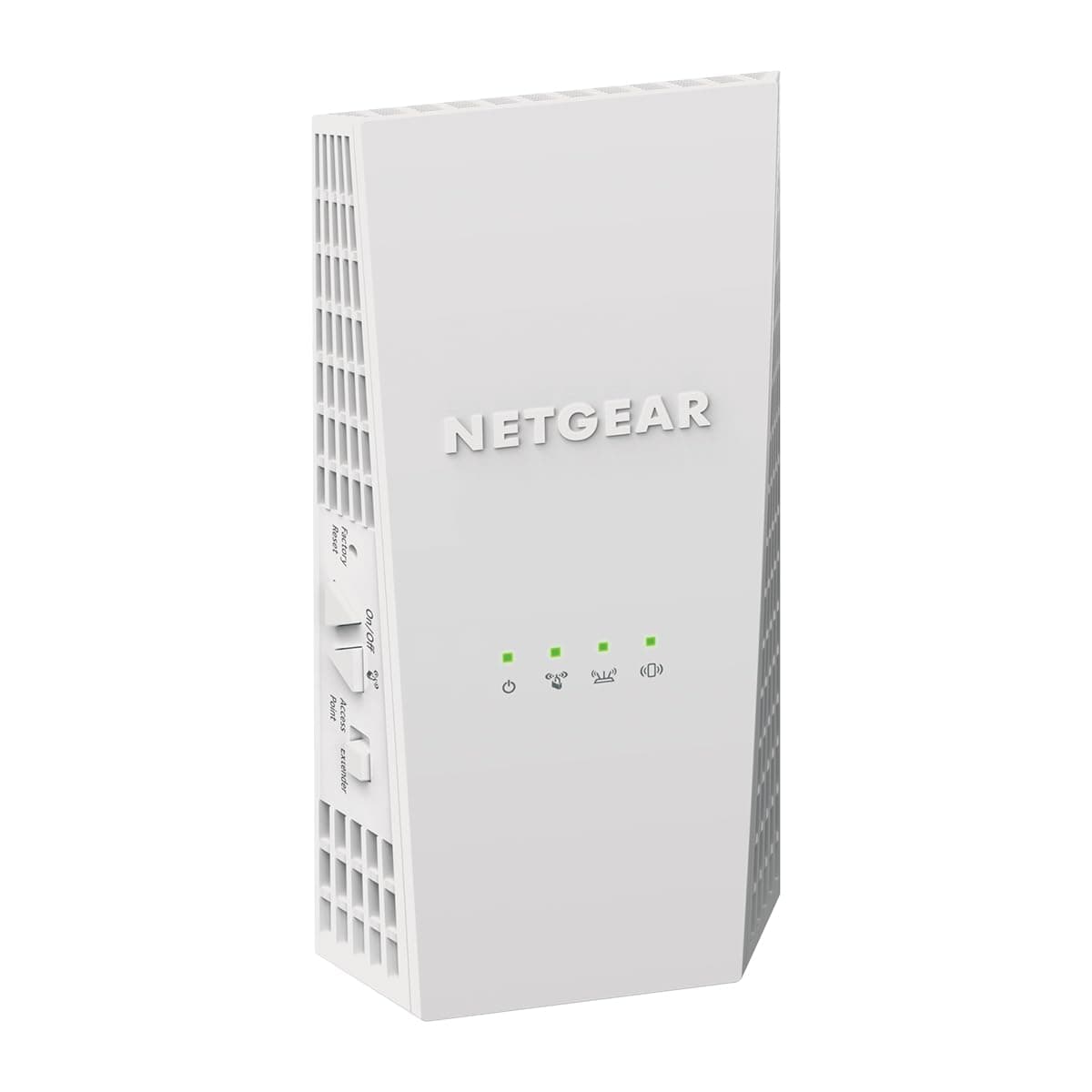
🚀 Elevate your WiFi game—coverage and speed that keep you connected everywhere!
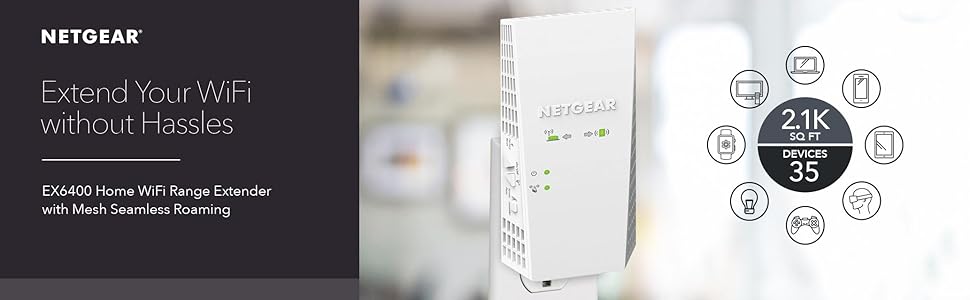
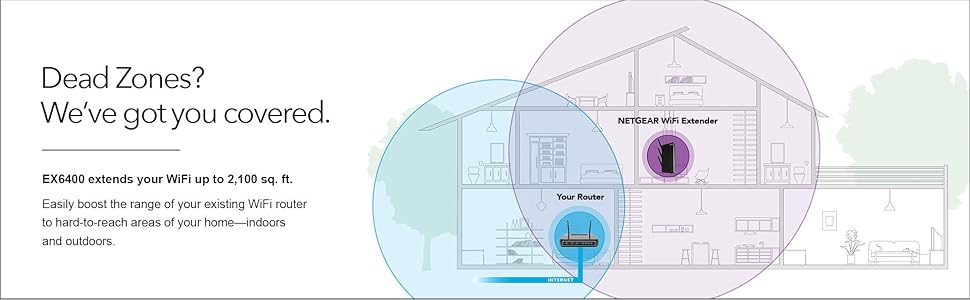
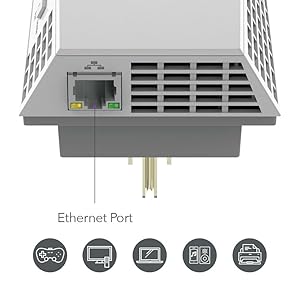
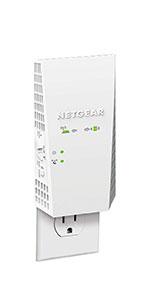
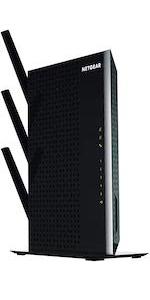
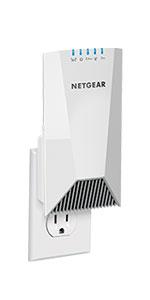
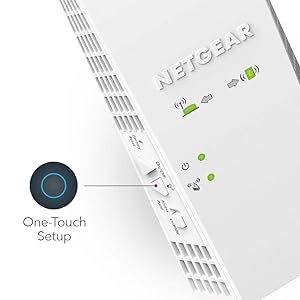
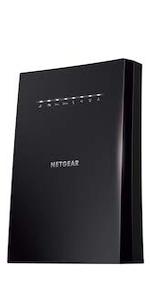
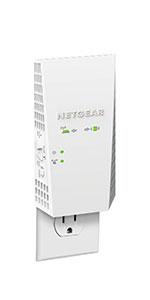
The NETGEAR EX6400 AC1900 WiFi Mesh Extender dramatically expands your wireless coverage up to 2100 sq ft, supporting up to 35 devices simultaneously. Featuring dual-band speeds up to 1900 Mbps with patented FastLane technology, it ensures seamless smart roaming on a single network name. Compatible with any router or gateway, it also includes a Gigabit Ethernet port for wired device connectivity, making it an essential upgrade for uninterrupted HD streaming, gaming, and smart home connectivity.




| ASIN | B01D6JEMXC |
| Best Sellers Rank | #9 in Repeaters |
| Brand | NETGEAR |
| Built-In Media | AC1900 WiFi Range Extender (EX6400), Quick start guide |
| Color | white |
| Compatible Devices | Router |
| Connector Type | RJ45 |
| Customer Reviews | 4.0 4.0 out of 5 stars (2,566) |
| Data Transfer Rate | 1900 Megabits Per Second |
| Frequency | 2.4 GHz |
| Frequency Band Class | Dual-Band |
| Frequency Bands Supported | 2.4 GHz, 5 GHz |
| Global Trade Identification Number | 00606449111897 |
| Item Dimensions D x W x H | 3.82"D x 5.56"W x 6.93"H |
| Item Weight | 0.66 Pounds |
| Manufacturer | Netgear |
| Range | 2100 Square Feet |
| Special Features | Smart Roaming, Mesh Smart Roaming, FastLane(TM) technology |
| UPC | 606449111897 |
| Warranty Description | 1 year warranty |
| Wireless Compability | 802.11ac |
A**A
A good product
Although it took about 2 hours to complete the setup, the product is working very well and has amplified the wifi signal in my house.
K**E
Cost effective booster
Easy to set up, great product for the cost, it's works with everything you connect to as far as compatibility.
F**2
Doesn't last long; "WARRANTY" a sad joke on the consumer
I'd like to first say that I've had a Netgear 802.11ac router for many years and *knock on wood* it hasn't failed me. When I needed a range extender, I thought I'd go back to them. Unfortunately, this product just doesn't last. I had it plugged into a receptacle in my basement, literally about 7' straight below my router (needed it in that location because an I-beam in the ceiling of my basement wreaked havoc on the wifi signal from the router to the basement). It worked very well... for a little while. Then it didn't. The EX6400 would, from time to time, just stop working. Mind you, this was when it was only a few months old. The only way to get it going again was to unplug it to cycle the power. Then it would work for a few days, maybe a week, until it stopped again. Now bear in mind that, although I'm no tech expert, I have certifications from Microsoft and Cisco, so I have a pretty good understanding of what I'm doing tech-wise. I knew the extender should work without having to constantly cycle the power, but sometimes you just have to pick your battles. One day, about 6 months after purchase, this extender just completely bought the farm. It wouldn't turn on; it wouldn't do anything. I knew I was well within my "one year warranty" so I contacted Netgear to get an RMA. If you've ever had to deal with Netgear, you know this is where the fun begins. You see, even though the Netgear warranty period (for defects in quality/workmanship) is "1 year," they don't want to honor that warranty until they have done troubleshooting over the phone with you. But guess what? The TECH SUPPORT included with the device is ONLY 3 months. So before they give you the RMA, they want you to PURCHASE a Tech Support SUBSCRIPTION so they can troubleshoot the device! Great business model, right? I decided I wasn't going to pay for support that should be included in the warranty period, and I told them so in no uncertain terms. I was put on hold, where I stewed for awhile, and when the agent came back I was told I had (graciously) been granted a ONE TIME tech support session to troubleshoot the STILL UNDER WARRANTY product. I felt so honored! Long story short: they couldn't get it to work, either. They gave me an RMA to return it for replacement. So I returned it to them (on my own dime, of course) and received a replacement. And... the replacement only lasted about 6 months until it, too, just completely stopped working. I'll be replacing it again, but it won't be with another Netgear product. I've learned my lesson! Netgear, first and foremost, needs to fix their horrible consumer warranty policy. If you give someone a one year warranty on your product, then the technical support to troubleshoot that product should also be ONE YEAR. That 3 month tech support business is PURE HOGWASH.
A**R
N/A
Great price, easy to setup & does exactly as promised, increased range of Wi-Fi, no lagging & handles up to 35 devices.
D**E
Easy Setup
This is great! It's much easier to set up than the other extenders.
M**L
WORKS GREAT! Highly recommend this model
When used to help increase already existing wifi signal strength you will get a better and more stronger connection to your router. I used this to help increase the signal to my Xbox One because my games would download slow and multiplayer games would often times be laggy or more times than not have packet loss in games such as Battlefield 1. Once connected the range of my wifi signal is greatly increased and reaches far across the opposite side of my house where my router is now. My router is only a Netgear N600, nothing special so you don't need a top of the line router for this to work correctly. When setting up it was hard to connect it using the WPS button on my router but I think thanks more of me not knowing how to correctly use it. I found it much more easier to go to the website listed in the manual to set it up manually. The website displays everything for you which made a huge difference because my router has a 2.4 GHZ and 5 GHZ signal so on the website you can click to make an "extension" for both signals. When using the WPS rather than website to connect the extender to your router you have to repeat the steps to connect it because it connects each signal individually. When I tried it that way I wasn't sure if both signals were connected to the extender and when I went on the setup website it clearly showed and gave the option to connect both. For performance on the extender signals, I orginally was getting 78 mbps on my routers wifi in the room I was intending to have the extender in. On the 2.4 GHZ EXT the extender was giving me a signal of 135 mbps , huge difference! I use the 2.4 GHZ EXT for my smart phone which is more than enough signal strength. And on the 5 GHZ EXT I was getting 270 mbps which works great on my Xbox one for downloading/uploading, multiplayer, streaming. When I tested the download speed of my Xbox One on my regular network I would get between 9 - 15 mbps and upload speeds would be around 5 - 8. Now on the extender network I get between 25 - 30 mbps download speeds and 10 - 15 mbps upload speeds. So this device did exactly as it intended to do. Hope this helped anyone on the fence about purchasing this, as I was unsure myself after seeing many reviews saying how these extenders were a "waste if money". I belive those people just bought an extender that was not strong enough to support their full wifi signals or placed them too far from their router and it can't connect to it good enough. When it comes to these, spend a little extra money if you have it so they work as you expect them too, if the price is cheap so is the quality! The last note I'll make on this is I liked how on the extender itself it gives light displays to show if you need to move it closer to the router or if you need what it's extending the signal to, to be closer because the signal is too weak. Both should be green to indicate that you are in a good zone.
P**R
Works great!
Had a different WiFi extender but it still didn’t work …. The mesh netgear is working great out in the barn to keep an eye on horses!
C**O
Works Great EZ set up!
Works great EZ set up By Bill T I bought my Netgear WIFI Extender to go with my Nighthawk modem router.. I converted my attached Garage into a family room and have always had a weak signal out there. No problems now working great strong signal and a supper EZ set up.
G**.
Terrible producto, trate de hacerlo compartir Wifi de un AP Meraki y no se pudo a pesar de que segí todas las indicaciones. Aparentemente se conectaba y las extendía pero ningún dispositivo se pudo conectar.
Trustpilot
Hace 3 semanas
Hace 1 mes