We remain fully operational. Our teams are working around the clock to ensure your deliveries continue safely.

Descargar la aplicación


Servicios al cliente
Sobre nosotros
Copyright © 2025 Desertcart Holdings Limited
Descargar la aplicación
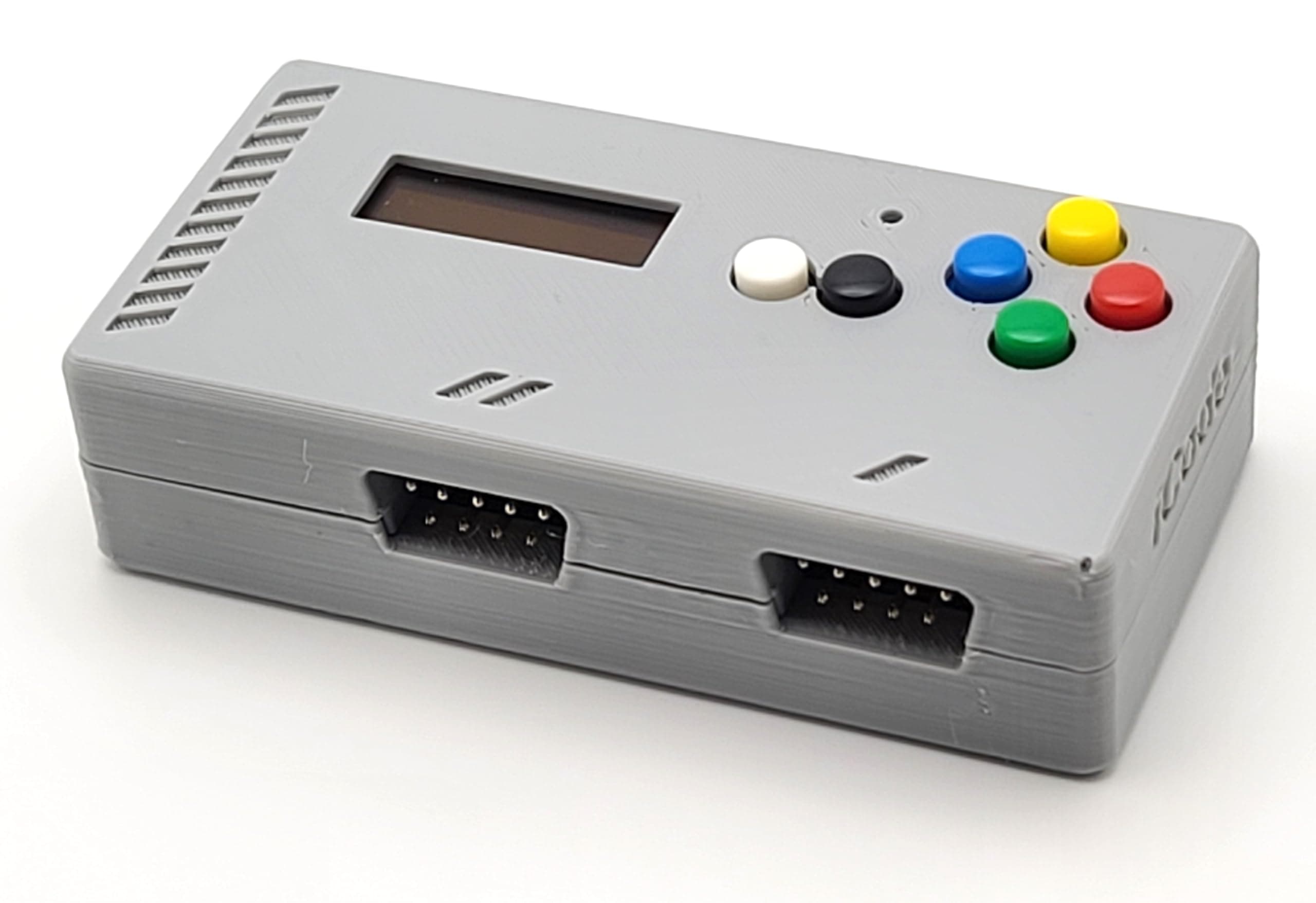
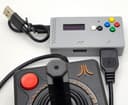
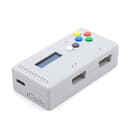
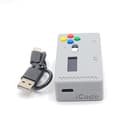
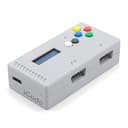
🎮 Level up your retro game with plug-and-play perfection!
The iCode ATARIPLUS2USB is a cutting-edge 2024 adapter that connects dual 9-pin Atari joysticks, paddles, driving controllers, and more to USB ports. Compatible with Windows, Mac, Linux, Android, and RetroPie, it offers lag-free gameplay and a built-in screen for instant mode feedback. No drivers required, it supports multiple emulators and allows customizable button mapping for a personalized retro gaming experience.
| ASIN | B08QGFXH8J |
| Best Sellers Rank | #22,644 in Video Games ( See Top 100 in Video Games ) #190 in PC Game Joysticks |
| Brand | iCode |
| Color | Grey |
| Compatible Devices | Android, Mac, Windows |
| Connector Type | Micro USB or USB Type C |
| Customer Reviews | 4.0 4.0 out of 5 stars (34) |
| Manufacturer | iCode |
| Model Number | ATARIPLUS2USB |
| Number of Items | 1 |
| Number of Ports | 2 |
| Package Quantity | 1 |
| UPC | 713937829292 |
| Unit Count | 1 Count |
R**R
Works Perfectly
I bought this along with a Hyperkin 'Premium' Atari 2600 controller in the hope it would work with my favorite Atari 800 emulator and let me play Atari 800 games on my gaming laptop. I use Altirra for emulation, and it worked flawlessly. There's absolutely no lag. Altirra recognized it immediately--note that you have to go into Input Mapping and make sure the boxes next to "Joystick (port 1)" are checked. (You probably only have to check the one next to "Gamepad 1 ->Joystick (port 1)" to use port 1 on the device, but I checked everything just in case.) It's literally the first time since the 80's that I've been able to use a real Atari joystick to play Atari 800 games. I'm so happy. And it showed up about 10 days early, which made it possible to use it on my birthday! 10/10, excellent product.
V**.
fire button
they wont work... autofire does
T**N
works perfectly.
What a great adapter. I have connected paddle controllers and a joystick to my pc without any issues.
V**N
Flaky, when it works it's good, no support for more than one button
When it works, it's a nice solution. The problem is that after setting it up, I have to literally reset it (or unplug it & plug it back in) every time I boot my PC. It keeps thinking my 2600 and Genesis sticks are paddles, I have to do a dance of unplugging frequently. It also doesn't recognize any controllers (7800, genesis) with more than one button, which limits its usefulness. I'm going to keep trying, the problem certainly could be me, but once I set it up I would expect it to keep working with the same controllers, same settings and same games. It doesn't. I had a retro game in GOG working w/ my Atari stick at first, and that was great. I haven't been able to get it to work with that game since. When it does work, it does so as advertised. Not what I'd hoped, though, I will likely replace with a direct 2600 USB joystick.
T**S
Works well
Menu is a little unintuitive, but works well, just not described very well in the instructions. Didn’t work with the VICE C64 emulator, but VICE has issues with a lot of controllers, it worked fine with Denise and RetroArch. Overall a solid product, and worth the extra to not have to assemble the kit.
J**X
works perfect
i got the USB C updated one and it works perfect with stella and retron 77. excatly what i wanted. read the manual for setup super easy. if you looking to use any atari gamepad on your pc or retron with stella buy it. make sure to maps the buttons in stella.
P**Y
a great product
runs my joysticks and trackballs on my raspberry pi perfectly
N**S
Couldn't get this to work with OEM Atari 2600 Paddle Controllers and Windows 10 PC
Seems like a cool product, just couldn't get it to work with my setup.
Trustpilot
Hace 2 meses
Hace 1 mes