We remain fully operational. Our teams are working around the clock to ensure your deliveries continue safely.

Descargar la aplicación


Servicios al cliente
Sobre nosotros
Copyright © 2025 Desertcart Holdings Limited
Descargar la aplicación




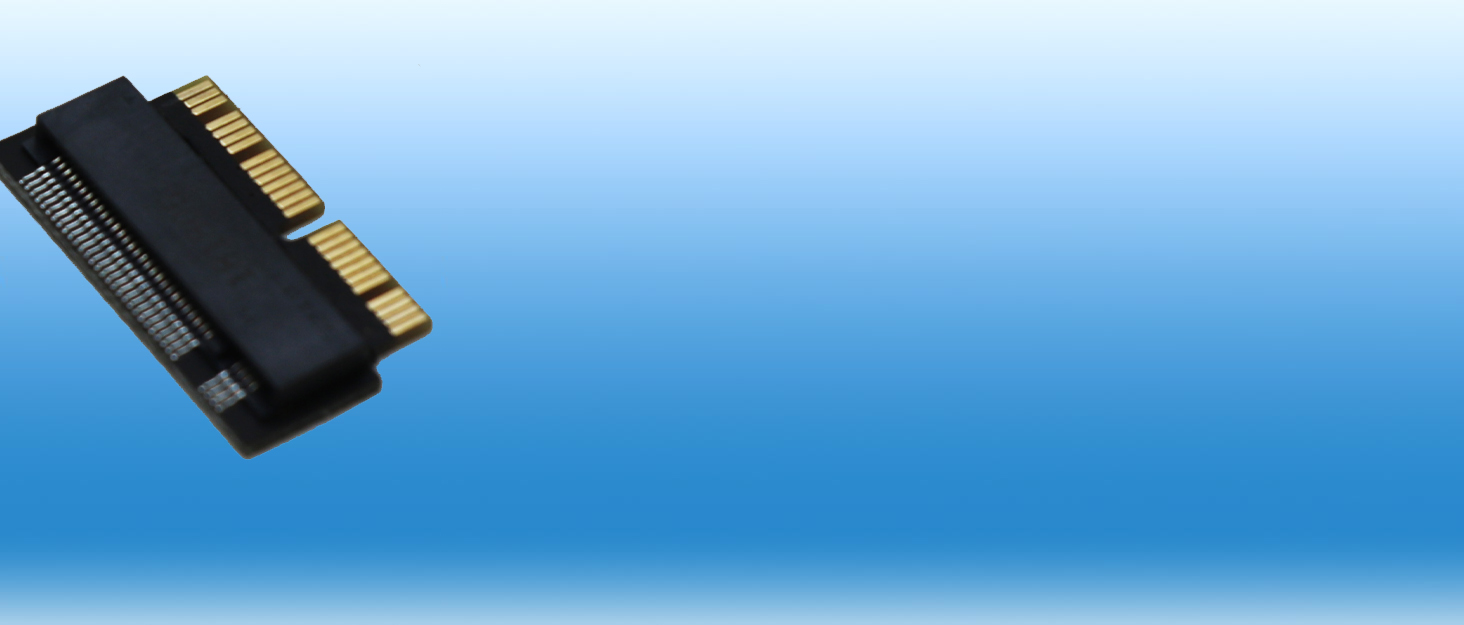
🚀 Upgrade your MacBook storage game — faster, smarter, future-ready!
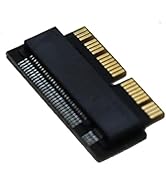
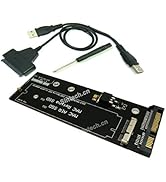
The Sintech NGFF M.2 PCIe SSD Adapter Card enables 2013-2015 MacBook users to replace their original SSDs with high-performance M.2 NVMe drives. Supporting Samsung 960/970 EVO, Toshiba XG3/XG4, and Intel 600P/660P/760P SSDs, it delivers significantly improved read/write speeds. Installation requires a bootable High Sierra USB for formatting and firmware updates, with detailed instructions provided to ensure compatibility and ease of upgrade.






| ASIN | B01CWWAENG |
| Best Sellers Rank | #56,281 in Computers & Accessories ( See Top 100 in Computers & Accessories ) #360 in Internal Solid State Drives |
| Brand | Sintech |
| Brand Name | Sintech |
| Colour | Black |
| Compatible Devices | Laptop |
| Connector Type | M.2 |
| Customer Reviews | 4.6 out of 5 stars 2,804 Reviews |
| Finish Type | Matte |
| Input Voltage | 240 Volts |
| Item Package Quantity | 1 |
| Item Weight Unit of Measure | 0.01 Kilograms |
| Manufacturer | Sintech |
| Model Number | ST-NGFF2013 |
| Number of Items | 1 |
| Number of Ports | 1 |
| Power Plug Type | No Plug |
| Product Finish Type | Matte |
| Specific Uses For Product | PC |
| UPC | 701017254409 701017254492 |
| Warranty Description | no warranty available |
P**H
It works with MacBook Air (Early 2015)
Worked as expected. Used Crucial P3 Plus 1TB PCIe 4.0 3D NAND NVMe M.2 SSD , which is not listed in compatible SSDs List but worked flawlessly. Read and write speed increased from earlier (doubled) but not reached maximum that the SSD offers (which is obvious).
A**D
Working fine for MacBook Pro 2015 upgraded to 1TB
Worked perfectly well and quite easy to install. The compatibility and installation guide provided on the product page is super helpful. I tried this adapter with a Samsung 980 1TB (MZ-V8V1T0) SSD, and it worked flawlessly. This helped me upgrade to upgrade from 256GB to 1TB. The information and compatibility guide provided on this page is quite useful. I would also suggest to watch some related you tube videos as well.
R**P
Working fine for Macbook Air 2017 Model A1466
I have upgraded my Macbook Air 2017 Model A1466 with Samsung 970 EVO plus After fixed the drive when you power on your macbook air question symbols display will be apper Next press power button hold option button Next you get screen connect wifi option after that it have option to download the os. after downloading complete format the disk then install the os. Works Amazing!!!
B**M
Working for Macbook Air 2017, Samsung 970 EVO Plus m.2 500 GB, Mojave 10.14.6
Plug-and-play, with almost perfect fitment If you are using Samsung 970 NVMe EVO Plus 500 GB m.2 SSD, update firmware before format. Without firmware macOS not installed. You do have to initialize the SSD using Disk Utility first, and lay down a GPT format partition table. Then connect your Time Machine disk, and restore to the new drive, or install a new copy of macOS.
C**N
Working perfectly for Macbook Air 2017
Working for Macbook Air 2017, Samsung 970 EVO Plus m.2 500 GB, Mojave 10.14.6 But installing was little bit time consuming. By default it was going in Recovery over internet option which took 1 hr. Remember to erase your SSD in recovery mode first (I used APFS Encrypted File System). Also after installing adapter I see many users are used time machine to restore their but i will recommended to install fresh copy by creating bootable mac os. For me i created MAc os big sur bootable usb before installing then chosed installed from usb. THis will improve the performance overall.
R**L
Works perfectly with MacBook Air Early 2015
I used this with Crucial P1 1000GB M.2 CT1000P1SSD8 on a MacBook Air Early 2015 Model and it worked without any problem. Remember to erase your SSD in recovery mode first (I used APFS Encrypted File System). Then I used Time Machine to restore a backed up system which subverted the need for a fresh MacOS installation.
A**R
Works perfectly with A1502
Perfect for A1502. With Samsung 970 Evo I was able to increase storage to 512GB. Speed for write operation increase from ~500MBPS to ~1500MBPS. So read/write both on A1502 at 1500MBPS with this adapter and Samsung 970 Evo. No problem in Hibernate/Sleep mode.
V**S
Good one
Works perfectly fine with macbook pro 2015, i upgraded from 256 gb ssd to 1 tb Battery consumption is normal, no issue with sleep. I used time machine to backup and restore my previous data.
Trustpilot
Hace 1 semana
Hace 2 semanas