Some deliveries may take a little longer than usual due to regional shipping conditions.

Descargar la aplicación


Servicios al cliente
Sobre nosotros
Copyright © 2025 Desertcart Holdings Limited
Descargar la aplicación




🚀 Print Like a Pro, Network Like a Boss
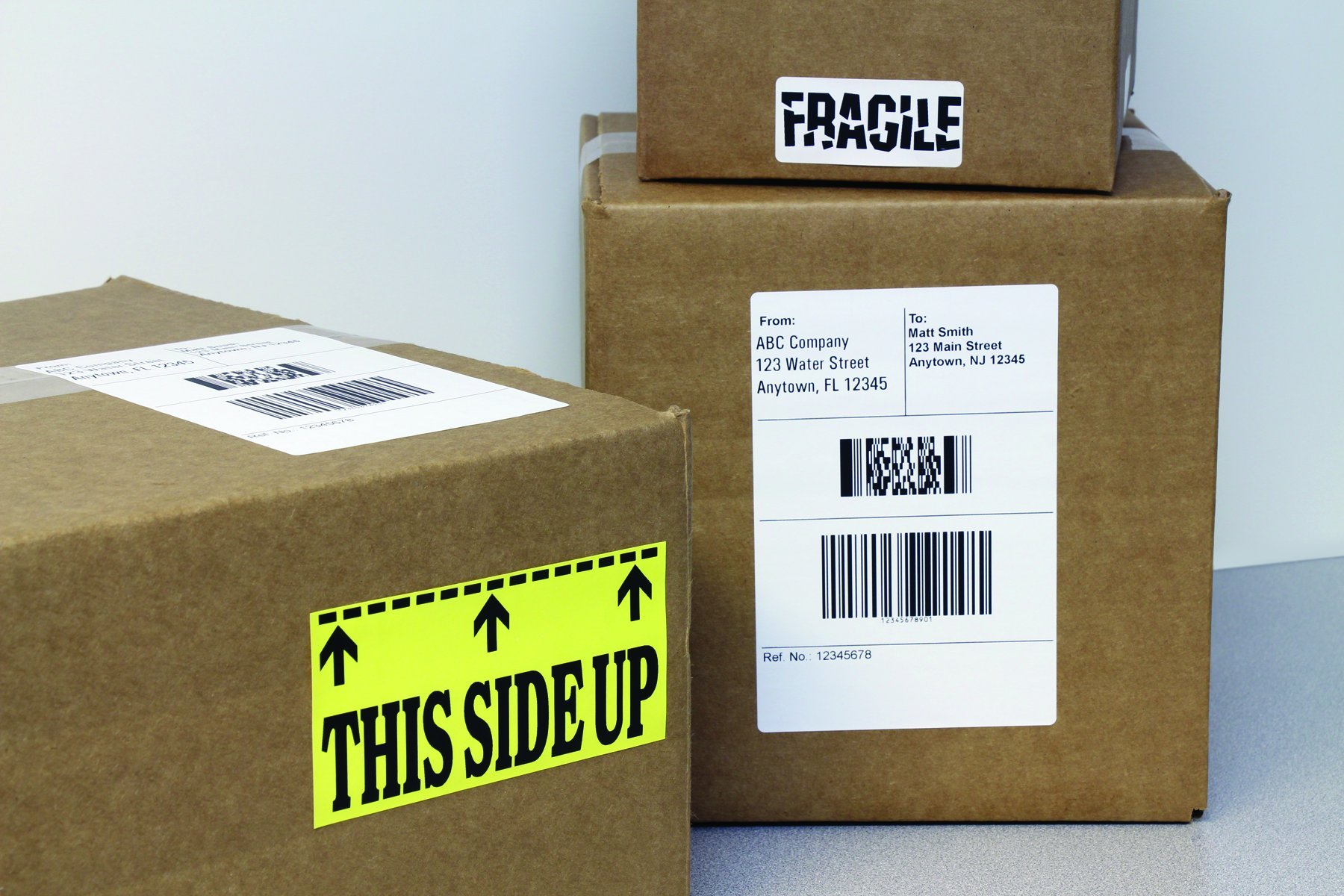
The Brother QL-1060N is a professional-grade label printer featuring built-in Ethernet for easy network integration, ultra-fast printing speeds up to 69 labels per minute, and high-resolution 300x300 dpi output. It supports wide 4-inch labels and includes a heavy-duty automatic cutter for clean finishes. Designed for efficiency and versatility, it comes with powerful P-touch Editor software and automatic label size detection, making it ideal for shipping, retail, healthcare, and office environments.


| Included Components | Labels |
| Print media | Labels |
| Max Input Sheet Capacity | 150 |
| Compatible Devices | Smartphones |
| Maximum Color Print Resolution | 300 x 300 dpi |
| Sheet Size | 101.6 millimeters |
| Maximum Black and White Print Resolution | 300 dpi |
| Warranty Type | limited warranty |
| Color Depth | 24 bpp |
| Dual-sided printing | No |
| Max copy resolution black-white | 300 dpi |
| Duplex | Automatic |
| Hardware Interface | Ethernet |
| Ink Color | Black |
| Additional Printer functions | Print Only |
| Control Method | App |
| Number of Trays | 1 |
| Processor Count | 1 |
| Total Ethernet Ports | 1 |
| Number of USB 2 Ports | 1 |
| Total USB Ports | 1 |
| Model Series | QL |
| UPC | 777780149877 012502618812 069060135992 |
| Global Trade Identification Number | 00012502618812 |
| Memory Storage Capacity | 2 MB |
| Manufacturer | Brother Printer |
| Item Weight | 3.75 pounds |
| Product Dimensions | 15.5 x 9.1 x 9.4 inches |
| Item model number | QL-1060n |
| Is Discontinued By Manufacturer | No |
| Number of Items | 1 |
| Size | 9 3/8 In |
| Manufacturer Part Number | QL-1060n |
| National Stock Number | 7490-01-585-9879 |
F**K
Good little printer
Good little printerI needed an easy to use printer and i found itWorks as expected and it is so far very reliableMore than a thousands labels printed so far and no problemo !
E**A
Brother Label Printer QL-1060N
This printer is a rip-off. While the printer itself is fine, Brother doesn't tell you that you have to buy their label supplies only from them at a very high price.For an example, a 4" x 6" roll of 200 labels with shipping is close to $50.00.You cannot buy the labels anywhere else as they fit into a plastic holder that you must insert into the printer to get it to work. I think .25 per label is way to costly considering any other printer would cost you 3-4 cents per label. Save your money and buy from another company.
B**A
Workhorse of a label printer.
Our clients use the Brother QL-1060 as well as the Brother QL-720nw printers for folder end-tab labels, address labels, printing labels for case jackets, etc. from a Linux-based server. Easy to setup print server, trouble-free printing; they have lasted a lot longer with less trouble than the Dymo SE350s we used to recommend.
A**R
Make sure that your needs match what this printer can do before buying.
I purchased this printer to print packaging labels that were of varying sizes and complexity. I have been using it now for about a month. I typically print 100 to 150 of the same label at a time.Pros:1. The software was very versatile and fairly intuitive to design your own labels.2. The printer will print decent resolution for long barcodes and small fonts but you need to set it to print slow. The fast speed is only for bigger fonts, etc.3. The printer housing seems to be fairly well made and should hold up.Cons:1. Even though this is a network printer, I could not get the printer to print correctly when it was hooked up through our server. I contacted Brother tech support and was told that they don't give support for server connections. I ended up connecting it directly to my pc via USB and then everything worked okay. So, the cat5 connection was pretty much worthless for me. Maybe someone with stronger networking skills could have made it work.2. I guess I didn't do enough research to see this, but you are stuck using compatible label rolls as they have to have a special plastic frame to hold the labels. Other label printers I have used, you could use any roll and drop it in. These have a limited selection of label sizes available that will work in the printer.3. There is a metal plate inside the front of the printer that sticks up and the front edge of labels catch on it especially when it gets down to the center of the roll where the labels are curling. The first time that I discovered this (which was the first time I used it), the labels jammed in the printer. Also now the cutting blades are gummed up with adhesive from the jammed labels. Without taking the whole unit apart, there is no way to clean them. All of this results in me having to make sure that I pull each label off one at a time as soon as it is cut. Otherwise, it jams up and is a mess. Very time consuming to have to manually pull 150 labels off individually.If all you want to print are a few address labels periodically and you don't use the cutter, this printer will work fine. Otherwise, I would purchase a different product next time. I've been pretty disappointed in this printer.
C**R
Works well, prints UPS, FedEx, USPS labels easily on Mac
I have now owned and used this label printer for over two years. The current software works fine on a Mac and printing shipping labels is not difficult. For FedEx or USPS, the key is to use the vendor generated label,often a PDF, to create an image. Place the image on the appropriate large label template and print. I can confirm that it works on Mac and does print barcodes for shipping.
R**P
Does not print to edge of label
Printer is solid, but the Windows driver software can be a bit flaky to install when connecting via a network. Print is fairly quick and is clear and crisp. My only real complaint is that it has 1/4" top & bottom margins when printing 4"x6" shipping labels. I've tried to reset them within the P-Touch software, but .24" is the smallest it will support. Losing a half inch of label means that you have make sure you have "Shrink to Fit" set when printing PDF labels. I've used other printers (Zebra TLP 3844-Z) that will print right up to the edge of the label. Overall, the QL-1060N is a good, but not great printer.
B**S
Clear crisp prints make labels that really look nice. Software is updated regularly to add new features
I have been using it for every labeling project for some time now. Clear crisp prints make labels that really look nice. Software is updated regularly to add new features. If you know what you are doing they even offer a developers kit of tools for free download. Only negative is the adhesive used on the labels does not stick well to some surfaces and yet yet sticks very well to other surfaces. One wish is that they would come out with a receipt paper (no adhesive) so it could be used to print receipts and other labels that do not require an adhesive backing.
E**X
DYMO 4XL vs. BROTHER QL
DYMO 4XL vs. BROTHER QLFirst of all i love brother products. Right now i knew why i love BROTHER products. I have been using DYMO printers 2 years. Yes i was using with non generic labels. I was tired of cleaning jammed labels. It was taking almost 10 minutes to clean my lovely! Dymo. When the labels came to end it was jamming mostly. After using Brother all of the cleanings or jamming are gone finally. It is working very smooth like every Brother products. Only cons from this product is non generic labels are costing $0.03 per label but dymos was $0.02.
Trustpilot
Hace 1 mes
Hace 4 días